The Tana Blog

ArticleReorder tabs in Tana desktop for faster focusReorder tabs in Tana desktop using drag and drop or keyboard shortcuts to shape your workspace and move faster without losing focus.
ArticleCustom colors for your SupertagsMany users have asked for it, and now it's here: set any custom color on your supertags. Choose from the full color spectrum to make Tana feel more like yours.
ArticleCapture to tomorrow: a faster way to unload your mind in Tana mobileSometimes your best ideas don’t arrive during work hours. And the tasks you remember at 22:37 rarely survive until morning. Tana mobile now lets you capture to Tomorrow, giving you a simple, reliable way to offload thoughts the moment they come up and have them waiting for you in tomorrow’s daily note when you start your day.

ArticleA better AI chat experience in Tana: new design, full chat history, and smarter storageTana’s AI chat is now faster to use, easier to navigate, and more powerful for long-running work. With a redesigned chat interface, show chat history in the sidebar, and improved storage that keeps your graph clean, this update makes AI a more reliable partner in your daily workflow.
ArticleA flexible alternative to rigid databases: meet Tana’s new view toolbarThe new view toolbar gives you instant control over how you see and organize information in Tana. Filter, sort, group and change display with a single click or keystroke, so you can shift perspectives quickly and stay focused on the work that matters.
ArticleEasier context switching with a new Recents view in TanaYour fastest path back to the work that matters

ArticleA more flexible, customizable sidebar with resizing for faster work in TanaThe Tana sidebar just got a major upgrade. It’s now fully resizable, can be collapsed for complete focus, and gives you more control over what shows up at the top.
ArticleTana Current Monthly Update (November 2025)These monthly updates give you a window into what's happening at Tana; features we're building, improvements we're making, and the thinking behind where we're taking the product. This November we're delivering on some of the navigation improvements we previewed last month, shipping a game-changing image generation capability, and continuing our work to make Tana the best place to work with AI.

ArticleAI image generation with Gemini Nano Banana Pro in TanaForget switching between apps. Generate professional images directly in your notes using Google's latest Gemini model in Tana. From meeting sketches to presentation graphics in seconds. This changes how professionals and teams can create visual documentation forever.
ArticleTana now supports Gemini 3 Pro, GPT-5.1 and Claude Opus 4.5: faster reasoning, web search in all modelsTana now supports the newest frontier AI models from Google, Anthropic and OpenAI, and makes them available across commands, chats, agents, and your knowledge graph workflows. You can choose the exact model and reasoning level you want, compare models side by side, and use web search in every model for fresh, reliable information.
ArticleTrack progress at a glance with sidebar progress barsTana now shows progress bars directly in your sidebar, giving you a fast visual signal of how your work is moving forward. This update builds on Tana’s core task management model, where every checkbox lives inside a connected outliner and progress bars automatically will update for sub-tasks.
ArticleTana iOS and Android gets native widgets for instant capture and voice memosTana for iOS and Android now lets you add widgets to the home screen for instant capture of voice memos, notes and images - with the supertags you use the most. In addition, the iOS app now includes deep integrations with Siri, Shortcuts, Spotlight search, and Control Centre, letting you record, write, and organize thoughts instantly from anywhere on your phone. Turn quick notes, voice memos, or tasks into connected knowledge with zero friction.
ArticleWork anywhere with Tana Desktop: Offline now availableYes, Tana now works offline. You can now use Tana even when you’re completely offline. Whether you’re traveling, in a meeting with poor coverage, or just want to stay focused without Wi-Fi, your knowledge graph is always with you.
Article Tana Current Monthly Update (October 2025)Each month we share what we’re working on, what’s about to ship, and where we’re headed next. These updates represent our current work in motion along with reflections about Tana’s direction. This October brings offline mode, navigation updates, expanded free plan features, and a look at our long-term thinking on the role of AI agents.
ArticleIntroducing AI credits in Tana FreeWe’re excited to share that all Free plan users now get 500 AI credits every month - enough for around 100 minutes of meeting transcription. With this change, every Tana user can experience the power of AI in their daily workflows, from transcribing meetings to turning rough notes into structured insights.
ArticleTana for students: transcribe lectures, take smarter notes, and stay organizedMost student tools capture information but don’t help you connect it or make it useful when you need it. That’s where Tana comes in. It’s a free workspace designed to be your study hub, where AI helps you transcribe lectures, organize research, and keep deadlines on track.
ArticleShare your thinking, not just your documents, with Tana PublishTana Publish now lets viewers interact with your shared content exactly as it appears in your workspace, seeing supertags and fields, expanding bullets, zooming into details, and navigating hierarchical structures, all without needing a Tana account. This transforms static knowledge sharing into dynamic thought exploration, allowing the reader to explore the relationship between notes.
ArticleGPT-5 models now available in TanaThe next generation of AI is here. Tana now supports GPT-5, GPT-5 Mini, and GPT-5 Nano — bringing faster, more accurate, and more structured AI assistance directly into your knowledge workflows. Whether you're transcribing meetings, working on ideas, or building complex automations, these new models make it easier to think, act, and stay in flow. Tana lets you use 20 models from OpenAI, Anthropic and Google, directly where your notes live.
ArticleWhat's new in Tana: Every new feature you might have missed from 20242024 was a transformative year for Tana. If you’ve stepped away for a while — or even if you’ve just missed a few updates — now’s the perfect time to dive back in. From deep mobile capabilities to game-changing AI workflows, we’ve shipped dozens of new features to help you think better, move faster, and stay in flow. Here’s a comprehensive look at everything that’s new in Tana.
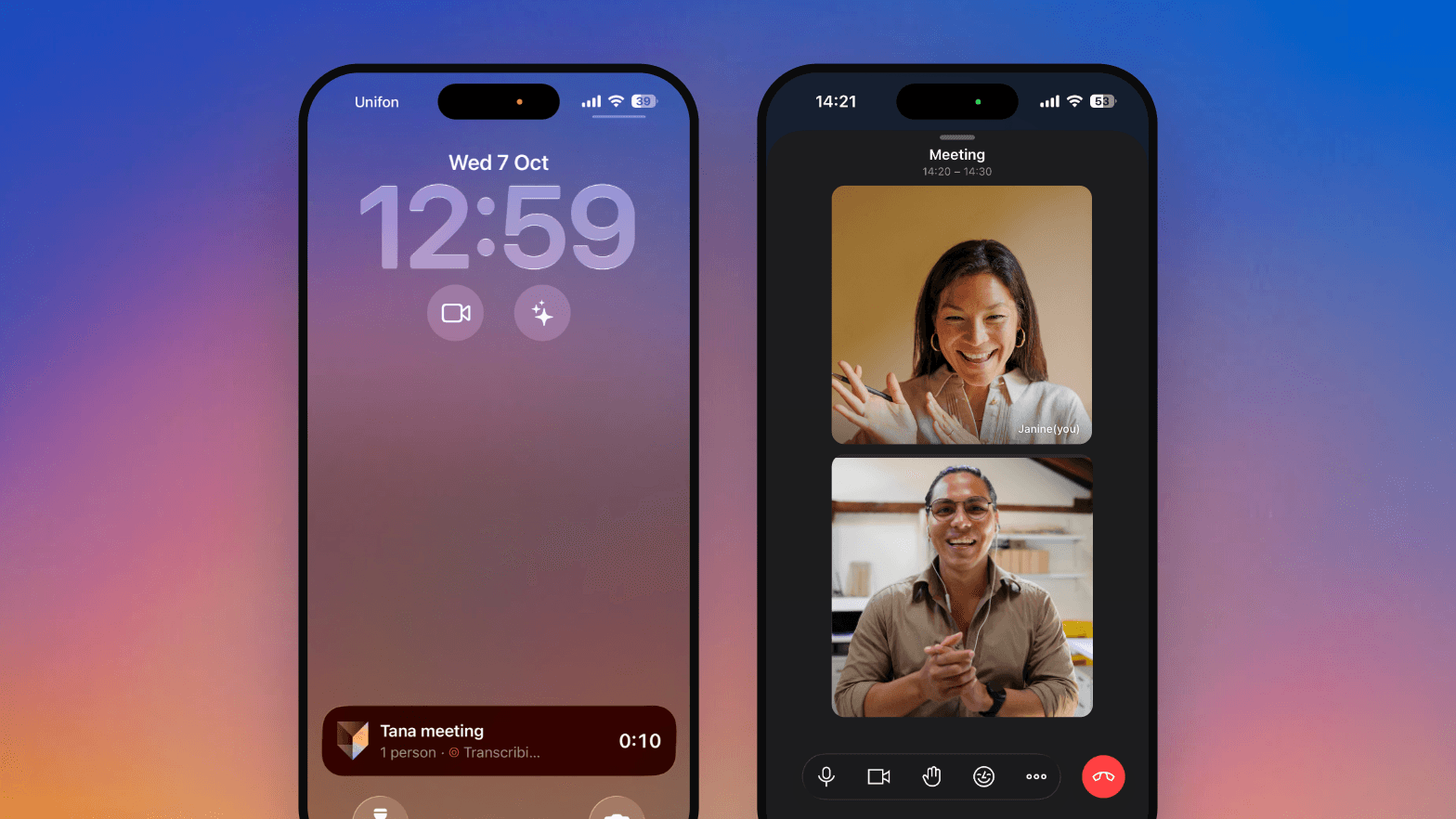
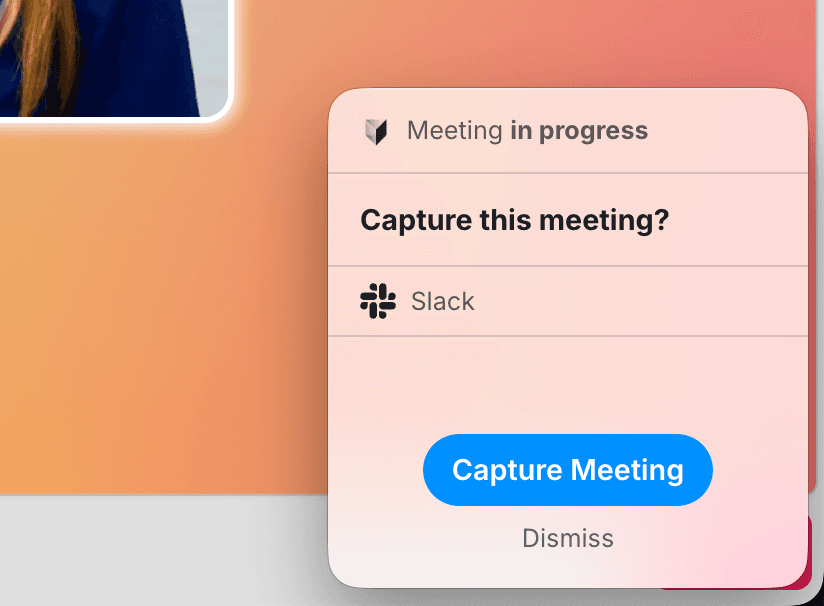
ArticleSend your meeting bot on holiday - the Tana AI Meeting Notetaker is hereLooking for the best meeting notetaking AI app that helps you stay focused, follow up effectively, and doesn’t clutter your meetings with bots? Meet the Tana Meeting Notetaker - a smarter, faster way to take notes that actually fit into your workflow. Whether you’re a project manager, a team lead, or running interviews, Tana makes meeting notetaking effortless - with AI transcription that works in real time, without needing a bot to join your call.

ArticleStop duct-taping your workflows: the Tana Template store is hereTired of piecing together tools just to get a decent workflow? Workflows don’t need to start from scratch every time. The Template Store is a new way to install live, composable workflows inside your Tana workspace.

ArticleTabs and panels in Tana Desktop: stay in the flow and find what you needIf you've ever wondered how to open multiple notes at once, avoid losing your place when switching between views, or multitask more efficiently in Tana - the answer is Tabs. Tabs are now enabled by default in the Tana Desktop app, giving you a more flexible, focused way to navigate your work without breaking your flow.

ArticleYes, you can export from Tana: export workspaces, node downloads and copy optionsOne of the most common questions we hear from new users evaluating Tana is: "Can I get my data out if I ever leave?" It’s a fair, and important, question. Whether you’re backing up your notes, migrating to another system, or just want peace of mind, you should never feel locked in to a tool. We’re excited to say: Tana now fully supports exporting your content. With flexible options for exporting, downloading, and copying, you can move your data however you need - on your terms.
ArticleUse multiple AI models integrated in TanaAt Tana, we believe great tools should bend to your brain, not the other way around. By expanding your model options, you can now tailor the AI's behavior to fit the exact kind of thinking, writing, or problem-solving you need — whether it's deep reasoning, rapid idea generation, lightweight drafting, or high-stakes execution. Each model has its own strengths, and now you’re in charge of choosing the right one for the moment.
ArticleTana raises $14m Series A to unlock the power of human-AI collaborationWe're excited to announce our $14M Series A led by Tola Capital, with follow on from Lightspeed Venture Partners, Northzone, Alliance VC, and firstminute capital, bringing our total funding to $25M.
ArticleThinking and doingOur vision and background for building Tana, as presentated during the Founder's AMA live stream.
ArticleTana's next chapter - our roadmapTana's 2024 development focus: Our plans to enhance user experience, develop mobile apps for iOS and Android, improve performance, and expand AI integration.
ArticleOur Ideas PhilosophyFeature requests are common in software development. Our process instead has a particular emphasis on problems.
ArticleLaunching: Text selection toolbar!Supertags, References, Formatting and more - within a click.
ArticleLaunching: Tana for Desktop!Experience Tana at a new level of focus, clarity and speed. Available on Windows, Mac and Linux, scroll for downloads 👇