Tana takes it from here
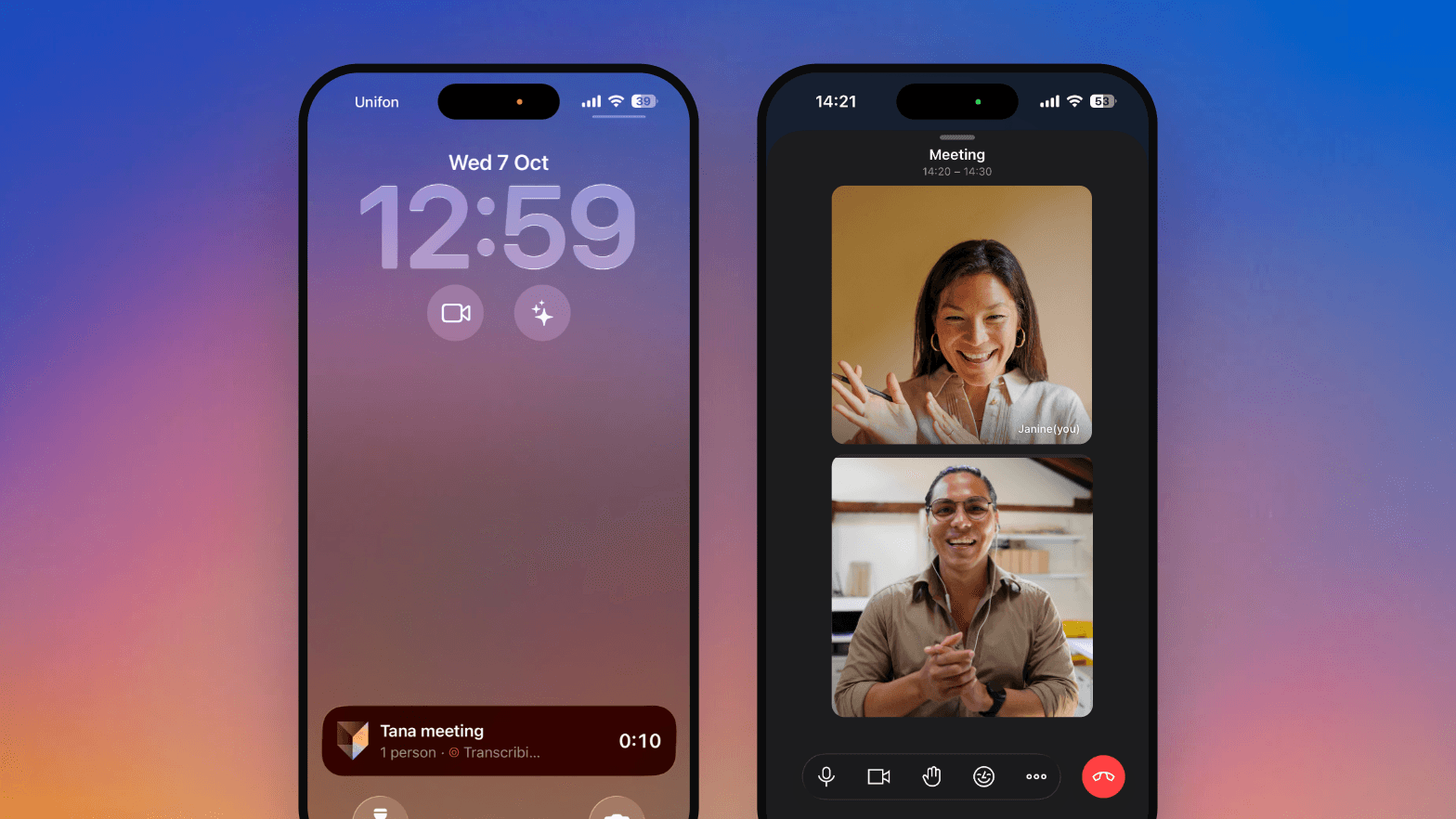
This update shares a thread: Tana does more on its own. Meetings wrap themselves into outcomes the moment everyone leaves, there's one place to create or capture without leaving the call, and your tasks and mentions show more at a glance.
Outcomes run themselves
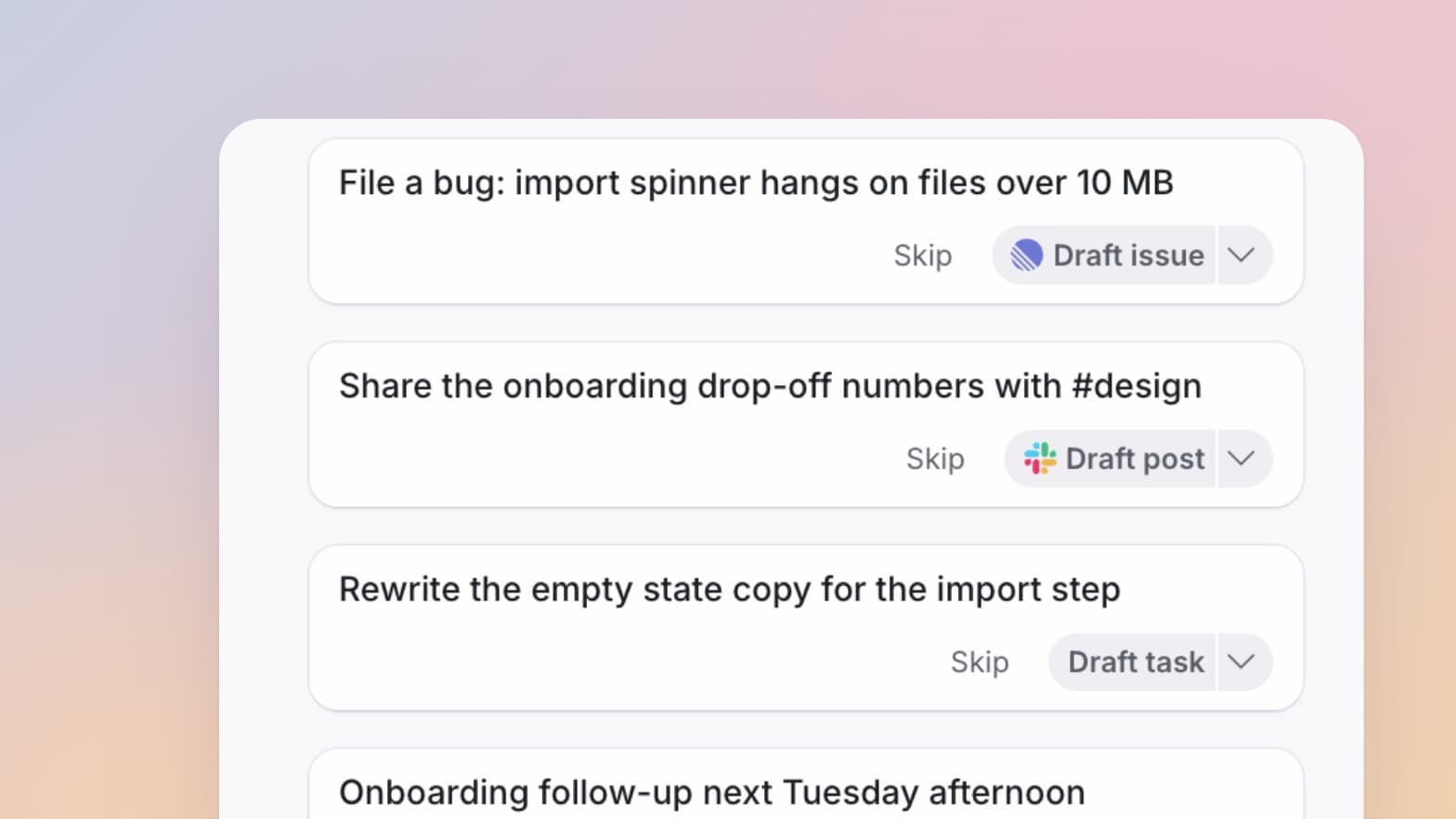
Once everyone leaves a call, Tana runs the wrap-up on its own: it proposes outcomes and writes a summary, with no manual step. Want them while you are still in the call? Hit Wrap up.
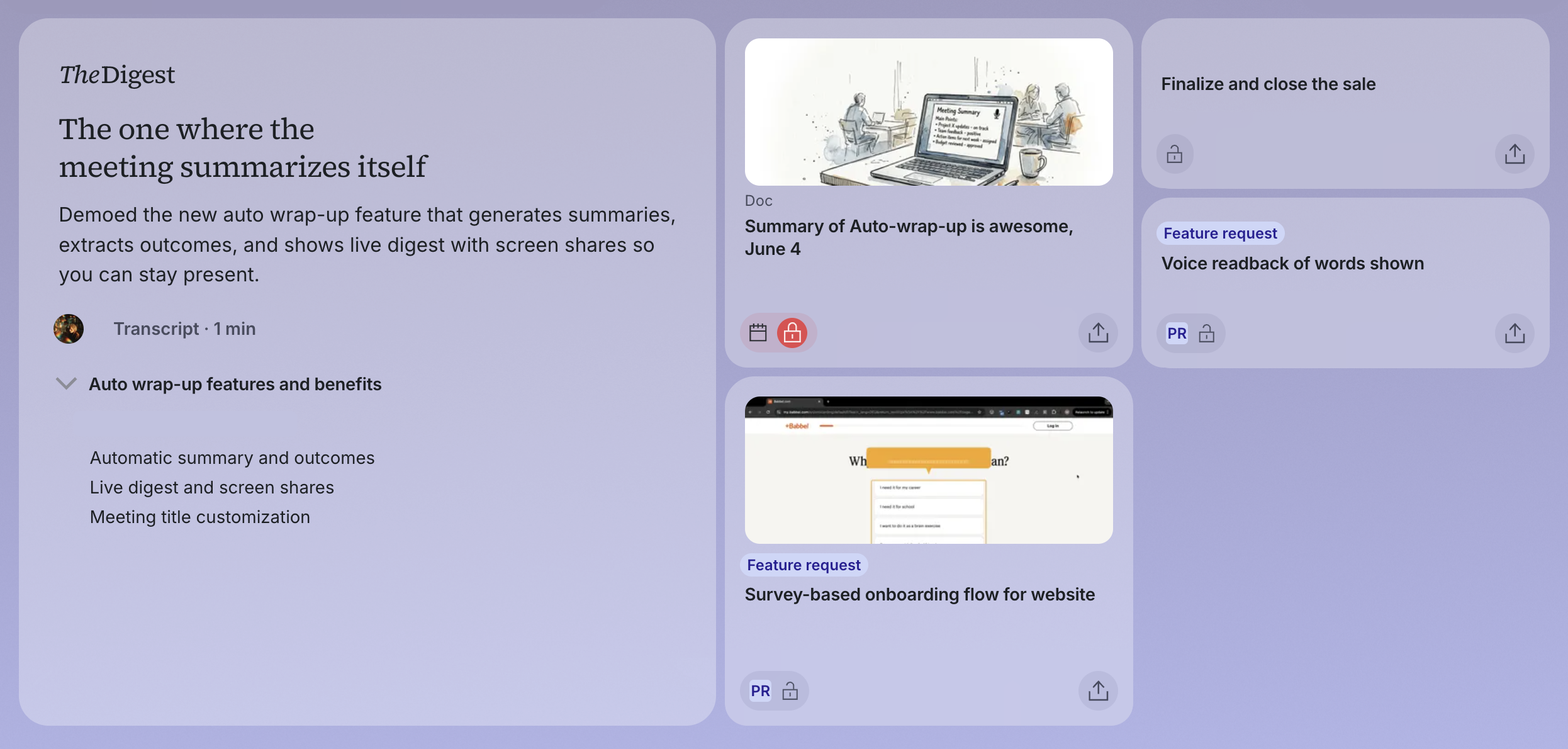
When you pin a document to a meeting, the wrap-up treats it as the strongest signal of what the meeting was about, and updates that document rather than creating a new one.
One place to create in your meeting
The meeting toolbar is simpler. Capture, Skills, and Create collapse into a single create menu, with a spyglass beside it to find and pin things.
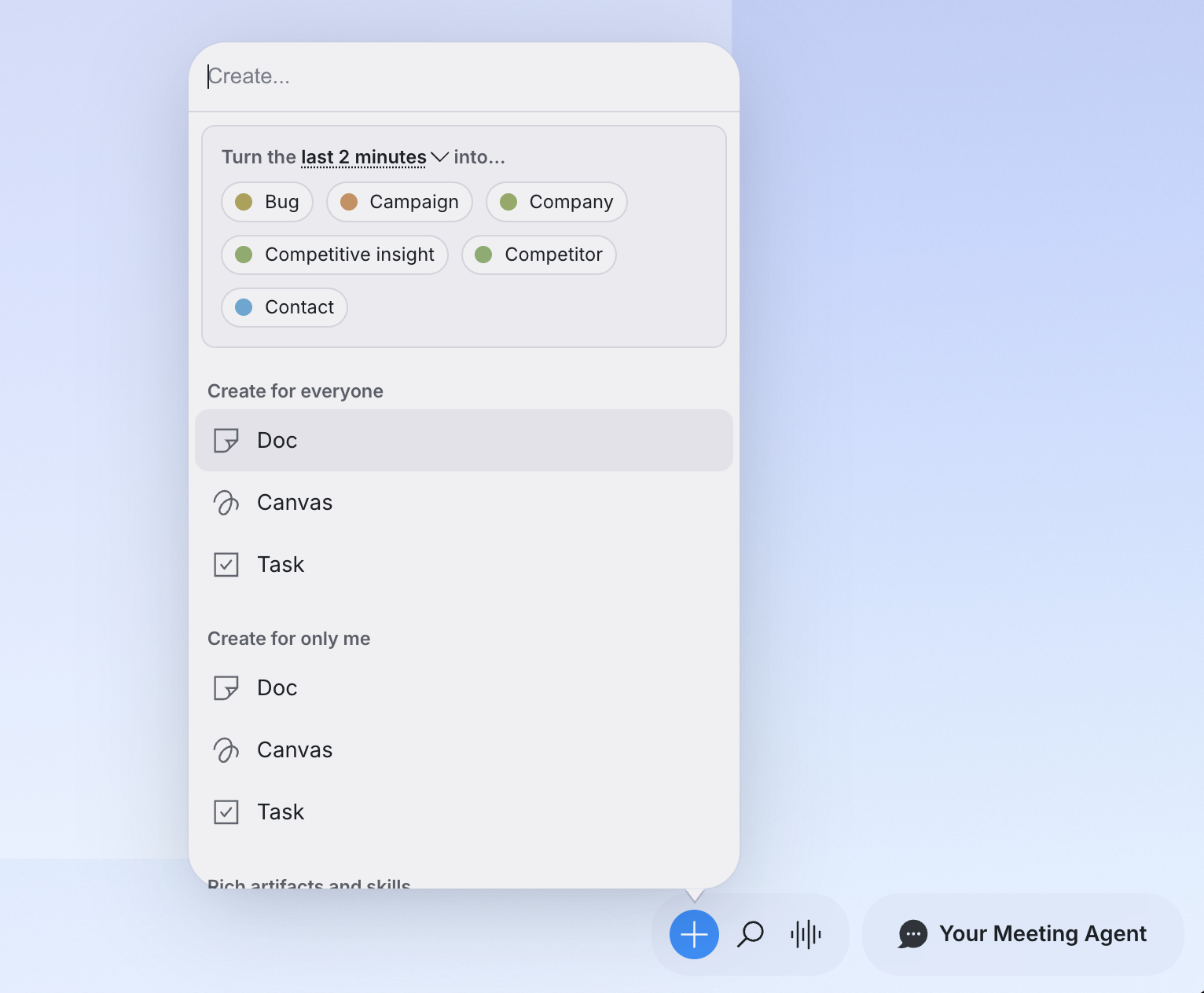
From that one menu you can turn the last minute, or the whole meeting, into a typed item, make a private note or task just for you, or run a skill or summary. One place, less hunting.
Find and route anything
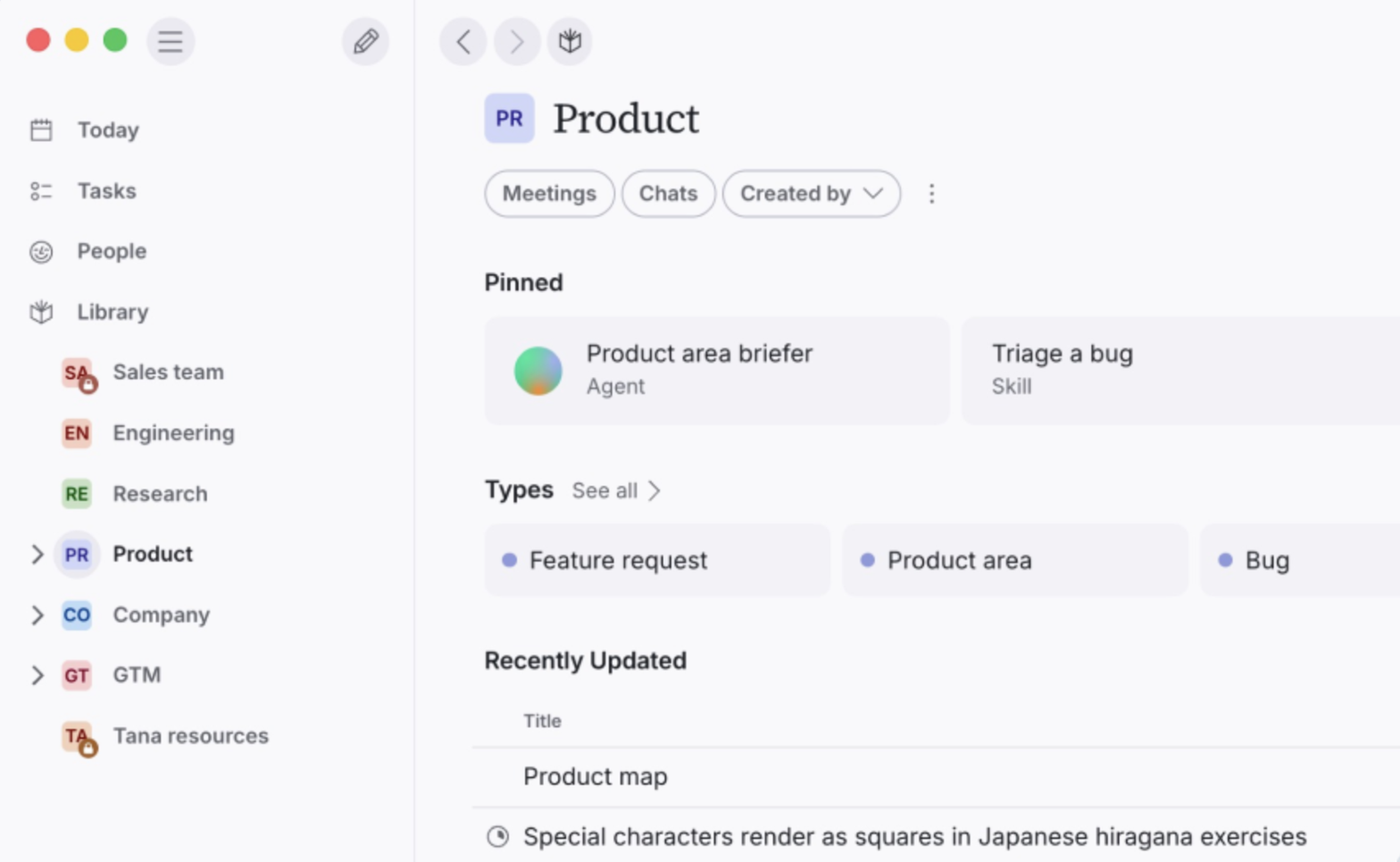
Browse is now Library, the home for everything that is not pinned to a space, and it shares one filter bar with Search. Filter pills jump you to meetings or chats, or narrow by who created an item, and your spaces and types each get a dedicated section so they are easy to reach.
Once you have found something, the new "Send to" menu routes it anywhere: start a chat about it, run a skill, send it to an integration, pin it to a meeting, copy its link, or export it as Markdown.
Tasks and mentions, at a glance
A task now shows a state icon wherever it appears, filling like a pie as it moves through its workflow, so you can tell where something stands without opening it. Give any type a workflow to make it task-like.
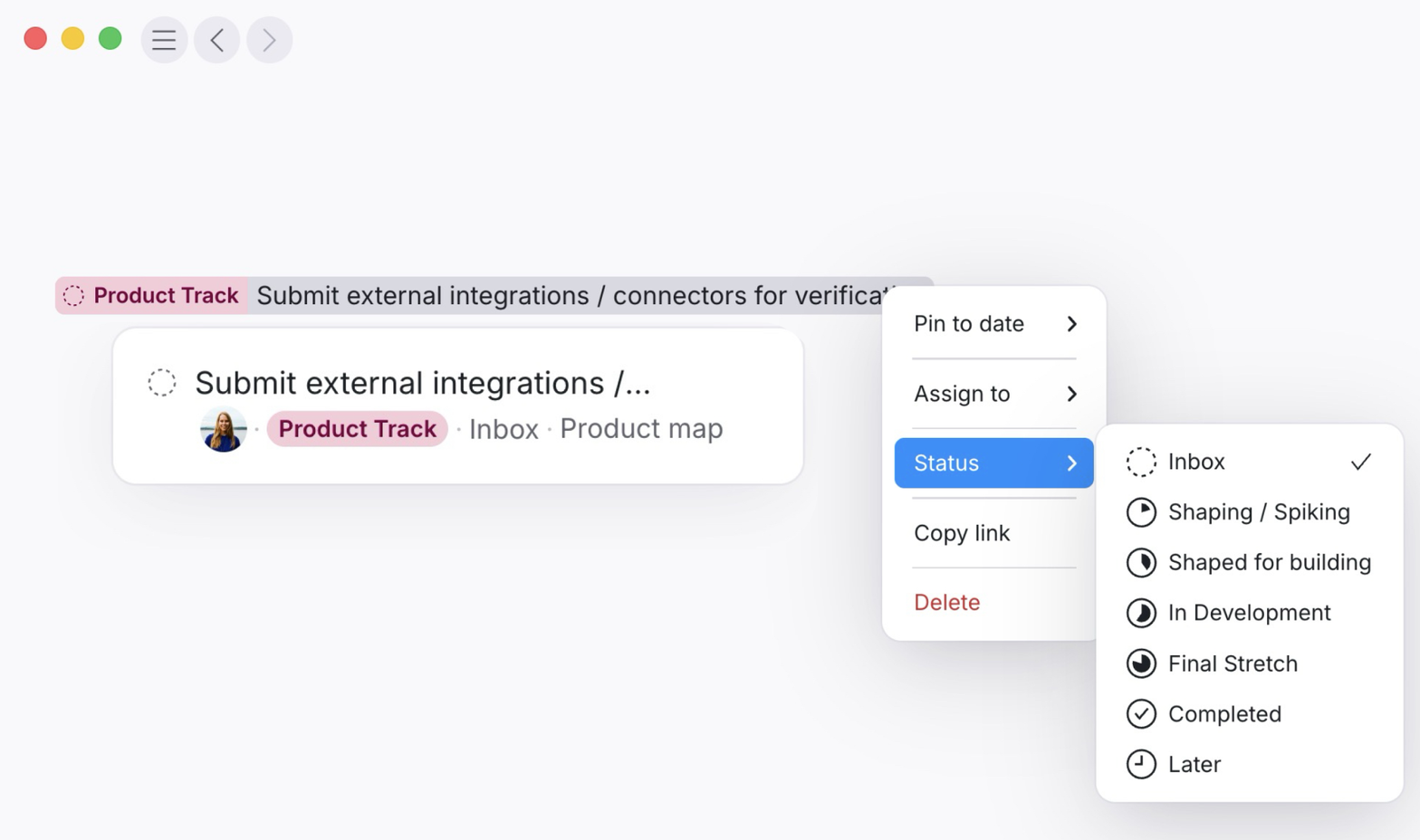
Inline mentions carry more too: a task's state, a person's avatar, an image thumbnail, or the item's type. Hover one for a preview, or right-click to pin it to a date, assign it, or change its status.
Diagrams with Mermaid
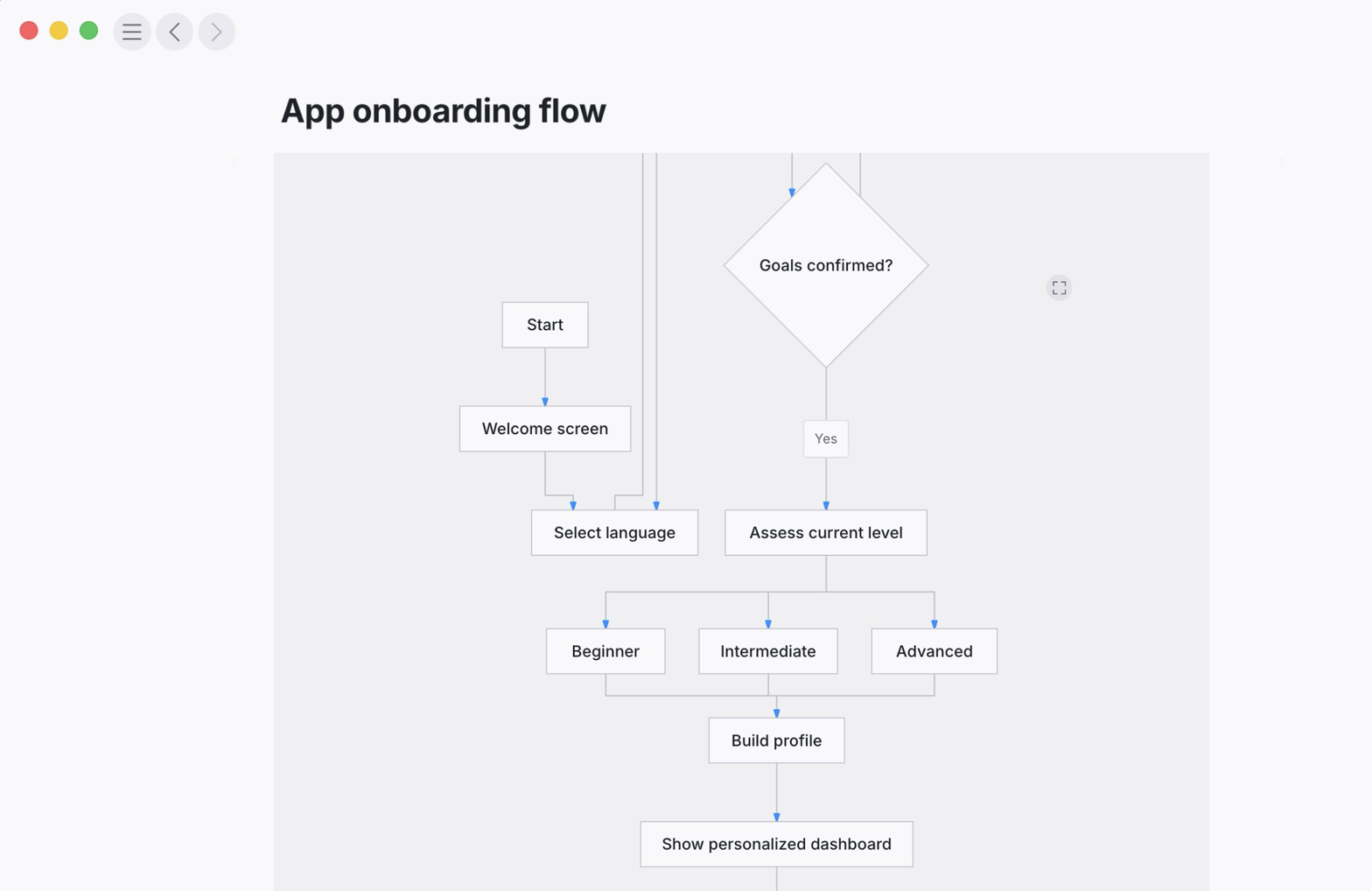
You can now add diagrams to any document. Type "/mermaid", ask the AI in chat, or set a code block's language to Mermaid, then switch between a live preview and the source. When the AI writes a diagram, it self-corrects unsupported syntax on its own.
More in this update
Connect your Outlook calendar. Microsoft and Outlook calendars now sync into Tana, so those meetings show up alongside the rest.
Activity is now a dashboard. Promoted into the sidebar, it shows your notifications and recently updated items side by side, with an unread count.
A guided welcome session for new team members. New workspaces open with a live, guided meeting: an agent tuned to your work sets up spaces and types with filled-in examples, and walks you through the essentials.
Agents know what time it is. Agents are now timezone-aware, so "today" matches your own calendar day and a scheduled routine set to 09:00 in Oslo lands on the right Oslo morning.
Reassign right from the board. Kanban cards carry an assignee avatar. Click it for a searchable people picker and reassign without opening the card.
Paste a link, get a mention. Pasting a link to a Tana item now drops in an inline mention, not a raw URL.
Meeting summaries open with an illustration. A wide pen-and-watercolour image, drawn from what the meeting was about, now tops each summary.
Muted by default in larger meetings. Join a call that already has five or more people and you start muted, so you don't cut in.
Archive a type. Archive a type and it drops out of every menu, picker, and search right away, while existing items keep it with a muted "(archived)" label.
Restore a deleted document. A soft-deleted item now shows a "Restore document" button, so you can bring back something removed by mistake.
That is the gist. The full list, every new, improved, and fixed item, lives in the changelog.
Try this
Diagrams are the easiest new feature to try yourself. Drop this prompt into your chat and see what Tana draws:
The Tana Team

Turn meetings into the most productive part of your day.
Explore further
All updates