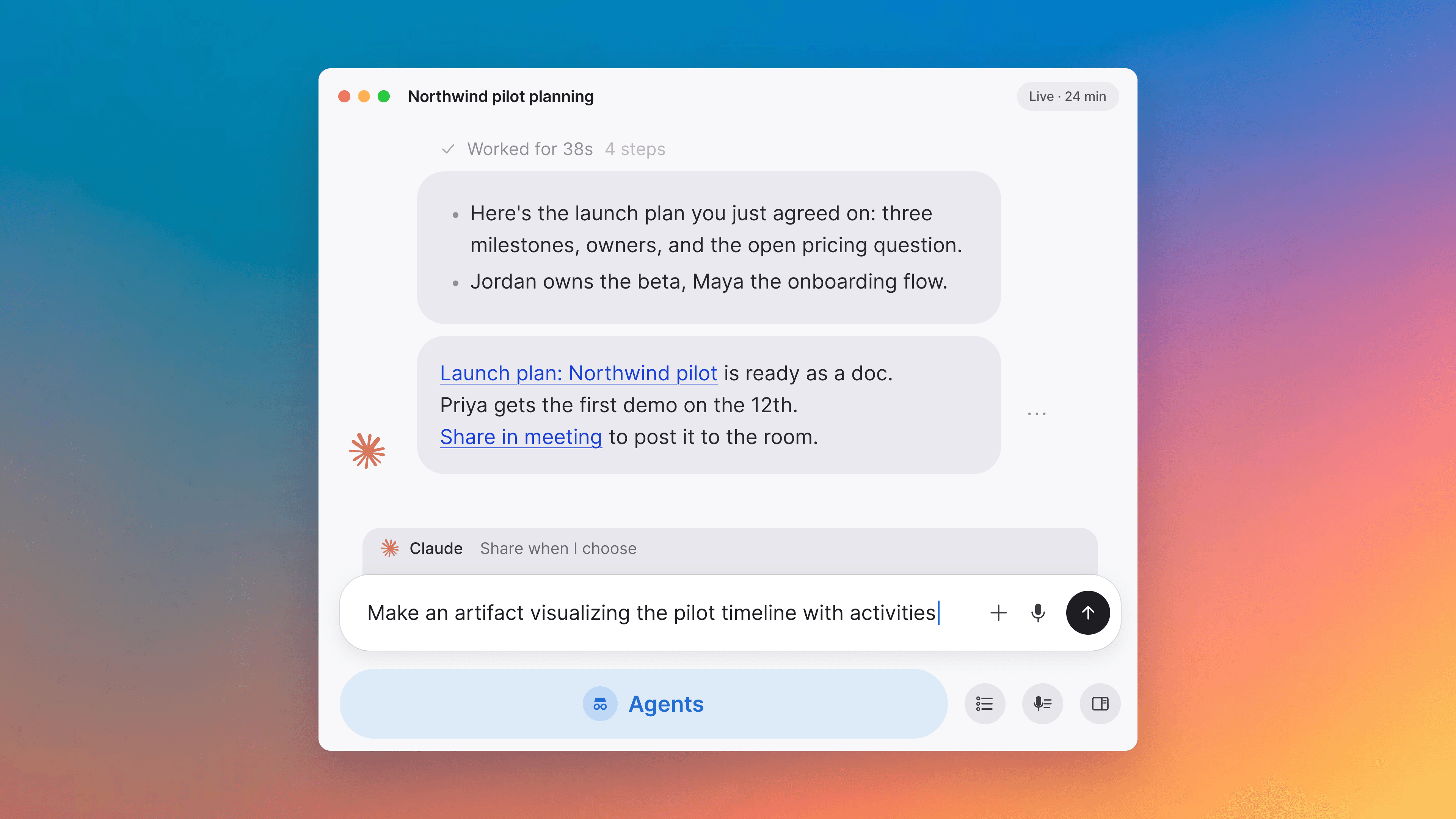
A voice for your meeting agents
Pick the voice Tana's meeting agents speak with, and the voice agent plays through your chosen speakers with less echo.
Pick a voice for your meeting agents
Organization Settings has a new Voice picker that sets the default voice for Tana's built-in voice agents, including the solo meeting agent and the onboarding agent. Each voice has a Play button next to it that speaks a short sample in your organization's language, so you can audition before saving. Per-agent voices you have set on custom agents still win over this default.
Improvements
5- A cleaner Who are you meeting with picker on Meet nowClicking Meet now on Today opens a redesigned picker where you can copy a guest link, start a solo screen-share session, or pick people from workspace suggestions. When Tana can send real calendar invites the confirm button reads Invite; if you haven't chosen a default calendar to send from it reads Add, with a footer explaining what will happen. Meetings, Home
- External meetings: a persistent details card and Resume captureSynced Zoom, Google Meet, and Microsoft Teams events now show a consistent details card with the platform's join link, and for the organizer a Move to Tana button, across every phase of the meeting. Once you've finished a system-audio capture of the meeting, a Resume capture button in the meeting toolbar lets you restart the capture without leaving the meeting view. Meetings, Home
- Recover from a calendar sync error from the Today viewWhen a connected Google or Outlook calendar's sync is failing, a Sync now callout now appears above the Today view. If the connection has been dropped and needs re-authorizing, the callout turns red and offers a Reconnect calendar button that jumps to the right settings page. Calendar Settings shows a matching Sync error or Needs reconnect badge on the affected account with a hover explanation. Home
- Native meeting capture: fewer double recordingsIf a teammate is already capturing the same external meeting with system-audio capture, the recorder card now names who is capturing and asks you to confirm before starting a second recording. The small always-on-top window for the upcoming meeting shows the same note in place of the Capture Now button, so you don't accidentally kick off a duplicate recording. Meetings
- Voice agent audio qualityThe voice agent's playback now follows the output device you have picked in the meeting, so it plays through the same speakers as everyone else. Echo and self-interruption are reduced, and your own voice is transcribed more reliably while it's speaking. Meetings, Agents

Turn meetings into the most productive part of your day.
Download Tana
30-day free trialNo credit card requiredCancel anytime