Bring every meeting into Tana
This update is about Tana fitting the way you already work. Your calendar now syncs both ways, capturing the meetings you hold in other tools is smoother and more reliable, and the sidebar is yours to arrange. The meeting itself, and the voice agent in it, got sharper too.
Your calendar, in sync both ways
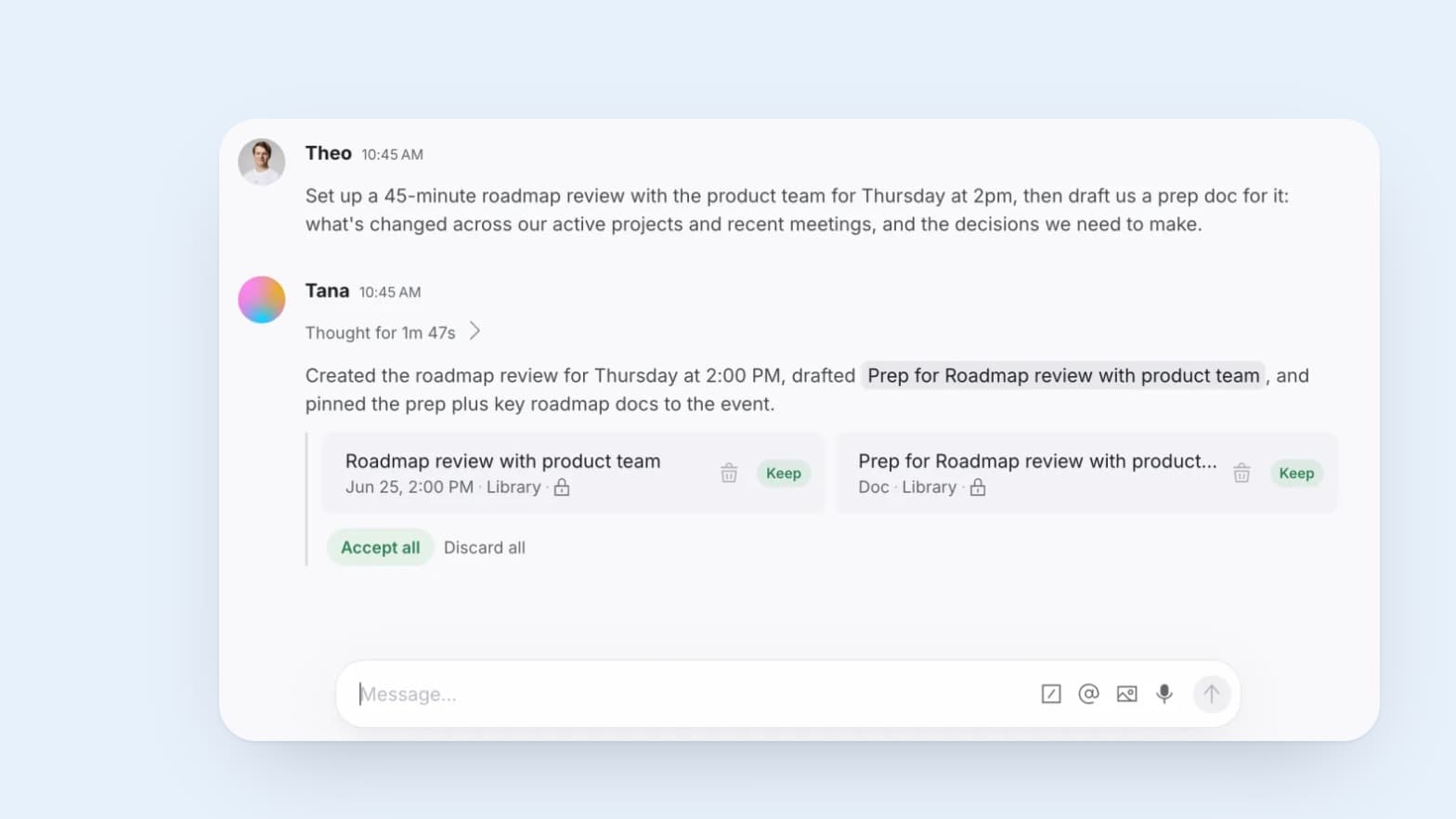
Events you create and manage in Tana now sync out to your connected calendar. Make an event in Tana and it appears in Google Calendar or Outlook moments later, and changes to its title or time, and deleting it, propagate back too.
New connections write Tana events to your primary calendar automatically. If you connected a calendar earlier, turn it on by choosing which calendar to write to in calendar settings.
Capture meetings from any tool
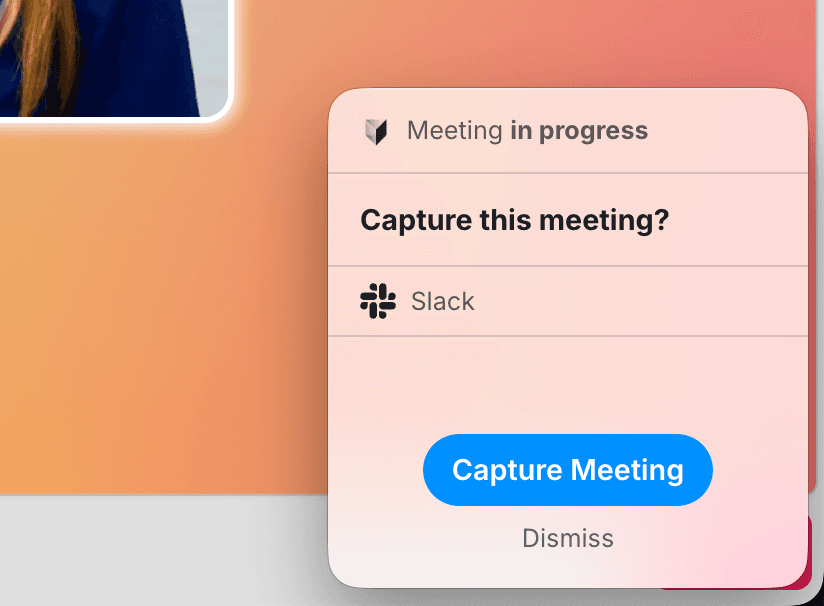
Capturing a meeting held somewhere else now works better. Because it records the audio your computer plays, it works across any meeting platform rather than a fixed set, and it is lighter on your machine and more reliable.
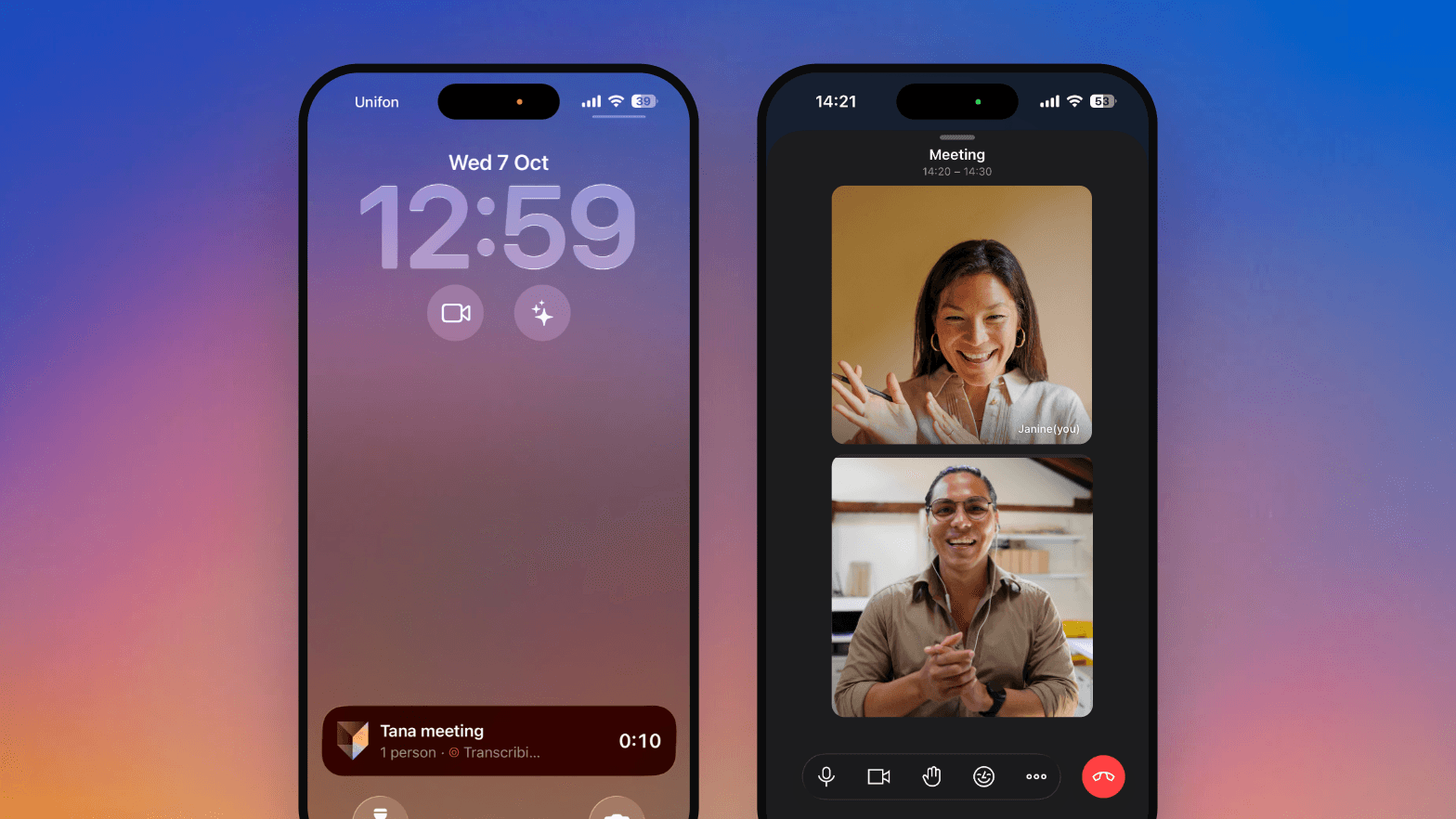
A small always-on-top window opens a couple of minutes before a scheduled meeting so you can start recording in one click, with pause and stop controls right there. You can also start a capture from the Today page for a meeting that is not on your calendar. If a teammate is already capturing the same meeting, everyone else sees it so it is not recorded twice.
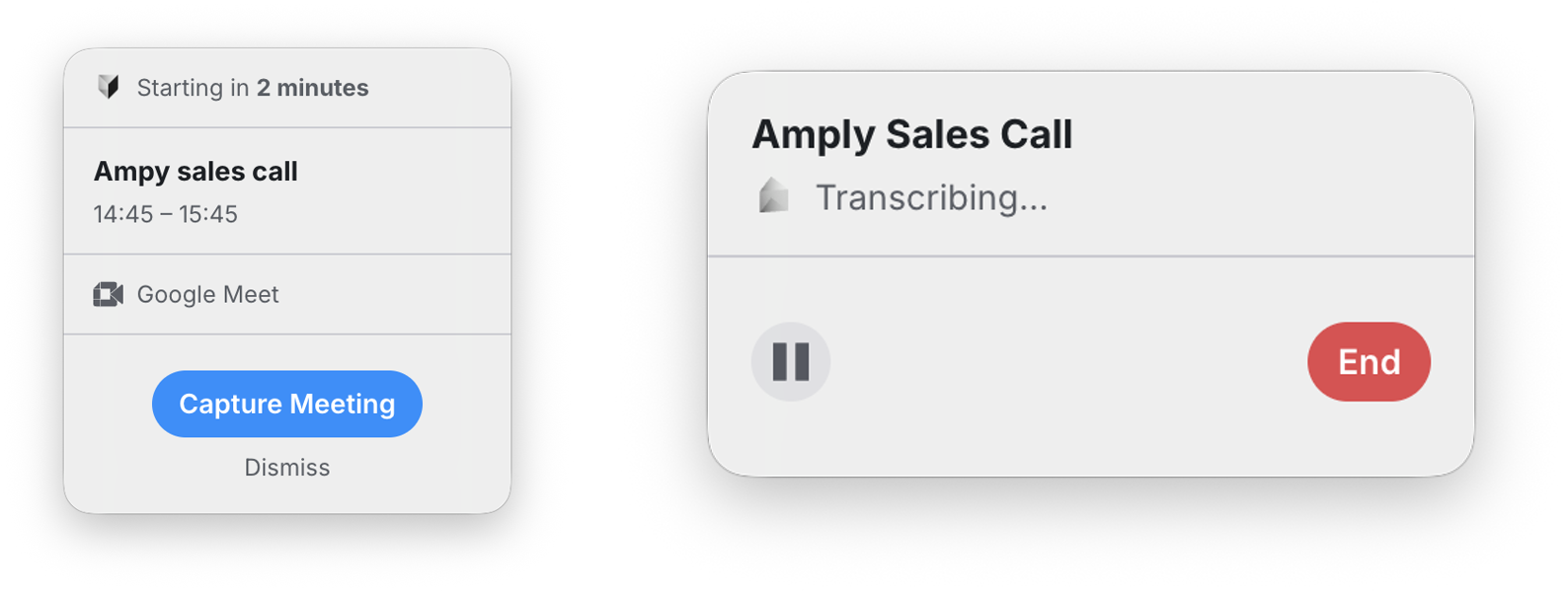
It is rolling out as an opt-in. On the latest desktop app, turn on Use experimental meeting capture in Settings, Preferences. See capturing external meetings for the details.
A sidebar you pin yourself
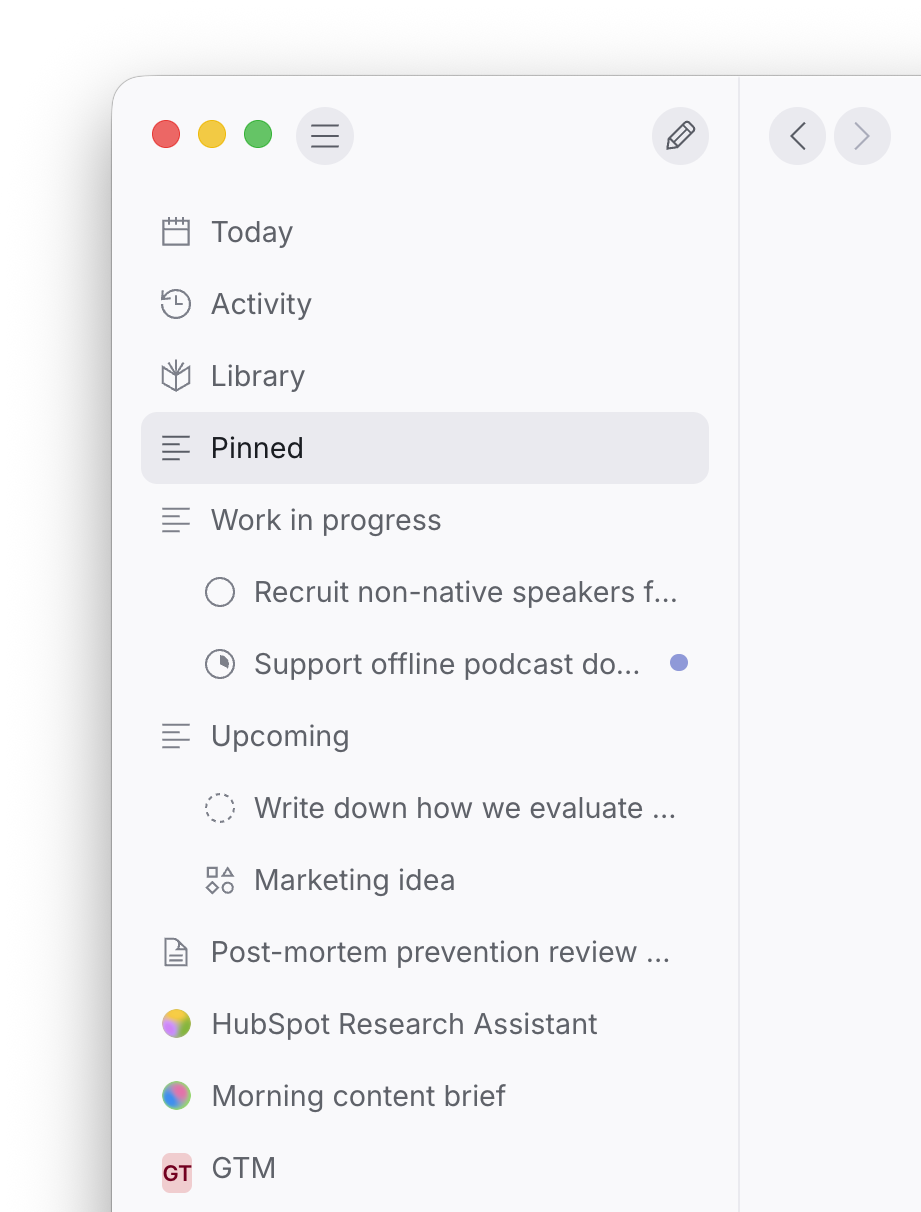
The sidebar is now yours to shape. Instead of listing every space and agent automatically, it keeps a clean set of primary links and a Pinned area you fill with the things you actually reach for. Pin any document, space, or agent, drag to reorder, and right-click to create a new section and group your pins. Your full set of spaces is still there in the Library whenever you need it.
A meeting built around outcomes
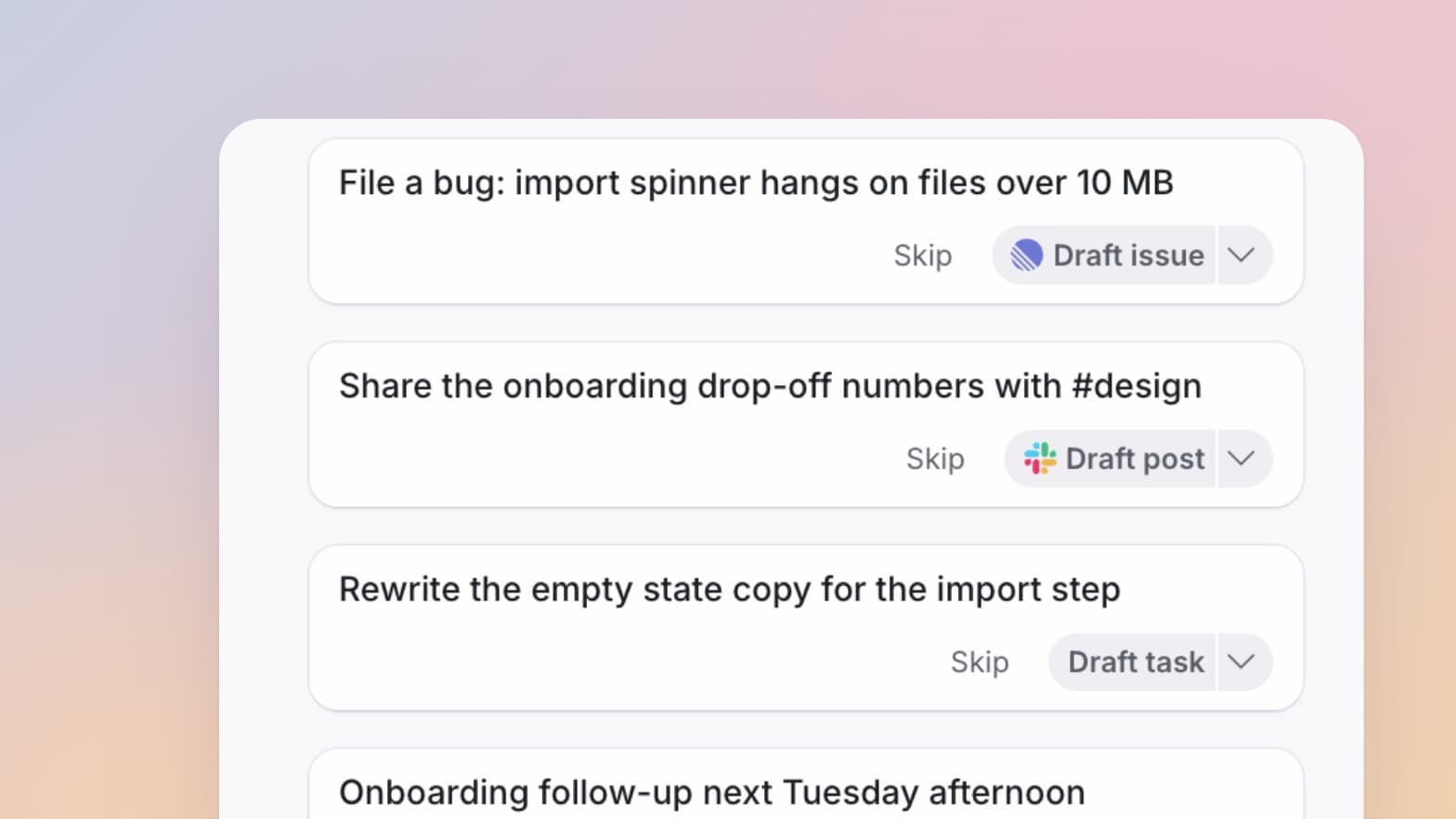
The meeting view is now one calm column that carries the work instead of a stack of documents. What the AI captures during the call is sorted into two clear places: items wait under For Review until you accept them, with keep and reject buttons right on the card, and accepted ones move to Outcomes.
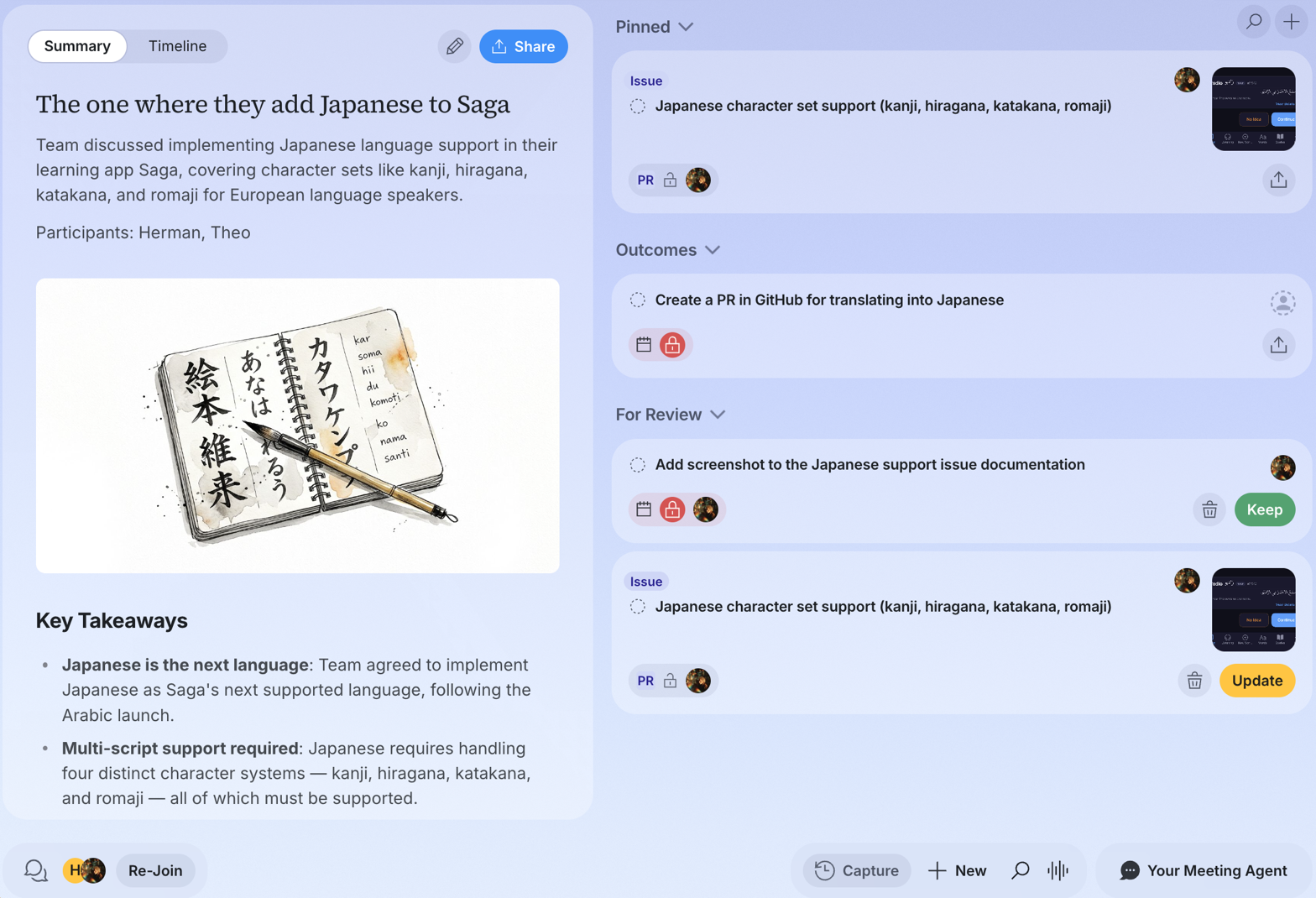
During the call the live digest steps back to a slim status line, so the shared focus takes center stage, and the full timeline stays one click away. When the meeting ends you get an editable, shareable summary with a Summary and Timeline toggle. See how outcomes work for the details.
More in this update
The voice agent has a calmer, more ambient look and clearer audio, and you can set a default voice for Tana's built-in agents in Organization Settings.
Invite anyone to a meeting straight from Tana. Add teammates by name or type any email address, including people outside your organization, and everyone you add gets a real calendar invite in their inbox.
Transcription follows your organization's language across meetings, external capture, the voice cursor, and dictation, while still picking up other languages spoken in the room.
Guests in a Tana meeting can ask the AI questions in their own private chat, separate from the shared meeting chat. It answers but cannot create or change anything.
Say "Hey Tana" and give a command in the same breath, like "Hey Tana, file that as a bug", and the agent acts on it instead of just greeting you.
Incoming-call notifications now reach you in the browser, not just the desktop app, and take you straight to the meeting.
The full list of what shipped lives in the changelog.
Try this
The Tana Team

Turn meetings into the most productive part of your day.
Explore further
All updates