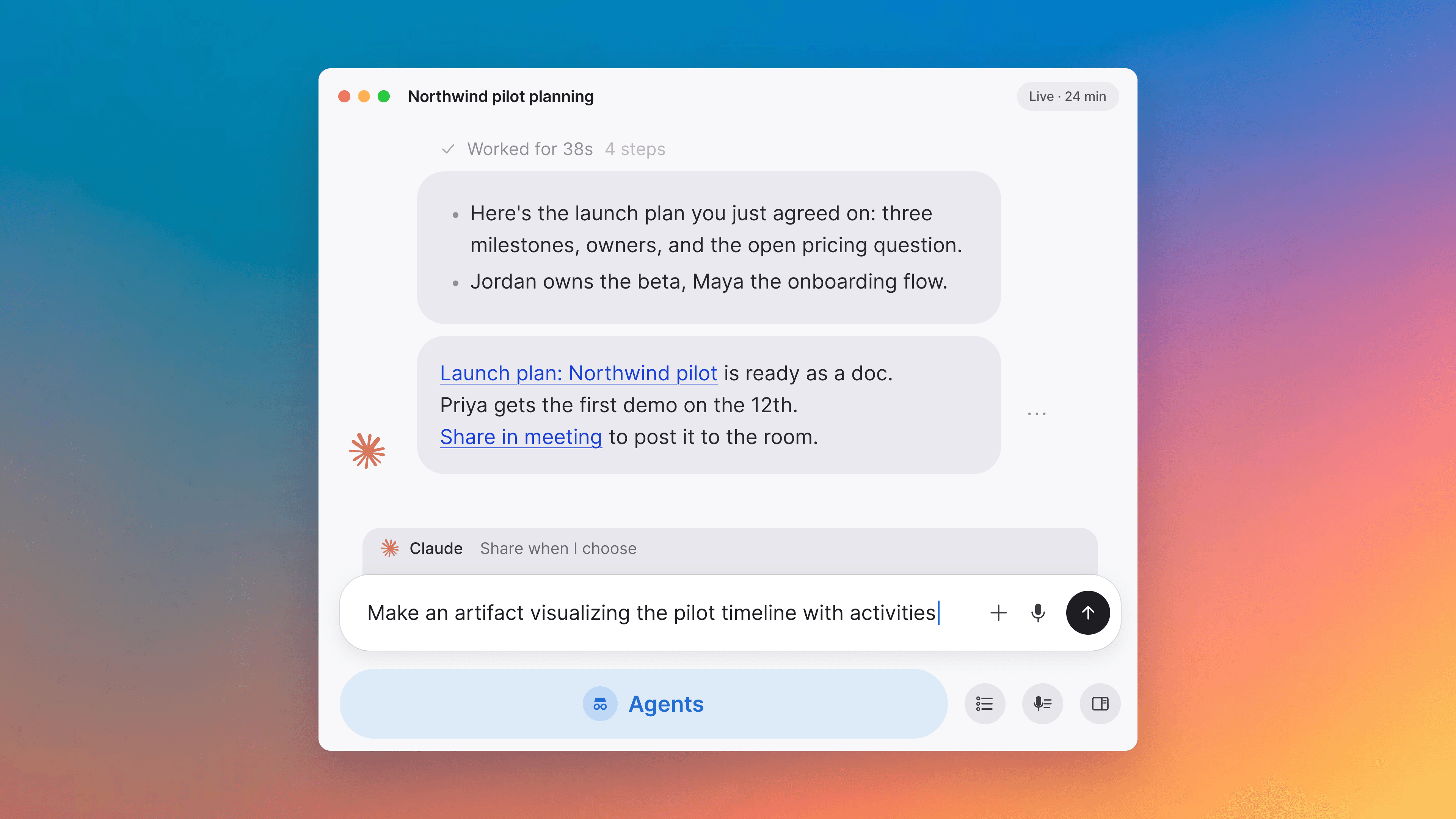
Start, schedule or capture meetings from Today
The top of Today starts or schedules a Tana meeting or captures one in Zoom, Meet or Teams, the AI can move through a recurring series, and summaries download as Markdown.
Improvements
3- Start a Tana meeting, or capture one held in Zoom, Meet, or TeamsThe top of the Today page now has two action cards. New Meeting is the main path: start an ad-hoc Tana call or schedule one from the same form (add people, pick a time with Now plus a duration control or an explicit start and end, then Join Meeting to start right now or Create to schedule for later). External Capture is for the meetings you take in another tool like Zoom, Google Meet, or Teams: on desktop it captures the meeting's audio so you still get a Tana transcript and summary, and on the web it links to the desktop download. A Search meetings button in the calendar toolbar opens a search popover scoped to meetings, so you can jump to a past one without leaving Today. Meetings, Home
- Download a meeting summary as MarkdownThe Share button on the post-call Summary panel now offers Download Markdown, so you can save the whole summary (tagline, participants, key takeaways, topics, next steps) as a .md file. The same menu also carries Copy link, send to a member or agent, run a skill or integration, and start a chat about the summary, matching what Send to offers on any doc. Meetings, Docs

Turn meetings into the most productive part of your day.
Download Tana
30-day free trialNo credit card requiredCancel anytime