Never miss an upcoming Tana meeting
The desktop app reminds you before Tana meetings with a button to join, and admins can invite attendees who share your company's email domain.
Join upcoming Tana meetings from the desktop pre-meeting card
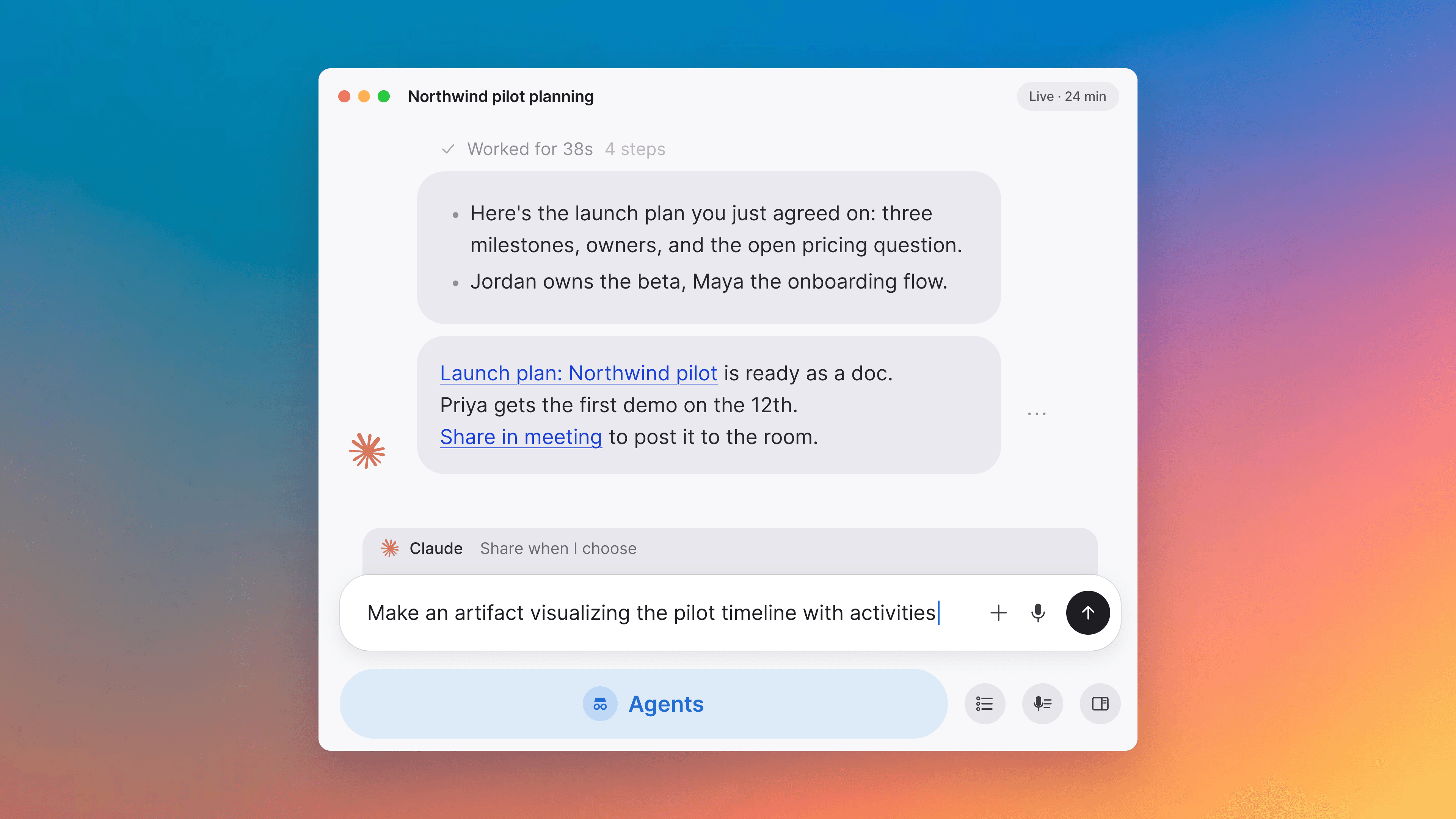
The always-on-top card that appears about two minutes before an external Zoom, Meet, or Teams meeting now also appears before internal Tana meetings with two or more people involved. Instead of Capture Now, it shows a Join Meeting button that brings the meeting's org window forward and drops you straight into the call, skipping Get Ready. Solo calendar entries and cross-org invites don't surface a card. While you're active in a Tana call the card parks itself and re-surfaces when the call ends, so it never covers what you're already doing.
Invite an attendee to your organization from the meeting card
Admins hovering an attendee in the meeting event card's attendee list see an Invite to organization icon on the row, if that person shares your corporate email domain but isn't yet a member. Clicking it opens Settings, Members with their email prefilled, so you can send the invite in one step from the meeting you're already looking at. Freemail domains (gmail, outlook, and so on) never trigger it, and non-admin viewers never see it.
Improvements
1- Voice agent answers about the recent conversation instantlyAsk the in-meeting voice agent what was just discussed and it answers right away, instead of pausing to look up the transcript first. Longer follow-ups that need workspace search, summaries, or writes are handed off to a background chat, so the voice conversation itself never stalls waiting for a slow tool call. Meetings, Agents
Fixes
3- Meeting summaries show when there's nothing to summarizeIf a meeting didn't have enough conversation to write a summary from, the Summary panel now says so directly instead of showing a spinner that never finished. Meetings
- Right-clicking inside a document no longer risks deleting itRight-clicking on a block's drag handle inside an open document could delete the whole document. The document-level right-click menu that hosted Delete has been removed. Everything it carried, including Delete, is still reachable from the document toolbar's more-actions menu, Send to, and the assignee row. Docs
- A meeting's title and time stay put once it's syncedOnly the organizer's calendar sync can update the title, start, and end time of an already-synced meeting, so another attendee's calendar can no longer overwrite them. Attendee-side changes to RSVP, description, and roster still sync normally. Meetings