From conversation to action
This update is about the conversation, and everything you want to do with it. The AI can turn it into a calendar event, guests can join the shared chat, and you can grab the exact part of a meeting that mattered without keeping the rest.
Let the AI put it on your calendar
Ask in chat and the AI can now propose a calendar event. Give it a title and a start time and it drafts the rest: an end time, time zone, location, description, and the people to invite. Adding participants keeps the event to that list.
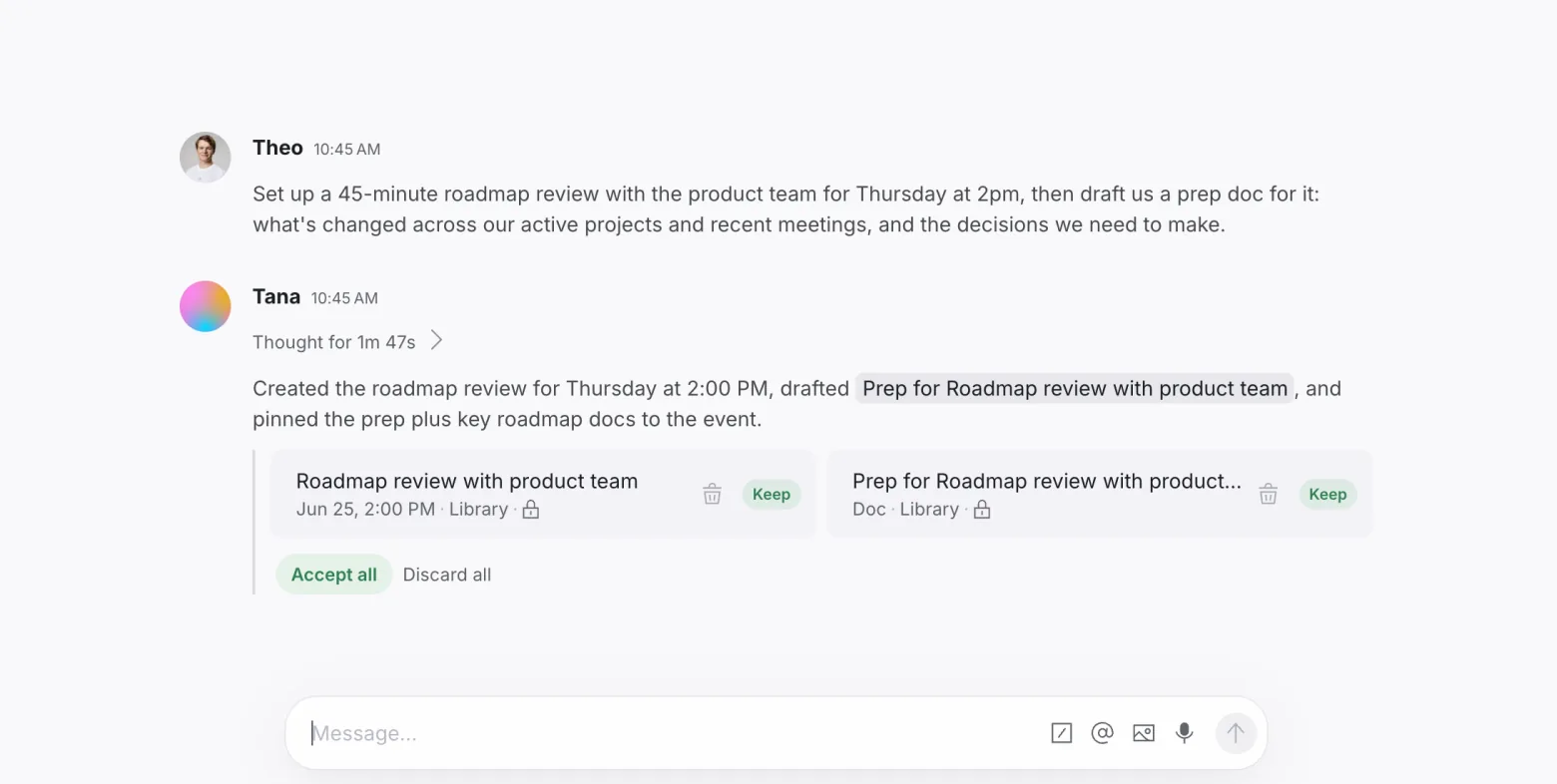
You stay in control. It is a proposal you review before anything lands, and the AI still will not change the time, title, attendees, or meeting link of an event that already exists.
Everyone in the room can chat
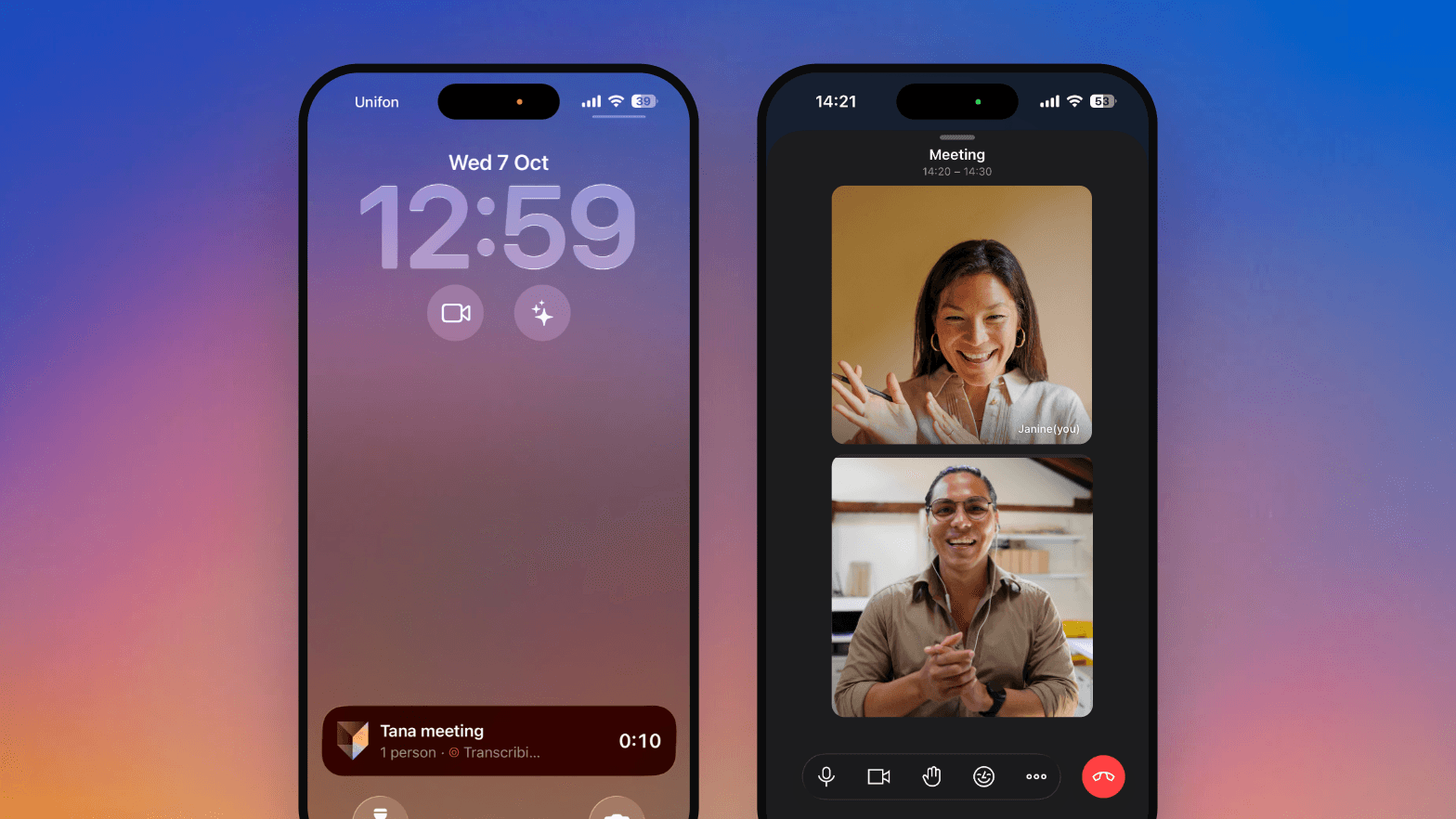
Meetings have a shared chat, Chat with everyone, and now guests are in it too. They can send and read messages right alongside your team, the simplest way to bring an outside collaborator into the conversation as it happens.
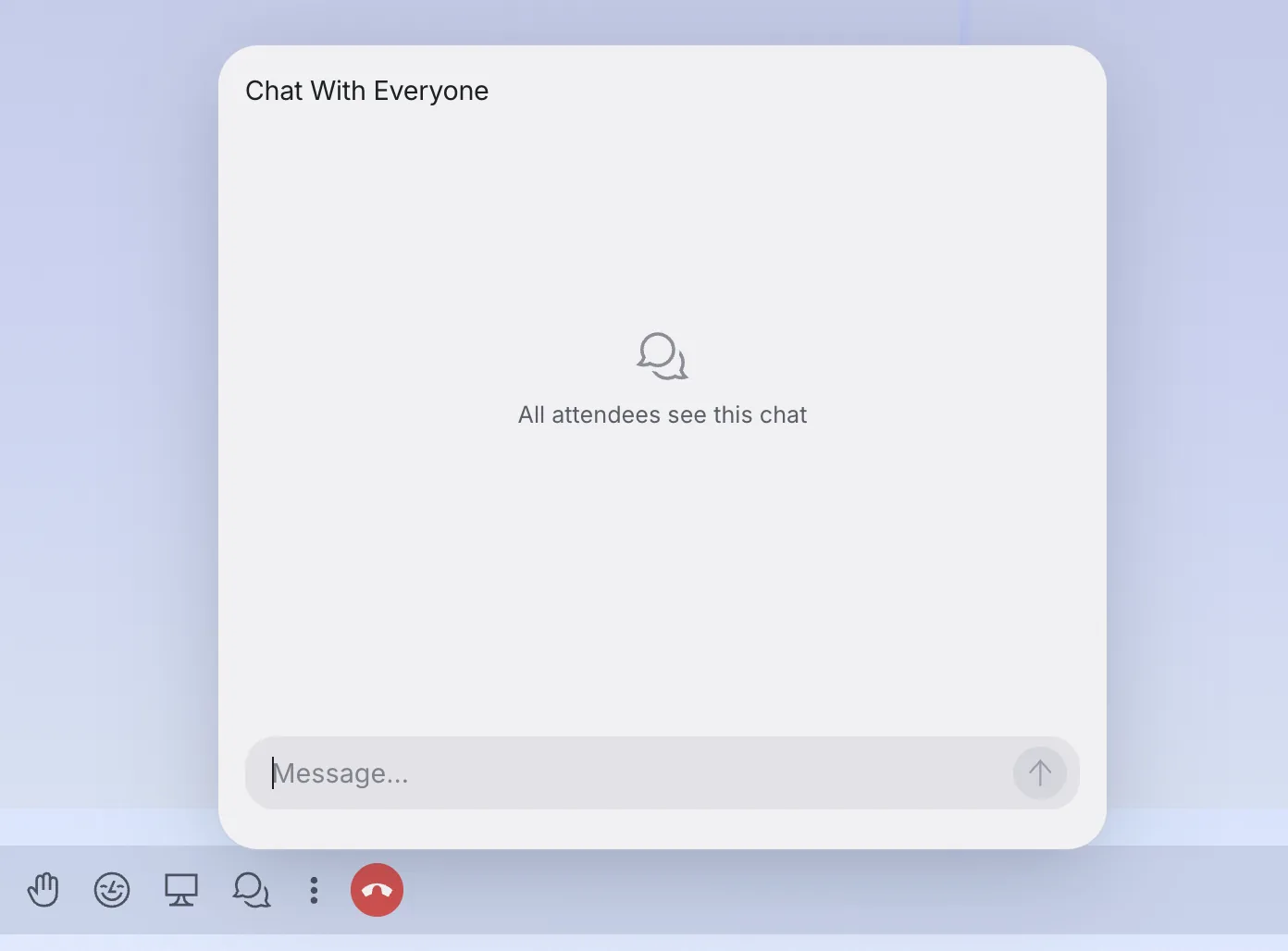
To keep your organization's data private, the AI steps out of the shared chat whenever a guest is present, with a short note explaining the pause. Your own private meeting agent keeps working as usual.
Capture just the part that mattered
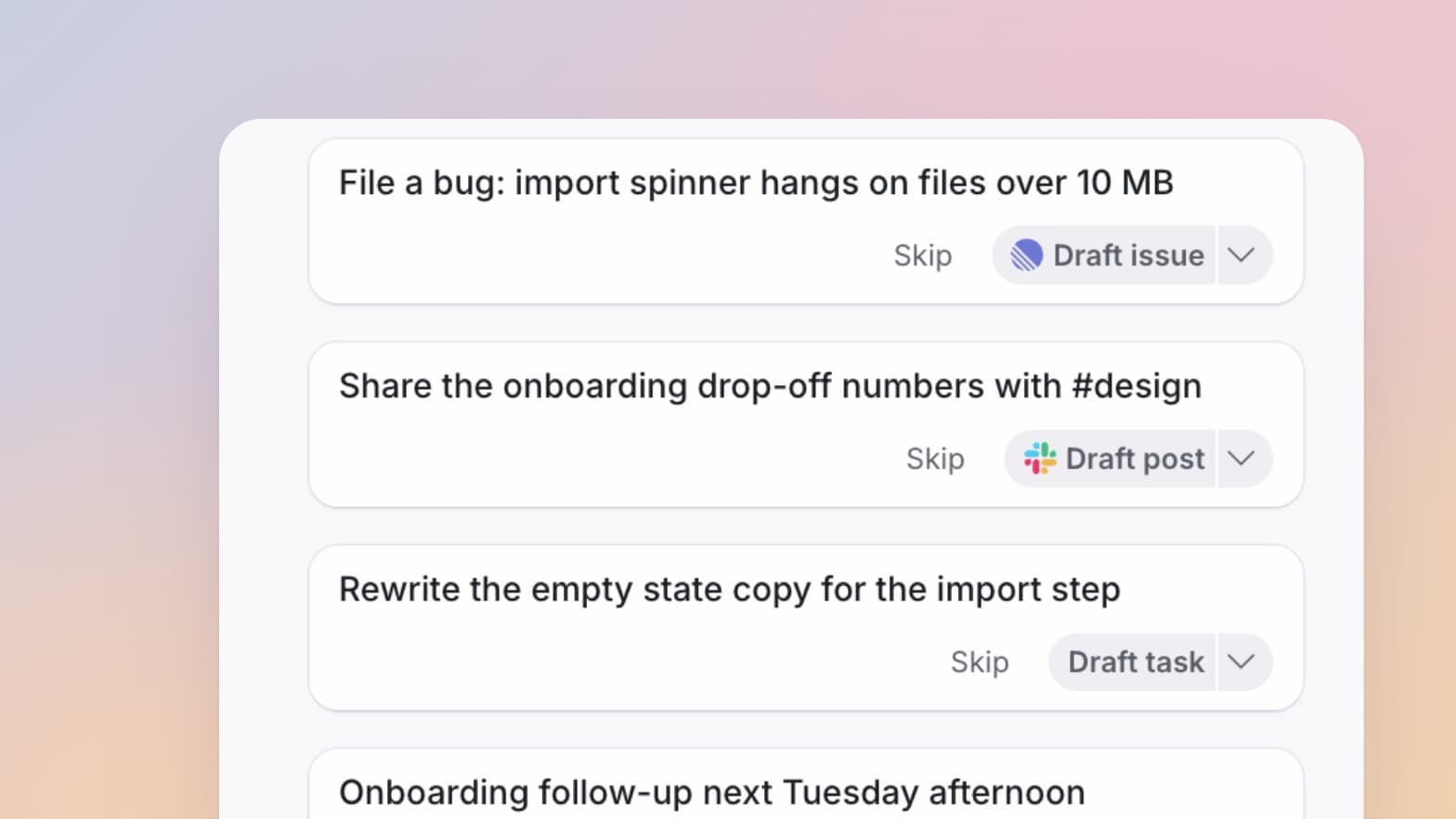
A meeting can cover a dozen different things. Capture as lets you act on just one of them: hover any row in the live digest and turn that section into a note, a task, a typed item, or an artifact like a screen-share recap. Scoped to that one part, the AI works from focused context, so what comes out is about that decision or action, not the whole conversation.
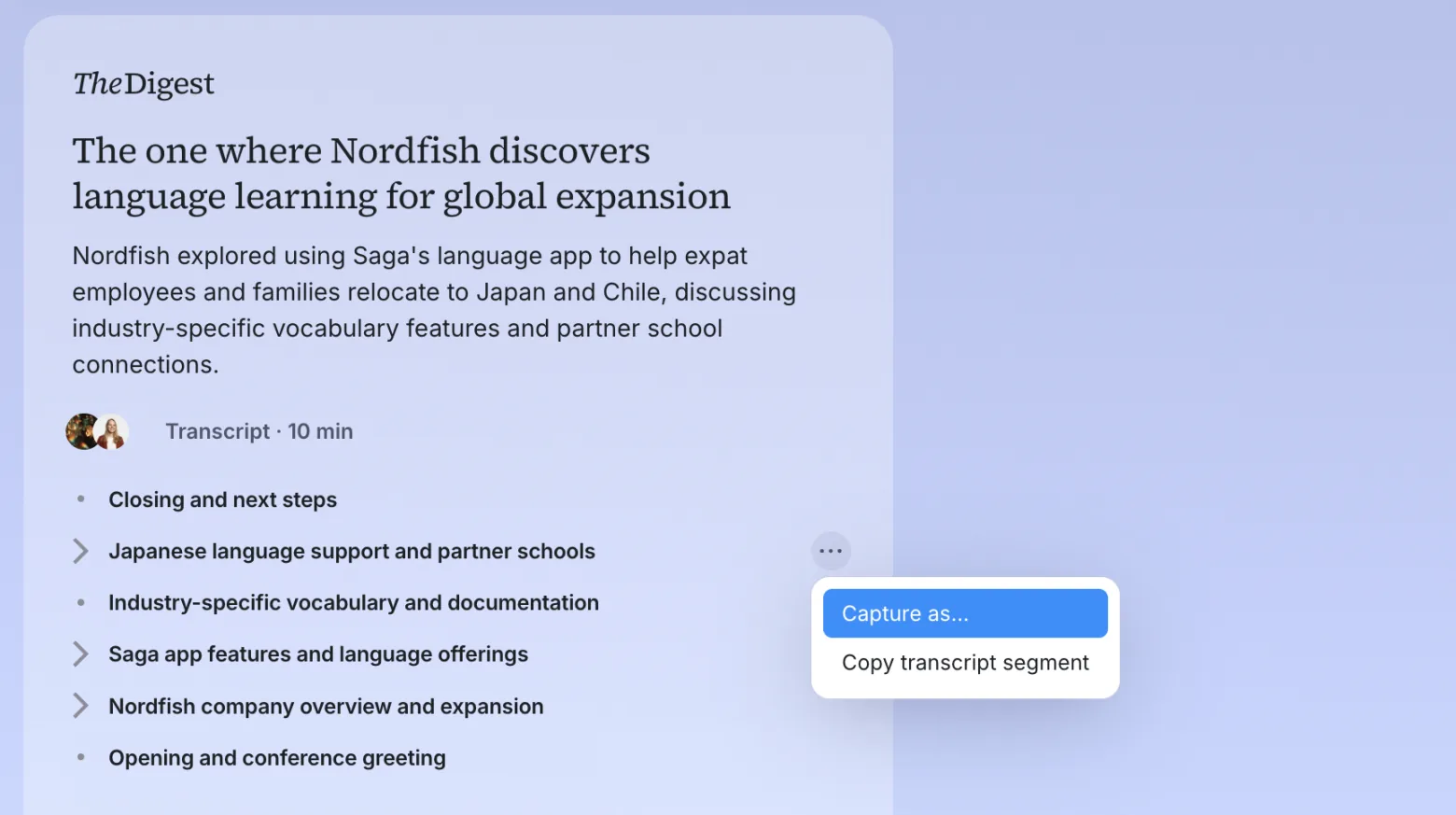
Need the exact words instead? The same hover menu copies that segment of the transcript, grouped by speaker.
Meet now, or meet later
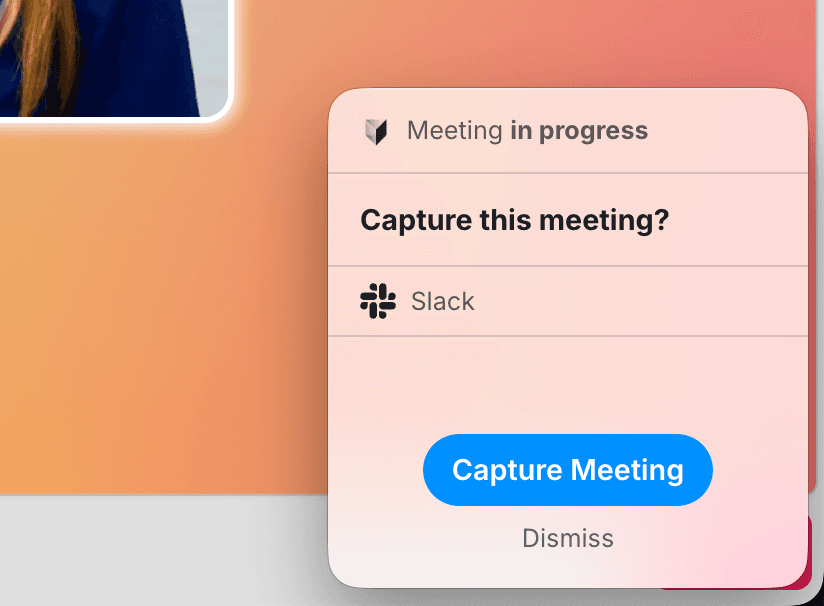
The Meet button in Today splits in two. Meet now starts a meeting straight away and opens a "Who are you meeting with?" popover, where you can copy a guest link, add colleagues in one click, share your screen solo, or start a voice chat with an agent.
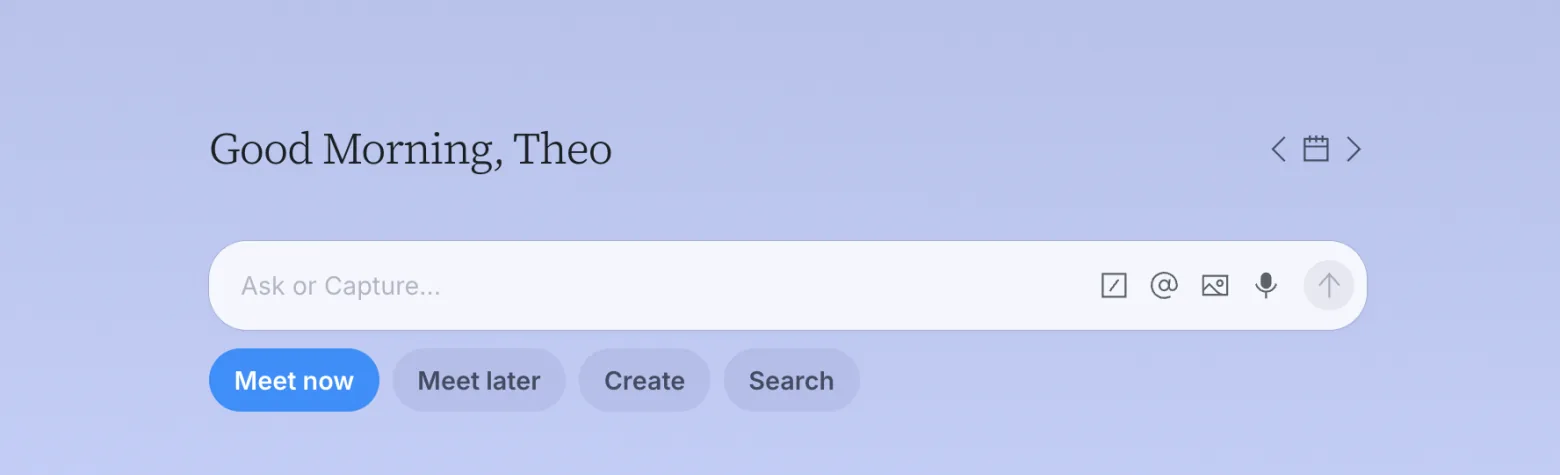
Meet later opens the scheduling popover instead, for picking a time. One button, two clear intents: start talking now, or put it on the calendar for later.
More in this update
Diagrams render in chat replies. When the AI includes a diagram, it now renders inline once it is complete, instead of flashing raw markup as it streams.
Open a task in a peek. Click a task's title in the Tasks view and it opens in a popover over the list, so you can read or edit it without leaving your tasks.
A date chip on an event's location pill. It reads Today, Tomorrow, Yesterday, or a short date, and clicking it jumps to that day on the calendar.
Know when a type is archived or restored. A notification tells you when someone in your org archives or restores a type, with a link to its panel.
Filter any Library section. Created by and Visibility pills now sit on every section page, saved in the URL so the view is bookmarkable.
Your own skills, front and center. The Skills section and search now list the skills you and your team have made, with Tana's built-in ones filtered out.
Open org links in the desktop app. Click a link to your org's Tana in a browser and it asks whether to open in Tana or stay in the browser, then remembers your choice. Set it from Preferences in the web app.
Find events you organized in Created by. Calendar events are now attributed to their organizer, so filtering by Created by surfaces the meetings you set up.
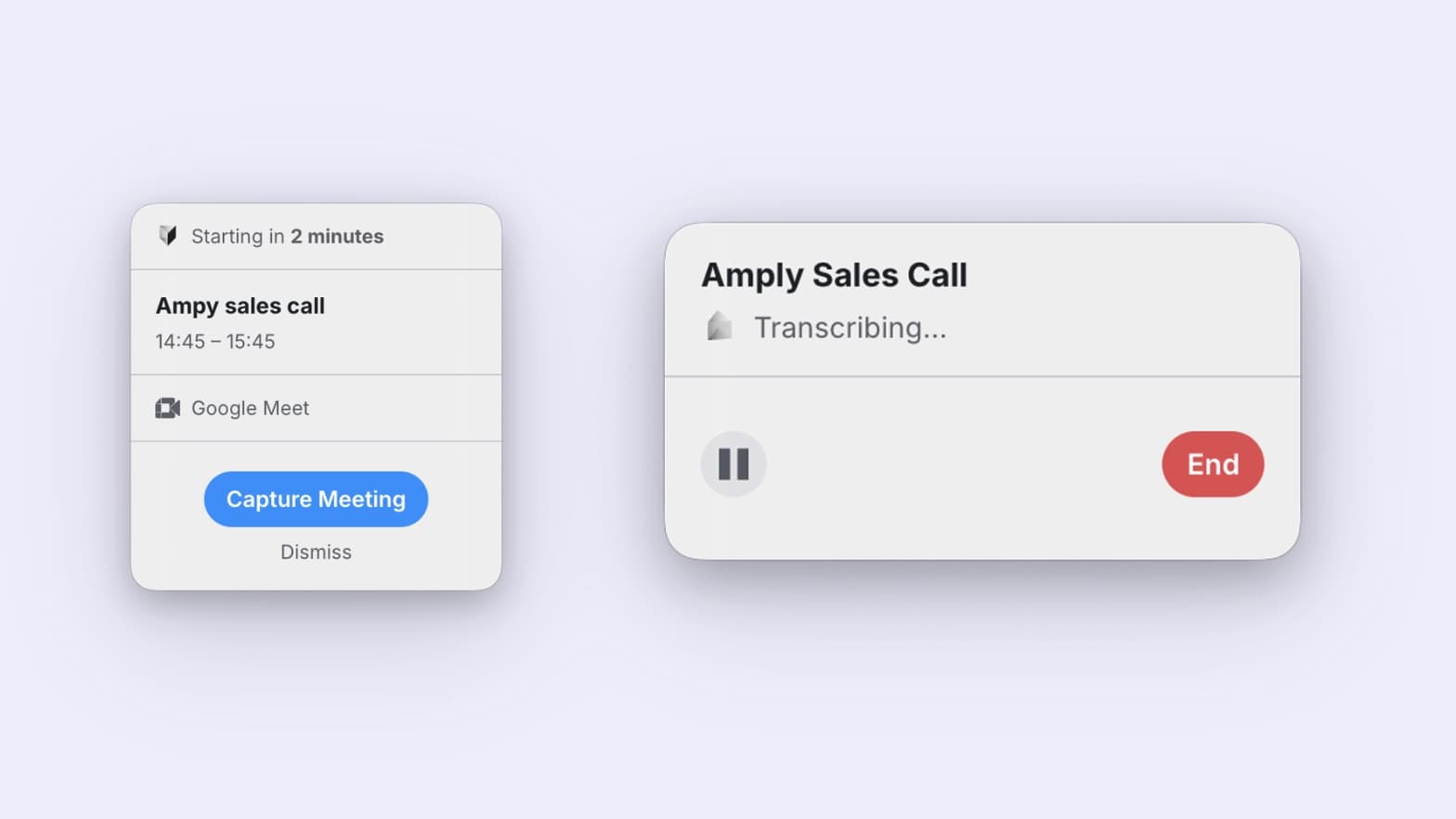
The throughline this time: less time spent capturing the meeting, more spent acting on it. The changelog has the rest of this release, including a handful of call and sign-in fixes.
Try this
The AI can schedule a meeting and prep your team for it in one go, drawing on what it already knows about your work. Drop this into a chat and it drafts the event and a prep doc for you to approve:
The Tana Team

Turn meetings into the most productive part of your day.
Explore further
All updates