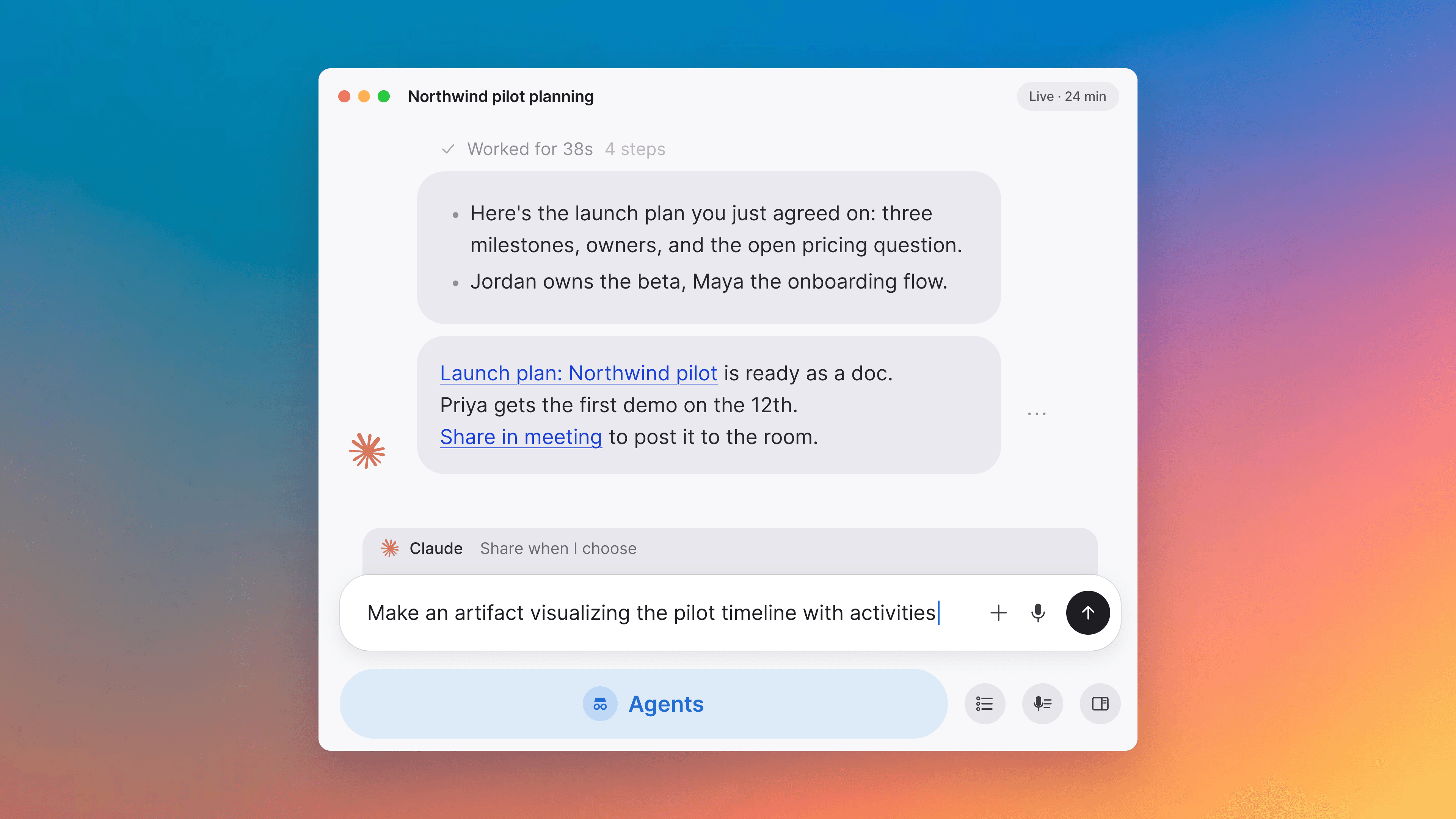
Present and capture, in one click
Capture any scheduled meeting through your computer's audio, and put a screen, document or canvas on the shared stage from one Present button.
Capture any scheduled meeting through your computer's audio
The pre-call event card gets a small menu next to Join Meeting on native Tana meetings. Pick Capture External Meeting from it and Tana converts the event to an external capture and starts recording through your computer's audio in one action, so a meeting you scheduled as a Tana call can be captured the same way as one you're attending on Zoom, Teams, or Google Meet. Available on the desktop app before the call starts.
Improvements
6- Present, from the meeting toolbarA new Present button in the meeting toolbar opens one palette that owns everything you can put on the shared stage: a screen or window share; a fresh blank Doc or Canvas created on the meeting and presented immediately; the meeting's pinned docs, the docs already captured from it, and your recently edited docs, each surfaced once in the earliest group that claims it; and typeahead search across the workspace once you start typing. Pick anything and it pins to the meeting and starts presenting. While a presentation is running, one Stop Presenting row at the top of the palette ends whichever session is going. Screen sharing and blank-doc creation move into the palette from separate toolbar buttons. Meetings
- See what the AI is still working on after the callOnce a call ends, the For Review section on the meeting surface now says something instead of staying blank while the wrap-up extracts outcomes. An Extracting items... row appears while it is running, so you can tell it hasn't finished yet. When you have worked through the queue the section reads You're all done!, and when extraction produced nothing at all it reads Nothing to review from this meeting, so an empty section no longer looks the same as one that is still thinking. Meetings, Agents
- Capture permissions checked before recording, not duringBefore Tana starts a system-audio capture from any entry point (the small pre-meeting window, the Today page, the event card menu, or the meeting widget), it now checks that macOS or Windows has granted access to your microphone and system audio. If either is missing, Tana brings its window to the front and opens Settings, Permissions instead of silently starting a recording with no sound. Grant the missing access and try again. Meetings, Apps
- Meeting tiles on Today, with pending proposalsMeeting tiles on the day list now put the AI-written tagline right after the title on the same line, put the avatar stack on its own row below, and mix pending AI proposals into the strip of pinned items and accepted outcomes, so a rich meeting with no manually pinned docs still shows something concrete. Past events that never got a wrap-up tagline (so, most likely didn't actually happen) render at half opacity, so meetings that did happen stand out. Home, Meetings
- A friendlier Connect Calendar prompt on TodayThe Today page's empty state when you haven't connected a calendar yet is now a proper card with Google and Outlook logos, a short pitch, and a row of animated skeleton event rows that fade in and out to hint at what the day will look like once you're synced. A menu on the card dismisses it; while dismissed the card collapses to a bare Connect Calendar button rather than disappearing, so you can still get to it from the day view. Home
- Presented documents fill the meeting stage edge to edgeWhen someone presents a document in a meeting, the panel now fills the stage from one edge to the other. The text still sits in a centered reading column, but the panel background covers the whole tile and the scrollbar rides its edge, so the presentation reads as a single stage rather than a letter-boxed one. Meetings
Notes
1- Attribute filters and AI field search are temporarily offThe attribute filters on typed entries, and the AI's ability to search by those field values, are temporarily unavailable while we finish a backend update behind them. They will be back on shortly, and nothing you have set up is affected. Types, AI chat

Turn meetings into the most productive part of your day.
Download Tana
30-day free trialNo credit card requiredCancel anytime