Claude Code and ChatGPT, live in your meeting
Today Tana becomes the first meeting platform where your own Claude Code and ChatGPT work inside the meeting, while it happens. Not a summary handed to them afterwards. Not a connector that lets them read your notes. The full agent you already run on your computer, signed in with your own account, with your connectors and your files, hearing the call as it happens and doing the work while you talk.
Not an integration. The real thing.
Plenty of tools let an assistant read your meeting notes once the call is over. This is something else. Tana runs your own Claude and ChatGPT, on your own computer and in your own account, so you use them in a meeting just the way you are used to: search your email through the connectors you have set up, work in a folder or a repository, build a slide deck, a dashboard or a working prototype, and keep going on it while the conversation moves on.
It is your agent, with everything you have taught it, in the room.
It hears the meeting as it happens
Your Claude or ChatGPT already knows how to draft, build and research. What it has never had is the meeting. In Tana it gets the call live: what people are saying, what is in the chat, and what is on the screen someone is sharing. So when you push the launch two weeks, you ask it to update the dates and owners in the plan, and it works from what was actually said, not from a summary you paste in later.
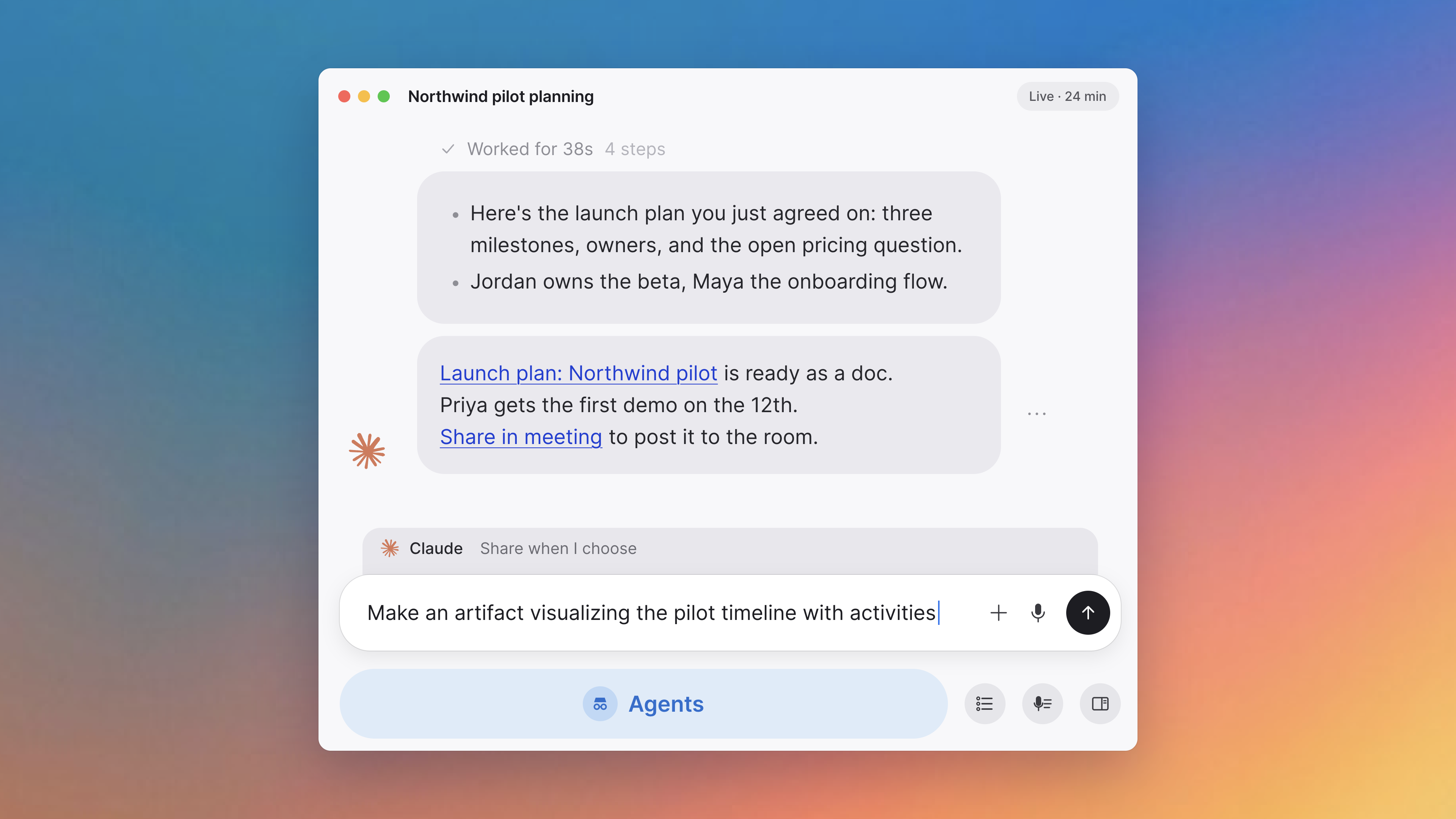
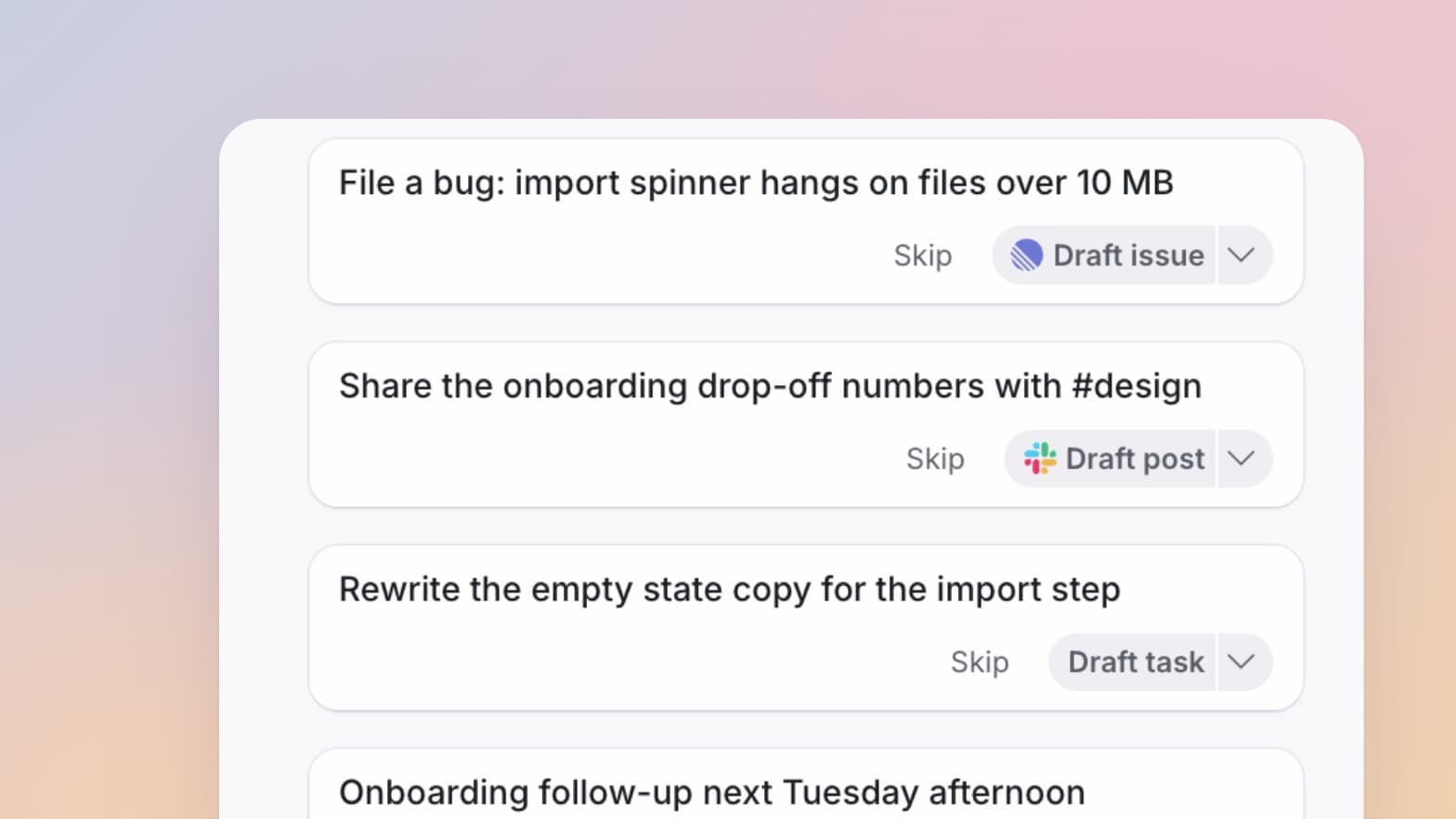
Ask it in the chat, or say "Hey Claude" out loud while you talk. It also listens on its own and suggests what it could take off your hands, and you approve with a click. Nobody on the call has to type a prompt for the work to start.
Done before you hang up
Someone shares the retention chart and asks whether 46% is good. Your agent pulls last year's number and the industry baseline and answers in the chat before the next slide. You say you will follow up with a customer on two decisions, and the drafted email is waiting for you to send. The discussion turns into a deck, a dashboard or a prototype you can keep iterating on while everyone is still in the room.
Summaries and action items are the floor. The point is that the research the decision needed, the update for the people who were not there and the follow-up you promised all land before the call ends, instead of waiting for the next one to come around.
Everyone brings their own
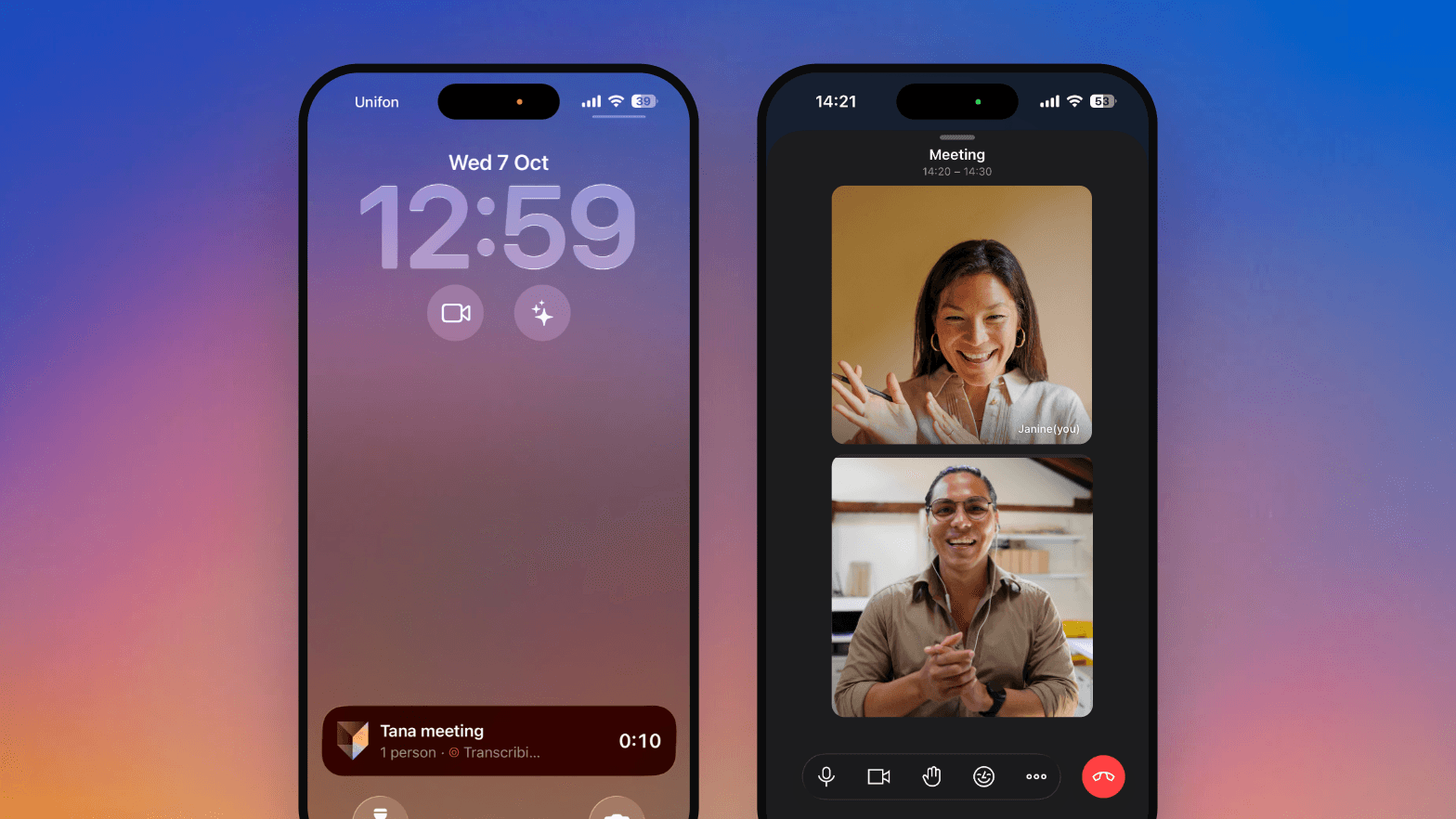
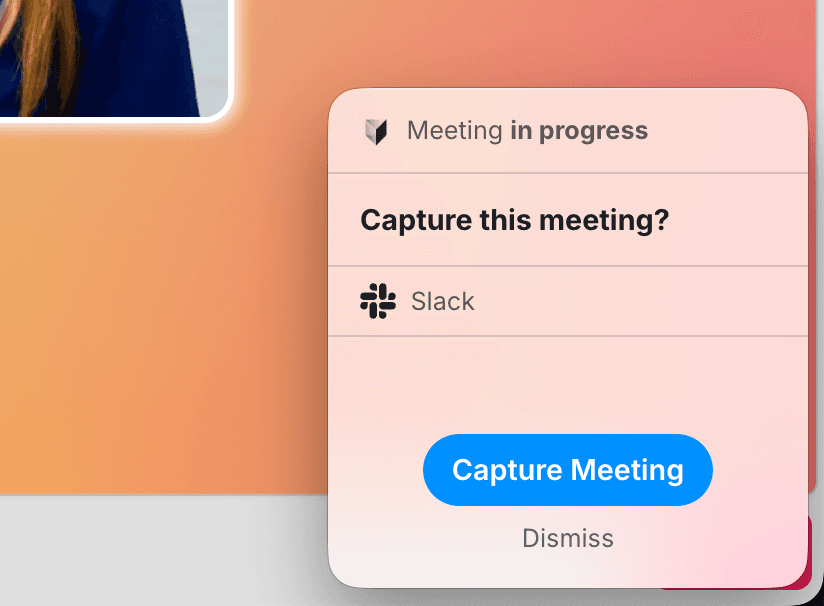
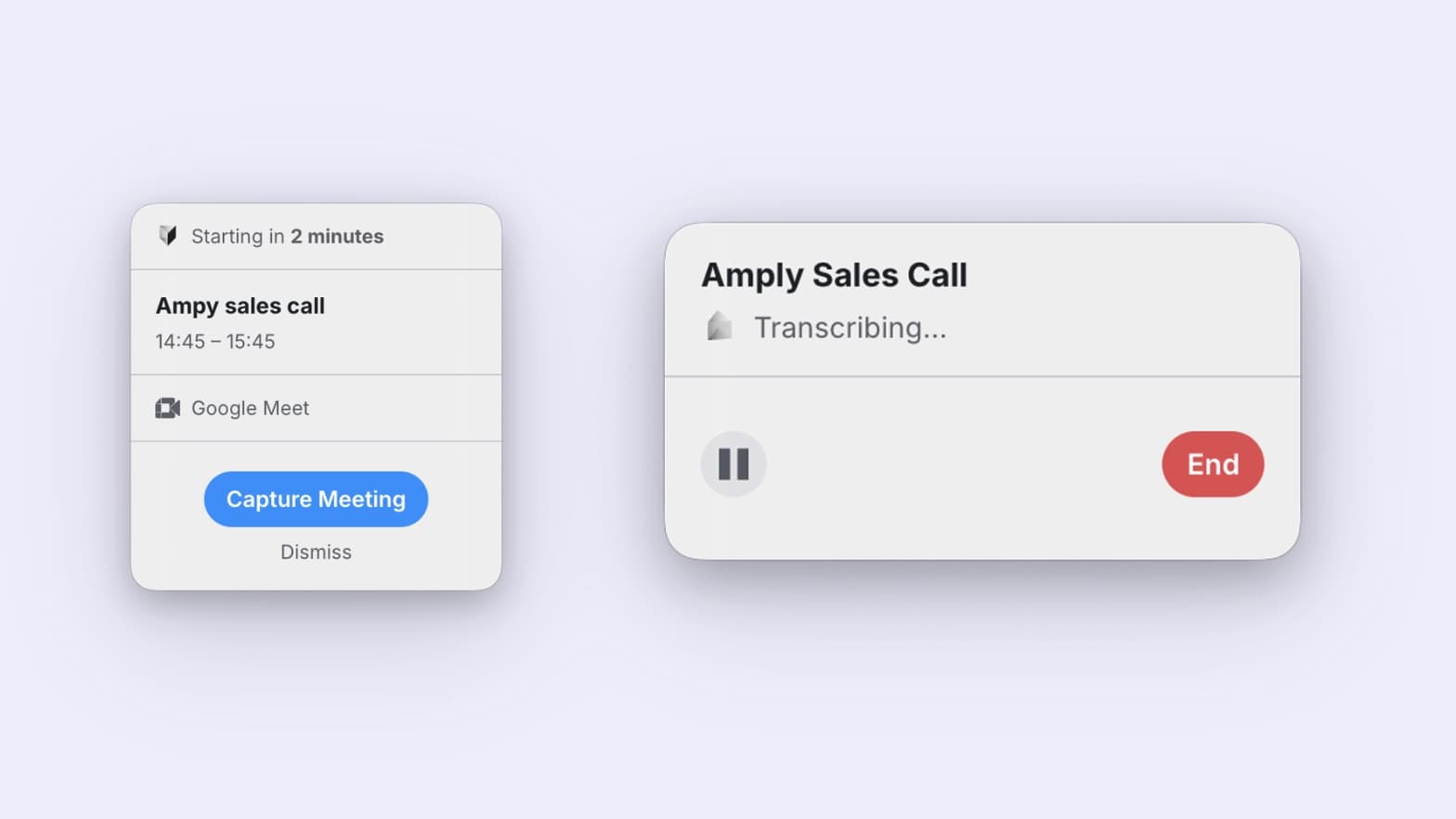
Tana works alongside the meetings your team already holds. For a Zoom, Google Meet or Microsoft Teams call, a small Tana window opens next to the call with the meeting's timeline, so everyone keeps their usual setup. Nothing joins your call, and nothing records until you start it. Meetings hosted in Tana work the same way.
Inside that window, and in every Tana meeting, the chat has two sides. Agents is private to you: your own agent answers there, and the suggestions from the meeting arrive there for you to accept, dismiss or hand to a different agent. Meeting is shared with everyone in the call, guests included, together with the timeline and screenshots. Docs holds the documents pinned to the meeting, and Transcript sits beside them.
One person on Claude and another on ChatGPT work the same meeting side by side, each with their own connectors, and what each agent produces goes to the shared Meeting tab when its owner chooses. Nobody learns a new tool: the team is already talking about the work, and their agents pick up what they can take. Every meeting then adds to your team's shared context, so decisions and the thinking behind them reach the people who were not in the room.
Private until you share it
What your agent makes stays with you until you share it. When something is ready for the room, choose Share in meeting under its answer and it is posted to the Meeting tab under your name and your agent's. The Share setting above the Agents tab can do this automatically when the answer is safe for everyone present.
Your agent does not act on its own. Before it changes anything in Tana it asks you, and every change it makes is a proposal you review before it lands. Your agent runs on your own computer through your own Claude or ChatGPT account, and Tana never uses your meeting data to train a model. Read more in Your own Claude or ChatGPT.
Set it up before your next call
You need the Tana desktop app on Mac or Windows, and the Claude or ChatGPT app installed on the same computer, since that is where your agent runs. For Claude, your account needs access to Claude Code, which is what Tana runs.
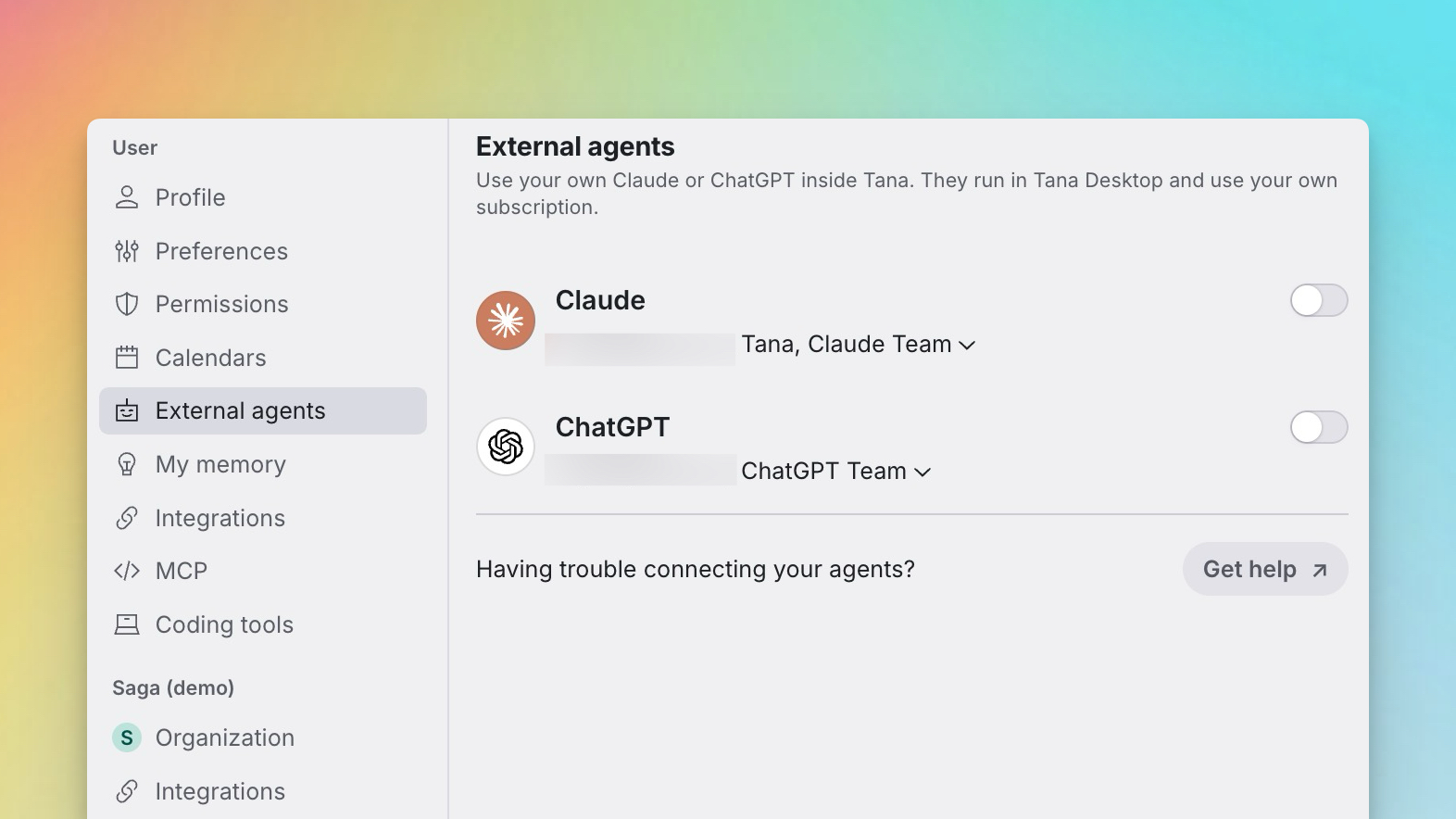
- Open Settings in Tana and go to External agents.
- Choose Sign in next to Claude or ChatGPT and finish signing in with the account you already use. If Tana cannot find the app on your computer, it says what to install, and the troubleshooting guide walks you through it.
- Open a meeting. In the Agents tab, pick your agent under Who answers here, or say "Hey Claude" during the call.
Until you connect one, Home offers it as your next step, with a button for each agent that takes you straight to the same settings.
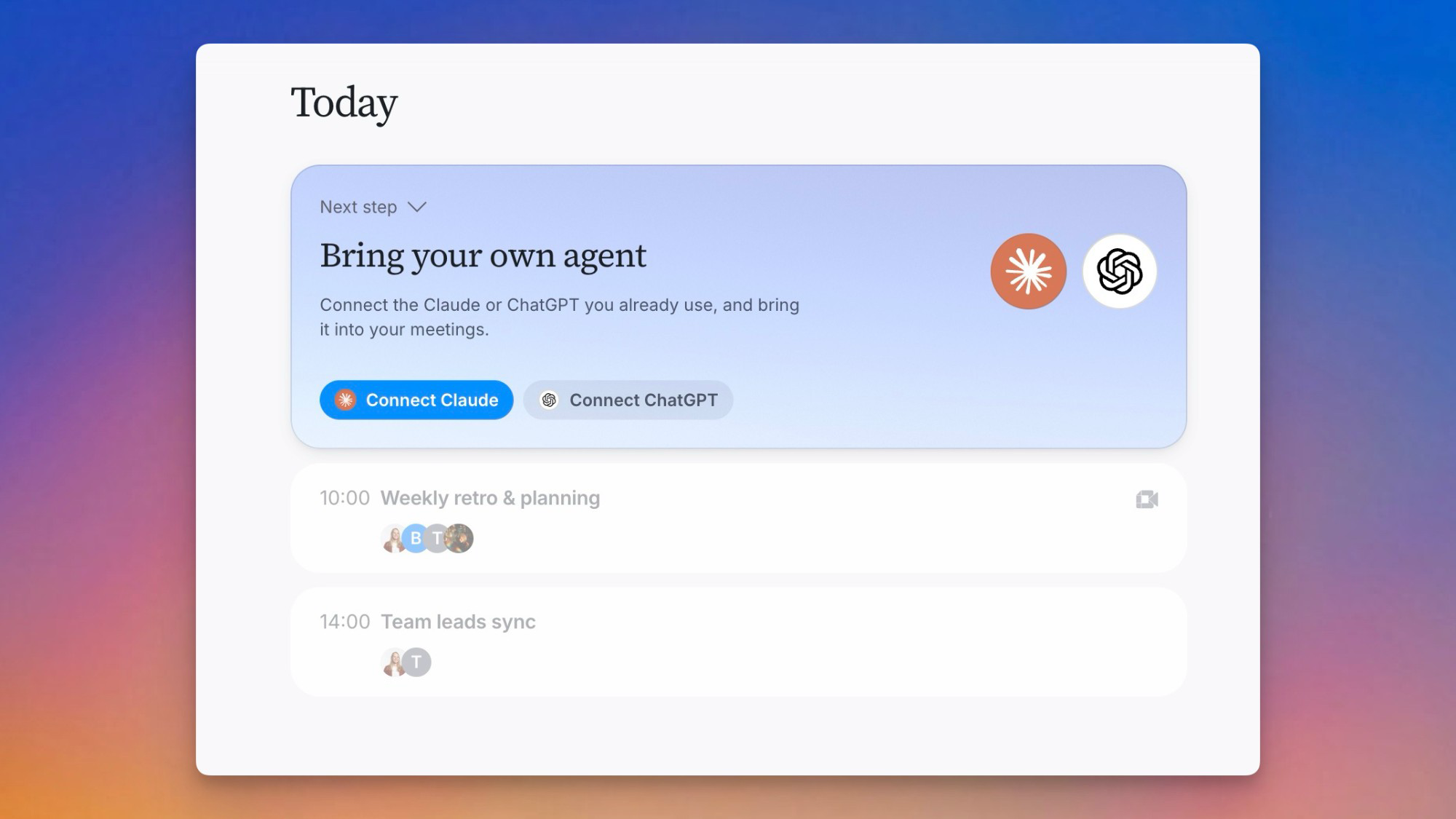
Claude and ChatGPT are available today, with more agents on the way. Don't have one yet? Tana's own meeting assistant works out of the box, and your Claude or ChatGPT can come later.
The full list of what shipped lives in the changelog.
The Tana Team

Turn meetings into the most productive part of your day.
Explore further
All updates