Tana auto-detects external meetings
The meetings that go uncaptured are rarely the ones on your calendar. They are the call someone pulls you into, the Slack huddle, the Zoom link in a DM. Tana now notices when you are in one and asks whether to capture it. One click turns it into a transcript, a summary, and outcomes you review in Tana. Presenting a document no longer means sharing your screen, and Tana answers questions in the Slack thread where they came up.
Capturing a call, whether or not it is on your calendar
A call you hold in Zoom, Microsoft Teams, or Google Meet takes one click to capture, and no longer starts with a setting. It records through your computer's own audio on the Mac and Windows desktop apps, so the list does not stop at those three. Any tool your machine plays sound through works the same way, and the call stays where it is.
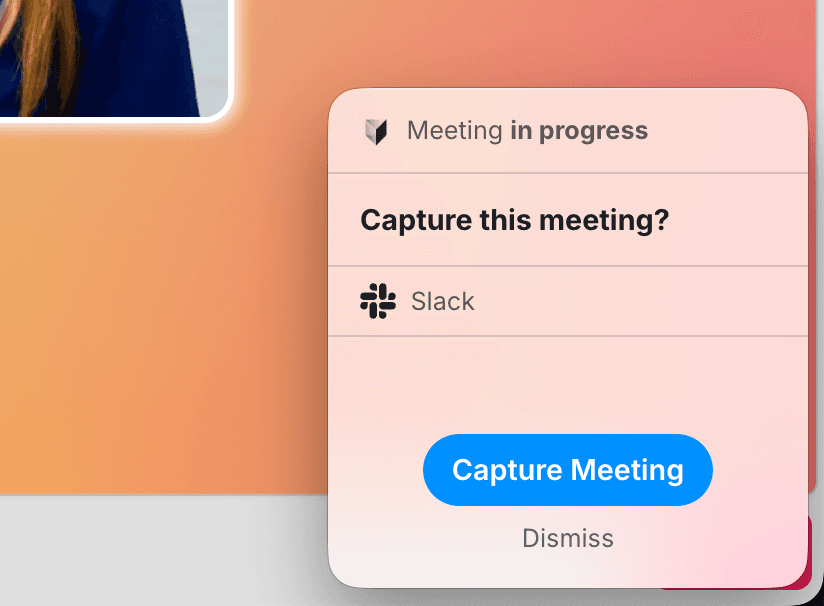
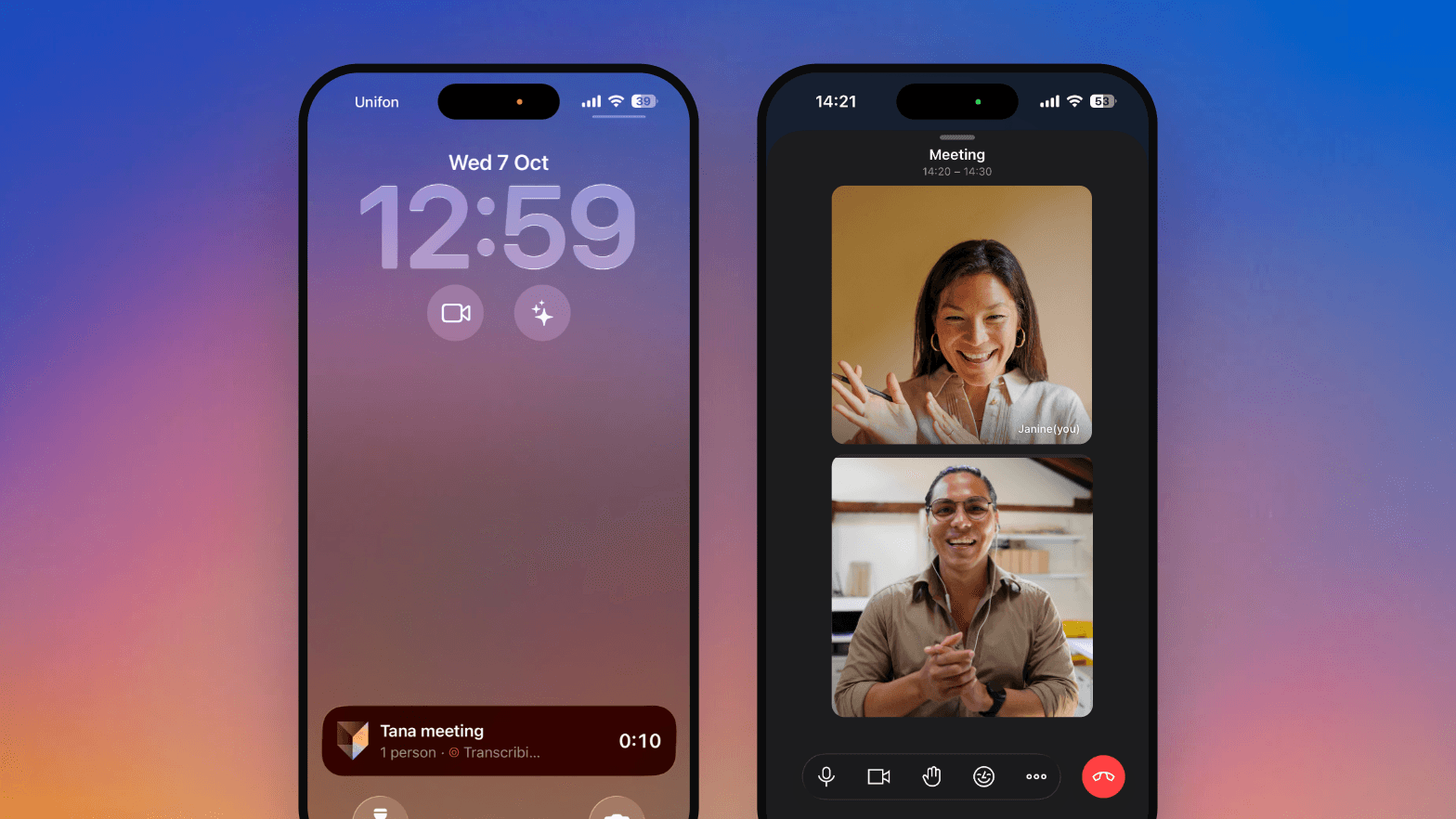
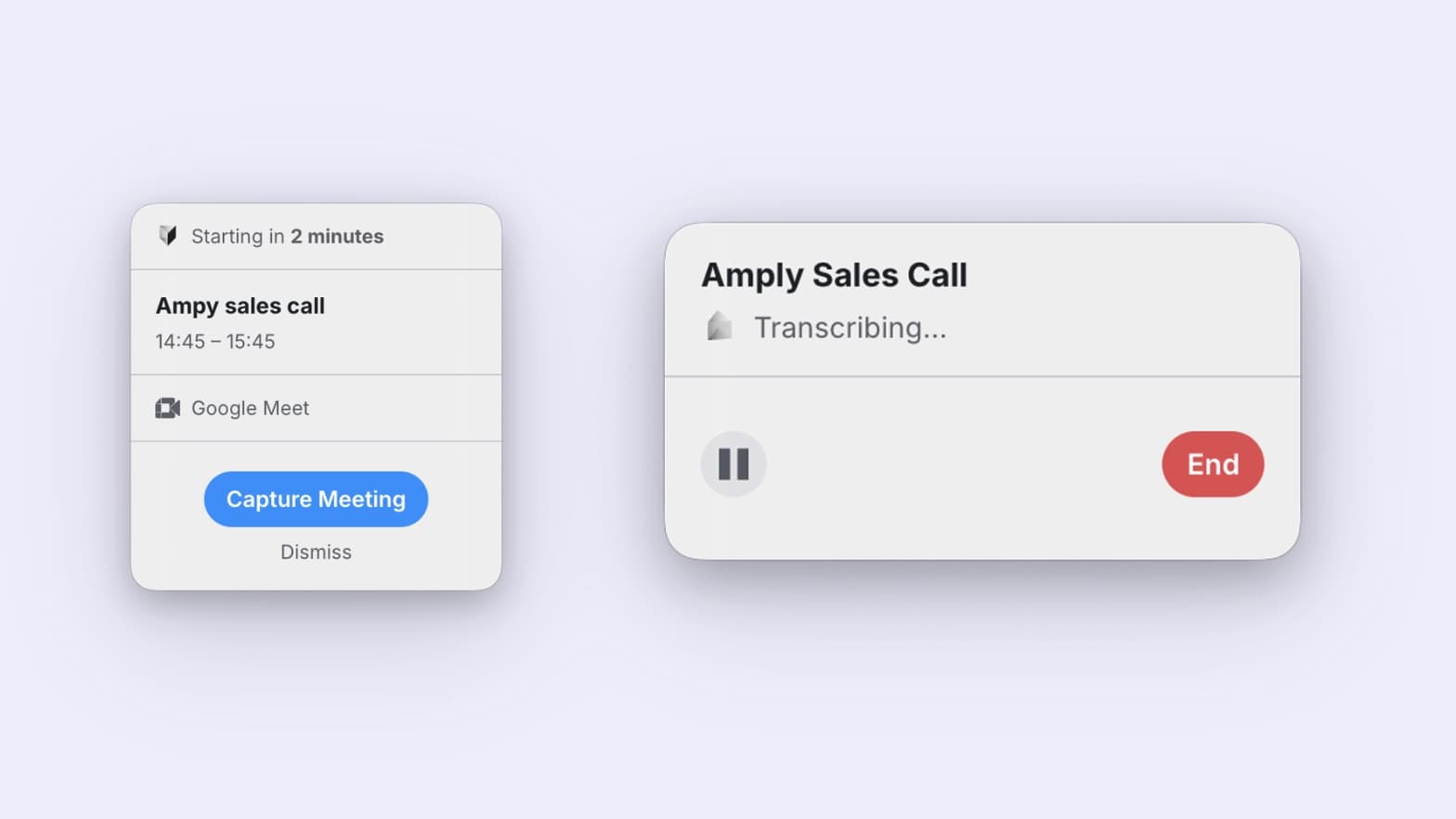
The meeting does not have to be on your calendar at all. Tana notices meeting-like activity from your microphone and speakers and asks, so the call someone pulled you into is one click from being captured rather than gone. It only ever offers. Nothing records until you press Capture Meeting. What it looks for, and how to turn it off, are in the docs.
For the ones that are on your calendar, a window still opens a couple of minutes beforehand, and Open & Capture starts the recording and opens the meeting together, so a blocked pop-up never leaves you sitting in an unrecorded call. Pause and stop live in that window, and for a call that appears out of nowhere you can start a capture from Today.
Present a Tana document in a meeting
Pick a document or canvas from the Present palette in the meeting toolbar and it takes the center of the meeting for everyone. It is not a picture of a document. It is the document, rendered on each person's own screen.
That difference is the whole point. Text stays sharp and selectable at any window size instead of arriving as a compressed video of your monitor. People can scroll ahead to read something again and press Follow to come back to you. Nobody has to ask whether they can see your screen, and you are not hunting for the right window while everyone waits.
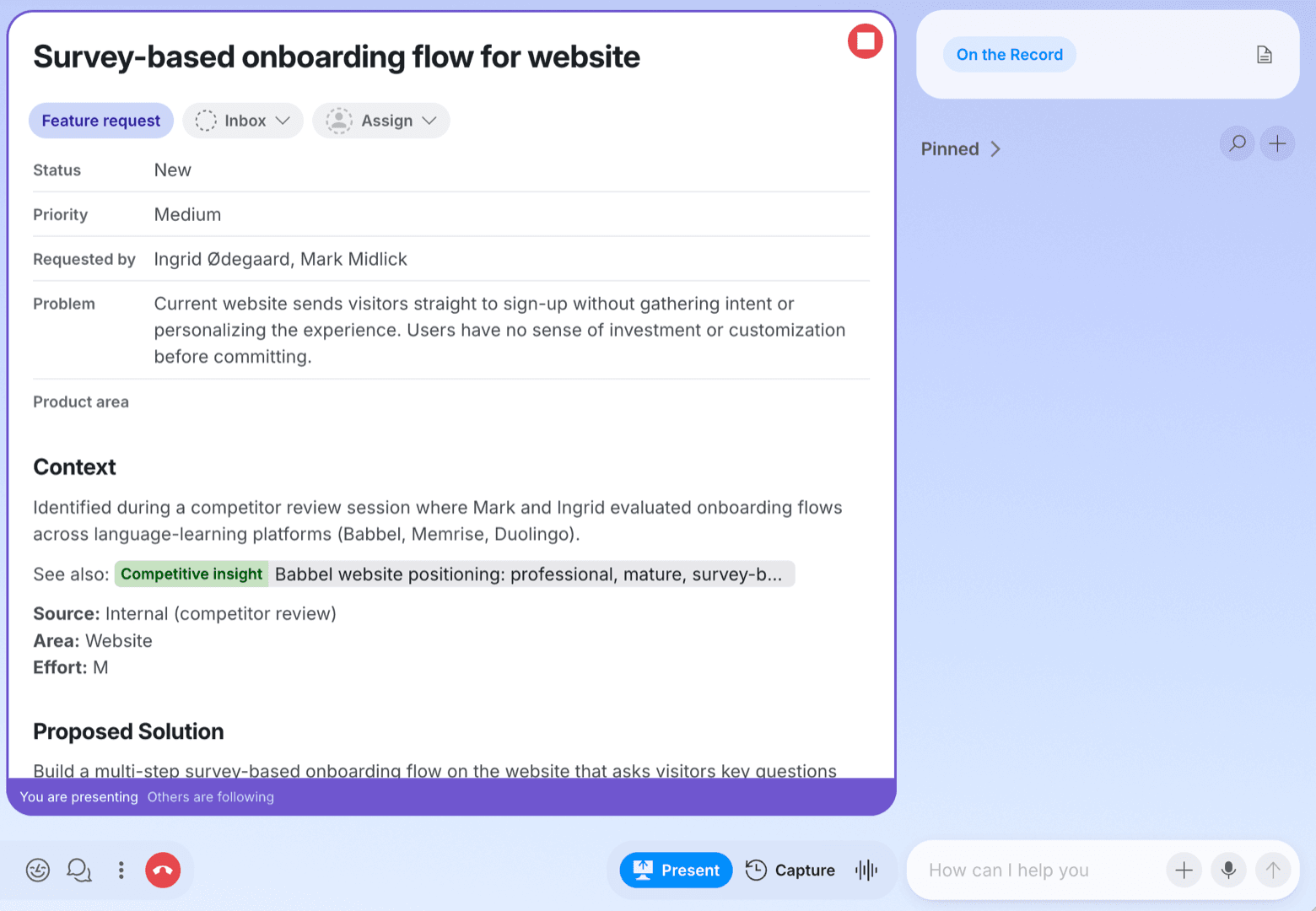
You edit it live while the room watches it change, so the notes you take during the meeting are simply the meeting's notes, in Tana and attached to the event the moment the call ends. Guests read the same live page as everyone else.
What was on screen survives the call too. The digest records the document you presented, so reading back through a meeting shows which one was on the table at which point. In a Tana call, screenshots from a shared screen sit next to the discussion they belong to.
See how presenting works.
Open anything in a new tab, panel, or window
Meetings produce work that points somewhere else, and following one of those threads used to mean losing your place. Right-click most things in Tana now, a meeting tile, a pinned document, an accepted outcome, and open it in a new tab. The desktop app adds two more places to put it, the side panel beside what you are already reading or a window of its own.
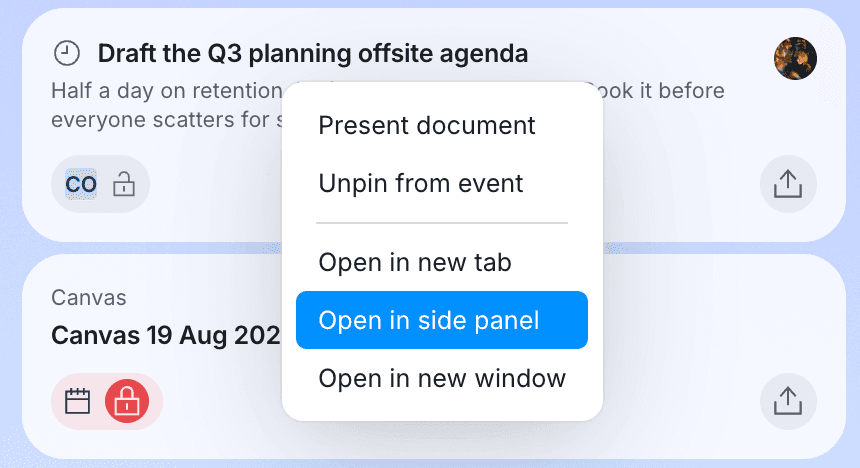
Modifier keys do the same without the menu, and on desktop a number key jumps straight to a tab. Search opens as a centered dialog now, wide enough to read results as a table.
Mention @tana in a Slack thread
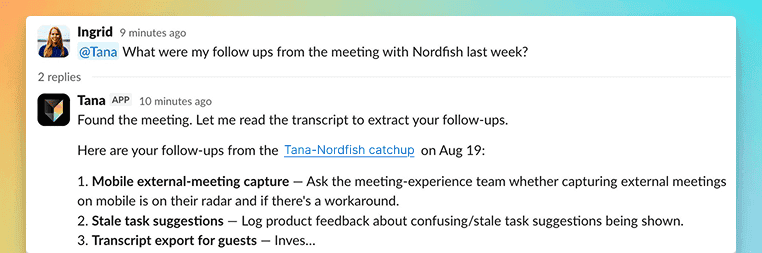
Not every question is worth opening another tab for. Mention @tana in a Slack thread and it answers in place, reading the thread and the files shared in it, so you can drop in a screenshot and ask about it without moving anything.
Type /tana in a channel or a DM and you get a Tana meeting link back in the same place, so a thread that has outgrown typing becomes a call.
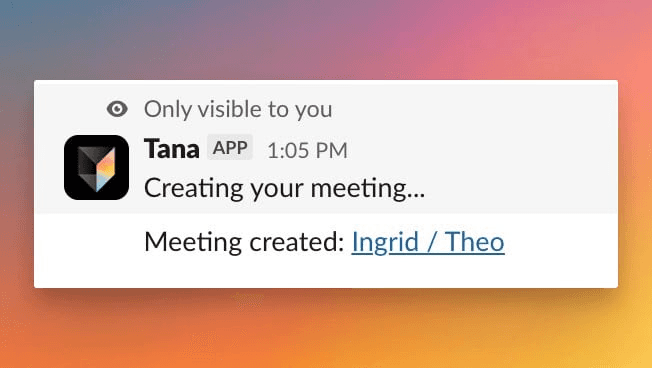
It goes the other way too. Give an agent a morning schedule and its work arrives in Slack looking like something a person wrote. Links, bold, bullets, and headings survive the trip, and a link to a Tana document arrives as something your teammates can click.
The two directions are set up separately. An admin installs the Tana app once for the organization, which is what @tana and /tana run on, and you connect your own Slack account in Settings, Integrations to let your agents post as you. The Slack docs have both.
Filter by the fields on your own types
A type's fields now show up as columns on its entries table and its workflow board, and as a row of filter pills beside the search box. Narrow proposals to one customer, tasks to one owner, or anything dated to a range, by picking values rather than writing a query.
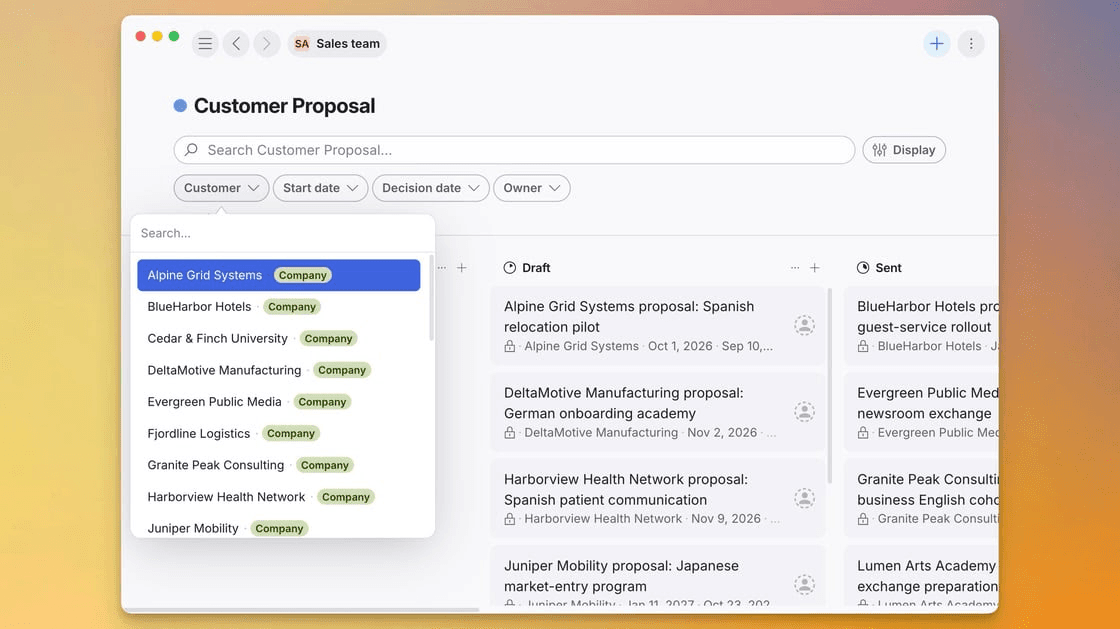
The filters live in the URL, so a filtered board is a link you can send someone, and opening an entry and coming back leaves the filtering exactly as you left it.
The AI reads the same fields. Ask for "open proposals from customer Nordfish" or "feature requests in Product area Billing" and it resolves the constraint in one scoped search instead of listing every candidate and narrowing them one at a time.
More in this update
The transcript lives in one place, grouped by speaker under time markers that stay put as you scroll. Click a line or shift-click a range to copy it, or copy the whole thing with nothing selected. Opening it during a call keeps you in the meeting.
Reviewing what the AI proposed and correcting it are the same screen. Edit a value, add a field, or remove one while the old version stays struck through beside the new.
The meeting wrap-up leaves a field blank rather than guessing at it, and quotes only what was said in the meeting it is summarizing. A record that looks complete gets trusted, so it has to be.
Meeting links are now meet.tana.inc plus a short code. Short enough to read out on a call, and invites carry the
same one the meeting card shows.
Anyone can put an agent on a schedule, including agents shared with them. Schedules stay private to whoever made them, and the opening message is optional.
Ask the AI to find one of your own agents by what it does, like "find the agent that does customer research".
Attach a skill to a message with a slash and it runs straight away, using whatever you typed as its input.
Admins can change a member's role between Member and Admin after inviting them, without starting over.
Screen shares get their own featured region during a call, and clicking one enlarges it. Raised hands come to the front of the tiles.
A stalled calendar now says so, with a banner above Today and a button that takes you where you can reconnect.
Large PDFs attach to a chat without failing, so a long report reads like any smaller file.
With GitHub connected, the AI can list your organization's members and their roles, and who has access to a repository, so you can ask who owns something before you assign it.
Send to Linear and Send to Jira create the issue now, instead of reporting themselves unavailable.
Device settings name the microphone the call is really using, and plugging in a headset mid-call moves the call onto it.
Synced events keep their end times, and all-day events pick up later changes, even when Tana cannot identify the organizer.
Copying a link while a document is open in the preview overlay copies that document, not the page behind it.
Admins can upload an organization logo under Settings. It replaces the generated initials everywhere the organization appears.
AI chat spends fewer tokens on the same work, so you are less likely to meet a usage limit.
The full list of what shipped lives in the changelog.
SOC 2® Type 2

Your security team's favorite question has a one-word answer now, and the word is yes. Prescient Assurance LLC examined the controls behind Tana, and the SOC 2 Type 2 report is ready. Request it on our trust center at trust.tana.inc, along with our security practices and the current sub-processor list. Tana Outliner is not in scope. DPA requests go to privacy@tana.inc.
Try this
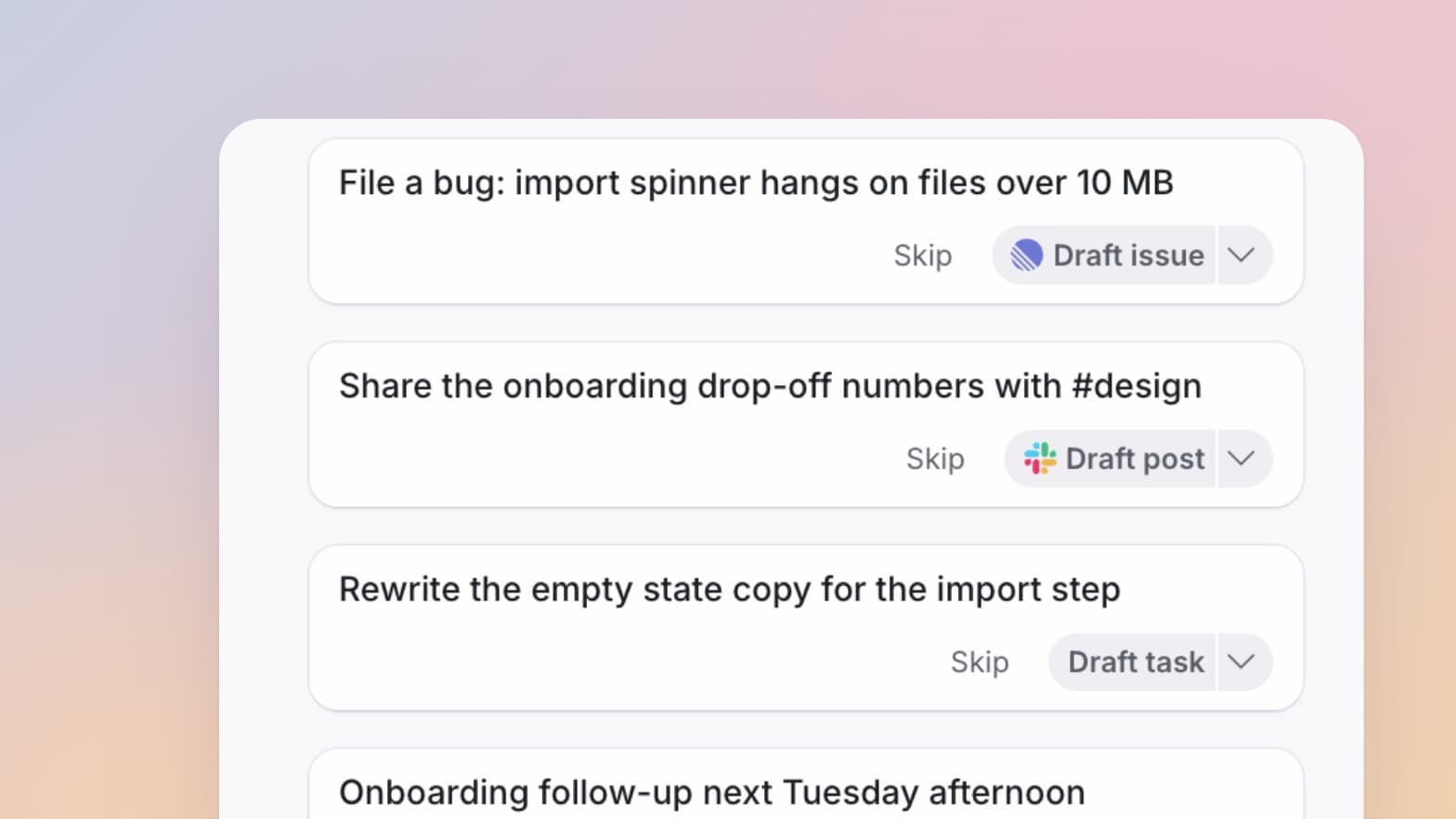
Capture picks up the meetings you did not plan for, which means the loose ones now leave a trace too. Ask Tana what came out of them.
The Tana Team

Turn meetings into the most productive part of your day.
Explore further
All updates