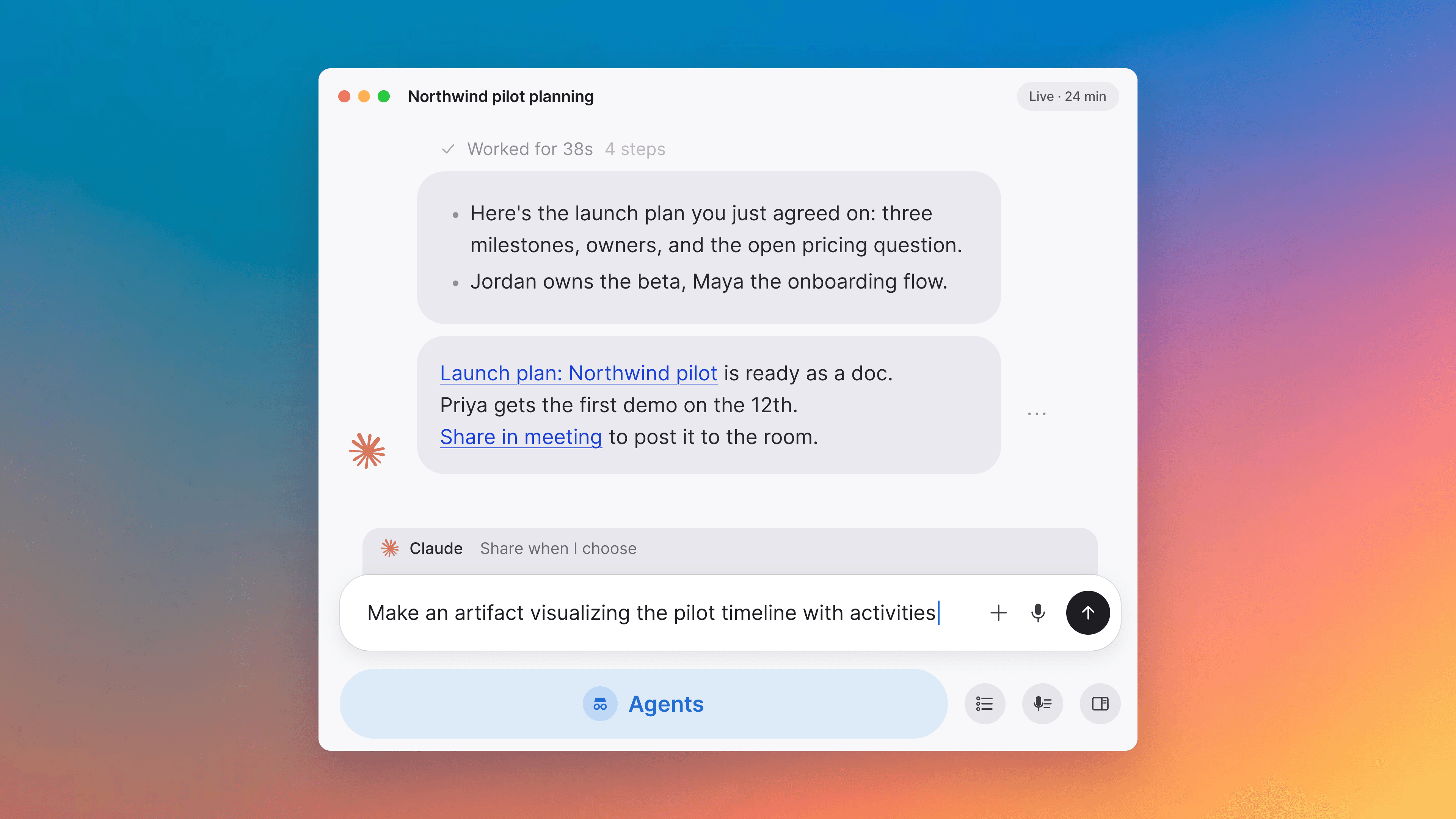
A clearer transcript, and proposals you can edit
Correct a proposal's fields while you review it, read the whole transcript in one place grouped by speaker, and the wrap-up leaves a field blank rather than guessing.
Improvements
4- Fix a proposal's fields while you compare itReviewing what the AI proposed and correcting it are the same screen now. While you are looking at what changed, the fields are editable: adjust a value, add a field, or remove one, without leaving the comparison. The old value stays struck through beside the new one, so you can see what you are replacing. A picker in the header chooses which version you are looking at, and the switch next to it turns the comparison on and off. Proposals and actions, Docs
- One transcript, easier to read and to copyThe transcript now lives in one place, with lines grouped by speaker under elapsed-time markers that stay put as you scroll, and new lines appearing as they are picked up. Opening it during a call keeps you in the meeting instead of taking you somewhere else. Click a line to select it, shift-click for a range, or hold Shift and use the arrow keys to extend, then copy with Cmd+C on macOS or Ctrl+C on Windows and Linux. With nothing selected it copies the whole transcript, grouped by speaker. Meetings, Commands and shortcuts
- Telling documents apart when you presentDocuments with similar titles were all cut off at the same point in the picker for presenting, turning a list of different documents into rows that looked identical. The picker is wider, so the part of the title that tells them apart survives. Meetings, Docs
- The browser tab names the meeting you are inWith a few meetings open at once, every tab just said Tana. Each tab carries its meeting's title now, and picks up a rename that happens during the call. Meetings, Interface
Fixes
7- The wrap-up stops inventing detailsIf a meeting discussed another meeting, the wrap-up could file a record with a date nobody mentioned, or quote someone who was not there. It now leaves a field blank rather than guessing at it, and only quotes what was said in the meeting it is summarising. A record that looks complete gets trusted, so it has to be. Meetings, Proposals and actions
- Sending an item to Linear or Jira creates the issue"Send to Linear" and "Send to Jira" reported the feature as unavailable instead of creating anything. Both work now, and each integration can create as well as read. Integrations, Skills
- Tana uses the microphone you are actually onDevice settings could name a microphone the call was not using, and plugging in a headset mid-call did not move the call onto it. The active device now reflects what the call is really listening to, and connecting or disconnecting a headset switches to the right one. Meetings, Apps
- Calendar sync stops losing end times and stalling all-day eventsEvents whose organizer Tana could not identify could lose their end time, and all-day events among them stopped picking up changes at all, staying at whatever they said when they first arrived. Both are fixed, so a synced day matches the day on your calendar. Meetings
- Asking how your day looks no longer sends you a Slack DMThe daily brief is a skill whose job is to send you a Slack direct message, and a general question about your day could set it off, so asking "how does my day look" sent you a DM you never asked for. It runs only when you ask for the brief itself now. Questions about your calendar or your priorities are answered in the chat. Skills, AI chat
- Dropdowns scroll properlySome dropdowns showed two scrollbars at once, and a menu opened inside a dialog could not be scrolled at all. Long lists behave the same wherever they open now. Interface
Show all 7 fixes
- Empty groups disappear as you typeFiltering the command palette, or a menu with grouped options, left behind the headings of groups whose every item had been filtered away. A group with nothing left in it is hidden. Interface

Turn meetings into the most productive part of your day.
Download Tana
30-day free trialNo credit card requiredCancel anytime