Live suggestions in meetings, and a new Home
Tana suggests what to do with what was just said in a meeting, Home becomes a timeline of your meetings, and each meeting comes with a brief.
Live suggestions
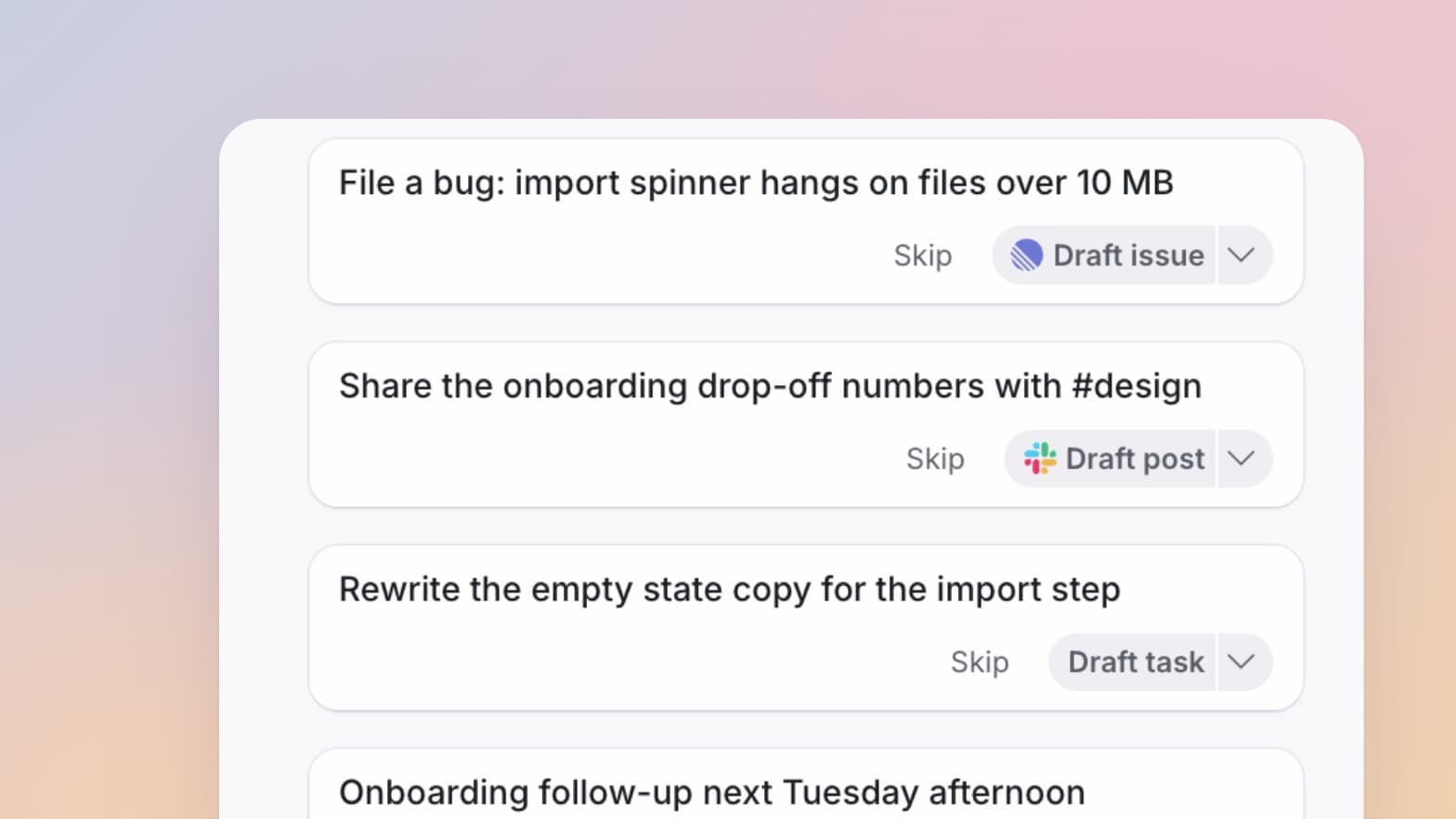
During a meeting, Tana suggests what to do with what was just said: a task in Tana, an issue in Linear, a message in Slack, or wherever your organization keeps that kind of work. Press the suggestion and Tana drafts it, or pick another tool from the arrow. You can also skip the card and say "Hey Tana, file that as a bug". The draft waits for your approval before anything is sent.
Home is a timeline of your meetings
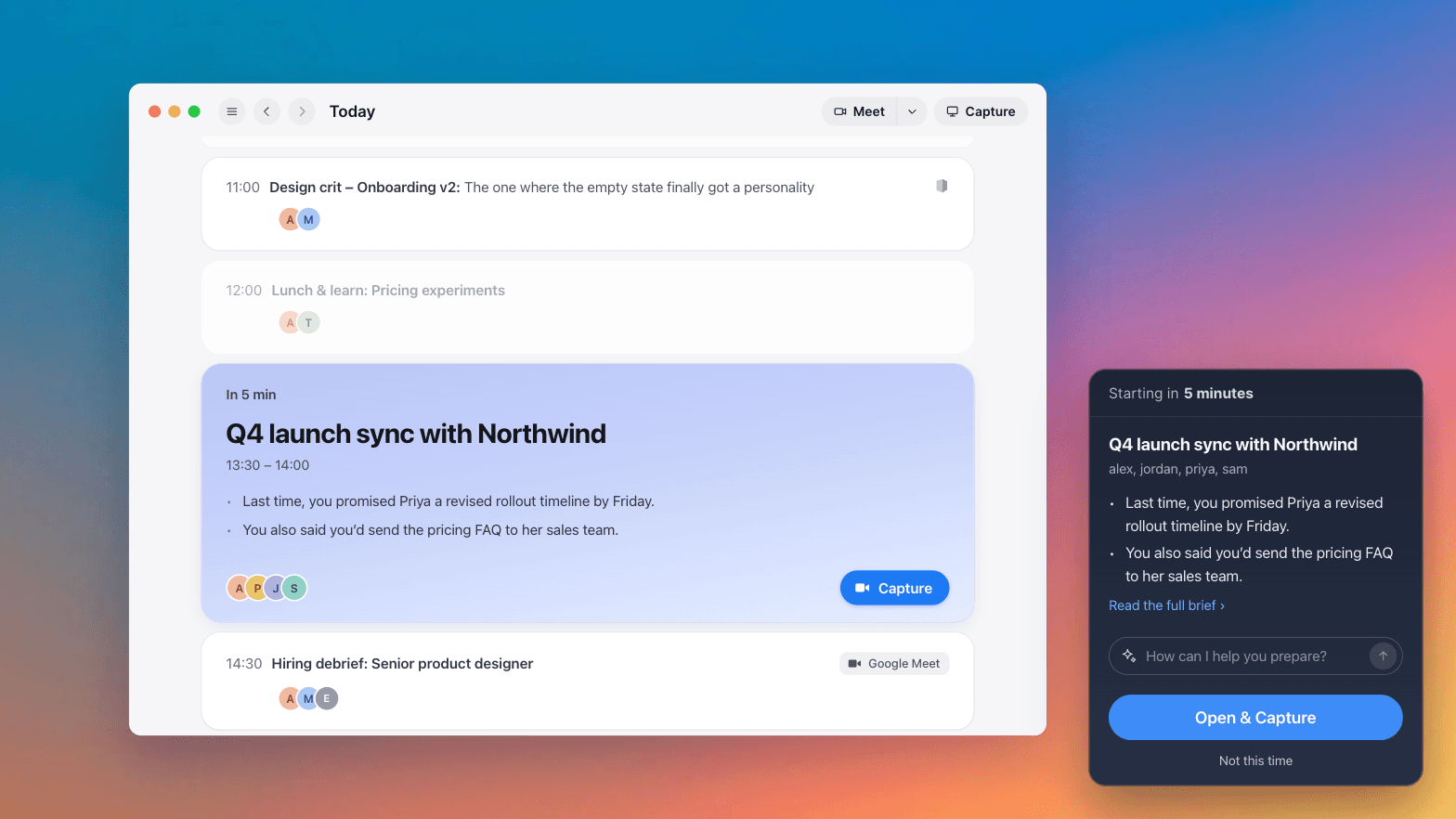
Home is a scrollable timeline of your meetings, a day at a time, starting from now. The next meeting is at the top with its join or capture button. Each past meeting lists the proposals and drafts it left for you, and you can respond to each one from its row. Start a meeting or a capture from the top right, and right-click a meeting to pin it or open it in a new tab or panel.
Meeting briefs
Upcoming meetings come with a short brief: what came out of your last meetings with the same people, what each person said they would do, and who's new. Today's meetings on Home show it, and ten minutes before a meeting the desktop app shows it with a "How can I help you prepare?" box. What you type there goes to your private chat for that meeting.
A new meeting page
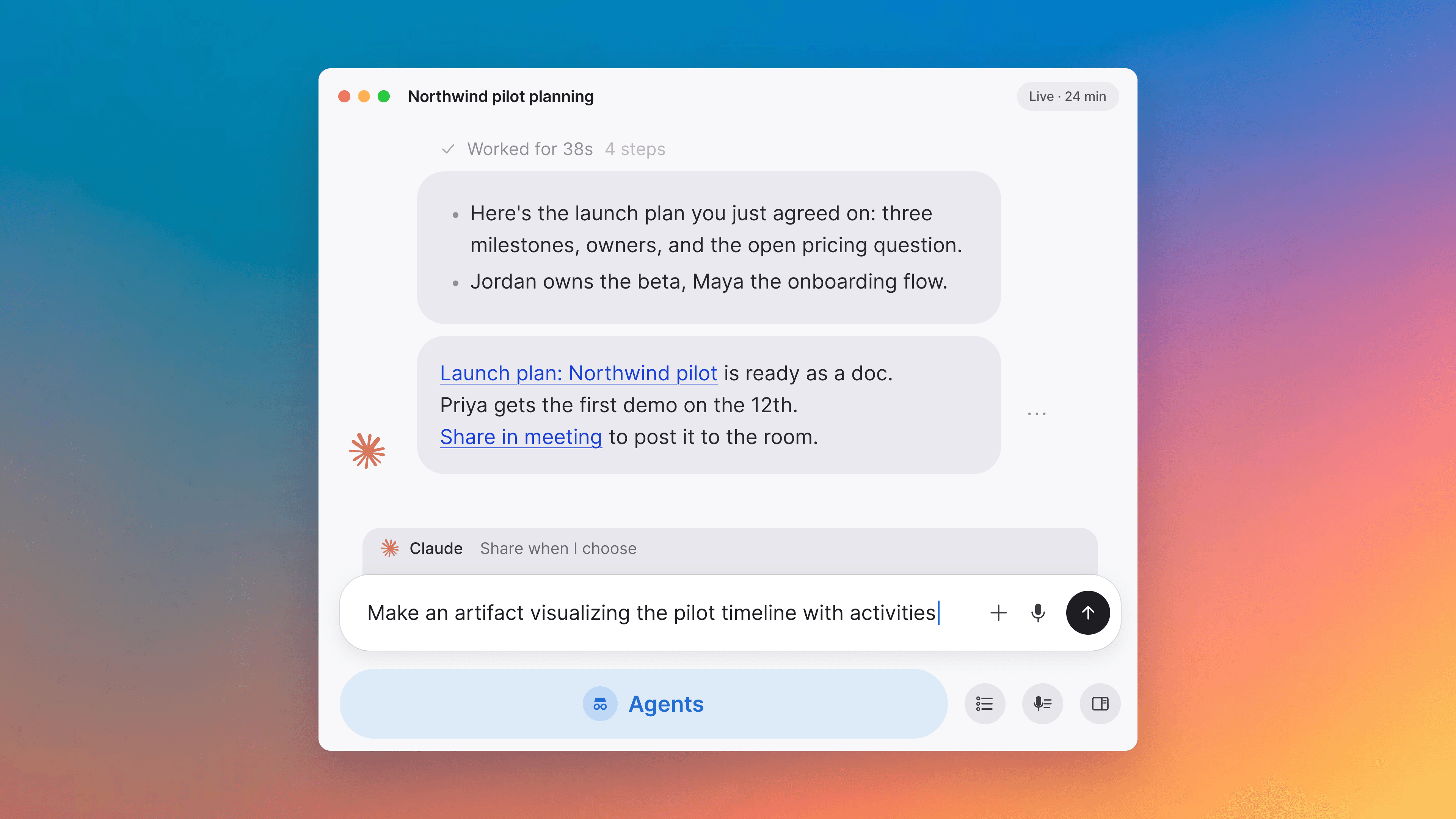
The meeting page puts a chat next to the meeting. Tana's replies, the work it's doing, screen shares, presented documents and recordings show up in the chat as they happen. Each meeting has three chats: one for your organization, one between you and Tana, and "Guests" for everyone in the meeting. "Tools" in the chat sends something to one of your organization's tools. When the meeting ends, "Wrapped up" shows what got done and what still needs you. "Record call" and "Talk to Tana" are in the menu in the meeting controls.
The same chat and suggestions in the capture companion
When you capture a meeting in Zoom, Google Meet, Teams or another app, the capture companion beside it has the same chat, suggestions and summary as a Tana meeting. "Take screenshot" adds your screen to the meeting. A capture you start yourself is named after the meeting window. Audio levels, pausing transcription and "Wrap up" are in the companion's menu.
Email the summary to attendees
"Email attendees" in the summary's Share menu sends the summary to the people from your organization who were in the meeting. You can preview it and add colleagues before sending.
Your copy of meetings another organization hosts
When another organization that uses Tana invites you to its meeting, your organization keeps its own copy. You join from your own meeting page, with your own notes, pins and AI chat, and what the host shares is saved to your workspace.
Improvements
15- Your tasks, pins and recent documents are in WorkWork shows what you pinned for today, your tasks, what you edited recently, your notifications and the chats that are still going. You set up your daily brief here too. Home, Tasks
- Chat with any documentEvery document has a chat bar at the bottom, "Ask or change this document…". Ask a question about the document or ask for an edit. Edits come back as proposals you keep or discard. In a wide chat, documents and proposals open beside the conversation. AI chat, Docs, Proposals and actions
- Search questions answered with a tableAsk the AI something that's really a search, like "the open decisions from this quarter", and it answers with a table of the matching documents and their fields. "Save" turns it into a saved search. AI chat
- A small meeting window when you leave the meeting pageIn the desktop app, if you leave the meeting page while you're in a meeting, it moves to a small window that stays on top of your other apps. Click it to go back. Apps, Meetings
- Meeting reminders, even with Tana closedA minute before a meeting, the desktop app shows "Starting in 1 minute" with a button to join or capture, even if every Tana window is closed. Joining opens the meeting directly, and capturing starts without switching you away from what you're doing. Apps, Meetings
- The desktop app keeps running when you close itWhen you close the last window, Tana stays in the menu bar or system tray, and meeting detection, calendar sync and captures keep going. "Quit Tana" in the tray menu shuts it down. Apps
Show all 15 improvements
- Add the same tool for different purposesAdmins can add one tool to the organization more than once, like a Jira site for customer issues and another for internal work. If a request could go to either, Tana asks which one before drafting. Integrations
- Actions show their details before you sendAn action opens laid out like the issue, message or record it will create, with its key details first. Anything Tana couldn't fill in says "Not established". If you accept a task assigned to someone who can't open it, Tana asks whether to share it with them. Proposals and actions, Integrations
- A page for each kind of document"More" in the sidebar has a page for each kind of document: Tasks, Meetings, Types, Chats, Agents, People, Skills, Canvases and Docs. Spaces have their own section in the sidebar, as a tree with subspaces under their parent. Interface, Spaces and sharing
- Group search by options fields, filter by spaceGroup a type's results by any of its options fields, such as severity or priority. Filter by one or more spaces, including their subspaces. Types with a workflow can be filtered by their own states. Types, Spaces and sharing
- Choose who a new type, skill, agent or space is forCreating a type, skill, agent or space asks whether it's for a space or the whole organization. The AI asks the same before it creates one. On the Enterprise plan, admins can stop members from making them organization-wide. Types, Skills, Agents, Spaces and sharing
- Your replies and all-day events on the CalendarMeetings you haven't replied to show as an outline, and meetings you declined are struck through. All-day events have their own row above the day. Calendar
- Underline textUnderline from the formatting bar, or press Cmd+U on macOS or Ctrl+U on Windows and Linux. Docs
- You come first in the assignee pickerYou're listed right after "No assignee", and typing "me" finds you. Tasks
- Resend expired invitationsSettings, Members lists expired invitations next to pending ones. "Resend" sends a new invitation with the same role. Interface
Fixes
6- Typing accented letters in titlesAccented letters and Japanese, Chinese or Korean input work in document titles. Docs
- Tana meetings with a Zoom link in the inviteA Tana meeting keeps its "Join" button when someone pastes a Zoom or Google Meet link into the invite. Meetings
- Transcription after a dropped connectionLive transcription starts again when your connection comes back, however long it was gone. Meetings
- Slack channel notificationsTana's replies in a Slack channel don't notify everyone in it. Integrations
- Moving a meeting to TanaOrganizers can move a meeting to Tana when a teammate's calendar synced it. When a move isn't possible, Tana says why and what to do instead. Meetings, Calendar
- Desktop app on Intel MacsThe desktop app starts on Macs with Intel processors. Apps