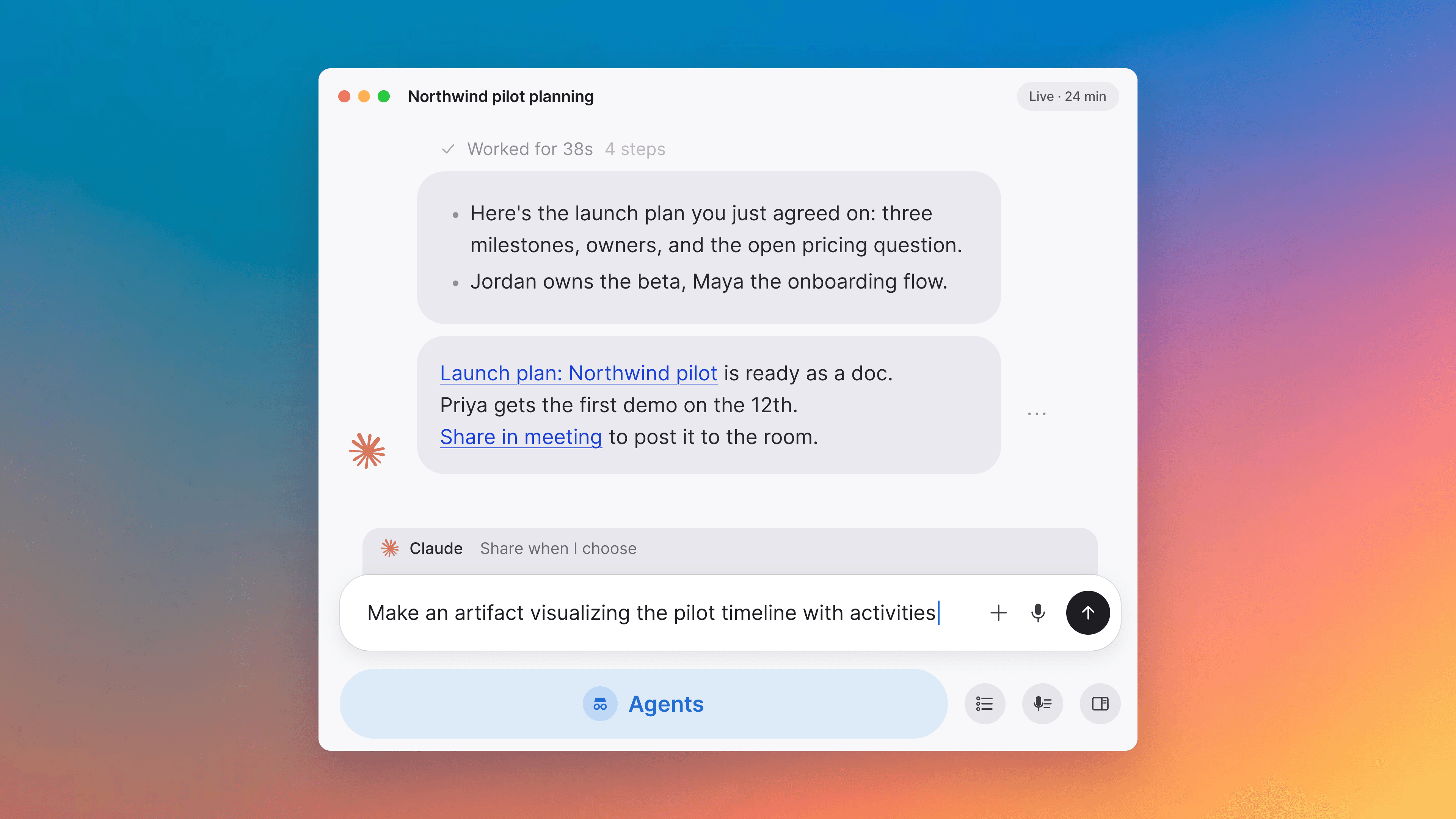
Live digest narrates, AI runs your workflows
Live meeting digest narrates progress
The live meeting digest now has a status line that is meaningful from the first second of a call. It reads "Waiting for conversation…" before any audio, "Following Along" once the first words arrive, and "Thinking…" while the AI is extracting a new topic section. The status is broadcast to every participant in the call. Topic sections start appearing after roughly thirty seconds of transcript.
AI builds and edits workflows on your types
Ask the AI to add a workflow to a type, rename or reorder its states, add new states like "Blocked", or remove the workflow entirely. Each change goes through the standard proposal-approval flow. Renames preserve a state's identity, so existing items keep their progress. Removing a state moves items in it back to Inbox. Removing a workflow strips task state from every item of that type. Stacked edits in an iteration chat update the same pending proposal instead of silently losing the workflow change.
Onboarding has an Invite team step
After picking your role, onboarding now includes an Invite team members step. Paste comma-separated email addresses, click Invite, and the addresses are sent invitations to your organization. Per-address errors surface inline and partial batches still send the successful invites. The step shows "N invites sent" before auto-advancing, and you can also Skip for now. The role step also accepts an optional free-text Custom role, the calendar step shows a textual provider label next to each provider's icon, and the workspace name field validates allowed characters inline before letting you continue.
File uploads as doc cards
PDF, ZIP, CSV, and other file uploads in a document render as a block-level card with the file's title and a click-to-open affordance. AI-created documents that include file attachments keep them through the markdown round-trip in both directions.
Improvements
6- Welcome meeting starts when you finish onboardingThe welcome meeting now starts at the exact moment you finish onboarding rather than rounding up to the next five-minute mark, and lasts seven minutes. The "Wrap up" call-to-action surfaces a couple of minutes in, so you see the post-call experience before the meeting ends. Meetings, Home
- Roomier post-call layoutOnce everyone has left a call, the meeting column hides itself. The digest takes the bulk of the right rail and the collaborative surface keeps its share. The digest also gets a participant roster avatar stack at the top, so you can see at a glance who was in the meeting. Meetings
- Transcription pauses while you are mutedMuting your microphone stops sending audio to the transcription service. The connection drops after a short grace timer (so a quick mute-then-unmute toggle does not reconnect) and re-establishes automatically when you unmute. Meetings
- Per-user limit on creating organizationsEach user can create up to three organizations. Once at the cap, the "Create new organization" button in Settings is disabled and the page reads "You can create at most three organizations." Interface
- Switching organizations from Settings follows the URLSwitching organizations from inside the Settings dialog now navigates to the target organization's URL, so the dialog state and the address bar stay consistent, matching the behavior of the user account menu. Interface
Fixes
6- Sign-in and sign-out work end-to-end on the desktop appA new user can finish onboarding and create their first organization without bouncing to the web. "Use a different account" and "Create account" force a fresh sign-in prompt instead of riding an existing browser session. Sign-out and "Clear All Local State" actually wipe the saved sign-in. The first-run email-verification flow has thirty minutes to complete, up from five. Sign-in errors show in a red callout instead of being swallowed silently. Apps
- Profile photos on the Activity pageRecent activity in the sidebar Activity page shows participants' profile photos again, instead of falling back to the initial-letter avatar. Interface
- Wrap up call-to-action is per-userThe post-meeting "Wrap up" call-to-action shows for anyone who joined the call and is currently outside it, regardless of scheduled times or other participants' state. Meetings
- Re-enabling a guest link shows the current documentToggling guest-link sharing off and then back on no longer serves a stale public render from the previous session for up to thirty minutes. The published doc reflects the current document immediately. Docs
- Other organizations still load when one is brokenIf a single organization fails to load, the rest of your organizations still appear in the switcher. A broken org no longer poisons the whole list. Interface, Spaces and sharing
- Desktop auto-update recovers on macOS and LinuxOn macOS, the desktop app detects a wedged staged update on startup and clears it so the next update applies cleanly. On Linux, the .deb auto-update no longer fails out on a missing artifact in the release manifest. Apps