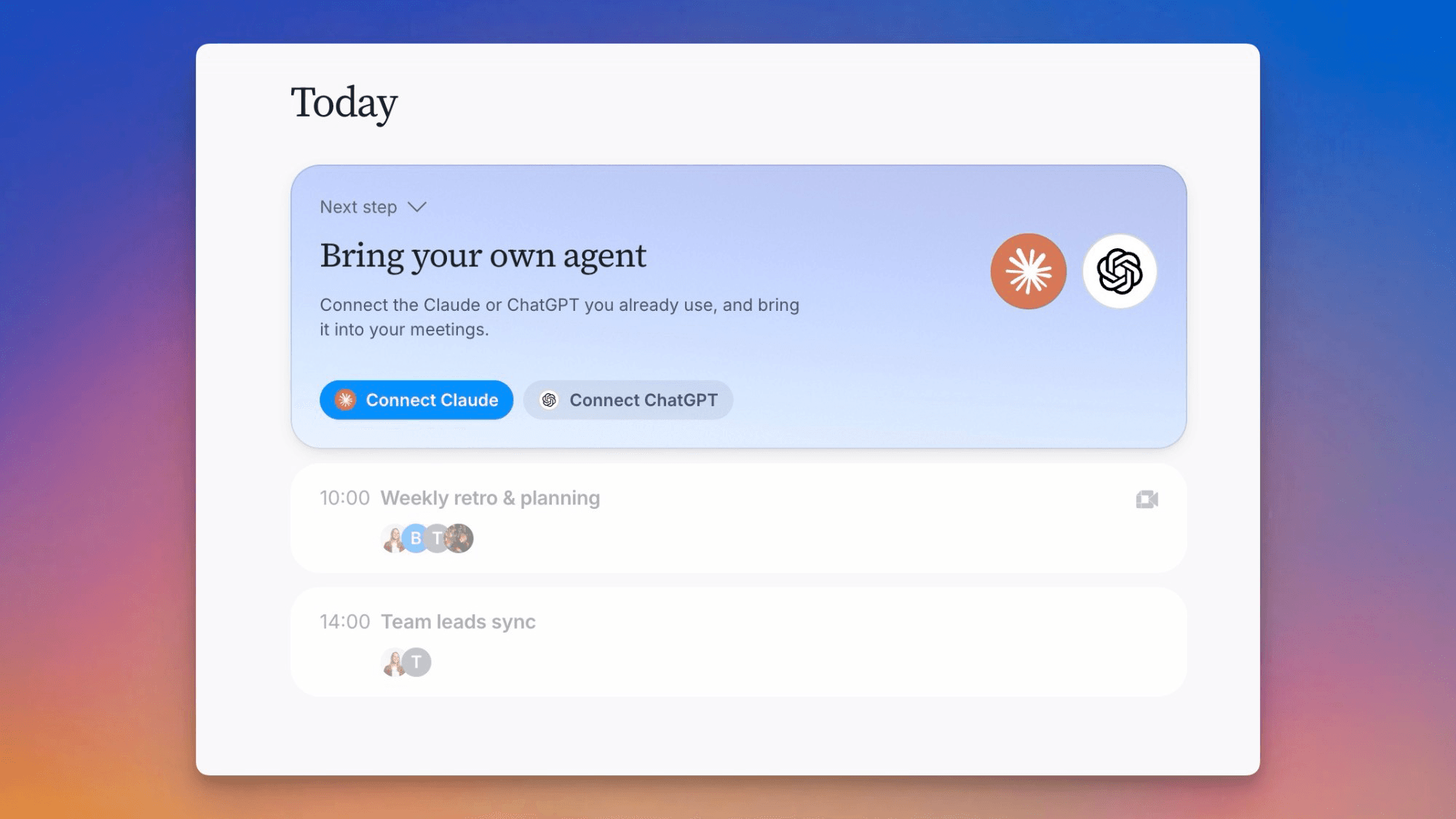
AI chat goes further before hitting usage limits
You should reach AI usage limits less often, the AI can hand you a link to share, and the desktop app can open when you log in.
Improvements
6- AI chat goes further before hitting usage limitsWe've further optimized how AI chat works under the hood, so it uses a lot fewer tokens for the same quality. If you've been running into usage limits, you should hit them less often now. AI chat
- Ask the AI for a linkWhen Tana's AI references a document or meeting in chat, ask for a link and it'll hand you one you can share anywhere, in a message, an email, wherever. This works whether you're chatting in the app, by voice, in an agent routine, or with Tana in Slack. AI chat, Meetings
- More reliable person search everywhereFinding a person by name is more forgiving across Tana: search, @-mentions, the People page, the meeting invite picker, and the Access panel's people search now match full names and fold accented characters, so typing a name without its accent, like "orjan", still finds the right person, "Ørjan". Interface, Meetings
- Launch Tana at loginThe desktop app can open automatically when you log in to your computer, on by default from your first launch. Turn it off from the checkbox in the app menu on macOS ("Launch at Login"), or the File menu on Windows ("Launch at Startup") and Linux ("Launch at Login"). Apps
- Rename several items in one requestAsk the AI to rename a batch of items, like "rename these 10 tasks", and it renames them all in one go instead of one at a time. AI chat
- Call view stays focused on who's actually thereDuring a call, the stage now shows only people who are actually live, so an open seat for someone who hasn't joined doesn't take up space. Anyone not yet in the call shows in a "not in call" button in the meeting header instead, with a roster you can open. Meetings
Fixes
4- Linked types in AI proposals show their nameWhen the AI proposes several types in one chat and one links to another, like an Observation type pointing at a Species type that's itself still pending, the proposal preview now shows the linked type's name instead of a raw identifier. Proposals and actions, Types
- "Anyone with the link" filter works in searchThe "Anyone with the link" option in the Visibility filter now actually narrows search and browse results to link-shared items, instead of returning everything. Interface
- Clearer message for network sign-in failuresWhen the desktop app can't sign in because of a blocked network connection, like a VPN or firewall, it now explains that and suggests switching networks or turning off the VPN, instead of showing a generic error. Apps
- Pre-call placeholder cards no longer dominate the screenBefore a call starts, the "Add talking points," "Find and pin," and "Create new" cards now stay a sensible size instead of stretching to fill the whole panel. Meetings
Notes
1- Early preview: detect meetings without a calendar inviteAn early, opt-in preference: turn on "Detect external meetings" in Settings, Preferences on the desktop app (not available on Linux), and Tana detects a meeting by checking which apps are using your microphone and speakers, without listening to the call, even when there is no calendar event or supported video app open. A "Meeting in progress" card appears with Capture Meeting and Dismiss buttons, naming the matching calendar event when one lines up. Off by default while we tune it; expect it to keep improving. Meetings, Apps

Turn meetings into the most productive part of your day.
Download Tana
14-day free trialNo credit card requiredCancel anytime
Explore further
All updates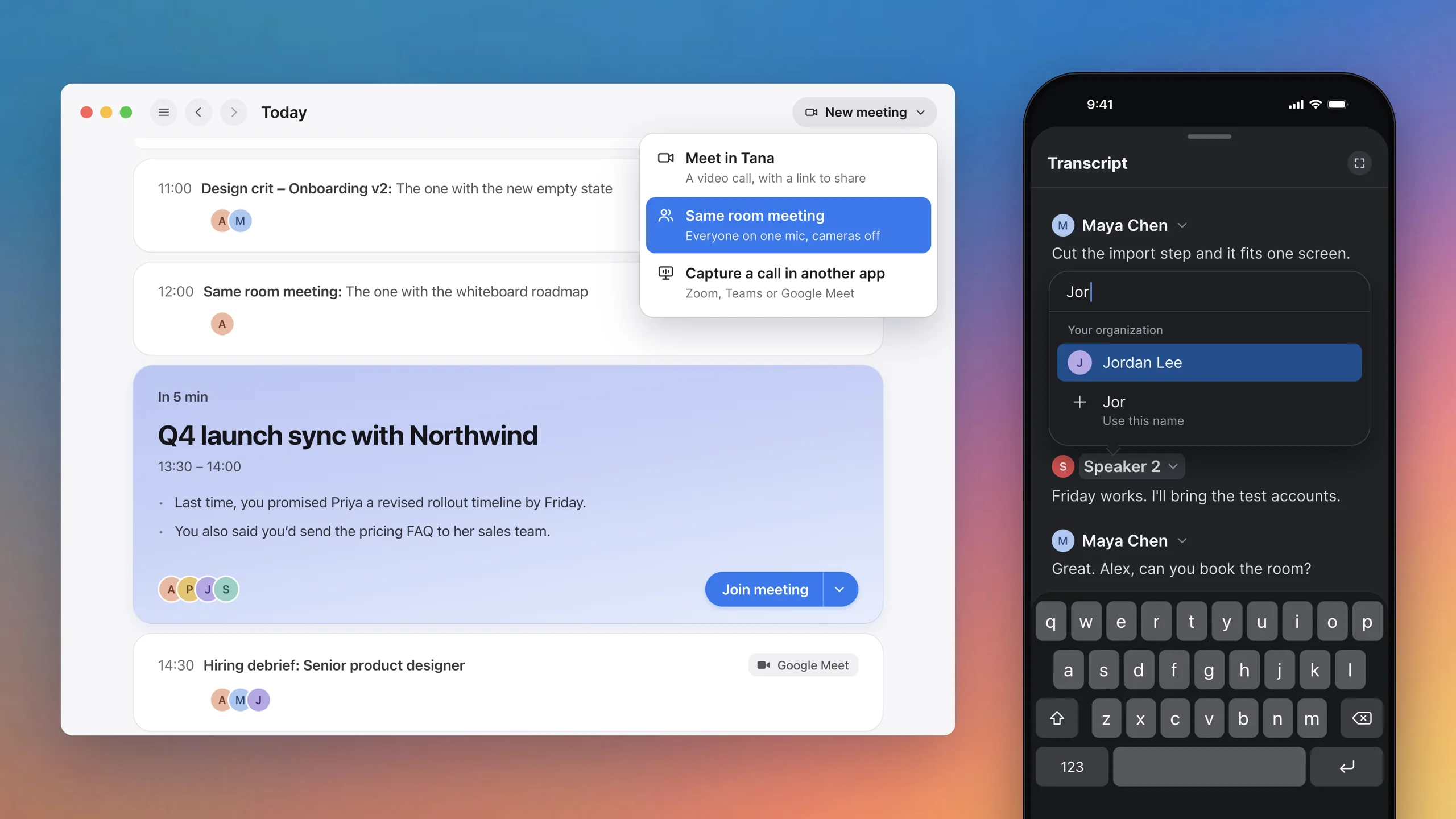
In-person and hybrid meetings, and Lovable and Ari in your meetingsMeet around one laptop with each voice transcribed, say who a speaker is, bring Lovable and Ari into your meetings, and start any kind of meeting from one menu.
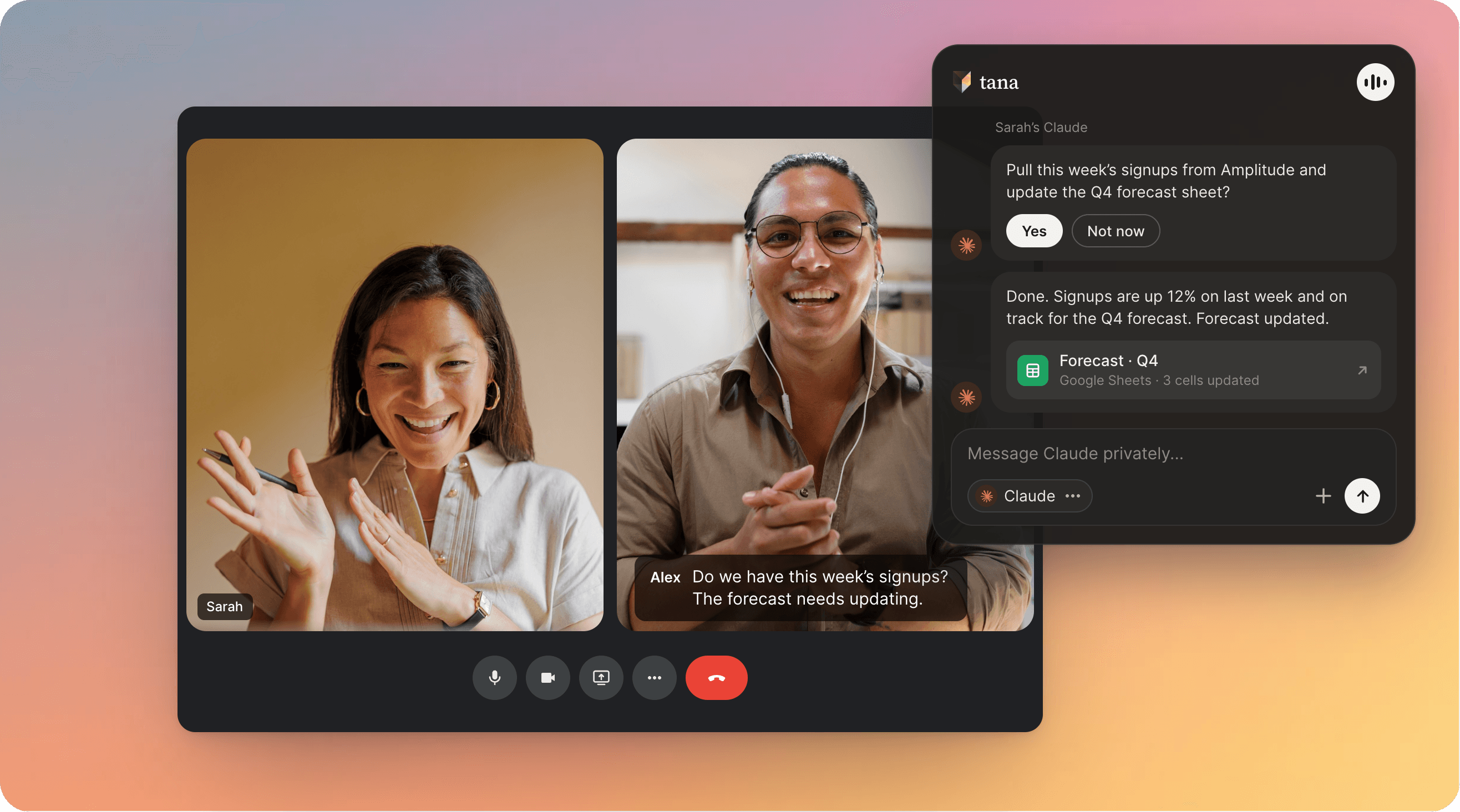
Claude Code and ChatGPT, live in your meetingTana is the first agentic meeting platform for teams. Bring your own Claude Code or ChatGPT into the meeting, with the live transcript, the shared screen and your own connectors, and the work being discussed gets done before the call ends. No bot joins the call.