Build custom agents
Voice agent: choose your agent, voice, and language
You can now start a voice session with any custom agent. Each agent gets one of seven distinct voice profiles automatically, and the English-only constraint is gone. The start/stop control moved to the meeting toolbar, with a new animation that reacts to speech. "Hey Tana" works with multiple participants without collisions.
Voice sessions on the agent panel
Custom agents get a Voice sessions section with a Start button that creates a fresh event pre-set to that agent and drops you into the call. Recent voice sessions show up as a list, deduped per event, so you can jump back into one.
Pick the voice for an agent
The agent Customize panel adds a Voice picker with seven distinct voices: Cove, Wren, Ivy, Sage, Pip, Finn, and Slate. Newly created agents get a random voice so two agents are unlikely to sound the same.
A voice agent greets you in the welcome meeting
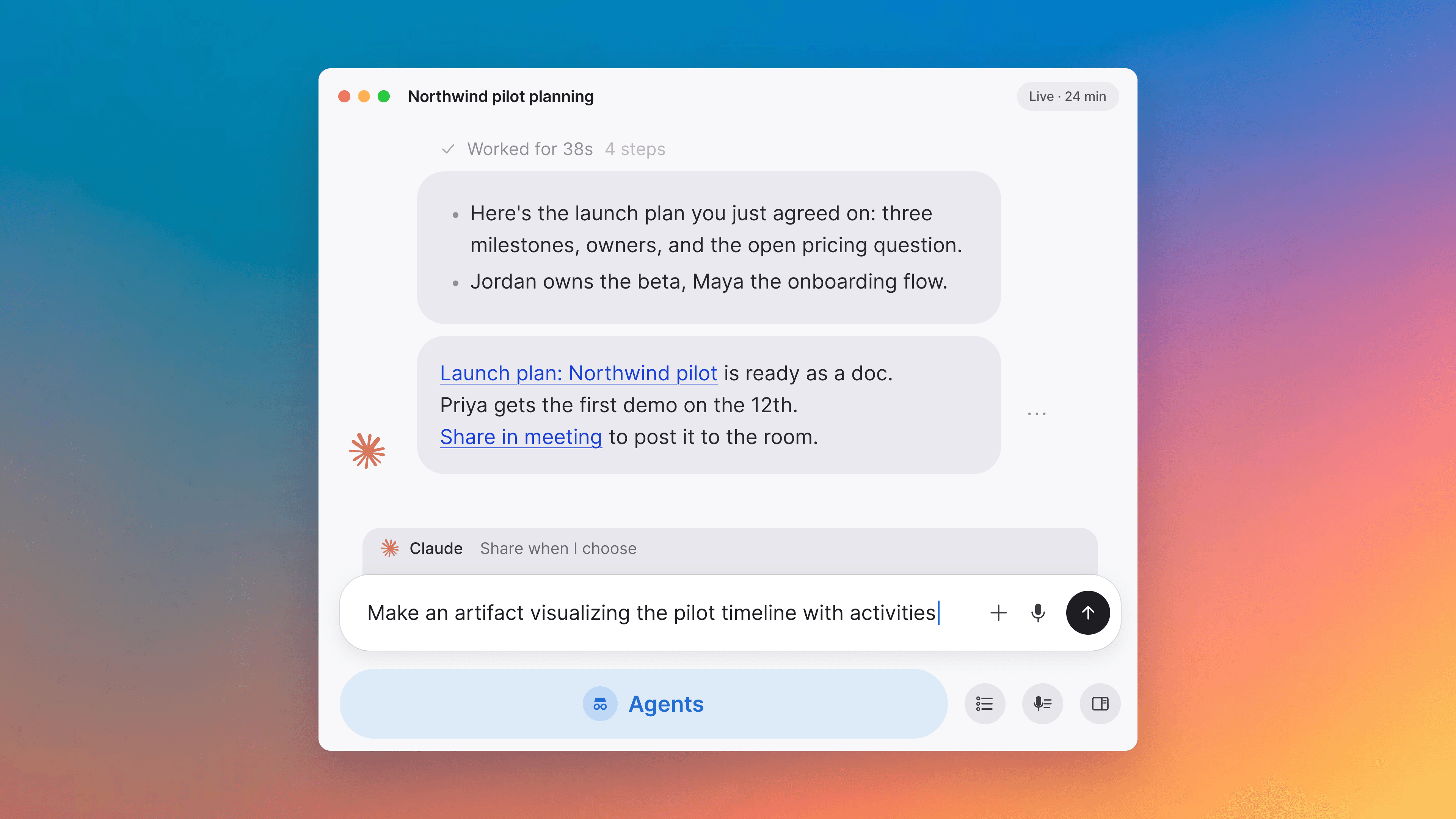
When you finish onboarding and land in the welcome meeting, a dedicated voice agent greets you and runs a guided first-conversation, with a free-form branch if you would rather just talk. It can generate an illustrated storyboard artifact from what you discussed.
Build your own agent, just by describing it
Tell the AI what you need: "I want an agent that preps me for every meeting by pulling context on the people I'm meeting with." Tana builds the agent. Adjust it the same way: just talk to it. You can do this in chat or by voice, and set it to run on a schedule so it works while you sleep. To create an agent, click the pencil button at the top of the sidebar.
Attach files and images straight from chat
Ask the AI to attach a PDF or image to a document and it places it right where it belongs, rendered as a clickable card. Because the AI sees the full image (text, layout, and visuals), it works well for pulling text out of screenshots, photos of documents, and handwritten notes. Files up to 50 MB are supported, the first read of a PDF caches a summary for faster follow-up questions, and the AI reads the content on demand when you ask rather than permanently indexing it into the document.
Capture external meetings from Today
Tana can start a capture for a Google Meet, Teams, or Zoom meeting straight from the Today page. When a calendar event card matches a meeting Tana detects on your computer, the card grows a "Capture Meet", "Capture Teams", or "Capture Zoom" button that flips to "End Capture" while recording. When the detected meeting has no link to match against (typical for Teams on macOS), Capture opens a "Pick the event you're capturing" dialog with today's calendar events on the same platform within ±10 minutes, plus a "Create new event" option.
Suggested prompts in your meeting agent
When the Your Meeting Agent chat is empty, four phase-aware suggestion pills sit above the input. Before the call you see things like "Draft an agenda for this meeting", during the call "Catch me up on what's been said so far", and after the call "Summarize what was decided". Clicking one prefills the input so you can review and send. A fresh sample is drawn each time you open the popover.
AI items land in the right space
When the AI proposes creating a typed item in one space but the type is scoped to a different space, the proposal shows a yellow Location callout (for example "This item will be created in 'Product' because the 'Feature Request' type is scoped to that space"), and approval places the item in the type's home space.
Pending invitations show up in onboarding
If you sign up with a pending organization invitation, you now see an Invitations list at the top of onboarding. Accept the invite right there and you continue into the role and industry steps, without overwriting the organization's existing brand, language, or industries.
Improvements
9- Embeds show images, thumbnails, and avatarsBlock-level embeds in the editor render the embedded document's visual next to its title — image, video thumbnail, document cover, or user and agent avatar. Embeds in narrow editor panels no longer overflow the column. Docs
- Voice agent moves to the meeting toolbarThe voice agent's start and stop control lives in the meeting toolbar action pill next to the Plus and Spyglass, rather than as a separate tile in the grid. The button is visible before the call too, so you can see the affordance before joining. Meetings
- Voice agent tile gets a richer visualisationThe voice agent's participant tile now uses a shader-based animation that reacts to speech with motion across the agent's three colours, instead of the previous CSS gradient. Meetings
- AI output language end to endNon-English organizations get AI output in the configured content language across all the surfaces that used to fall back to English: the live meeting digest's section headings, post-meeting tagline, summary, Key Takeaways, Topics, and Next Steps, screenshot alt-text and annotation labels, and auto-titles and AI summaries on uploaded files and audio transcripts. Meeting transcription itself stays multilingual. AI chat, Meetings
- Faster post-meeting outcomesPost-meeting outcomes (tasks, ideas, bugs, and other tracked items) appear roughly 4–9× faster after a call ends, with better deduplication against work you already track and a plain-task fallback for organizations without a dedicated task type. Meetings, AI chat, Tasks
- Outcomes route to the right typeIn organizations with more than ten custom types, the AI routes outcomes from a call to the right type far more often. A user observation can now be classified as Feedback, Friction, or Pain Point instead of defaulting to Bug. Meetings, AI chat, Types
Show all 9 improvements
- AI flags broken attachment embedsWhen the AI writes a document that embeds a file the reader cannot access, the assistant's reply warns you instead of confidently confirming the file was attached. AI chat, Docs
- Expanded proposal stacks open full-viewportExpanding a cross-chat proposal stack, a skill-chat group tile, or the "Not in call" participant overflow opens a full-viewport translucent dialog with a frosted backdrop and an auto-fill grid of tiles, rather than a fixed centred card. AI chat, Proposals and actions, Meetings
- Onboarding invites add teammates as adminsTeammates you invite during the onboarding Invite team step are added as admins rather than regular members, matching the assumption that an early invite is for a co-builder. Spaces and sharing
Fixes
9- Wrap up no longer creates a second summaryClicking Wrap up after the auto-summary has already run no longer fires a second summary on top of the first. The button shows an inline spinner while the request is in flight and hides itself once a summary exists. Meetings
- Proposal popover cards fit imagesImage-bearing proposal cards in the popover (a Bug proposal with a screenshot, for example) no longer have the Approve and Discard row overlapping the image. Short proposal titles no longer have a fade-to-white artifact on the last line. Proposals and actions, AI chat
- Translucent overlays blur properlyTranslucent backdrops on dialogs, sheets, and popovers render their intended frosted-blur effect again in production, including in Firefox where they had silently disappeared. Interface
- Voice agent settles "Hey Tana" collisionsWhen two participants say "Hey Tana" within a beat of each other in a multi-participant meeting, whoever starts first keeps the agent. The other participant has to explicitly unmute to take over, matching the existing on-screen guidance. Meetings
- Flow widget hover effects no longer clipHover scale and shadow on meeting Flow widget tiles render fully outside the tile's cell instead of being clipped at the edge. The scale is also slightly gentler, 1.01× instead of 1.02×. Meetings
- Slide artifact titles render cleanlySlide artifact hero titles and artifact card titles no longer display a literal \n between phrases. Artifacts
Show all 9 fixes
- Annotations stay grounded when there is nothing to critiqueWhen the AI annotates a screenshot, it no longer invents critique labels like "Title text needs to be more prominent" when there is nothing specific to critique. If no specific UI element is named in the context, no annotations are produced. AI chat, Meetings
- Workspace doesn't switch mid-meetingDesktop users in a meeting no longer get spontaneously switched into the wrong workspace when a feature flag flips. Apps, Meetings
- Daily logouts after wake fixedThe desktop app no longer signs you out roughly once a day after the machine wakes from sleep. Apps