

Video calls,with your agents in the room
An agentic video call where your agents hear what’s said, see what’s shared, and can share their work with everyone in the call.
- SOC 2 Type 2
- GDPR compliant
- EU hosting available
- SSO
- No training on your data
- Verified by Heist
Hear the whole call
Every agent in the call follows every word, so nobody has to brief it.
What can agents do in a meeting? →See what’s shared
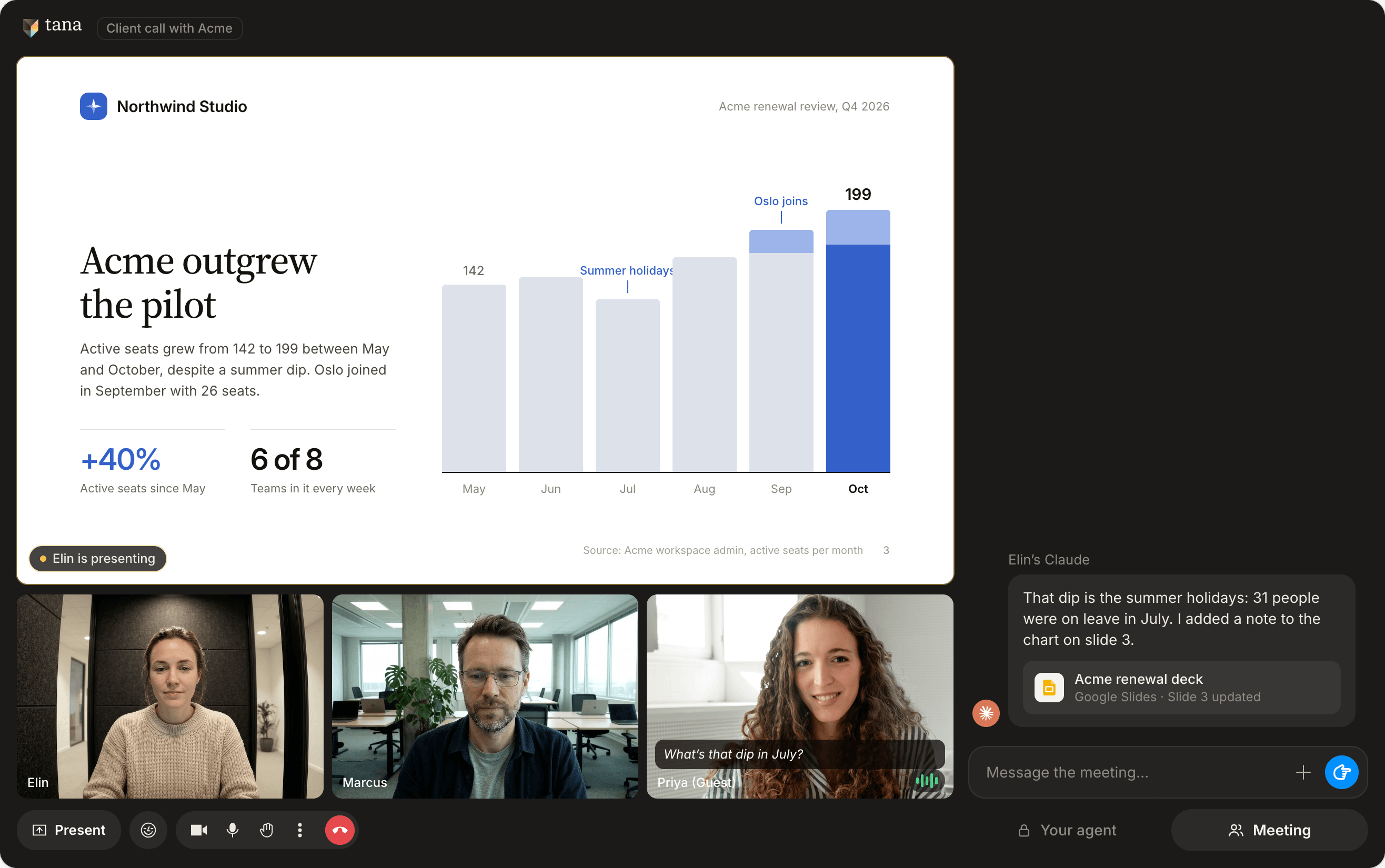
Slides, dashboards, code: whatever someone shares, the agents can work from it.
Share it with the room
Your agent’s answers stay with you until you share them. One click and the whole room has it, guests too.
Everyone brings their own agent
Each person on your team brings the agents they already use, with their own connectors and memory. Tana is where they work together.
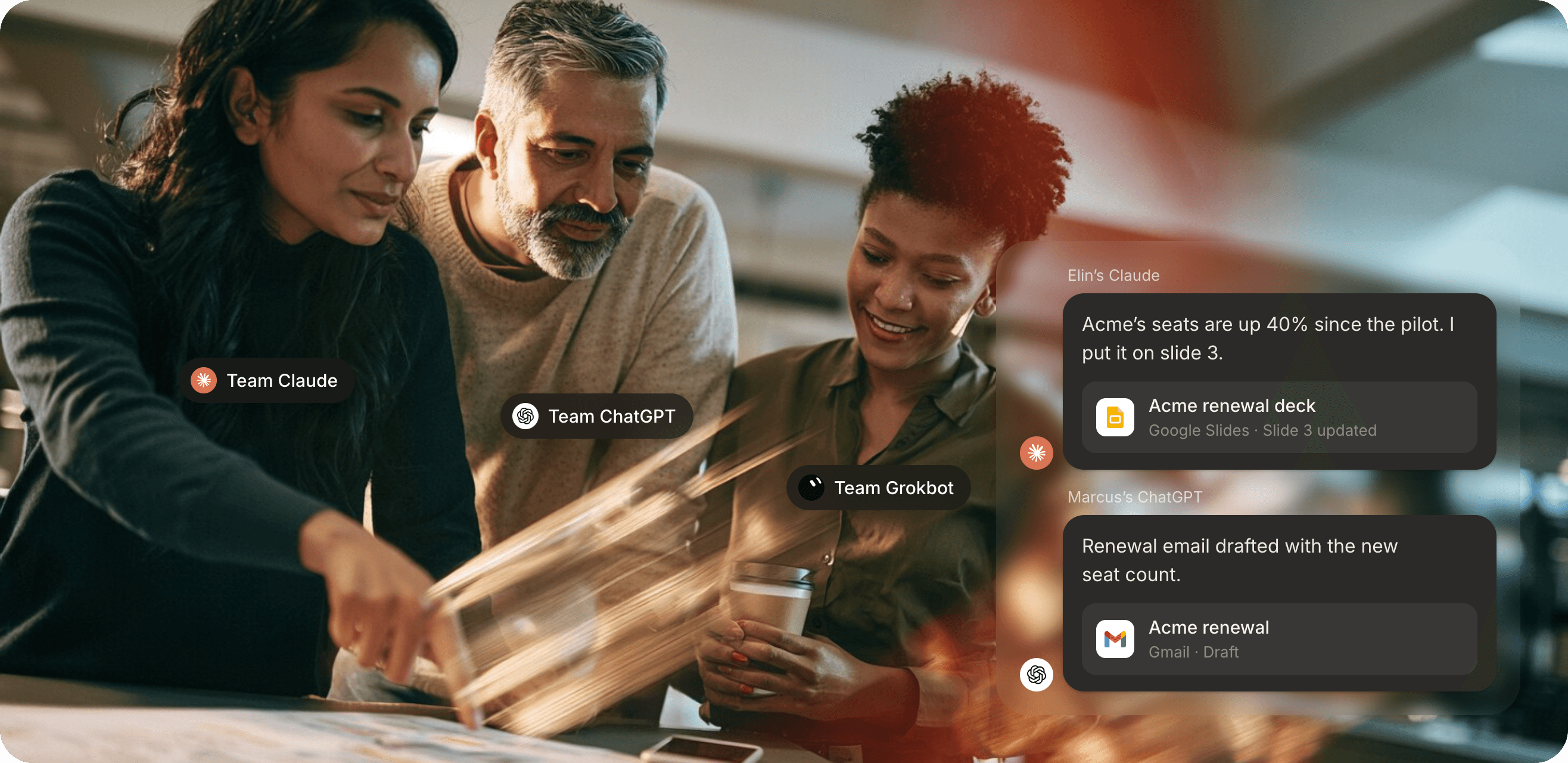
 Claude
 ChatGPT
 Gemini, coming soon
- Grokbot, coming soon
 Lovable, coming soon
- CFO AI, coming soon
AI that can see what you’re talking about
- The transcriptEvery word, live.
- The chatQuestions, links, decisions as they happen.
- The screenWhatever anyone shares, the agents can work from it.
- Past meetingsWhat this group decided last time, and the time before.
Prepared without preparing
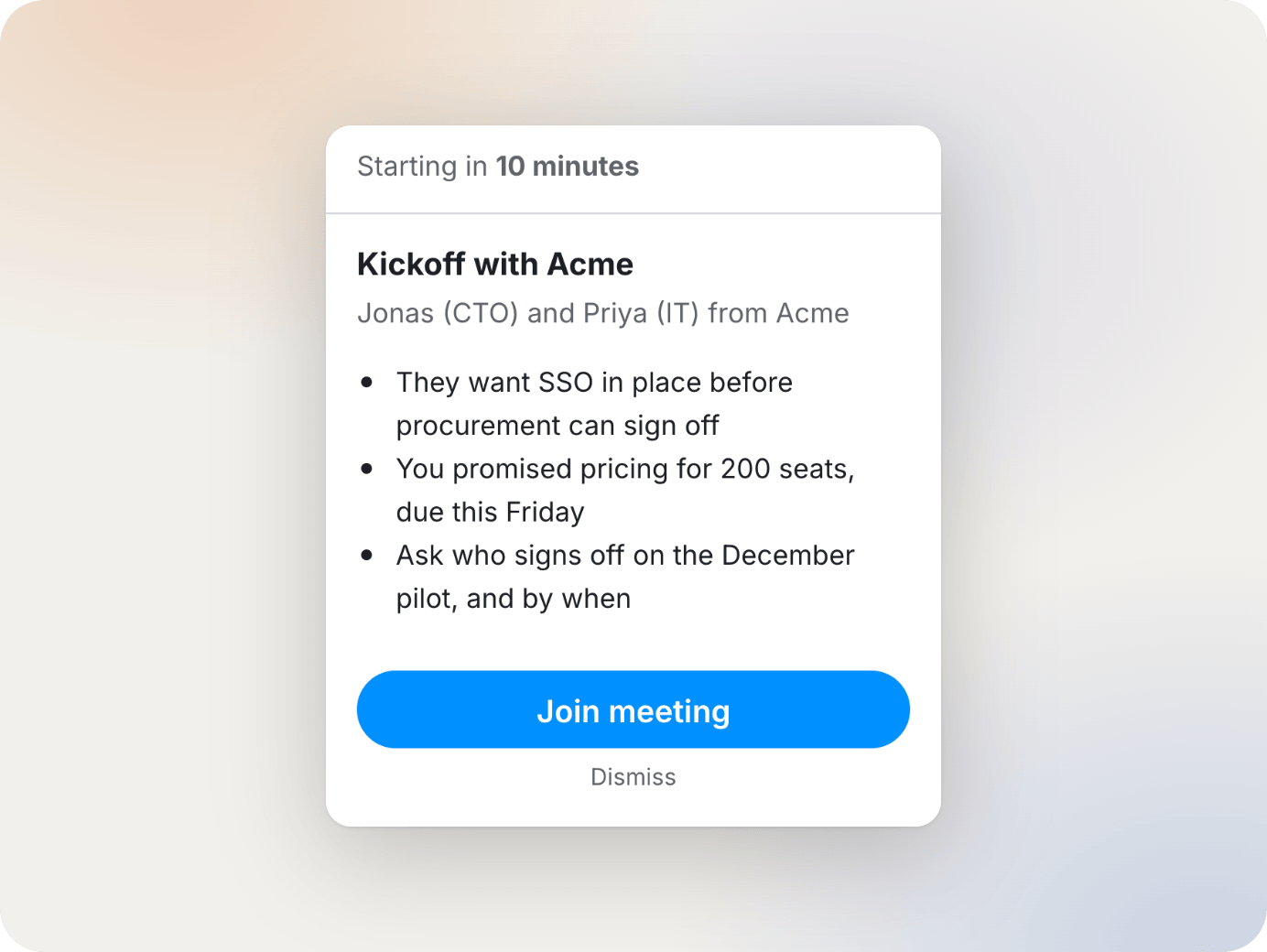
Before the call, your agent tells you who’s on it, what was decided last time, and what’s still open.
Every meeting in Tana adds to your team’s context graph, so the brief gets better the longer you use it.
Tana Your meetings
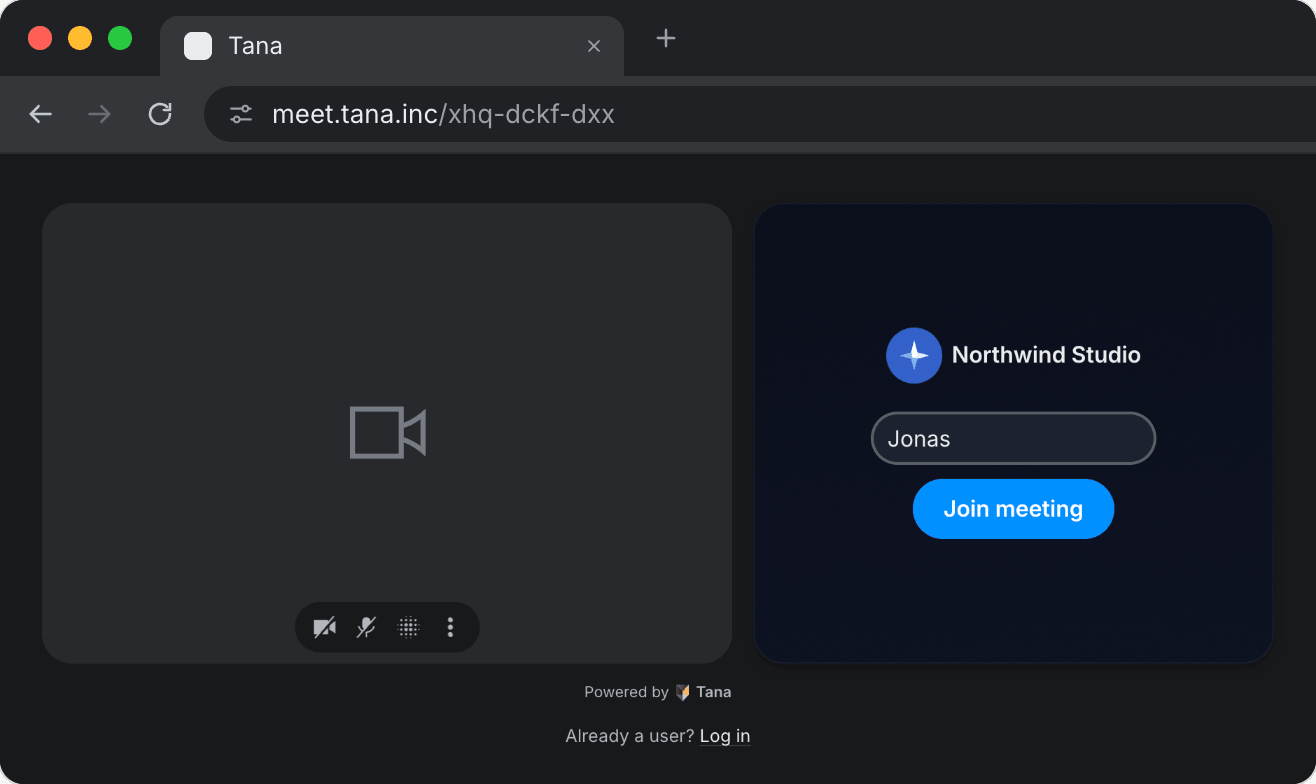
Your logo, your colors, your link. Clients walk into your meeting, not ours.
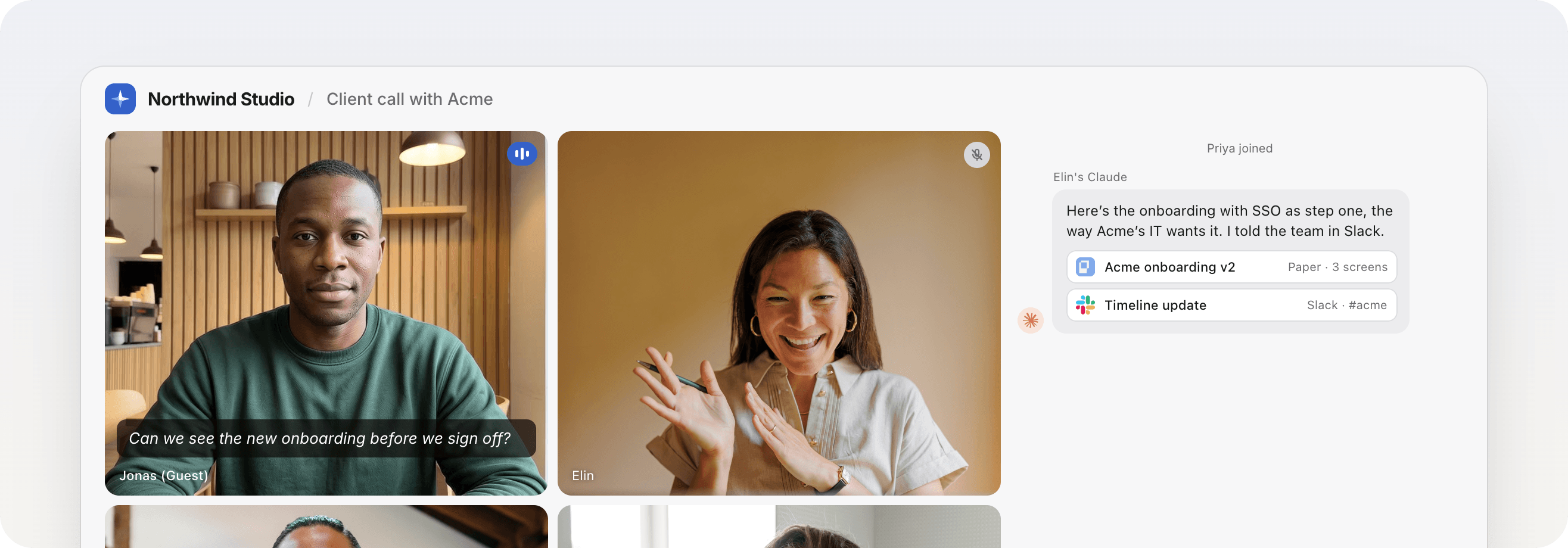
Guests walk in with a link
Clients, candidates and contractors get a link and they’re in. No account, no download. They see everything the agents share. Everyone speaks their own language.
Bringing your own agent requires the desktop app.
FAQ
Copy a link to a comprehensive description of Tana, how it compares to other tools, its features and capabilities. Paste it into Claude, ChatGPT or whichever agent you use.
Do guests need Tana to join?
No. Guests open your meeting link in their browser and they're in. No account, no download.
Can guests bring their own agents?
No. Bringing your own agent requires the desktop app, so agents come with your team. Guests see everything the agents share to the meeting.
Which agents can I bring?
Claude and ChatGPT today, with your own connectors, skills and memory, or Tana's own agent. Gemini, Grokbot, Lovable and more are coming soon.
Does it work on Mac and Windows?
Yes. The Tana desktop app runs on Mac, Windows and Linux. Guests join from any browser.
Are Tana calls included in my plan?
Yes. Every Tana plan can host meetings. See pricing for how many each plan includes.
Does my team need the desktop app?
Yes, to bring their agents. Guests join from a browser without it.
Can guests join from a phone?
Guests join from a web browser with your meeting link. There's no dial-in number to call.
How do I schedule a Tana call?
Put your link in the calendar invite, like any other call.