Two-way calendar sync
Events you make in Tana sync to Google Calendar or Outlook, the desktop app can capture Meet, Teams and Zoom meetings through your computer's audio, and guests get their own meeting agent.
Two-way calendar sync
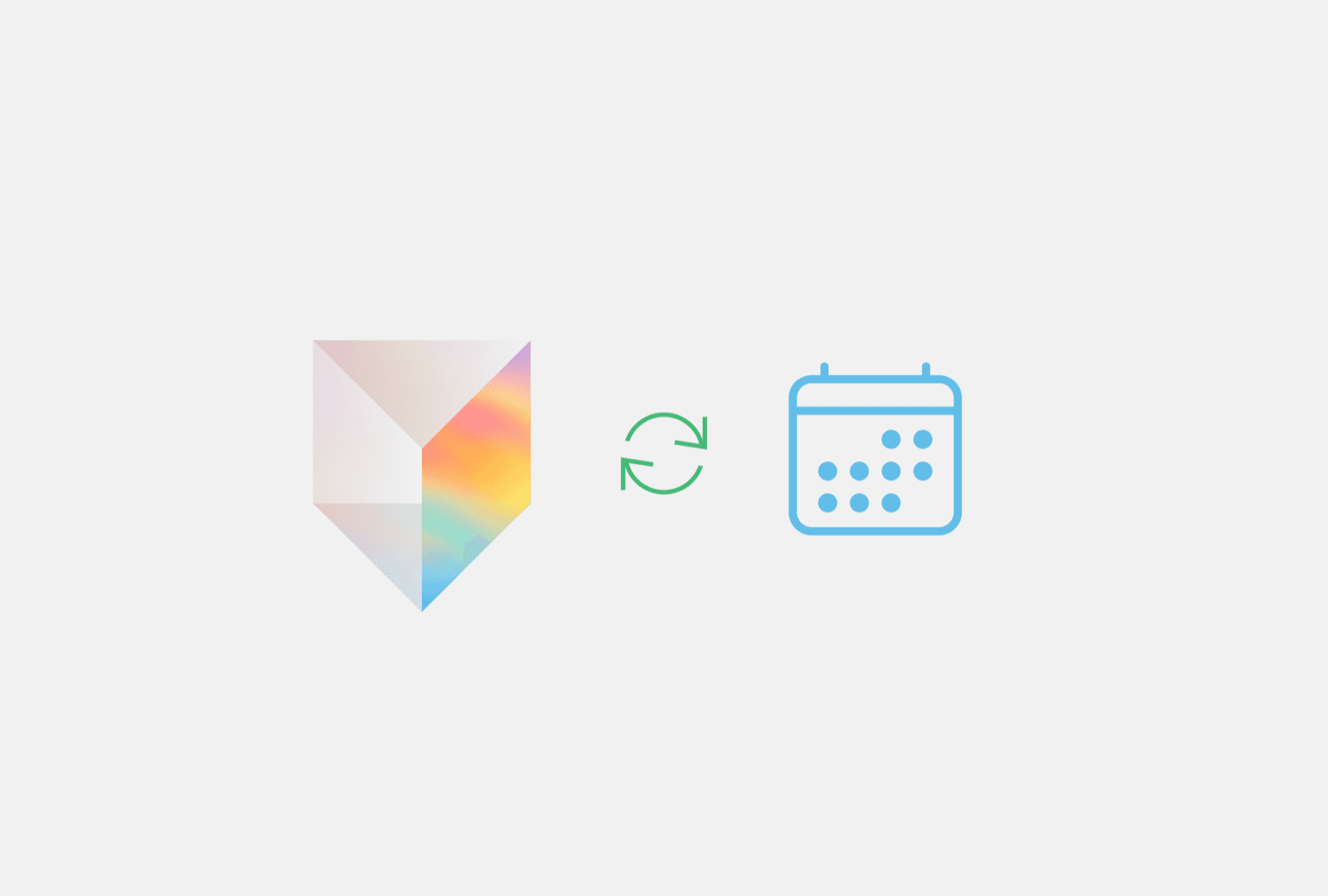
Events you create and manage in Tana now sync to your connected calendar. Make an event in Tana and it appears in Google Calendar or Outlook moments later, and changes to its title or time, and deleting it, propagate out too. New connections write Tana events to your primary calendar automatically; if you connected a calendar earlier, turn it on by choosing a default calendar to write to in Calendar settings.
Capture external meetings with system audio (opt-in)
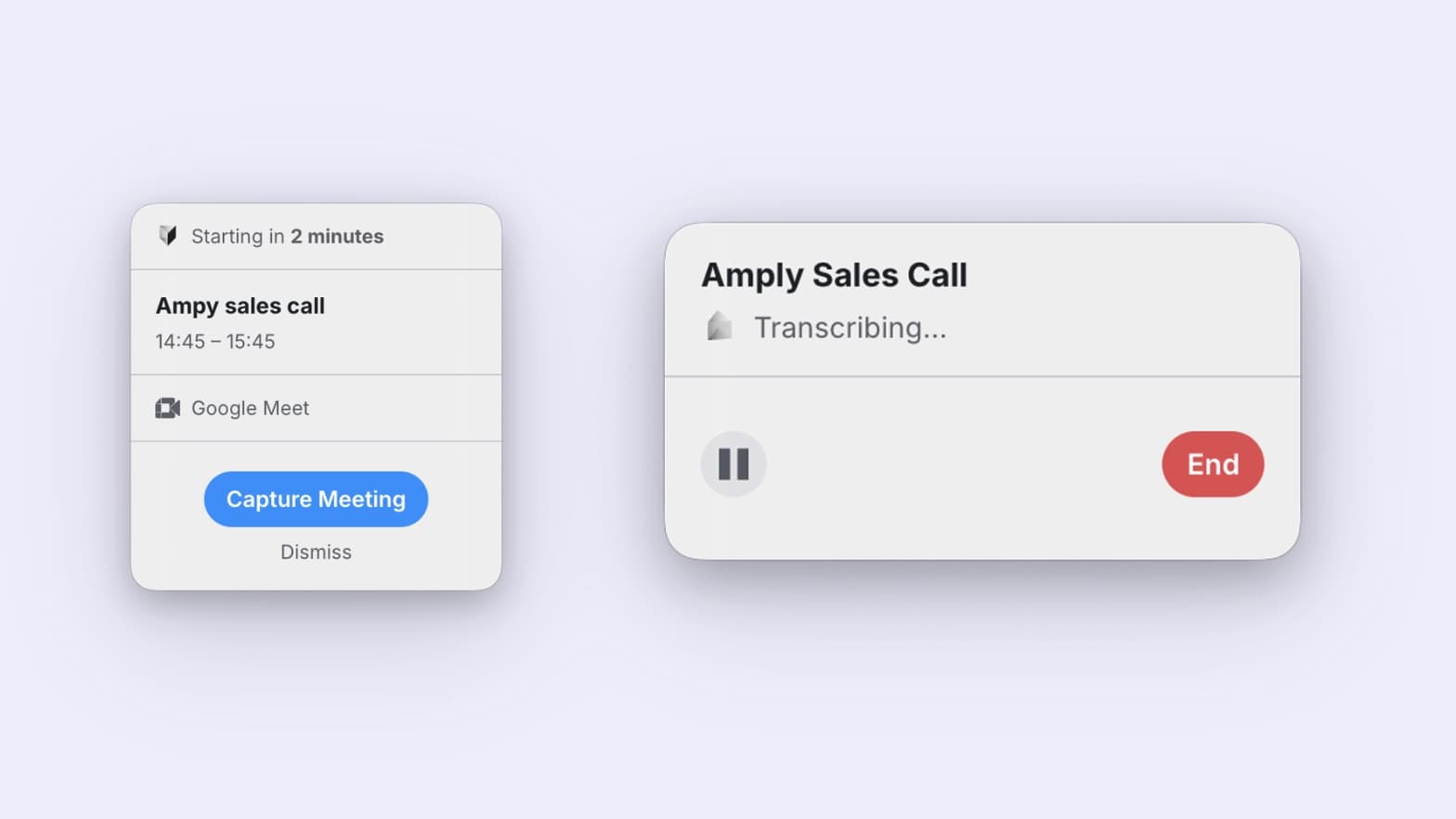
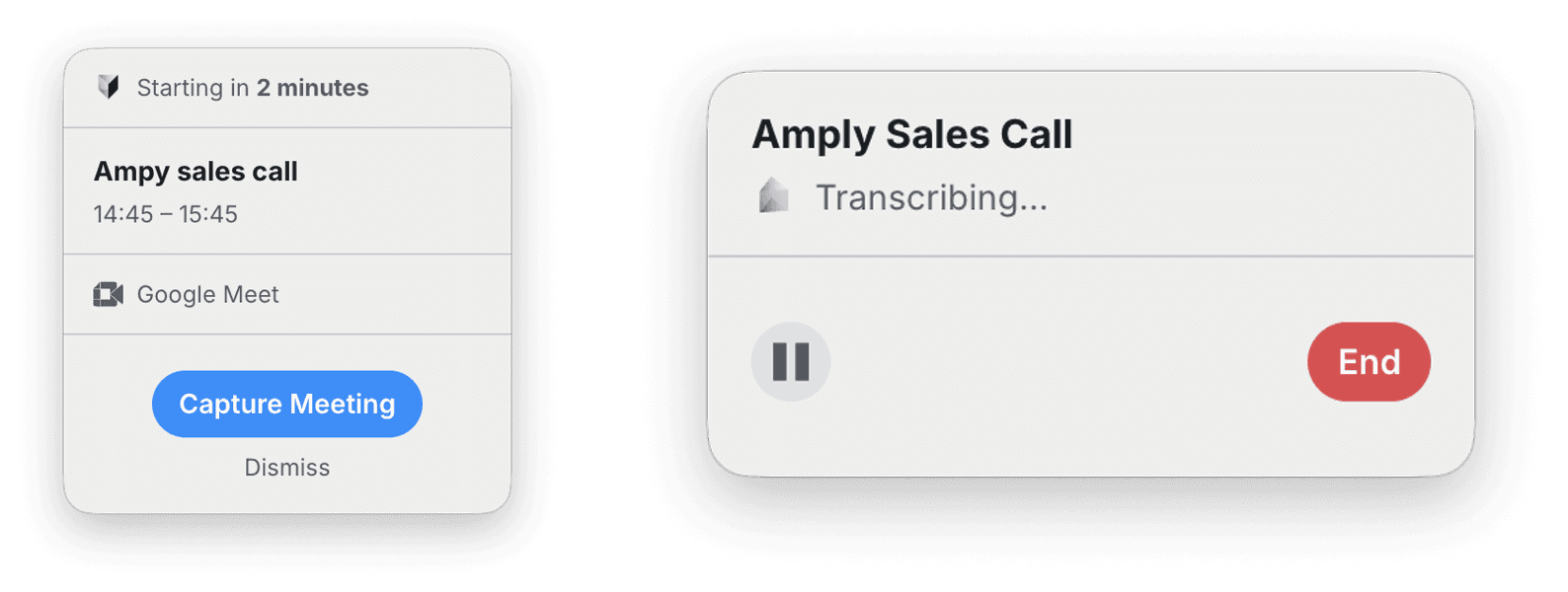
On the desktop app, you can now opt into capturing Meet, Teams, and Zoom meetings through your computer's audio. A small always-on-top window appears a couple of minutes before a scheduled meeting so you can start recording in one click, and the Today toolbar has an instant record button for meetings that are not on your calendar. If a teammate is already capturing a meeting, everyone else can see it so it is not recorded twice. It is off by default while it rolls out; turn it on in settings to try it.
Your Meeting Agent for guests
When you join a Tana meeting as a guest, you now get your own Your Meeting Agent chat in the meeting toolbar. Ask it questions during the call in a private conversation, separate from the shared meeting chat. It's read-only, so it can answer but not create or change items.
Organizer and attendee roles on events
Meetings synced from Google or Outlook now know who's an organizer and who's an attendee. Organizers can rename the event, change its time, invite or remove people, move it to Tana, or delete it. Attendees collaborate on the meeting's notes, agenda, and pinned items but don't change the schedule or invite list. Subscribing to a colleague's calendar no longer over-grants control of their meetings, and when you add someone to an event from inside Tana, they default to attendee. Delete on an event is now visible only to its organizers; attendees see it dimmed with "Only the organizer can delete".
Improvements
3- Type DELETE to confirm deleting an eventThe confirmation to delete a meeting now asks you to type DELETE instead of the full event title. Same safety gate, less friction on meetings with long, forwarded-email subject lines. Meetings
- Participant tiles keep their shape in the callThe call gallery keeps participant tiles at a usable aspect ratio in awkward layouts, so a single presenter with a couple of participants no longer stretches faces into ultra-wide strips. Meetings
Fixes
6- Typing @ works on non-US keyboardsTyping @, /, :, or $ opens the mention, command, and emoji menus on German, Norwegian, French, and other keyboard layouts where the character is composed with Option or AltGr. The same triggers also work right after a Shift+Enter line break. Docs, AI chat
- The Hey Tana voice agent hears the whole commandSaying "Hey Tana" followed immediately by a command now sends the whole command to the voice agent, even when the wake phrase and the command land as separate transcript segments. Previously the agent could receive an empty command and just greet you. Meetings, Agents
- Editor no longer blanks after an accepted AI editAfter accepting an AI change to the document that's currently open, the editor no longer goes blank until you close and reopen it. Applies to edits that swap in a fresh copy of the doc, such as changes to a template during onboarding. Docs, Proposals and actions
- Capture window closes when a meeting moves to TanaOn the desktop app, the always-on-top capture window for a Google Meet, Teams, or Zoom meeting now closes as soon as the event is moved to a Tana meeting (or has its provider link removed), instead of lingering or trying to capture the Tana call. Meetings, Apps
- Cross-provider meetings no longer duplicateA meeting organized on Google Calendar and sent to someone on Outlook (or the other way around) now shows up as one shared Tana event instead of two disconnected copies, so both sides collaborate on the same notes, agenda, and pinned items. Home