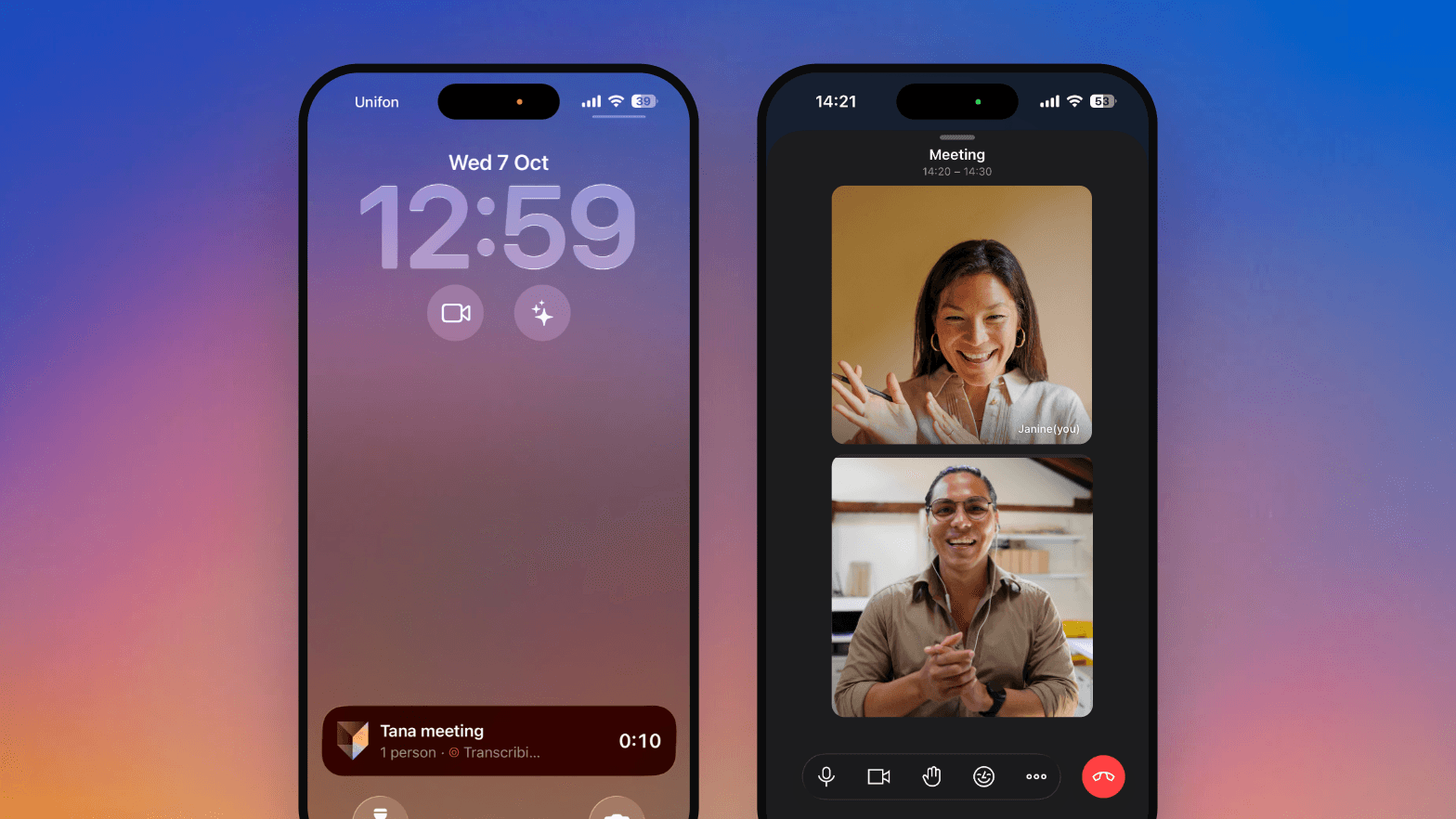
Tana on iPhone and iPad
Tana is in the App Store for iPhone and iPad, and one click during a meeting captures what was just said.
Tana for iPhone and iPad
The Tana app is in the App Store. Join Tana meetings from your phone, start one from your Lock Screen or with Siri, talk things through with Tana's voice agent, and catch up on any meeting's summary and chat.
Custom vocabulary for transcription
Add names and terms Tana should recognize, like your company's product names, so transcripts and the voice agent get them right. Admins add them in Settings, Organization, under "Important words and names".
Improvements
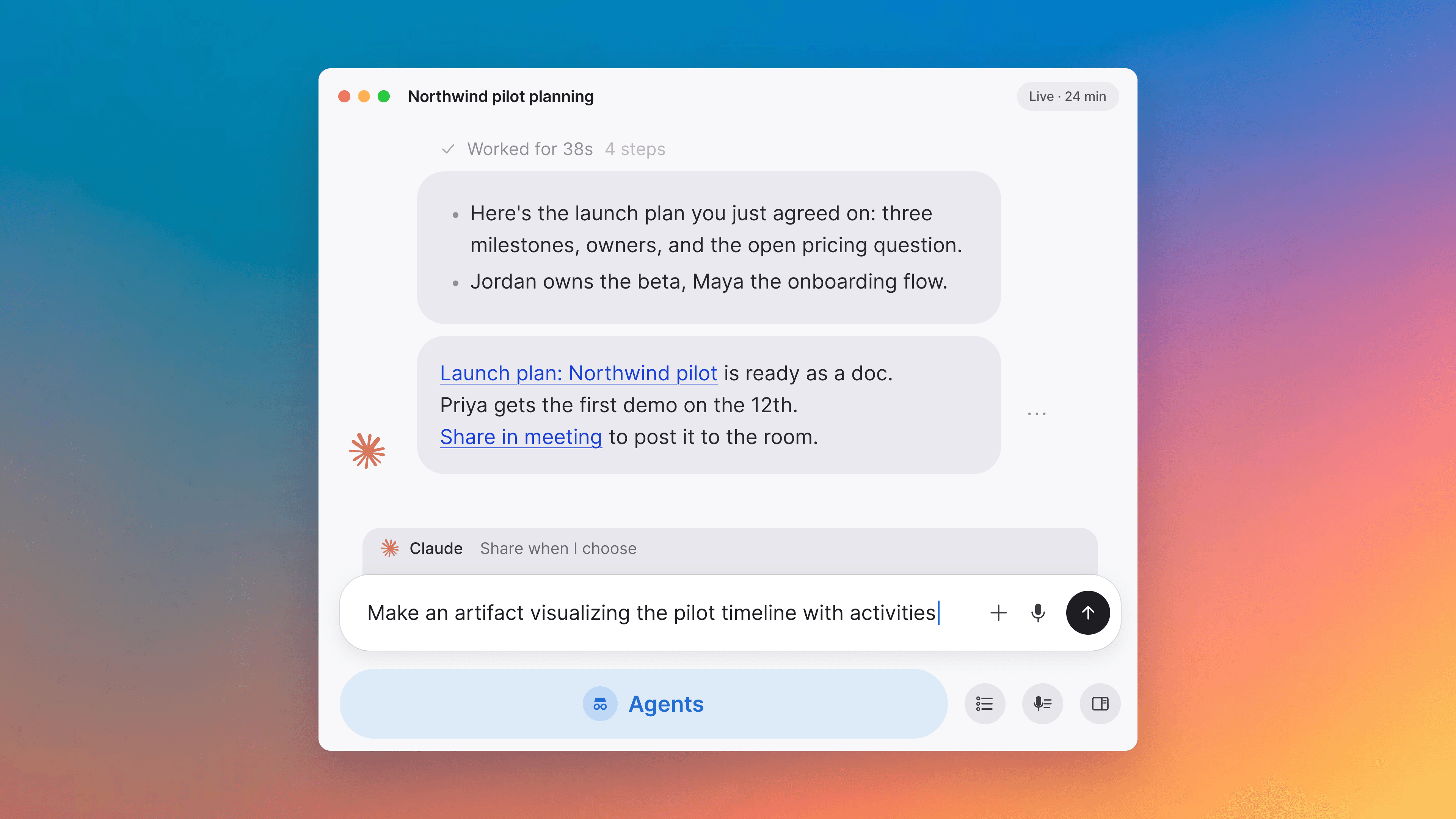
18- Capture what was just said with one clickDuring a meeting, one button has Tana look back at the last few minutes and start drafting what came up, like a task or an issue. Another starts "Hey Tana" without saying the words. Meetings
- Find all open actions in one place during a meetingWhile the meeting is going, "Actions" at the top of the chat collects the suggestions and proposals waiting for you, so you can deal with them before the meeting ends. Meetings, Proposals and actions
- See the summary and what's left after a meetingAfter a meeting, you see the summary first, then what's left: what came out of it, what needs your review, and suggestions you haven't acted on. A short question at the end asks what Tana should do differently next time. Meetings
- Schedule a follow-up meeting from a suggestionWhen Tana suggests a follow-up meeting, it drafts the invite with the right people, and the time if one was mentioned. You check it and change anything before it's sent. Meetings, Calendar, Proposals and actions
- A reminder with a brief before each meetingTen minutes before each meeting on your calendar, the desktop app shows a reminder with who's coming, a short brief, and a box to ask Tana to help you prepare. Press "Remind me 1 min before" and it comes back a minute before the start, with a button to join or capture the meeting. Apps, Meetings
- Choose which meeting you're capturingWhen the desktop app notices you're in a meeting, it asks which meeting on your calendar it is, or lets you start a new one, before it captures. Apps, Meetings
Show all 18 improvements
- Captures stop when the meeting endsWhen the meeting you're capturing ends, Tana stops capturing after a short countdown. Press "Keep capturing" if you're not done. Apps, Meetings
- Hey Tana in meetings you captureSay "Hey Tana" in a meeting you're capturing from another app, like Zoom, and Tana does what you ask, as it does in a Tana meeting. Apps, Meetings
- Ask the AI to move or cancel a meetingAsk the AI to move or cancel a meeting, and it prepares the change for you to approve. If you organize the meeting in Google Calendar or Outlook, Tana can cancel it there too, and attendees may be notified. AI chat, Calendar, Proposals and actions
- Attendees are preselected when you email a summaryWhen you email a meeting's summary, everyone from your organization who attended is already selected. Meetings
- Chat with everyone when another company hosts the meetingWhen another company hosts a meeting in Tana and invites you, you can chat with everyone in it from your own workspace, and you see when the host pauses transcription. Meetings
- Your microphone and camera start on in each meetingEach meeting starts with your microphone and camera on, unless you turn them off before joining. In a meeting that already has several people, you join muted. If you drop out and rejoin, they stay as you left them. Meetings
- Copied transcripts include times and namesWhen you copy a transcript, each part shows when it was said and who said it. Meetings
- Splitting a recurring meeting keeps the links separateIf you split a recurring meeting into a new series in Google Calendar or Outlook, the new series gets its own Tana link, and the old link keeps the earlier meetings. Meetings, Calendar
- Agents use each person's own accountsAn agent that uses another service, like PostHog, uses the account of whoever runs it. If they haven't connected that service, the agent tells them how. Agents, Integrations
- Use MCP servers with lots of toolsTana's AI can use MCP servers that offer a very large number of tools. Integrations, MCP
- AI assistants can add images to TanaAI assistants connected to Tana over MCP, like Claude, can add images to the documents they write. MCP
- Turn off spell checkYou can turn off spell check in Settings, Preferences. The choice follows you to every device. Interface
Fixes
9- Copying images"Copy image" works again in the image menu and the image viewer. Docs
- Joining at the same moment as someone elseTwo people who join a meeting at the same moment both get in. Meetings
- Choosing a time for a drafted meetingThe hour, AM/PM and date fields in a drafted meeting's review take clicks and typing. Meetings, Proposals and actions
- Accepting changes to calendar meetingsAccepting Tana's proposed changes to a meeting synced with your calendar works again. Calendar, Proposals and actions
- Work that stops partway in a meetingWhen Tana's work in a meeting stops before it finishes, it says "Couldn't finish this" instead of looking busy. Meetings
Show all 9 fixes
- Desktop windows keep their workspaceAfter a desktop app update, each window reopens in the workspace it was in. Apps
- Desktop app on LinuxOn Linux, the desktop app reopens maximized or full screen as you left it, and the bottom of the window is no longer cut off. Apps
- Reloading a page in the browserReloading a Tana page in the browser, or going back to it, keeps it in the browser without asking where to open it. Apps

Turn meetings into the most productive part of your day.
Download Tana
30-day free trialNo credit card requiredCancel anytime