Tana Advent Calendar December 2025


Every workday from Dec 1st to 19th in 2025, we released a new video with letters from Tanarians, a template, thought of the day and not least: gift of the day.
In this Youtube playlist you'll find all the episodes, or read on below for links to all templates and blog posts/documentation pages.
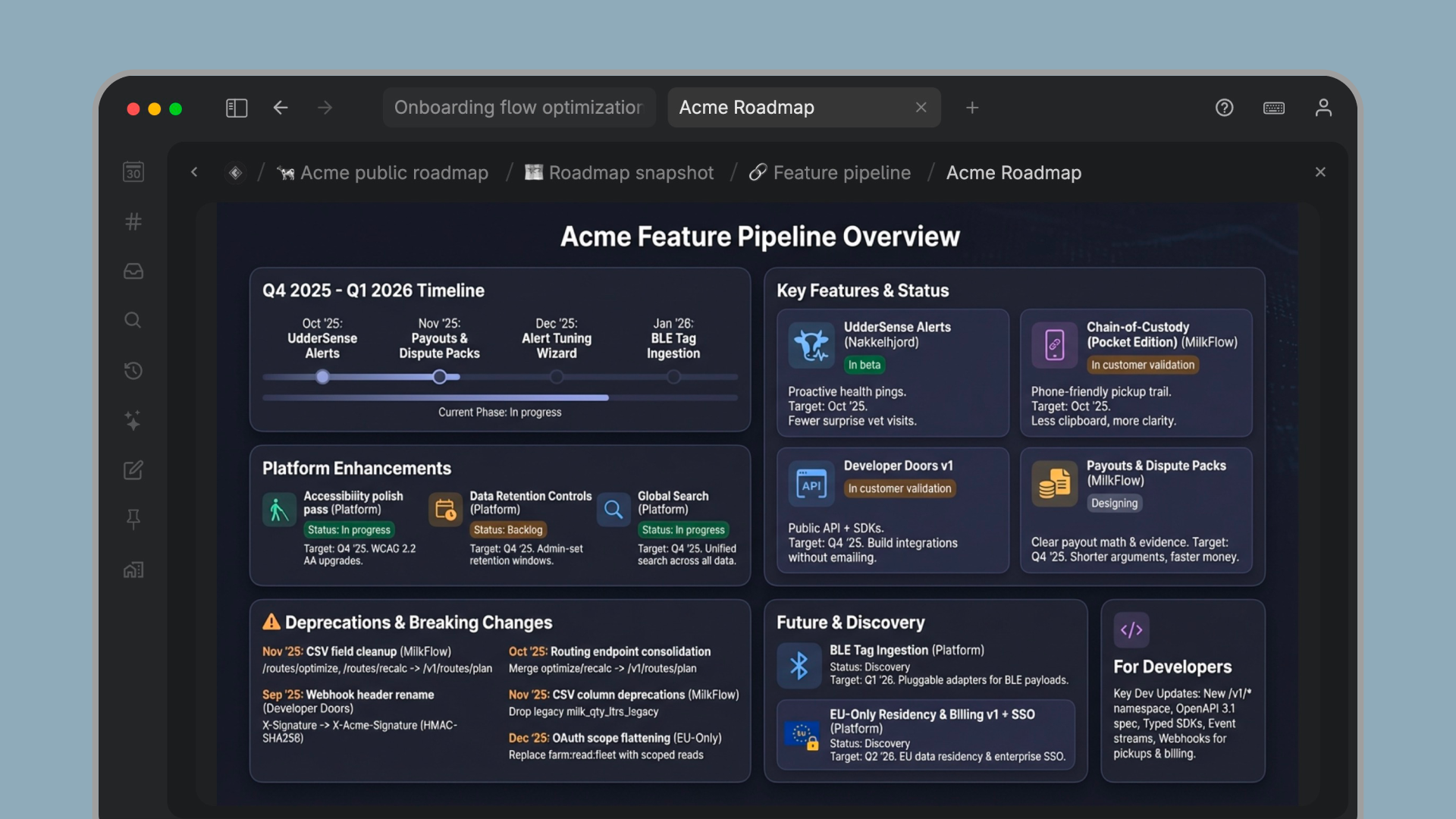
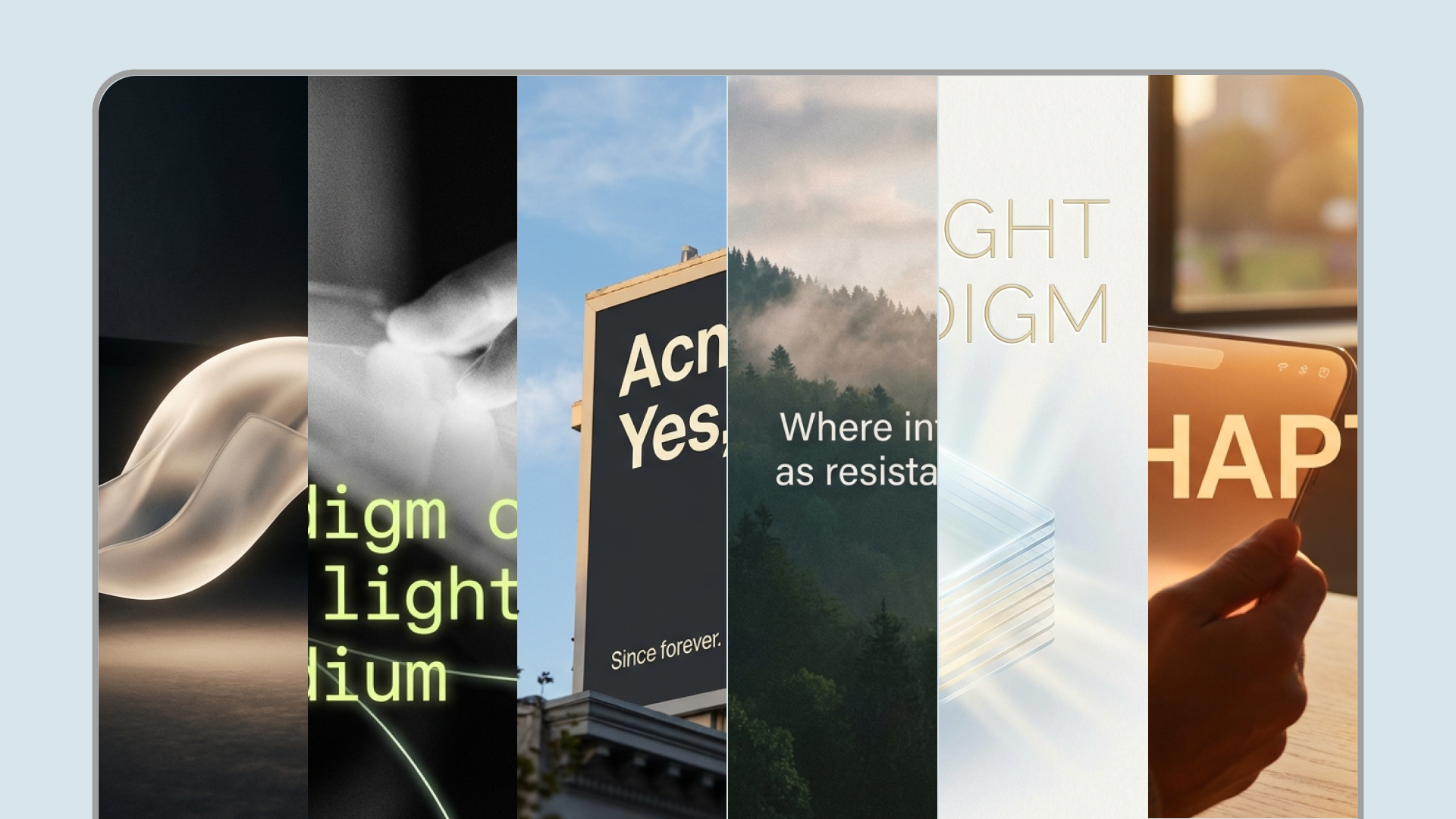
December 1: AI image generation with Nano Banana Pro
- Create beautiful banner images on any node
- Turn meetings, workshops or user interviews into infographics
- Visualize your ideas or voice memos as whiteboard diagrams or napkin drawings
Get consistent style by building your own command nodes with the Generate image(s) with AI system command:
- New parameter for image resolution: Standard/1K, 2K or 4K
- New parameter to control image aspect ratio
Image generation templates

December 2: Tana has a new look!
Updated colors for a more modern and sleek look:
- Light mode; better contrast on tabs, menus and buttons
- Dark mode: more contrast for content with darker background, lighter tone on sidebar
Template: Thoughtful Gift Tracker
Track gifts you're planning, wishlist items you want, and gifts you've received all in one elegant system. Built-in AI helps you brainstorm thoughtful presents, visualize ideas, and create beautiful presentation touches that show you care.
December 3: Sidebar resizing and customization
- Hide the sidebar completely to focus on your content
- Resize the sidebar to match your working style
- Toggle default sidebar elements on or off to reduce clutter
Template: Focus mode
Enter focus mode on any node. Your workspace transforms to help you concentrate. When you're done, exit focus mode and see exactly how long you focused. Build a record of deep work across all your projects.
December 4: What is a supertag?
- A clear definition of what a supertag is
- How supertags add structure to your nodes with shared fields
- Why supertags make it easier to capture consistent information
- Common examples of when to use a supertag
👉 Check out Tana Learn Live: Supertags and Fields.
December 5: Easier context switching with Recents
- See up to 100 recently edited entities, grouped by day
- “Last edited” updates when content or field values change, including edits by others
- Filter or hide Recents, and pin your own custom version if you prefer
Template: Morning pages
A simple daily writing template for clearing your head and capturing what matters. Use it to build a consistent reflection habit, surface priorities, and start your day with a clean slate.
December 8: New view toolbar for quick configuration
- One-click access to Filter, Sort, Group, and Display controls
- New keyboard shortcuts for Filter by, Group by, Sort by, and Display, with Esc to close
- Quick title search is always one click away, and active options are highlighted
- You can show or hide the toolbar from the node options menu, or with the Show/hide view toolbar command
Template: Newsfetcher
A template for collecting and reviewing news in a structured view.
December 9: Chat history and a refreshed AI chat experience
- Browse and search your AI chat history in the new AI chats view, with filtering and pagination
- A refreshed chat UI that is easier to read and consistent across Tana
- New sidebar chats are stored under one AI chats node in the Library for easier management
- Prompt caching reduces token usage for chats with large context
Template: Work skipper
A lightweight template designed to help you decide what to skip, defer, or simplify so you can focus on the work that matters most.
December 10: Capture to tomorrow on mobile
- Capture to tomorrow to offload ideas when your day is done
- Works for tasks, notes, and voice memos
- Designed for GTD-style capture and lower cognitive load
- Voice memos can now be up to 2 hours
Template: Watchlist
A simple system for tracking what you want to watch, saving recommendations, and organizing your list in one place.
December 11: Custom colors for supertags
- Choose any color with a full-spectrum color picker
- Enter precise values using HEX, RGB, or HSV
- Preview colors in both light and dark mode, with automatic accessibility adjustments
- Use a random color option for quick inspiration
Template: Gratitude log
A simple template for logging gratitude consistently. Use it to capture small moments, reflect on your day, and build a lightweight habit over time.
December 12: Reorder tabs and GPT-5.2 support
- Reorder tabs with drag and drop
- Use keyboard shortcuts to move tabs left or right
- Jump between tabs faster with updated shortcuts
- GPT-5.2 is now available as a model option in Tana
Template: Tana Rewind
A review template for reflecting on your week, month, or year. Use it to capture highlights, lessons, and what you want to change going forward.
December 15: Embed Loom videos and X posts
You can now embed Loom videos and X posts directly in Tana, so key context can stay inside your notes.
- Play Loom videos inline, including controls like speed, captions, and comments
- Embed X posts to keep discussions and references alongside your work
- Close an embed to show a clean link when you prefer a simpler view
- Paste a Loom or x.com link to try it
Template: Grudge Tracker
A playful template for tracking minor annoyances and unresolved thoughts in one place, so they do not keep taking up space in your head.
December 16: Import from Notion
- Import up to 1500 Markdown files (about 500 MB), including inline images
- Databases are converted to tables, but may need some reformatting
- Links between imported Notion pages are converted into Tana references
- Imports create a new workspace, which you can later move content from or allow content into other workspaces
- Large imports can take time, and some Notion views or relational links may not transfer perfectly
Template: Tana Advent Continuum
A template for collecting the Advent Calendar items in one place and keeping them organized as you go.
December 17: Improved copy and paste
- New Copy option in the context menu, with consistent behavior inside and outside Tana
- New Paste option when you right-click an empty node, based on what is on your clipboard
- New Duplicate option in the context menu (Cmd + Shift + D)
- Copy link address for URL nodes copies the saved URL, not the Tana node link
- “Copy link” has been renamed to “Copy node link” for clarity
Template: Task pusher
A lightweight template for capturing tasks quickly and pushing them into the right place, so nothing gets lost during busy days.
December 18: Gemini 3 Flash, AI credits, and a customizable top menu
- Gemini 3 Flash is now available, with low and high reasoning modes for fast, affordable AI work
- A new AI credits indicator in the top menu shows remaining usage and links to the AI credit monitor
- Customize the top menu by showing or hiding items like shortcuts, help, and the AI credits indicator
- Paid plans no longer show the signup promotion text on published pages
Template: Recipes
A simple recipe system for collecting dishes, planning cooking, and sharing recipes as clean published pages.
December 19: AI voice chat on iOS
- Talk with Tana using voice chat on iOS, directly from mobile
- Configure voice chat per supertag by adding instructions to guide how Tana responds
- Early Access means some limitations and known issues apply, so check the setup guide for details
Templates: Mobile voice
A collection of ready-to-use mobile voice templates for common workflows like memos, brainstorming, daily capture, habits, and reflections.
Thanks for following along. That wraps up the 2025 Tana Advent Calendar.