Thoughtful Gift Tracking
Never forget a gift idea again
The best gift ideas come up in casual conversation throughout the year. With quick capture using the #Gift tag, you can record ideas the moment they happen, via voice memo, mobile, or desktop. When birthdays or holidays arrive, you're already prepared with genuine, thoughtful options.
Build your wishlist the same way. When someone asks what you want, share specific items with links instead of saying "I don't know."
Everything connects to the person
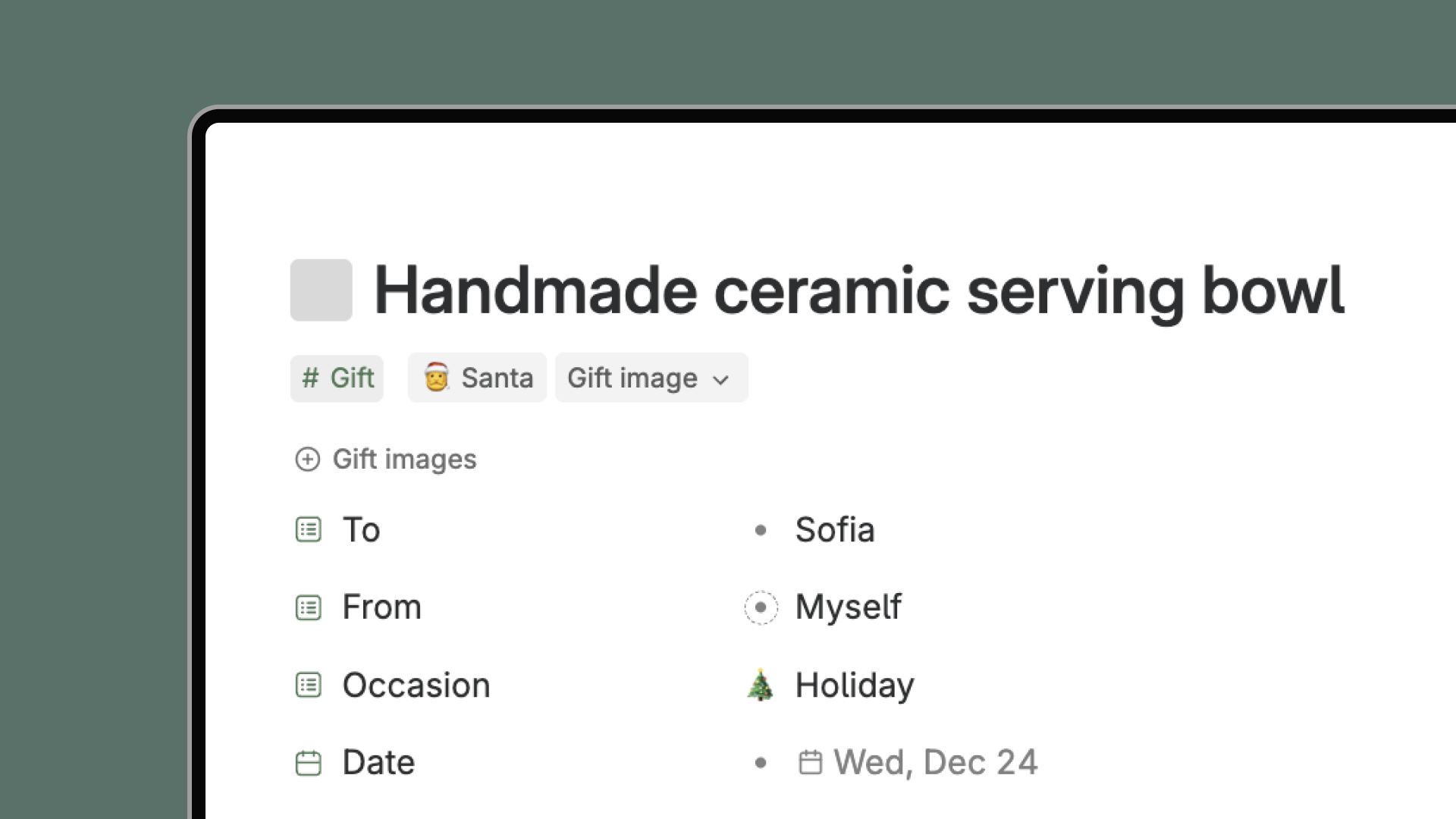
Because Tana connects everything, each gift links to the person it's for. Click on someone's name and instantly see all gifts you've given them, received from them, and are planning. Your notes about their interests automatically inform gift suggestions. Their past reactions guide future choices.
This relational context means better gift ideas. AI can pull from what you know about the person, and visualizations adapt to their aesthetic.
Brainstorm with AI
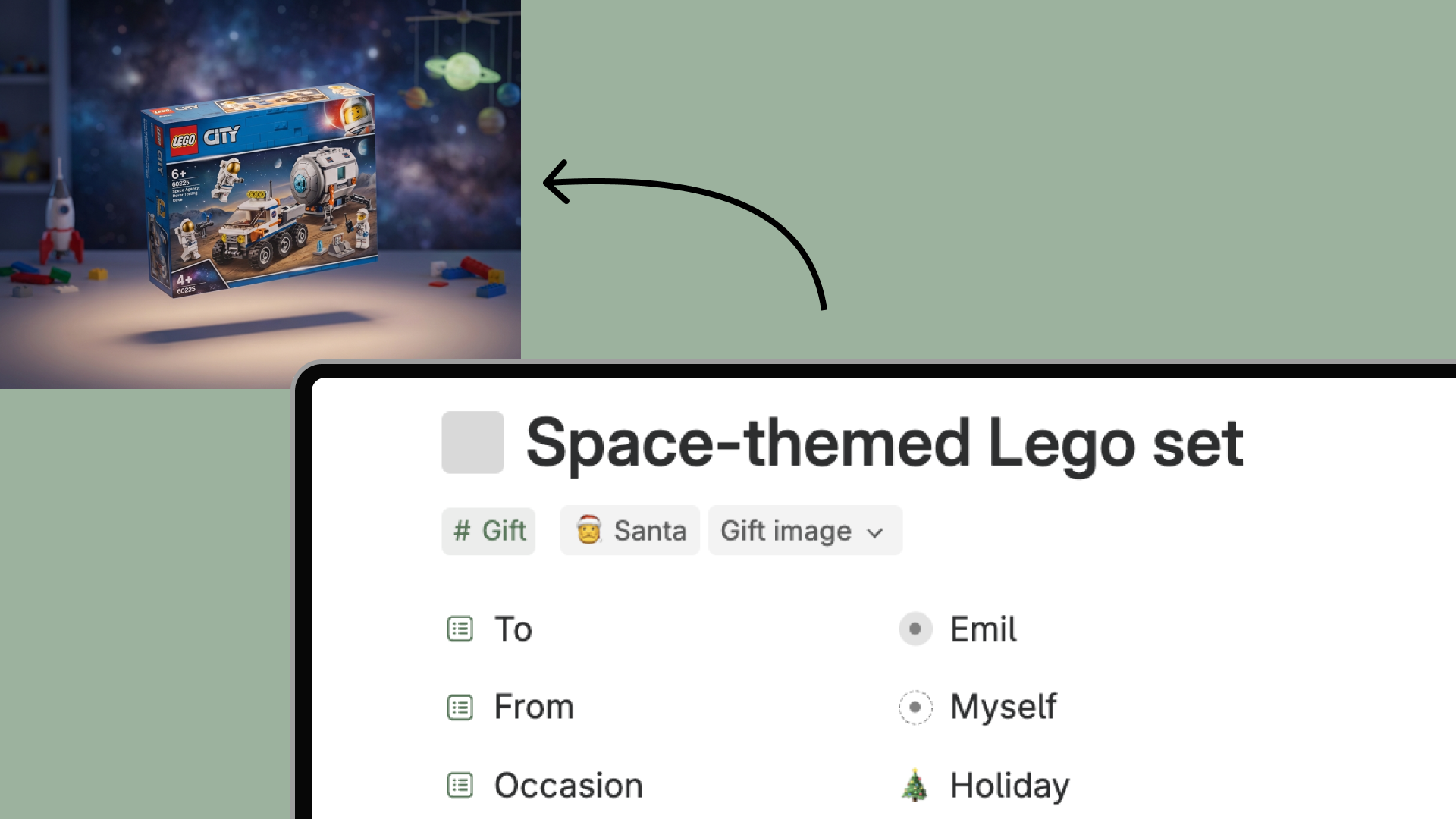
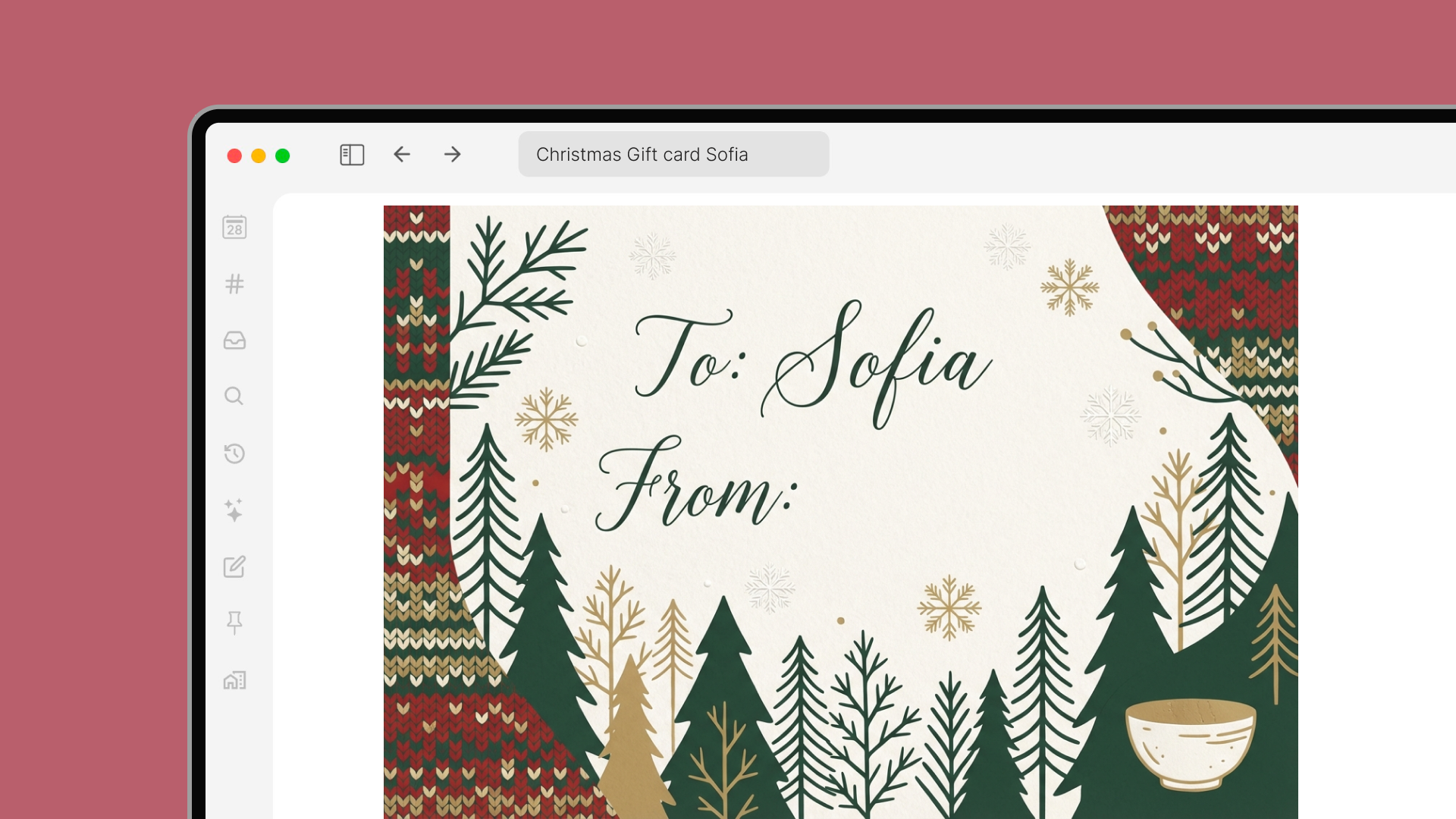
Stuck for ideas? Talk to AI agent who asks perceptive questions about the recipient and searches the web for specific, purchasable gifts with links. Generate 3D gift renders to visualize ideas in context, or create elegant Scandinavian-inspired gift stickers that make any occasion feel special.
A record of thoughtfulness
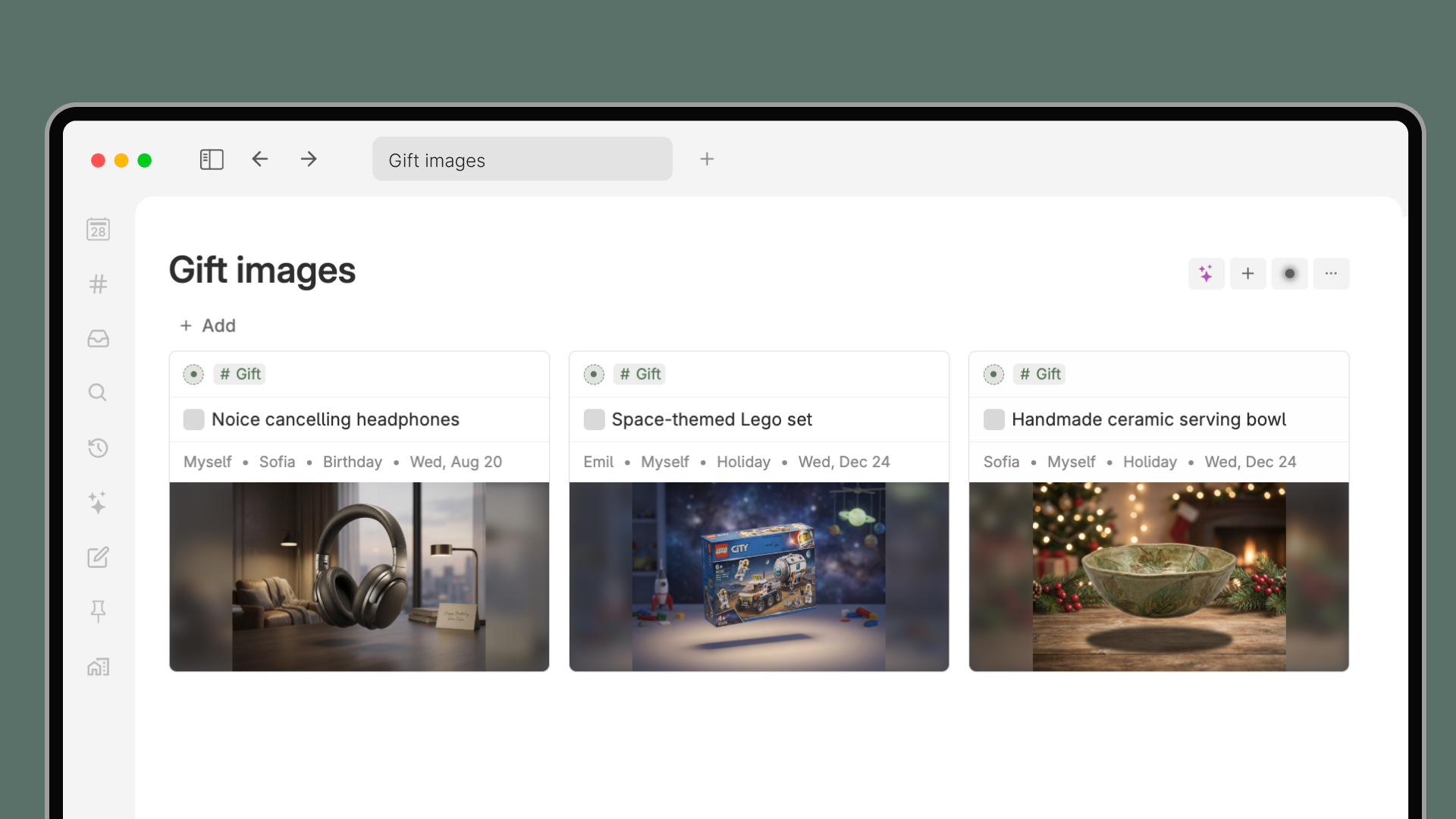
Looking back through gifts you've given and received is just... nice. See the telescope that made your nephew's eyes light up, the journal a colleague chose because they really listened. It's a warm archive of care and attention, a reminder of the moments that matter.
How to use
- Apply the #Gift tag to a note in Tana to add gift ideas.
- Fill in the core fields: who it's from/to, the occasion, and when (press the button to send to your wishlist).
- Note ideas, links, reflections, or capture reactions and memories within each gift note.
- Mark the gift as done (✔️ check it off) once the gift has been given or received.
- Use the optional Budget field and Budget view for financial breakdowns with filters for occasion, recipient, giver.
- Click the #Gift supertag to see all your gifts organized - including a history of thoughtful gifts others have given you.
This template contains
- #Gift supertag
- Santa AI agent
- 'Visualize gift' and 'Design gift tag/sticker' AI commands