A better AI chat experience in Tana: new design, full chat history, and smarter storage

Busy managers, project leads, and individual professionals rely on AI inside Tana for meeting prep, decision support, writing, and research. This release makes those workflows smoother, easier to revisit, and better connected to your knowledge graph.
A new sidebar view for all your AI chats
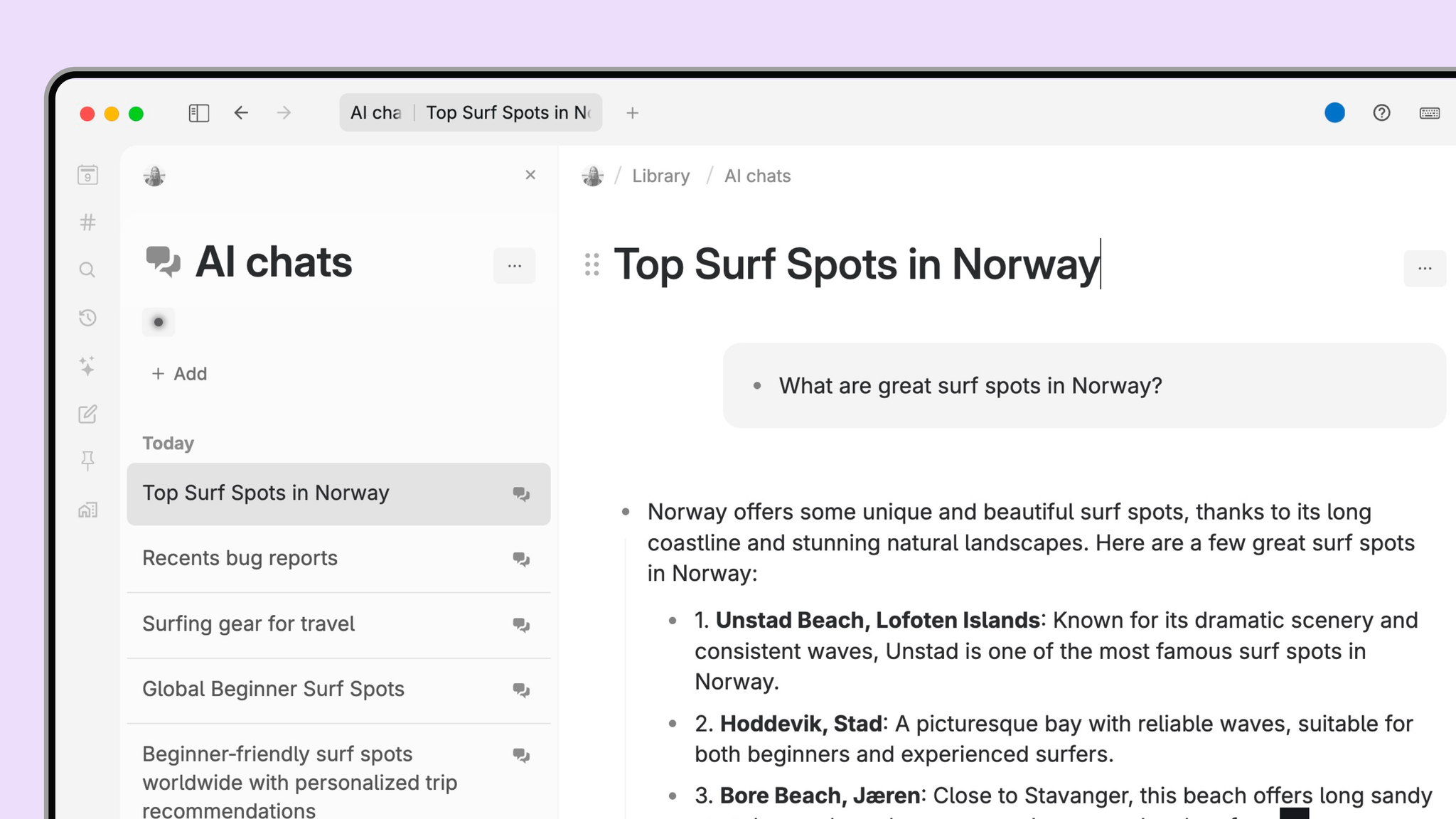
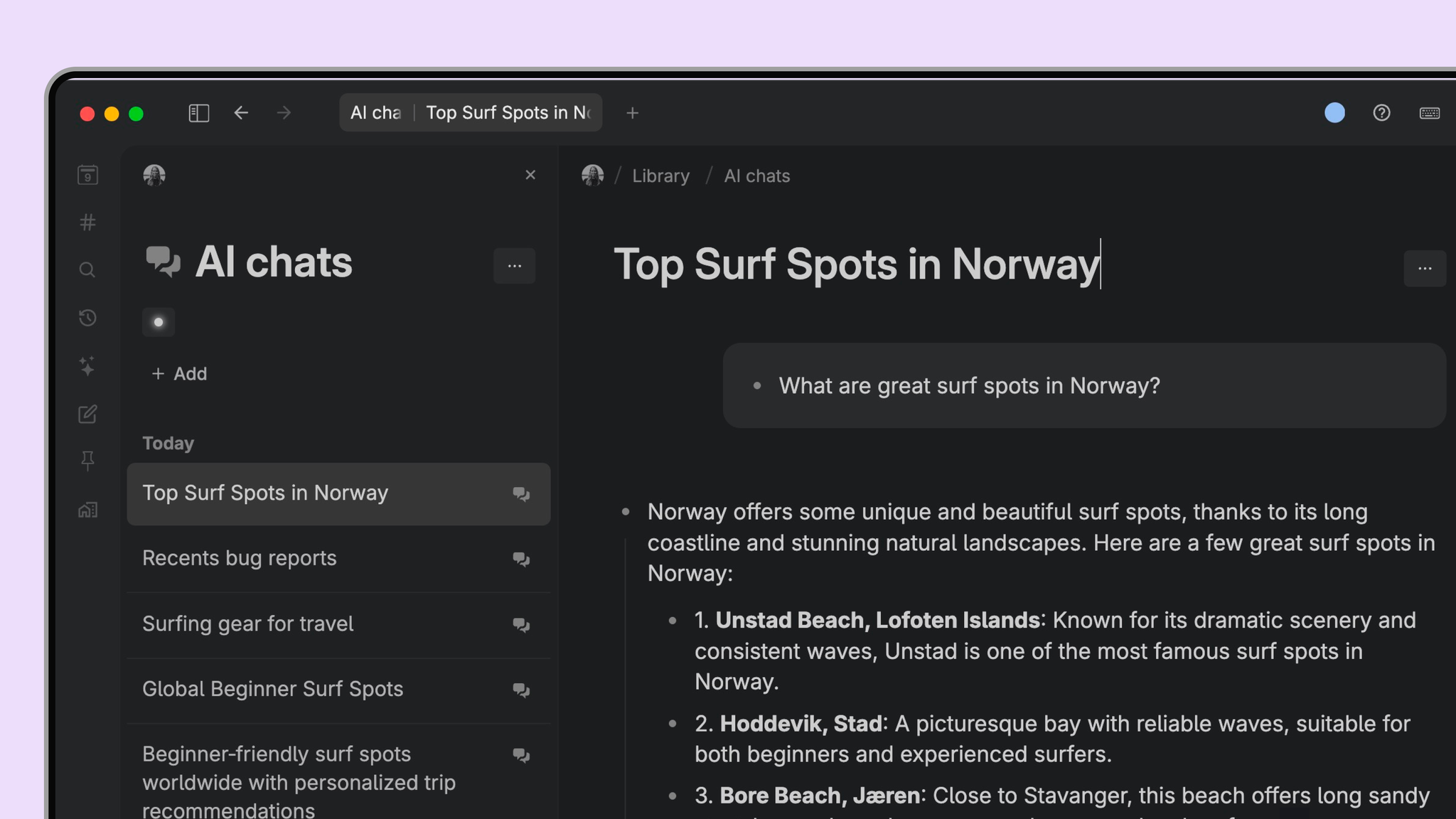
Finding past conversations is now simple. The new AI chats view appears automatically at the top of your sidebar and shows up to 100 chats per page. You can filter, sort, and search across all chats, making it easy to revisit earlier thinking, find a summary you generated last week, or pick up a long-running research thread.
For users researching productivity apps, networked note-taking tools, or second brain systems, this solves a common problem: AI conversations usually live in isolated chat silos. In Tana, they are part of a connected knowledge graph, searchable and contextualized alongside your meetings, tasks, and documents. You can reference any AI chat in notes where you want to include it as context or reference material. This makes Tana a strong alternative to standalone AI assistants or traditional note-taking tools.
The AI chats view in sidebar is a system view in Tana, similar to Recents. It cannot be edited by users as it may be updated with design changes.
A cleaner, more focused AI chat interface
Across Tana, the chat interface has been refreshed with a clearer layout and better separation of context and messages. The new UI is shown on all AI chats, whether they are created from the sidebar, inline on nodes, and in expanded views. Long chats are easier to follow, prompts remain visible as context grows, and the overall interaction flow feels faster.
This update supports the way knowledge workers think: moving between quick prompts, deeper analysis, and drafts of real work. Instead of switching to a separate AI tool and losing your context, you stay inside Tana’s knowledge graph where everything remains connected.
Smarter storage for new chats
AI chats created from the sidebar view now live under a single node in your Library called AI chats. This replaces the old behavior where chats appeared on Today, which made it harder to manage or exclude them from searches.
This change gives users more control over their workspace structure. If you regularly filter your graph for tasks, meetings, or research, you no longer have stray chat nodes polluting your results. You can use the search operator IS CHAT in live search queries to search in AI chats or exclude them from results.
Inline AI chats still behave exactly as before. When you create a chat inside a node, it remains attached to that node, preserving the full context of your work.
If you want to consolidate older chats into this new structure, you can do so by creating a search for IS CHAT, dragging it into the Library node, then running Bring referenced node here from the command menu.
Lower token costs with prompt caching
AI chats with large context now benefit from prompt caching. When you send follow-up messages that reuse earlier parts of the conversation, the model can read from cache instead of recomputing everything from scratch. This reduces token usage significantly for managers who work with long meeting transcripts, research documents, or iterative strategic discussions.
Caching happens automatically in Tana. You can read more about the underlying mechanism in our AI chat documentation.
For users comparing AI workspace tools, this matters. Unlike generic chat UIs, Tana’s AI is built to work with your knowledge graph, not a blank prompt. With caching applied to structured, context-rich conversations, Tana delivers both smarter outputs and more efficient token consumption.
Why this update matters for teams and professionals
Across our user interviews, managers and executives consistently described a familiar challenge: AI chats are valuable in the moment, but unmanageable afterward. They disappear into history, become disconnected from the real work, or can’t be retrieved when decisions need context.
This update solves that by making AI chat a first-class part of your workspace:
• Chat becomes a navigable, searchable asset rather than an isolated interaction
• Long-form strategic or research conversations stay easy to revisit
• Your graph stays organized and clean, with AI chats stored in a predictable location
• Token spend decreases for long context discussions
• The UI becomes a smoother environment for thinking, drafting, and decision-making
For anyone researching tools for connected note-taking, second brain apps, AI-powered knowledge management systems, or meeting intelligence platforms, these changes reinforce Tana’s differentiator: AI that works inside your knowledge graph, not outside it.
Start exploring the new AI chat experience
Open Tana today, check the sidebar for AI chats, and try out the redesigned interface. If you want to organize your historical chats, use the IS CHAT search to move them into the new structure.
This update is part of our ongoing work to make Tana the most powerful thinking workspace for individuals and teams. More improvements are already in progress, and we look forward to seeing how the new chat experience supports your meetings, projects, and strategic work.