A more flexible, customizable sidebar with resizing for faster work in Tana

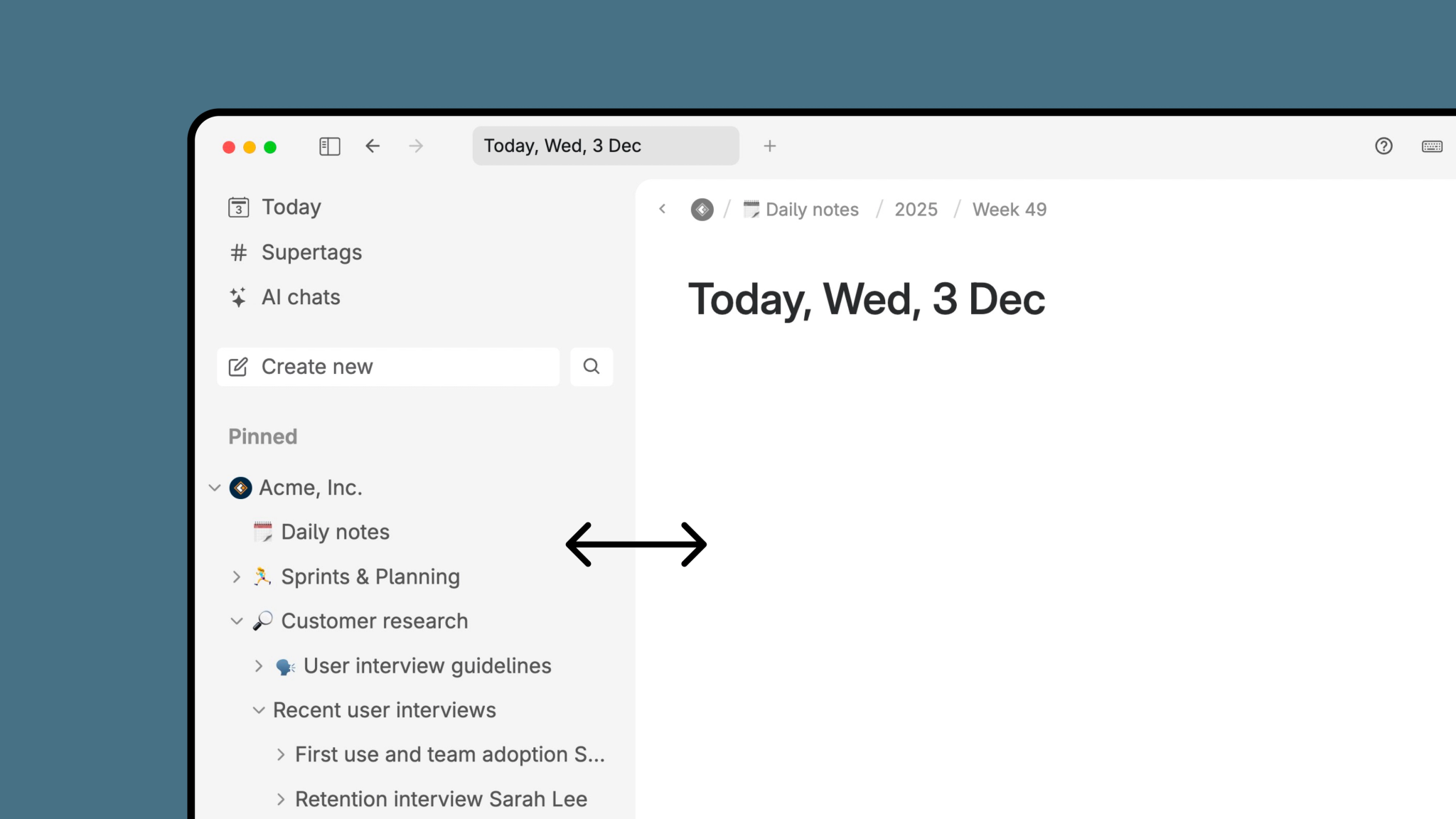
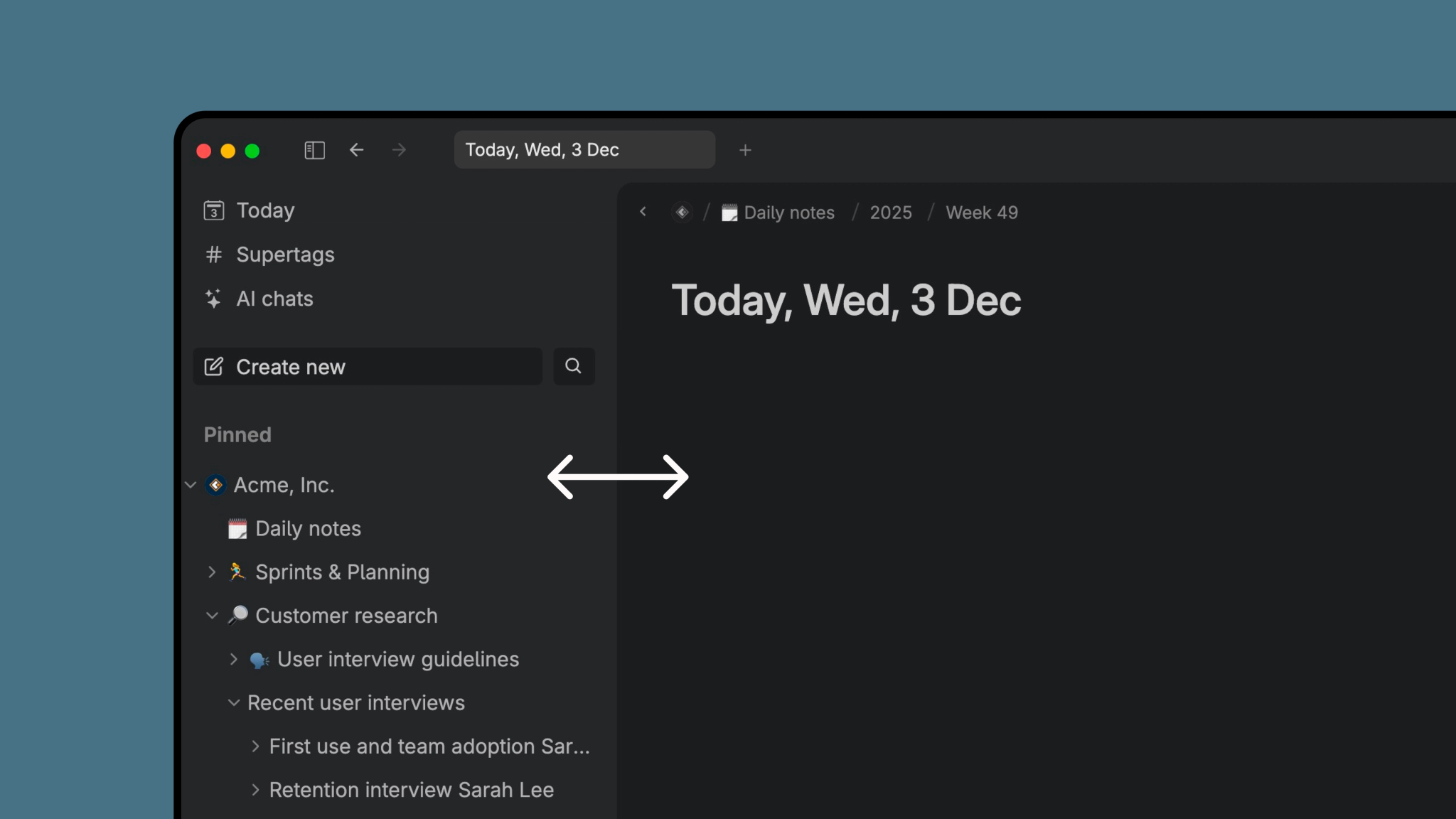
This update makes the sidebar a more powerful command center for your day, whether you’re managing meetings, tracking tasks, or navigating your knowledge graph.
Resize the sidebar to fit your workspace
You can now drag the divider between the sidebar and the editor to make the sidebar exactly the width you want. Make it slim when you’re writing, or widen it when you need to navigate directly to projects, dashboards, or to view long node titles.
Tana allows you to expand/collapse nodes directly in the sidebar to navigate your tree, and resizing the sidebar makes this even easier.
If you ever want to return to the default width, open Cmd/Ctrl+K and select Reset sidebar width.
Collapse the sidebar for full-focus work
Some moments require zero visual noise, especially when writing, reviewing meeting notes, or mapping out a project.
The sidebar can now be fully collapsed:
- Click the sidebar toggle once to minimize it
- Click again to collapse it completely
- Click once more to bring it back
You can also use the command line:
- Show sidebar - opens the full sidebar
- Show mini sidebar - minimizes the sidebar to only show icons
- Hide siderbar - hides the sidebar completely
- Toggle sidebar - switches to the next state; Full sidebar -> Minimized sidebar -> Hidden sidebar
This transforms Tana into a clean, distraction-free outliner editor while keeping navigation just one click away.
Customize the sidebar top items
The top of the sidebar is where your most important places in Tana live; your Daily Page, Supertags, AI chats and the Inbox (optional). Since people have different workflows and preferences, we have now made it possible to control exactly what shows up there.
Right-click an item in the top section to show, hide, or reorder what’s pinned to the top.
This helps new users get oriented faster, and gives power users a simple way to shape their command center.
Pin nodes and searches for quick access
Pin anything you return to often: projects, reference material, meeting hubs, or live searches. Pinned searches update automatically, which makes them ideal for dashboards like:
- upcoming meetings
- open tasks
- follow-up lists
- active projects
- research topics or reference material
Expanding nodes in the sidebar also works for search nodes, allowing you to navigate directly to a task from a pinned project task list for example.
See progress directly in the sidebar
If a pinned item contains a progress bar, the sidebar now shows a circular progress indicator next to it.
You’ll see:
- a quick percentage view of task completion
- a tooltip with exact numbers when hovering
- live updates as tasks are completed anywhere in your workspace
This turns the sidebar into a lightweight project tracker — perfect for managers and knowledge workers who want quick insight into what’s moving and what needs attention.
Read more about progress bars in Tana ->
A sidebar that can fit the way you work
The new sidebar makes Tana faster to use and easier to shape around your workflow. It supports quick navigation when you need it and disappears when you want full focus. You decide what shows up, how it’s sized, and how you track progress.
Whether you’re managing a busy meeting schedule, running complex projects, or building a connected second brain, the new sidebar gives you more control and clarity than ever.