Focus mode
One command to eliminate distractions
Press cmd+k and run "Start focus" on any node. Your sidebar disappears, theme switches to dark, and the page zooms to full screen. Everything is configured to help you focus. When you're done, run "End focus" and your workspace returns to normal, with your focus time automatically logged.
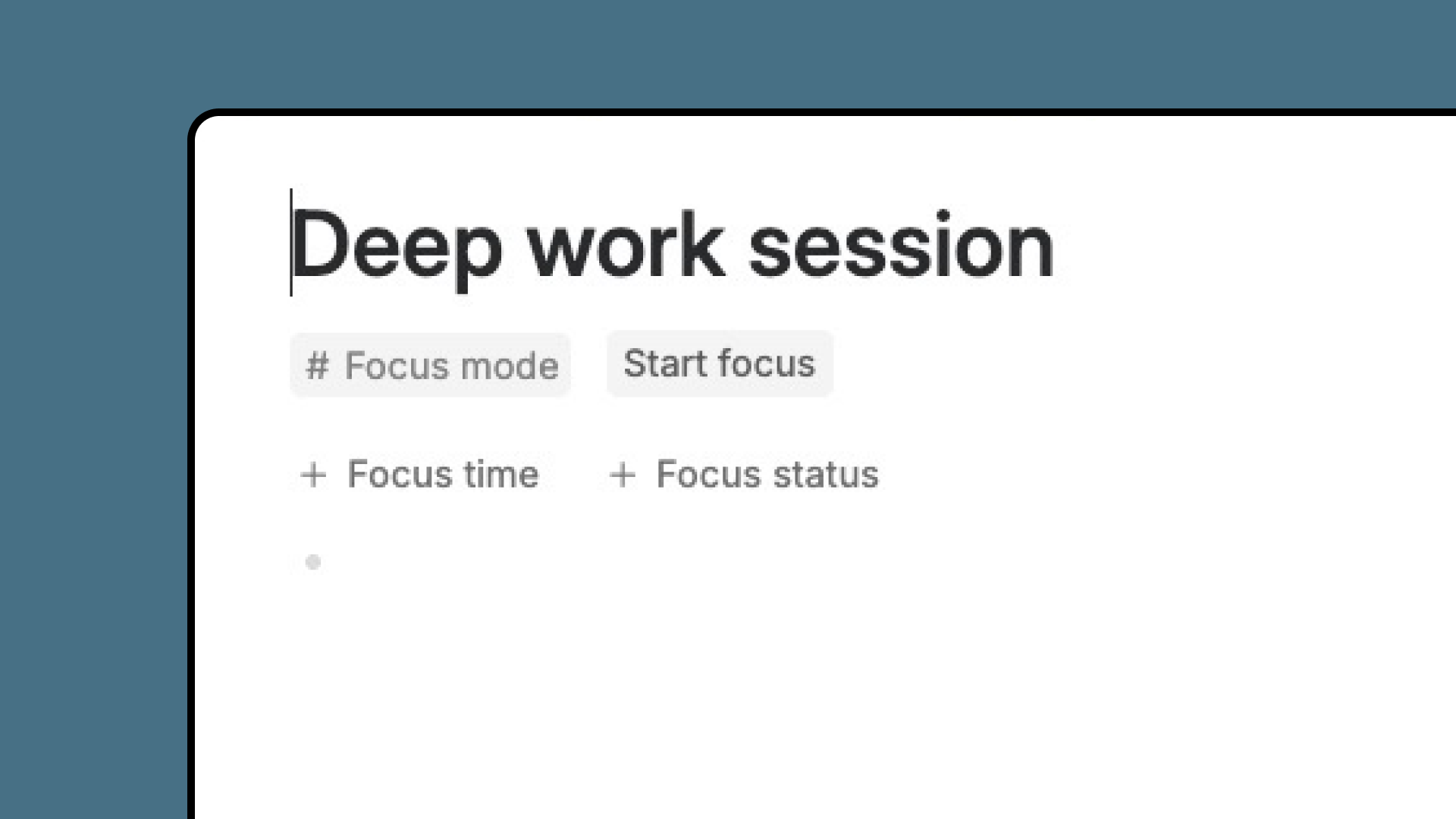
Attach to your existing workflow
Add Focus mode as an extension to any supertag you already use. Now every project, task, or note has one-click focus buttons built in. No need to change how you work. Just add focus mode where you need it.

See your focus patterns
Click the Focus mode tag to view your focus time overview. Filter by this week, this month, or any time frame. See total hours, averages, and session lengths. Switch to calendar view to see all your focus sessions across different projects and contexts in one place.
Configure once, use everywhere
Set your focus preference once, choose sidebar visibility, theme, zoom level, and whether to log sessions on your daily note. Every time you enter focus mode, your settings apply automatically. Exit focus mode and everything returns exactly how you want it.
How to use
- Run "Start focus" on any node via cmd+k to enter focus mode
- Run "End focus" via cmd+k when you're done—focus time is tracked automatically
- Or add
#Focus modeextension to any supertag for one-click buttons - Configure your workspace preferences in Focus start/end settings
- View your focus time overview filtered by any time frame
- Check the calendar view to see all focus sessions across projects
This template contains
#Focus modeextension supertag with Focus time and Focus status fields- Start, End and Reset commands
- Customizable settings for your focus mode