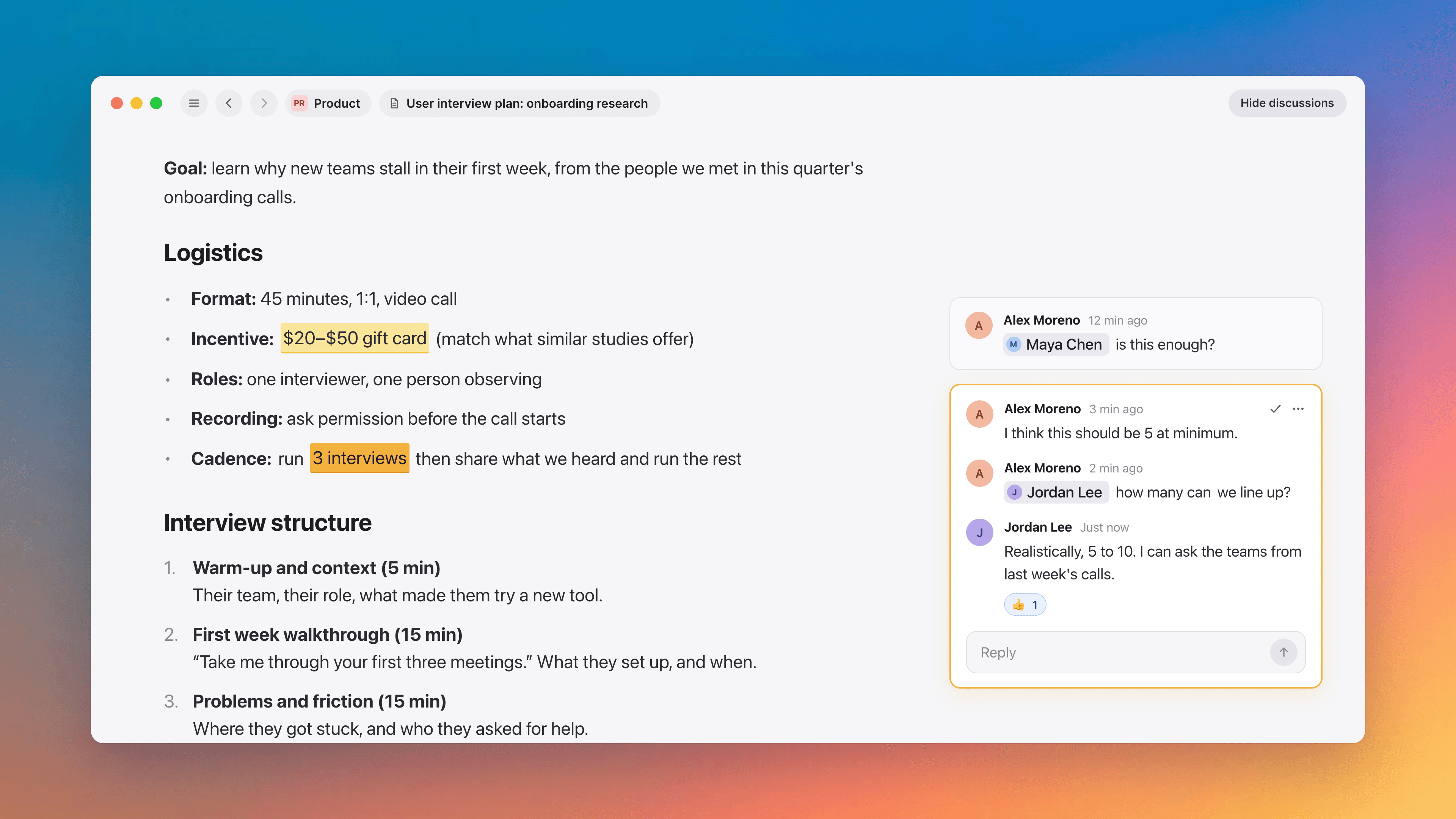
Mute or remove someone in a meeting
Mute or remove people in your meetings, a calendar that opens on your working week, and pick your own agent's model.
Improvements
7- Mute or remove someone in a meetingIn a meeting hosted by your organization, open the menu on another person's video to mute them or remove them from the meeting. A muted person is told that someone muted them, and only they can unmute. Someone you remove can join again. Meetings
- The calendar opens on your working weekThe week view shows Monday to Friday, starting at 08:00. Turn on "Show weekends" in the calendar's menu to add Saturday and Sunday. Meetings take the color of their calendar. Calendar
- Choose your own agent's model and effortWhen your own Claude or ChatGPT answers in a chat, the message box shows which model it's using and at what effort. Pick from the models your Claude or ChatGPT account offers, with older ones under "More models", and set the effort level. Your choice carries over to new chats. Update the desktop app to get it. External agents
- Add Tana to Claude or ChatGPT in one clickSettings, Tana MCP has "Add to Claude" and "Add to ChatGPT" buttons that open Tana's listing in each app, so you can connect Tana without setting up a custom connector. The server address and the Claude Code command are still there below. MCP, Integrations
- Cmd+Q keeps Tana runningOn macOS, Cmd+Q closes every Tana window while Tana keeps detecting meetings in the background, and "Open Tana" in the menu bar icon's menu brings the windows back with their tabs. To quit for real, choose "Quit Tana" in the Tana menu, and Tana asks first. Apps
Show all 7 improvements
- Mentions read as underlined titlesMentions of documents, people and meetings in a document show as underlined titles, so the text around them reads more easily. Hover over one to highlight it, and click it as before. Dates keep their highlighted look. Docs
Fixes
3- The AI knows who said what in captured meetingsWhen you ask about a meeting you captured with the desktop app, the AI names who said each line, as the transcript does. Meetings, AI chat
- People search finds everyone in large organizationsIn organizations with hundreds of members, @mentions, the assignee picker and the people filters in search find every member. Tasks, Interface
- Undo only takes back your editsUndo in a document takes back what you typed. A document you saved from a proposal stays saved, and its sharing and place stay as you set them. Docs, Proposals and actions

Turn meetings into the most productive part of your day.
Download Tana
14-day free trialNo credit card requiredCancel anytime
Explore further
All updates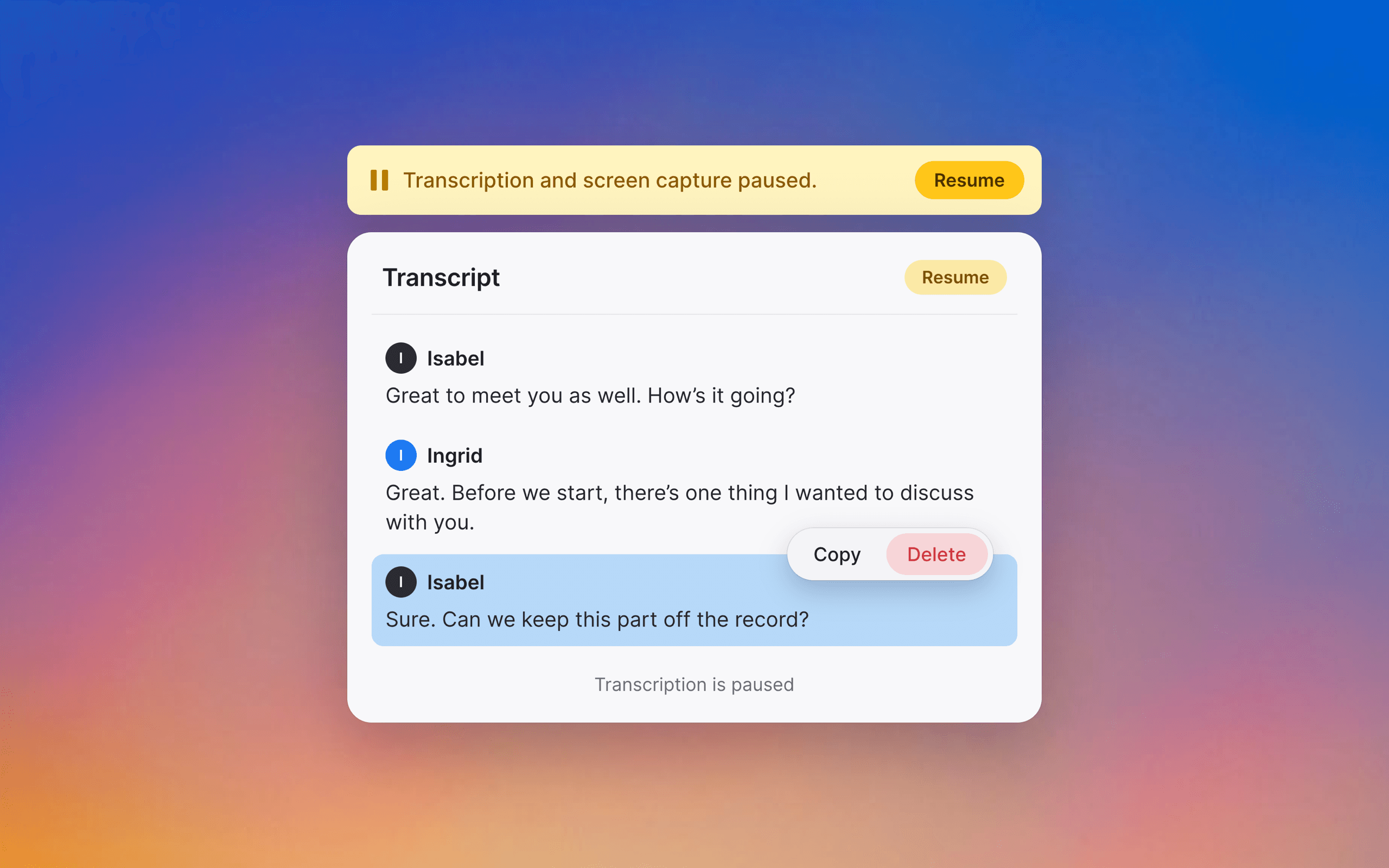
Meeting consent and transparency with Tana: tell people you are transcribingEveryone in a meeting should know when it is being transcribed. How to tell participants you are using Tana, what to say, what to do when someone says no, and how pausing, deleting, and data retention keep the record clean.
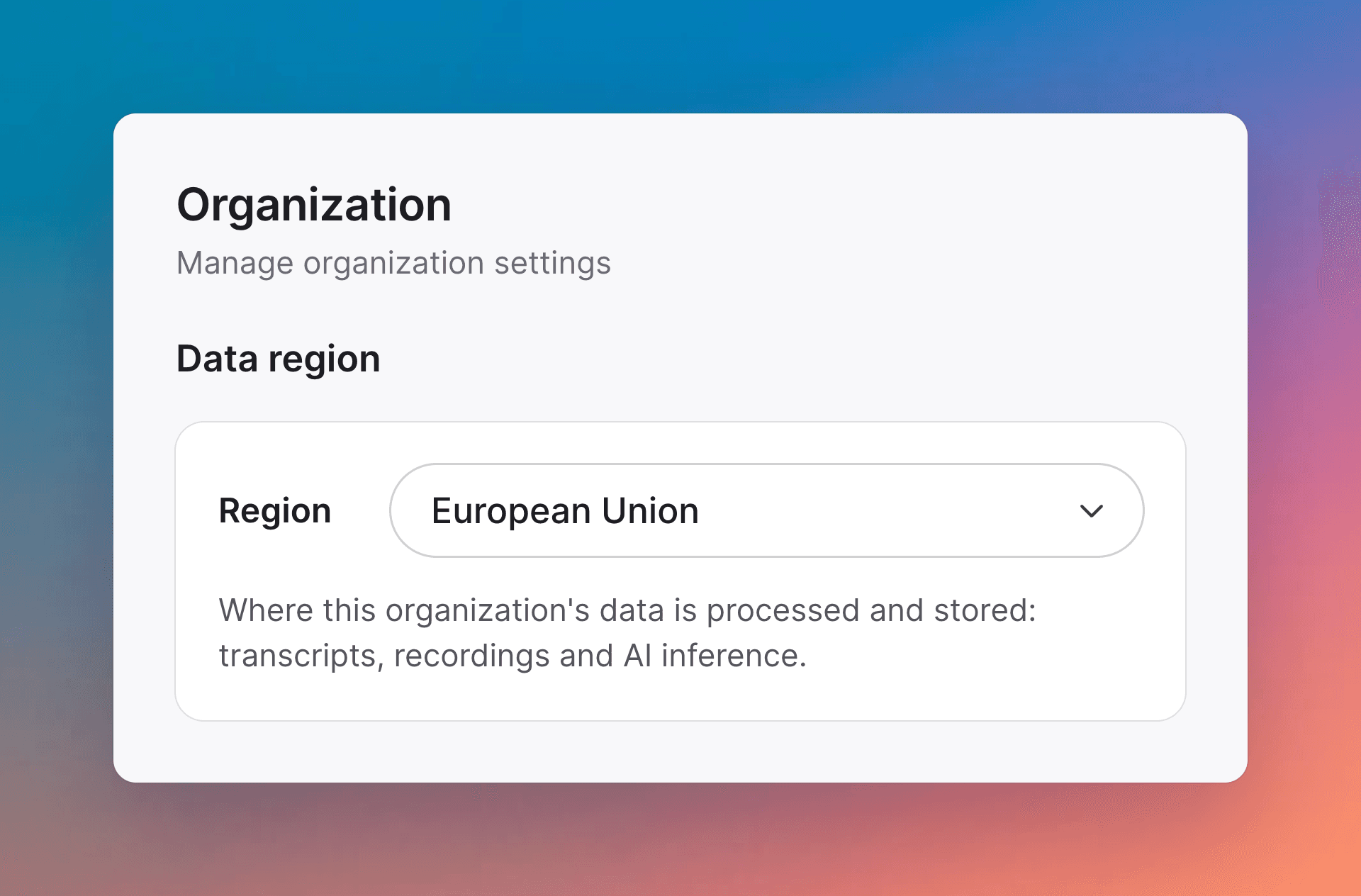
Tana Enterprise admin controls explained: SSO, groups, data residency, retention and agent governanceWhere meeting data is stored and processed, how long it is kept, how access is managed with SSO and groups, and which settings, agents and tools an administrator controls on the Business and Enterprise plans.