






Meeting outcomes, straight into Linear
The bug you just talked through doesn't need a second trip to Linear. Describe it in a meeting or in chat and Tana files the issue, written in the markdown Linear renders natively. It checks what's already open so you don't add a duplicate, and keeps the issue current as the work moves.
Create and track Linear issues from meetings
What you can do with Linear
While you talk
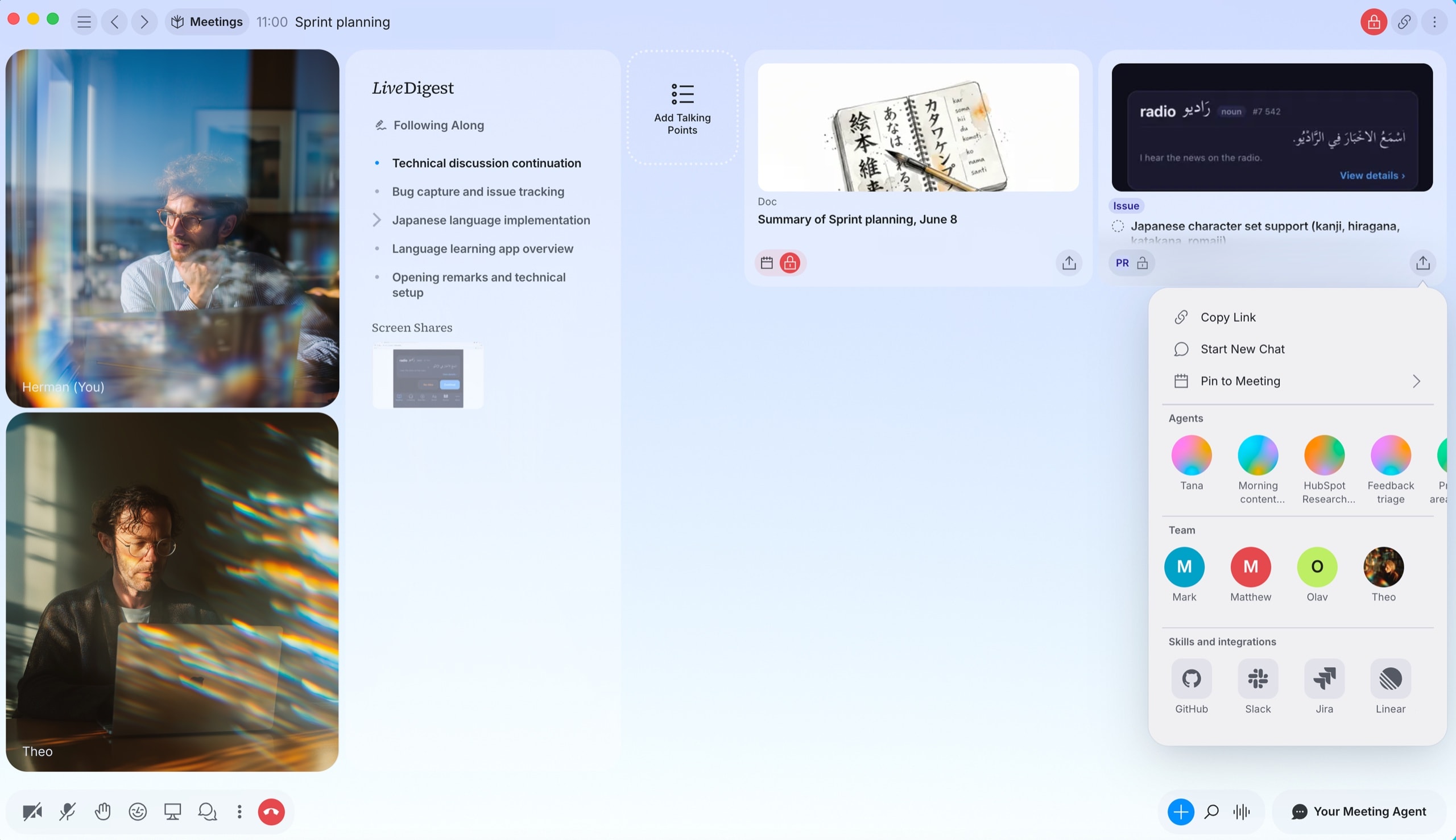
Spot the issue as it comes up
- Work through a bug or a task out loud, in a meeting or in chat
- Tana keeps track of what deserves an issue
- Linear is right there in your tools when you're ready to file
Check Linear for open issues about the login bug, then file one if there's nothing there
Without the context switch
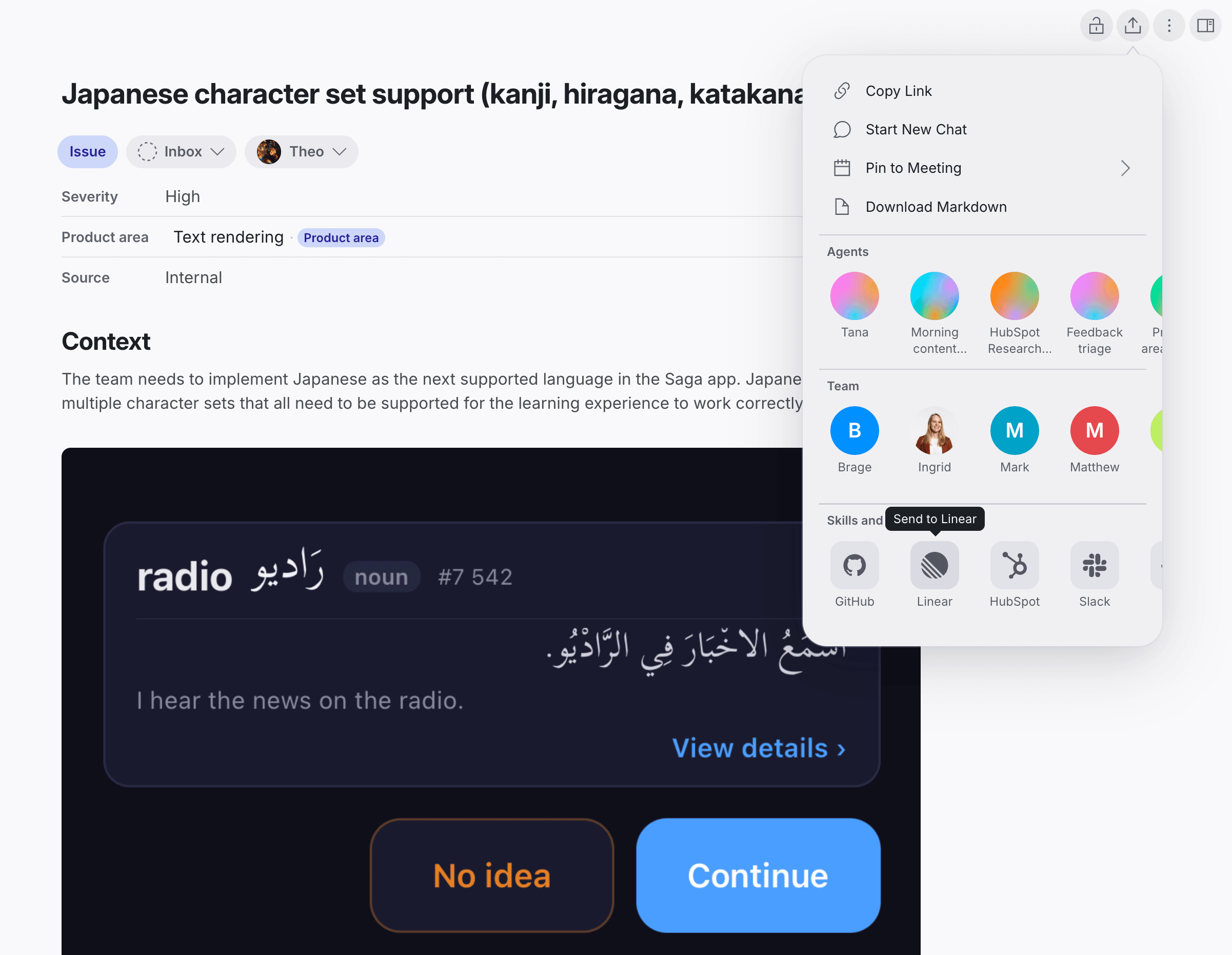
File it where you're already working
- Open an issue with a title, description, priority, labels, assignee, and project
- Tana checks existing issues first so you don't double up
- Point it at the team the issue belongs to
Create a Linear issue on the Web team and assign it to me
Once it's in Linear
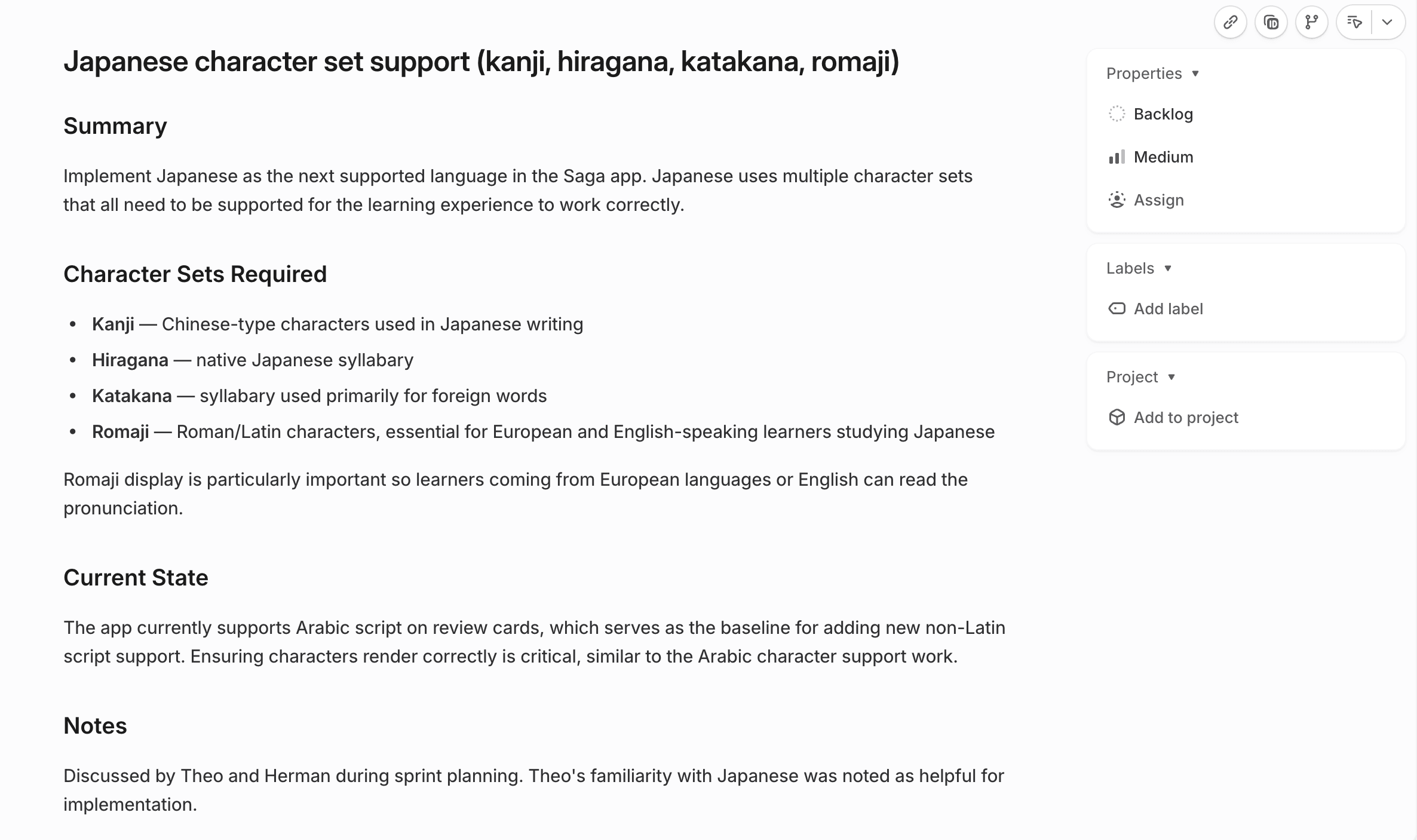
It arrives clean and stays current
- Descriptions come over in markdown, which Linear renders natively
- Change the title, description, priority, labels, or assignee later
- Move it to another workflow state on its team
Move ENG-241 to In Review
How to connect Linear
- Open Settings in Tana and go to Integrations.
- Find Linear and click Connect.
- Authorize Tana in the popup that opens.
- Linear is now available to AI in chat, and to any skill you attach to a type.
Frequently asked questions
- Does Tana integrate with Linear?
- Yes. Connect Linear from Settings and Tana's AI can list teams, search issues, and create and update issues from meetings and chat.
- Can I turn meeting notes into Linear issues automatically?
- Yes. Linear has a system skill for creating issues from typed documents. Attach it to a type and every document gets a one-click button to file the issue.
- Does Tana check for duplicates before filing an issue?
- When you ask it to, the AI searches existing issues first, so you don't file the same bug twice.
- Can Tana move an issue to another state?
- Yes. The AI moves an issue to another workflow state that exists in its team. If the state you want isn't there, set it in Linear directly.
Related integrations
- GitHub
File and manage issues and PRs from chat
- Issues
- Pull requests
- Read code
- Jira
Push bugs and requests into Jira from chat
- Create issues
- Search
- Workflow status
- Claude
Connect Claude to your Tana workspace over MCP
- Connect via MCP
- Proposals
- Hand off to Claude Code
- Cursor
Send a meeting to Cursor as a ready-to-run prompt
- Hand off context
- Open in Cursor



Do the work in the meeting
Connect Linear and let Tana’s AI act on it while you talk. No more notes to write up afterward.
Get Tana