TL;DR
- Knowledge graph software stores information as entities (people, projects, decisions, meetings) and the relationships between them, rather than as flat documents. That structure is what lets a team ask "what did we decide about X, and why" and get an answer.
- It differs from a wiki or a notes app in one way that matters: the connections are first-class. A wiki holds pages; a knowledge graph holds facts that link to each other, so context is retrieved, not reconstructed.
- For team memory, the hard part is not the graph. It is keeping it current and permissioned without turning maintenance into a second job.
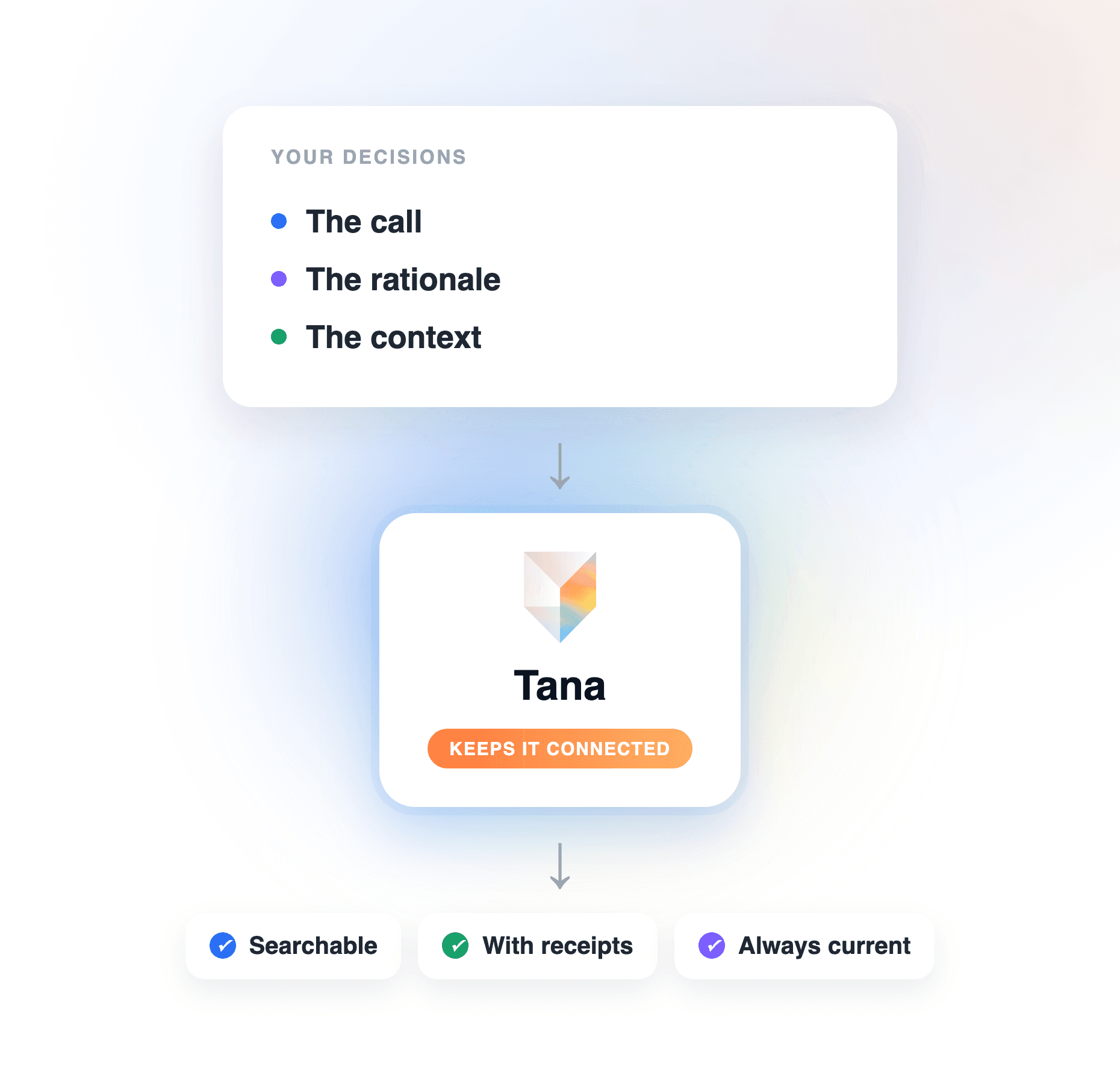
- Tana uses a knowledge graph as team memory that builds itself: it captures decisions from your meetings and chats, connects them, and keeps them queryable by people and AI agents alike, so the record stays current without anyone tending it.
Every team has the same problem by its second year: the decisions are all somewhere, and nobody can find them. They are scattered across meeting notes, chat threads, and documents, none of which know about the others. Knowledge graph software is one answer to that problem. Instead of storing knowledge as pages you have to remember to read, it stores it as connected facts you can query. This guide explains what knowledge graph software actually is, how it differs from the wiki you already have, and what it takes to use one as living team memory rather than another archive that goes stale. For the ranked tools, see Best knowledge graph tools for teams 2026.
What is knowledge graph software?
Knowledge graph software stores information as a network of entities and the relationships between them, rather than as standalone files. An entity is a thing your team talks about: a person, a project, a customer, a decision, a meeting. A relationship is how two entities connect: this decision was made in that meeting, about this project, raised by that customer. The software's job is to hold those entities and links so they can be traversed and queried.
The contrast makes it concrete. A document says "we decided to delay the launch." A knowledge graph records the decision as an entity, links it to the meeting where it happened, the people who made it, the project it affects, and the customer feedback that prompted it. The first is a sentence you have to find and read. The second is a fact your team, and your team's AI, can retrieve and follow.
Knowledge graph vs a wiki, a database, and notes
The category is easy to confuse with things you already use, so here is where it sits:
- Versus a wiki: a wiki stores pages, and the links between them are manual and shallow. A knowledge graph stores structured entities, and the links are the point. You do not read a page to find a decision; you query for it.
- Versus a relational database: a database is rigid and built for one schema up front. A knowledge graph is flexible: new types of entity and relationship can be added as the work evolves, without redesigning the whole thing.
- Versus a notes app: notes capture what was said. A knowledge graph captures what it means and how it connects, so the tenth note about a project strengthens the record instead of joining a pile of nine others.
The through-line: the other tools store content. A knowledge graph stores content plus its context, and context is what makes memory usable.
What makes a knowledge graph work as team memory
A graph on its own is a data structure. Turning it into memory a team relies on takes four things:
- Structured entities. Knowledge comes out in defined shapes, decisions, tasks, insights, so it can be filtered, counted, and connected, not just searched as text.
- Real relationships. The links between entities are stored and traversable, so a question can follow them: from a decision, to the meeting, to the customer who raised it.
- Current, not stale. The memory reflects the latest state. A record that was right last quarter and wrong now is worse than none, because the team trusts it.
- Permissioned. Each fact carries its own access control, so the memory can be shared across a team without exposing everything to everyone.
Miss any one and the graph becomes another archive. The fourth and third are where most attempts fail: a knowledge graph someone has to maintain by hand goes stale as fast as the wiki it replaced.
Why team memory goes stale, and what fixes it
The reason most "team knowledge" efforts fail is not the tool. It is that keeping the knowledge current is a manual job nobody owns. A wiki is accurate the week it is written and rots from there. A folder of meeting notes grows without connecting. The knowledge exists, but it is not memory, because memory is something you can query and trust, and a stale archive is neither.
The fix is to make the memory build itself from the work. If the knowledge graph is fed by the meetings, chats, and documents a team already produces, and it updates existing records instead of stacking new ones, it stays current as a side effect of working. That is the difference between knowledge graph software you maintain and knowledge graph software that maintains itself.
Where Tana fits
Tana is built as team memory on a knowledge graph, framed for the people using it as shared context rather than a data structure to manage. In practice that means the graph is fed by your work: meetings are captured and their decisions and action items extracted as structured, typed items, each connected to the people and projects it touches. Because re-running extraction updates existing records rather than duplicating them, the memory stays current without anyone maintaining it.
The payoff is a memory you can question. Ask chat "what did we decide about the onboarding redesign, and why," and Tana answers from the meeting it was decided in, following the links in the graph rather than making you find the note. The same memory is available to AI agents through an MCP server, so a coding or research agent works from your team's actual decisions, and access controls mean each person and agent sees only what they should. It is the connected, current, permissioned memory the four properties above describe, built from the work instead of maintained beside it. For the broader category of tools, see Best AI knowledge management software 2026.
How to get value from knowledge graph software
Whatever tool you choose, a few principles separate living memory from a tidy archive:
- Let it build from the work. Prefer a graph fed by your meetings and documents over one you populate by hand, because the hand-populated one stops getting populated.
- Structure the entities that matter. Define the handful of types your team refers to repeatedly (decisions, insights, customers) so the memory is queryable, not just searchable.
- Keep it current by updating, not adding. New information should revise the existing record, or the graph becomes a pile with extra steps.
- Make it queryable by people and agents. The value shows up when someone, or an agent, can ask the memory a question and get a grounded answer.
Frequently asked questions
What is knowledge graph software in simple terms?
It is software that stores information as connected things and their relationships, people, projects, decisions, and the links between them, instead of as separate documents. That structure lets you ask questions like "what did we decide about this, and why" and get an answer that follows the connections. Tana uses a knowledge graph this way, as team memory that captures decisions from your meetings and keeps them linked and queryable.
How is a knowledge graph different from a wiki or database?
A wiki stores pages with shallow manual links; a relational database stores rows in a fixed schema you design up front. A knowledge graph stores flexible entities and the meaningful relationships between them, so it adapts as the work evolves and the connections are queryable rather than something you navigate by hand. Tana gives a team that graph without the setup: it builds the entities and links from the meetings and chats you already have.
What is a knowledge graph used for in a team?
Mainly for organizational memory: capturing decisions, the reasons behind them, and how they connect to people, projects, and customers, so the team can retrieve them later instead of relitigating them. It also grounds AI: an agent working from a knowledge graph answers from what the team actually decided. In Tana, that memory is fed by your meetings and queryable from chat and through an MCP server, so both people and agents draw on the same current record.
Does knowledge graph software help AI give better answers?
Yes. An AI agent is only as reliable as the context it can retrieve, and a knowledge graph gives it structured, connected, current facts to work from rather than a pile of documents to guess over. That is why grounding agents in a knowledge graph reduces confident wrong answers. Tana serves its graph to agents over an MCP server, so your team's agents answer from real decisions. For the deeper mechanics, see What is context engineering for AI agents.
How do you keep a team knowledge graph from going stale?
Make it build and update itself from the work, rather than depending on someone to maintain it. The durable pattern is a graph fed by meetings and chats that updates existing records instead of adding duplicates, so it reflects the current state automatically. That is how Tana works: decisions are captured as they happen and revisions update the existing record, so the memory stays current without a maintenance ritual. The decision-preservation angle is covered in How knowledge graph software preserves decisions.
Explore further