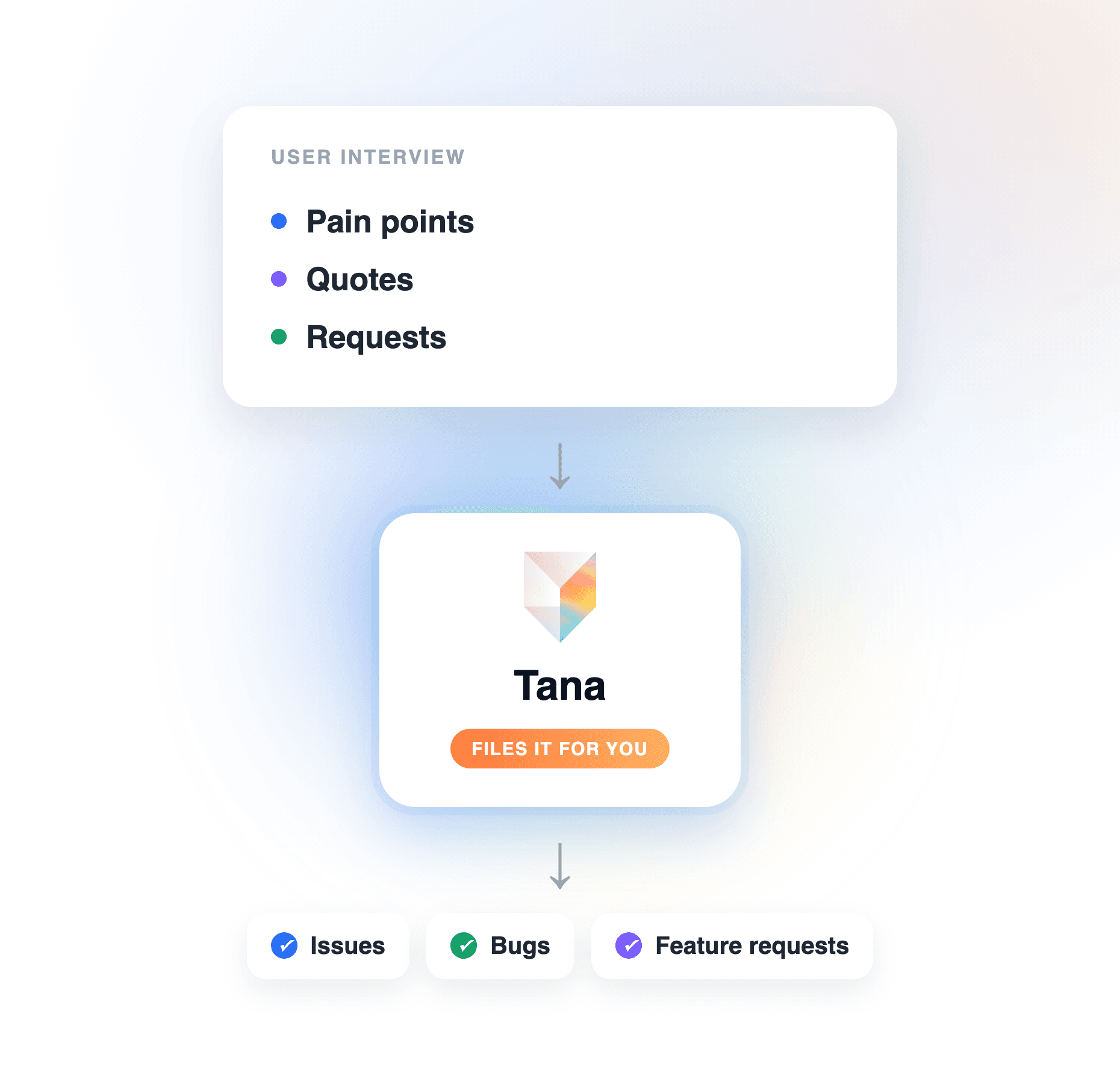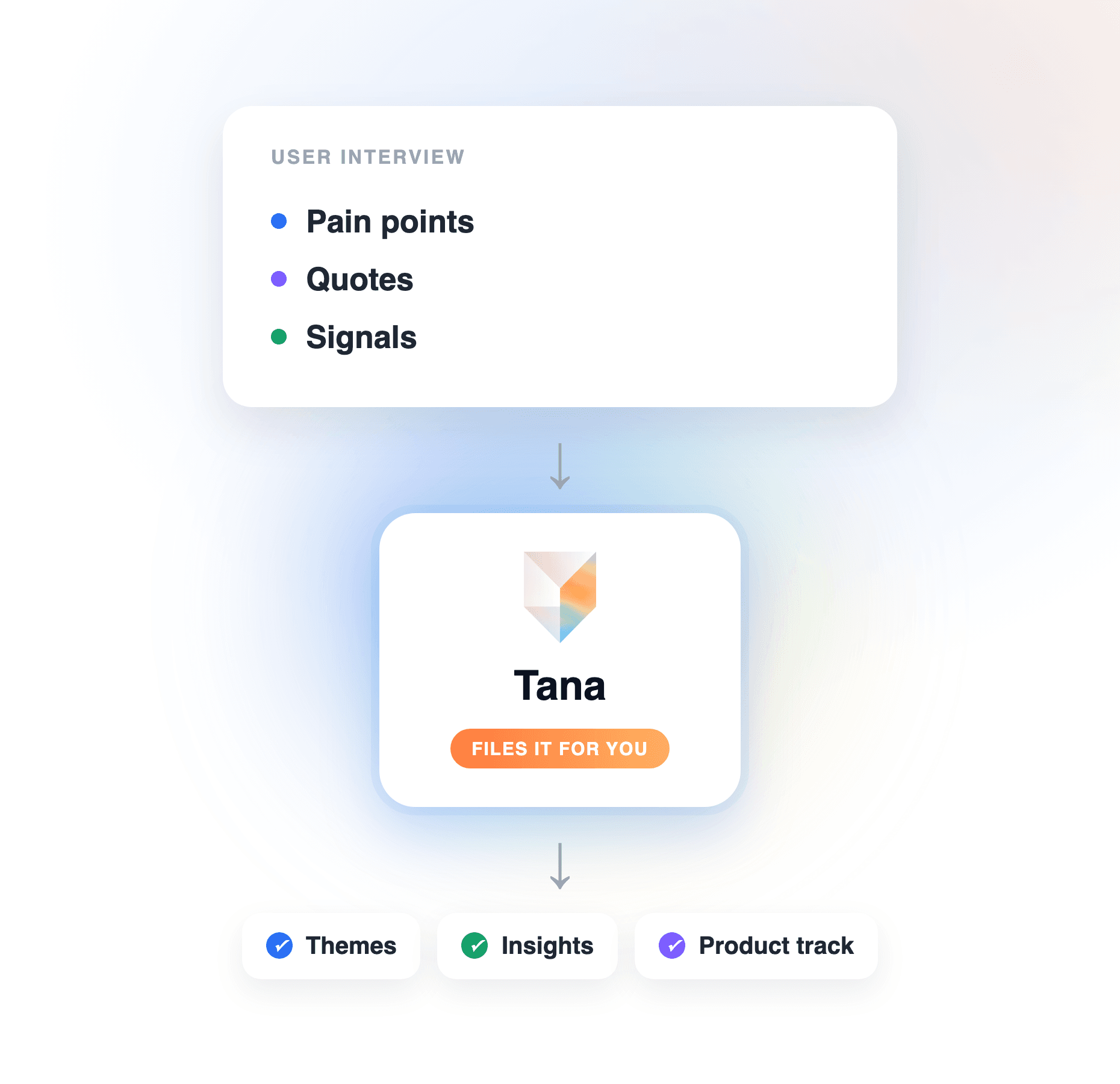
TL;DR
- Doing research and having a research system are different things. A system means every interview lands in one shared, connected record, structured the same way every time, and the team queries the record instead of re-reading transcripts.
- You can set that system up in Tana in an afternoon: interviews are captured without a bot, the product-feedback skill extracts pain points with screenshots, the results file as shared structured insights, and everything connects into one record that stays current.
- After setup, the system runs itself. Each interview is processed automatically, every AI change arrives as a proposal you approve, and re-running extraction updates existing insights instead of creating duplicates.
- Engineers plug into the same record: through Tana's MCP server, a coding agent like Claude Code pulls the relevant insights while building and syncs the result back.
Most product teams do research; far fewer have a research system. The difference shows up around interview fifteen, when nobody can say how many customers hit the invite-flow wall without opening a dozen docs. If you want the general method for analyzing interviews, start with How to turn user interviews into product insights. This guide is the setup companion: the concrete steps to build the system in Tana, so that once it exists, every interview files itself. For the broader idea of giving AI a shared, current record to work from, see What is context engineering for AI agents.
What makes it a system, not a pile of notes
Four properties separate a research system from accumulated write-ups, and they are the checklist for everything below:
- Uniform capture. Every interview is recorded and transcribed the same way, whichever tool the call happens in.
- Structured output. Insights come out in one shape, with the same fields, so they can be compared, counted, and filtered.
- One connected record. New interviews update and extend what is already there instead of adding another standalone summary.
- Queryable by everyone. The team, and the team's AI, can ask the record questions and get answers grounded in specific interviews.
Tana covers all four out of the box. Here is the setup.
How to build a product research system in Tana, step by step
Six steps. The first three get a single interview flowing through the system; the last three make the interviews add up to more than their count.
Step 1: capture every interview without a bot
The system starts at the call, because anything you reconstruct afterwards has already lost detail. In Tana there are two capture paths, and together they cover every interview you run:
- Interviews you host: run them as a Tana meeting. Tana transcribes in real time with speaker identification, and when the participant shares their screen, it captures screenshots of what they were looking at, each with an AI-generated description.
- Interviews on Zoom, Teams, or Meet: the desktop app captures the external call from your side, with no bot joining the meeting. You participate normally in the other tool; Tana transcribes the audio and captures shared-screen content in the background.
The screen matters more than teams expect. In a product interview, where someone hesitates is often the finding, and a transcript alone cannot show it. Because Tana attaches the screen captures to the transcript, the evidence survives.
One setup note: capture is on by default, and you can pause it mid-call with off-the-record mode for anything the participant does not want recorded.
Step 2: extract pain points with evidence, during the session
Raw transcripts are storage, not research. The extraction step turns the conversation into findings, and in Tana it is a built-in skill, so there is nothing to configure for your first interview.
Run the default product-feedback skill from the meeting or from chat. It produces a summary, the specific pain points, and annotated screenshots marking exactly what the user reacted to, each tied to the moment in the call it came from. When a stakeholder later pushes back on a finding, you show the screen and the quote, not your recollection. The full walkthrough is in Turn a customer call into product feedback.
You do not have to remember to run anything. When the call ends, Tana processes the meeting on its own: summary, decisions, and action items as structured items. The skill adds the product-research depth on top.
Everything the AI produces arrives as a proposal you review before it is written anywhere. That review step is what keeps an automated pipeline trustworthy: the AI does the work, you confirm the findings are real.
Step 3: file insights as shared, structured records
This is the step that turns findings into a dataset. Give insights a defined shape by asking chat to create an Insight type for you, in plain language: "an Insight type with fields for the source interview, the affected product area, severity, and status." Tana creates the type with fields and a workflow, so your insights get a kanban board from day one, from fresh finding to addressed.
Two configuration moves make the type pull its weight:
- AI instructions on the type tell the AI how to fill it: "always link the interview the insight came from and quote the strongest supporting line." Every future extraction follows the house rules.
- Skills attached to the type put actions where the insight lives. Attach the file-an-issue skill and any insight can be pushed to your tracker, Linear, GitHub, or Jira among them, from its own menu when it is ready to act on.
Because insights file into your team's space, they are shared from the moment you accept the proposal. The researcher who ran the call and the PM who was not there see the same structured record, not a private write-up awaiting a share.
Step 4: connect interviews into one record that stays current
Here is where most stacks fail. A notes tool gives you one more summary per interview, forever, and the tenth summary does not know about the first nine. A system needs the opposite: new interviews should update what the team already knows.
Tana works that way by default. Re-running extraction updates existing outcomes rather than creating duplicates, and if you pin a document to the interview, say the product track or the open issue the session was about, extraction treats it as the subject and prefers updating it over spawning a parallel one. The third customer to hit the same wall strengthens an existing insight instead of adding a lookalike for someone to reconcile later.
The practical habit: before a session, pin the track or feature doc the interview concerns. After the call, the record of that feature is current, and it carries the evidence trail of every interview that touched it.
Step 5: query the record instead of re-reading transcripts
Once interviews live in one connected record, the way you use research changes. Ask chat: "which onboarding pain points came up more than once this quarter?" or "what did enterprise customers say about permissions?" The AI searches across your interviews, insights, and meetings, and answers from what was actually said, with the source sessions behind it.
Two extensions worth setting up once the basics run:
- A scheduled agent. Describe it in one sentence, "an agent that summarizes new insights every Friday and flags recurring themes," and Tana builds it. Put it on a schedule and the research digest writes itself.
- Roll-ups as artifacts. When a stakeholder needs the bigger picture, generate a customer-journey map or a summary document from the accumulated record, ready to share as is.
This is the payoff of structure: the question "how many users struggled with invites?" is a query, not an archaeology project.
Step 6: connect the research to the code
A research system that stops at the product team leaves value on the table. Tana runs an MCP server, so the same record your PMs query is available to engineering tools. In Claude Code, one command connects it; Cursor, Codex, and any other MCP-compatible client connect the same way.
The loop in practice: an engineer picks up a ticket, asks their coding agent for the user insights behind it, and gets the pain points, quotes, and screenshots from the interviews that raised it, straight from Tana. When the fix ships, the agent syncs the update back to the product track as a proposal someone approves. The interview that surfaced the problem and the code that resolved it stay connected, and the research record shows which insights led to shipped changes.
Where a general chatbot fits
Plenty of teams start by pasting transcripts into ChatGPT, and for a one-off analysis of a single conversation it does the job. The limitation is structural, not a missing feature: a chatbot's output is a reply, and a research system's output is a record. The analysis lands in a conversation thread, in whatever shape the prompt happened to produce, and connecting it to last month's interviews, your product areas, and your tracker is work that stays with you. That is fine for the solo researcher thinking through one call. A team running continuous discovery needs the interviews, the insights, and the follow-through in one connected place, which is the system the six steps above set up.
What you have when it is running
After the setup, the marginal cost of research drops to roughly zero. You run the interview; Tana captures it, extracts the pain points with the screenshots to prove them, files them as shared structured insights, and folds them into the record of everything your team has heard before. The PM queries themes instead of skimming transcripts. The engineer builds against what users said instead of a paraphrase. And the record is current because keeping it current is the system's job, not a ritual someone has to remember.
Frequently asked questions
How do you turn user interviews into product insights using AI?
Capture the interview, have AI extract recurring pain points with the evidence behind them, and file each as a structured insight tied to a decision and a next step. The method is covered in How to turn user interviews into product insights; this guide is the setup that makes it automatic. In Tana, the call is captured without a bot, the product-feedback skill extracts pain points with screenshots, and the results file as shared structured insights your team can query, so the insight step happens by default rather than by discipline.
How do you set up a product research system in Tana?
Six steps, doable in an afternoon: capture interviews in Tana or via bot-free external capture for Zoom, Teams, and Meet; run the built-in product-feedback skill to extract pain points with screenshots; ask chat to create an Insight type so findings file in one structured shape; pin the relevant product track to each session so extraction updates the existing record; query the accumulated research from chat; and connect the record to your coding agents over Tana's MCP server so engineering can pull the insights behind a ticket. Each AI change arrives as a proposal you approve, so the pipeline stays automated and reviewed at the same time.
Can Tana capture interviews that happen in Zoom, Teams, or Meet?
Yes. The Tana desktop app captures external Zoom, Teams, and Meet calls from your side, with no bot joining the meeting. You take part in the call normally; Tana transcribes the audio, captures shared-screen content in the background, and processes the session into outcomes when it ends. That matters for a research system because uniform capture is the foundation: every interview enters the record the same way, whichever tool the participant preferred.
What does AI extract from a user interview in Tana?
The default product-feedback skill produces a summary, the specific pain points, and annotated screenshots marking exactly what the user reacted to, each tied to the moment in the call. Post-call processing adds decisions and action items as structured items, and a customer-journey artifact is one click away when you want the bigger picture. Because each finding carries its evidence, the insight holds up when someone questions it months later.
Is ChatGPT enough for user interview analysis?
For a single transcript you paste in, yes, it will summarize and surface themes well. What it gives you is a reply in a chat thread, not a record: the shape varies with the prompt, and connecting the analysis to your other interviews, product areas, and tracker is left to you. Tana is built as the system layer, capturing the call itself, filing structured insights the whole team shares, and connecting every interview into one record you can query.
How do engineers use interview insights while coding?
Through Tana's MCP server, a coding agent such as Claude Code can pull the insights behind a ticket, the pain points, quotes, and screenshots from the interviews that raised it, while the engineer works. When the change is done, the same connection syncs it back to the product track in Tana as a proposal. The research informs the code and the code updates the research, without copy-paste in either direction.
What is the best way to keep product research from going stale?
Make updating the record the system's job. In Tana, re-running extraction updates existing insights instead of duplicating them, and pinning a product track to an interview means the session updates that track directly. Combined with a scheduled agent that digests new insights weekly, the record stays current as a side effect of running interviews, which is what separates a research system from an archive of write-ups.
Explore further