TL;DR
- A journey-mapping interview walks one user through the stages of their experience, from first hearing about the product to habitual use or churn, and captures five things per stage: goals, actions, friction, emotion, and quotes.
- Design the questions around stages, not features. "Walk me through the first week" produces journey material; "what do you think of the dashboard" produces feature feedback.
- The output should be a customer journey map, not a summary: the current experience with pain points and quotes on one side, the improved workflow with success criteria on the other.
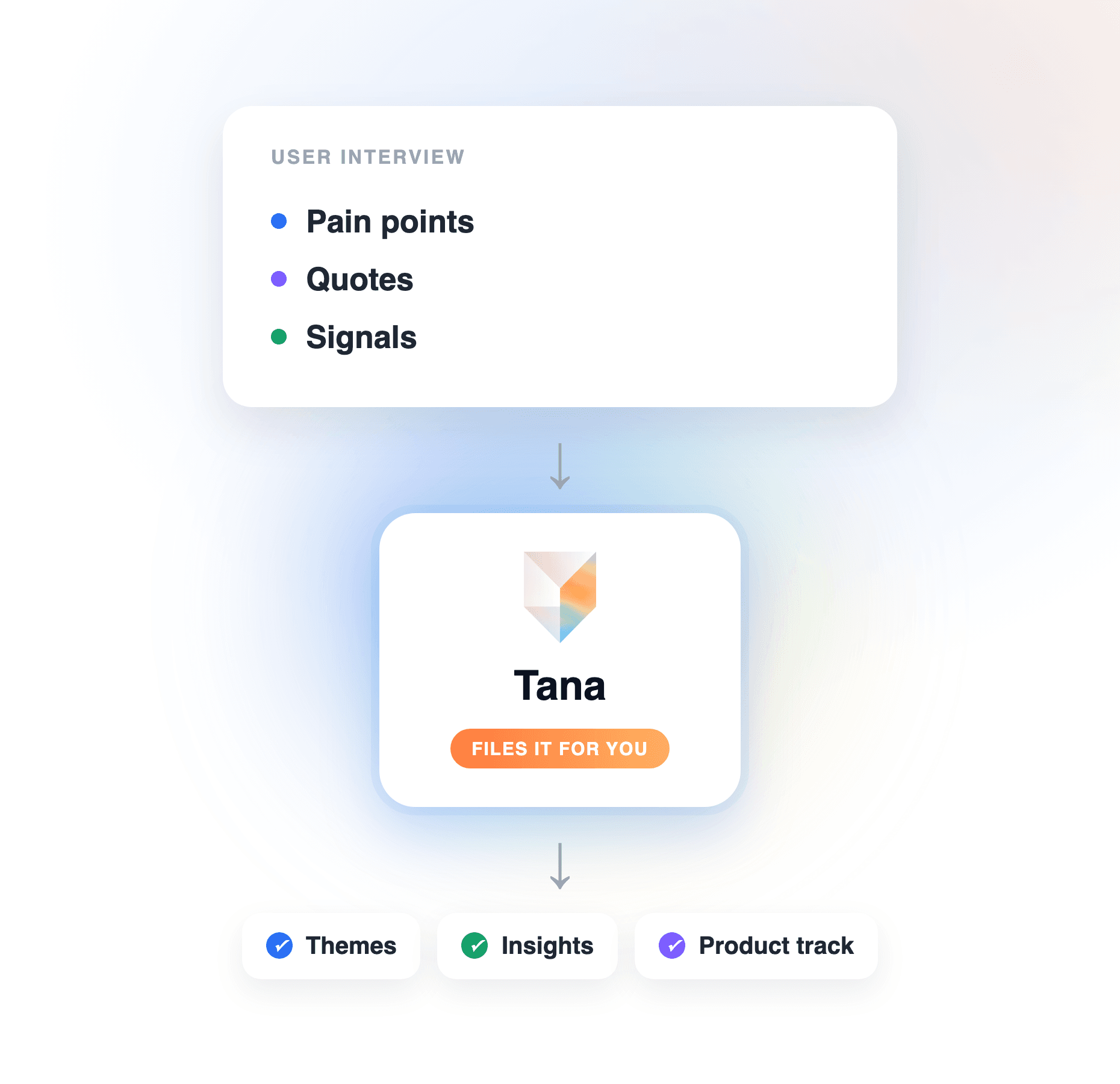
- Tana does the downstream work for you: it captures the interview without a bot, extracts the pain points with quotes as proposals you review, and generates a Customer journey artifact from the transcript, before and after included.
Customer journey mapping lives or dies on the interviews behind it. A map assembled from team assumptions is a diagram of what you already believe; a map built from recorded user interviews is evidence. The catch: a generic user interview rarely produces journey material, because the questions were never organized around the journey. This guide covers the upstream work, stage-based question design, what to capture per stage, and running the session so the recording carries the load, then how Tana turns the interview notes into the journey map itself, a Customer journey artifact built from the transcript. If your interviews are already done, skip to extracting the pain points and generating the map below; the same steps work on transcripts and notes you already have.
What a journey-mapping interview needs to produce
A customer journey map is a stage-by-stage account of one experience: what the user was trying to do, what they did, where it hurt, and how it felt. The interview has to surface, for each stage:
- Goals: what the user was trying to accomplish at that point.
- Actions: what they actually did, including the workarounds they will not volunteer unless asked.
- Friction: where they stalled, backtracked, or asked for help.
- Emotion: confidence, confusion, frustration, relief. Emotion is what makes a map persuasive to stakeholders.
- Quotes: the user's own words, tied to the stage they belong to; the evidence that survives a skeptical review.
A summary of the call gives you none of this structure, which is why the question design comes first.
How to run user interviews for journey mapping
Step 1: Define the journey stages before you write a question
Pick the stages you are mapping and let them structure everything downstream. For most products the spine is: awareness (how they found you), onboarding (setup and first sessions), first value (the moment it paid off), habitual use (the routine it settled into), and renewal or churn (why they stayed or drifted). Adjust to your product, but fix the stages first: every question and every pain point will attach to one of them.
Step 2: Write questions per stage, anchored in what happened
For each stage, write two or three questions that ask the user to reconstruct what they did, not to evaluate the product. "Walk me through the day you signed up" beats "was onboarding easy." Recollection of events is reliable; opinions about features are not. Keep one probe per stage for emotion: "how were you feeling at that point" sounds soft but produces the lines that carry the map.
Step 3: Recruit across the journey, not just your fans
A journey map built only from happy power users has no friction in it. Recruit five to eight participants spread across the journey: a couple still in onboarding, a couple in habitual use, and at least one who churned or nearly did. The churned user is the most valuable interview you will run: they experienced the whole journey and have no reason to be polite about it.
Step 4: Run the session so the recording does the note-taking
In the session, your only job is to listen and follow up; taking notes costs you the follow-up questions, where the real material comes from. Record instead. Tana captures the interview whether it runs natively or on Zoom, Teams, or Meet, with no bot joining the call, and if the user shares their screen it captures screenshots of what they were looking at. When the user hits something worth keeping, use the Capture control to mark that stretch of discussion as a typed item on the spot. You stay in the conversation; the evidence files itself.
Step 5: Extract pain points with evidence, stage by stage
After the call, extraction turns the recording into one canonical summary plus the structured pieces: the pain points, the quotes that support them, and the screenshots of where the user struggled. Everything arrives as a proposal you review before it is written anywhere, so you stay the editor of your own research. Because your questions followed the stages, the pain points come out organized by stage, the shape a journey map needs. The full walkthrough of this loop is in Turn a customer call into product feedback.
Step 6: Generate the journey map from the transcript
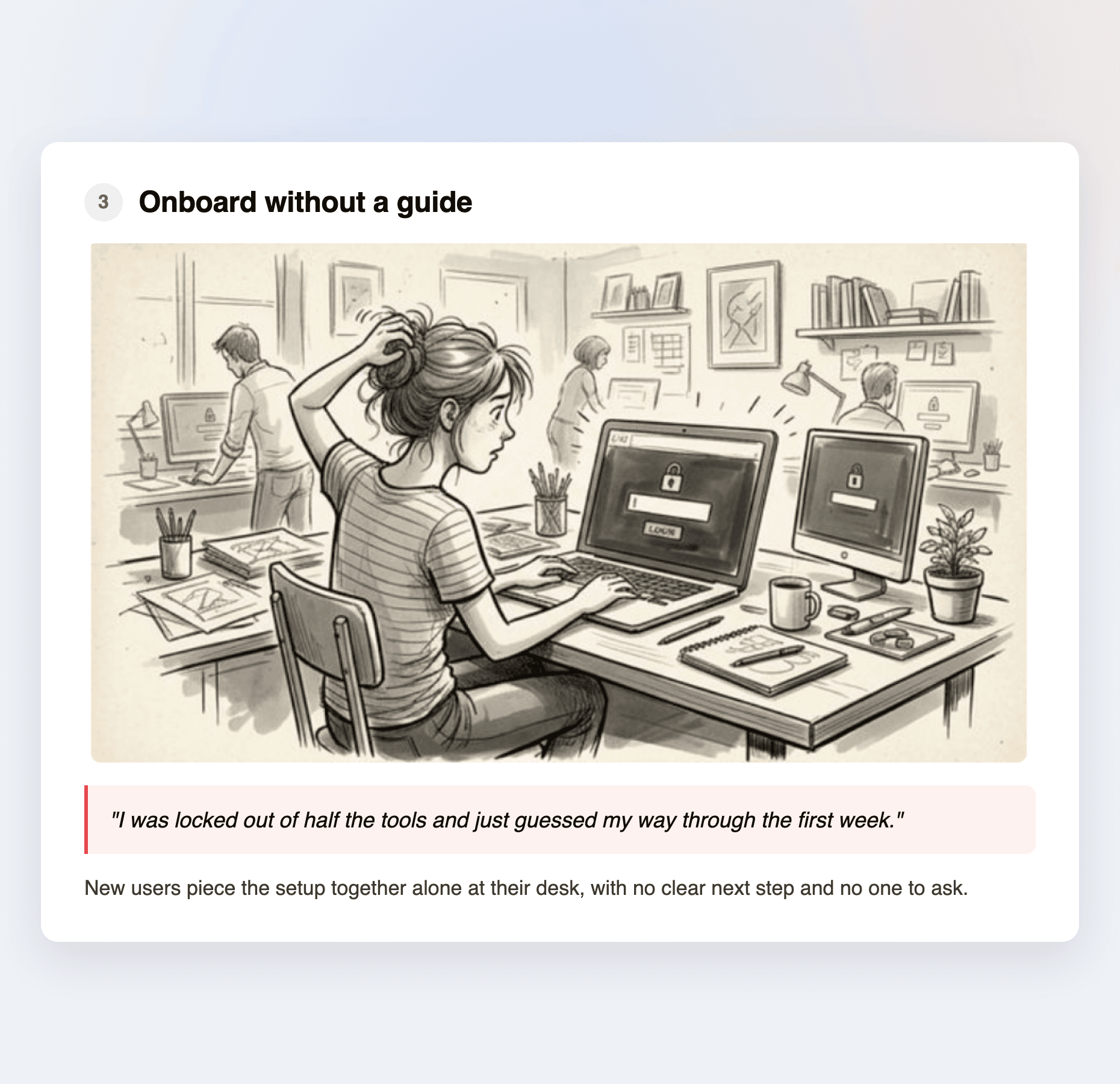
From the recorded interview, Tana generates a Customer journey artifact: a before and after view with the current pain points and the quotes behind them on the before side, and the improved workflow with success criteria on the after. You edit it inline, then share it via link or with specific people, with the same access controls as any doc. The map is not a wall of sticky notes you assemble yourself; it is generated from what the user said, with the evidence attached.
What this looks like in Tana
A concrete run: you interview a customer who churned after two months. Tana captures the Zoom call in the background, no bot in the participant list. Mid-call, the user describes exporting to a spreadsheet every Friday because the report they needed did not exist; you capture that stretch as a pain point on the spot. After the call, extraction proposes the summary, the stage-tagged pain points with quotes, and the screenshots from their shared screen. You approve, then generate the Customer journey artifact: the before side shows the Friday spreadsheet ritual in the user's own words, the after side the improved workflow and what success would look like. Run five of these with the same journey doc pinned and extraction updates that one record, de-duplicating as the pattern repeats. Later, chat answers "which onboarding pain points came up more than once" with receipts from the actual recordings, and the pain points that deserve action move into your trackers, Linear, Jira, and more, as proposals.
If your goal is broader, recurring themes across all your research rather than one mapped journey, the companion guide is How to turn user interviews into product insights.
Where a general chatbot or notetaker fits
For one transcript and a quick read, a general chatbot works: paste it in, ask for pain points per stage, and you get a reasonable list. A notetaker gives you a clean transcript and a summary to work from. For a one-off analysis you are doing alone, that is enough.
It stops being enough when the interviews should add up to a journey map your team acts on. The chatbot's output lives in one person's session, the quotes lose their tie to the moment they happened, and the fifth interview starts as cold as the first. Tana keeps the whole chain in one place: the recording, the stage-tagged pain points with their evidence, the journey artifact generated from them, and the shared context that lets the next interview update the same map instead of spawning another doc.
Frequently asked questions
How do you structure interview questions for journey mapping?
Organize the questions by journey stage, awareness, onboarding, first value, habitual use, renewal or churn, and for each stage ask the user to reconstruct what happened rather than evaluate the product. Two or three questions per stage is enough if you follow up well. In Tana the stage structure carries through: the interview is recorded, and extraction produces stage-organized pain points with quotes as proposals you review.
How many user interviews do you need for a customer journey map?
Five to eight is a workable baseline, provided they span the journey: some users in onboarding, some in habitual use, and at least one who churned. Patterns that repeat across three or more interviews are map-worthy; single mentions are anecdotes to verify. In Tana, pin the same journey doc to each interview and extraction updates that one record, de-duplicating repeated pain points, so the map sharpens with each conversation instead of fragmenting into per-call summaries.
Can AI create a customer journey map from interviews?
Yes, if the interviews were captured well. Tana generates a Customer journey artifact directly from a recorded interview: a before and after view with the current pain points and supporting quotes on one side and the improved workflow with success criteria on the other. The quality depends on the input, which is why stage-based interview design matters: an interview that never walked through the journey gives the AI nothing journey-shaped to extract.
How do you turn interview notes into a journey map?
Consolidate the notes and transcripts into one connected record, extract the pain points with the quote and person attached, cluster them by journey stage, then generate the before and after map. In Tana the sequence collapses: interviews captured in the tool are already extracted into one record, and a Customer journey artifact is generated from the transcript or from chat, with pain points and quotes on the before side and the improved workflow with success criteria on the after. Notes taken elsewhere work too, as long as the transcript lives somewhere Tana can reach.
What should you capture at each journey stage?
Five things: the user's goal at that stage, the actions they actually took, the friction they hit, the emotion they felt, and their exact words. Quotes and emotion are the two teams most often lose, and they are what make a journey map persuasive rather than decorative. Tana captures all five from the recording itself, with quotes tied to the moment they were said and screenshots of where the user struggled, so the evidence is attached, not reconstructed from memory.
How is journey-mapping research different from general user interviews?
A general user interview hunts for themes wherever they surface; a journey-mapping interview follows one user's experience through defined stages, so the output maps to a timeline rather than a theme list. In Tana the same recorded call can serve both: extraction produces the stage-tagged pain points for the journey artifact, and the same evidence feeds your broader research. The theme-first method is covered in How to turn user interviews into product insights.
How do you share a journey map with stakeholders?
Share the artifact itself, not a screenshot of it. A Tana Customer journey artifact is shareable via link or with specific people, with the same access controls as any doc, and it carries the quotes and pain points from the actual interviews, so stakeholders can push on any claim and find the evidence behind it.
Explore further