TL;DR
- Action items rarely die in the meeting. They die in the gap right after it, when a task was written down but nobody owns it, owned but never entered a tracker, or tracked somewhere separate from where the work actually happens.
- The fix is a handful of habits, not a better notes template: name an owner out loud, write the item as a task with a state and a date, file it where the work happens before everyone leaves, and attach it to the record that already exists.
- Notetakers extract action items reliably now, but a bulleted list in a summary doc is still a list in a doc. Someone still has to turn each line into owned, tracked work, and that someone is where the item gets lost.
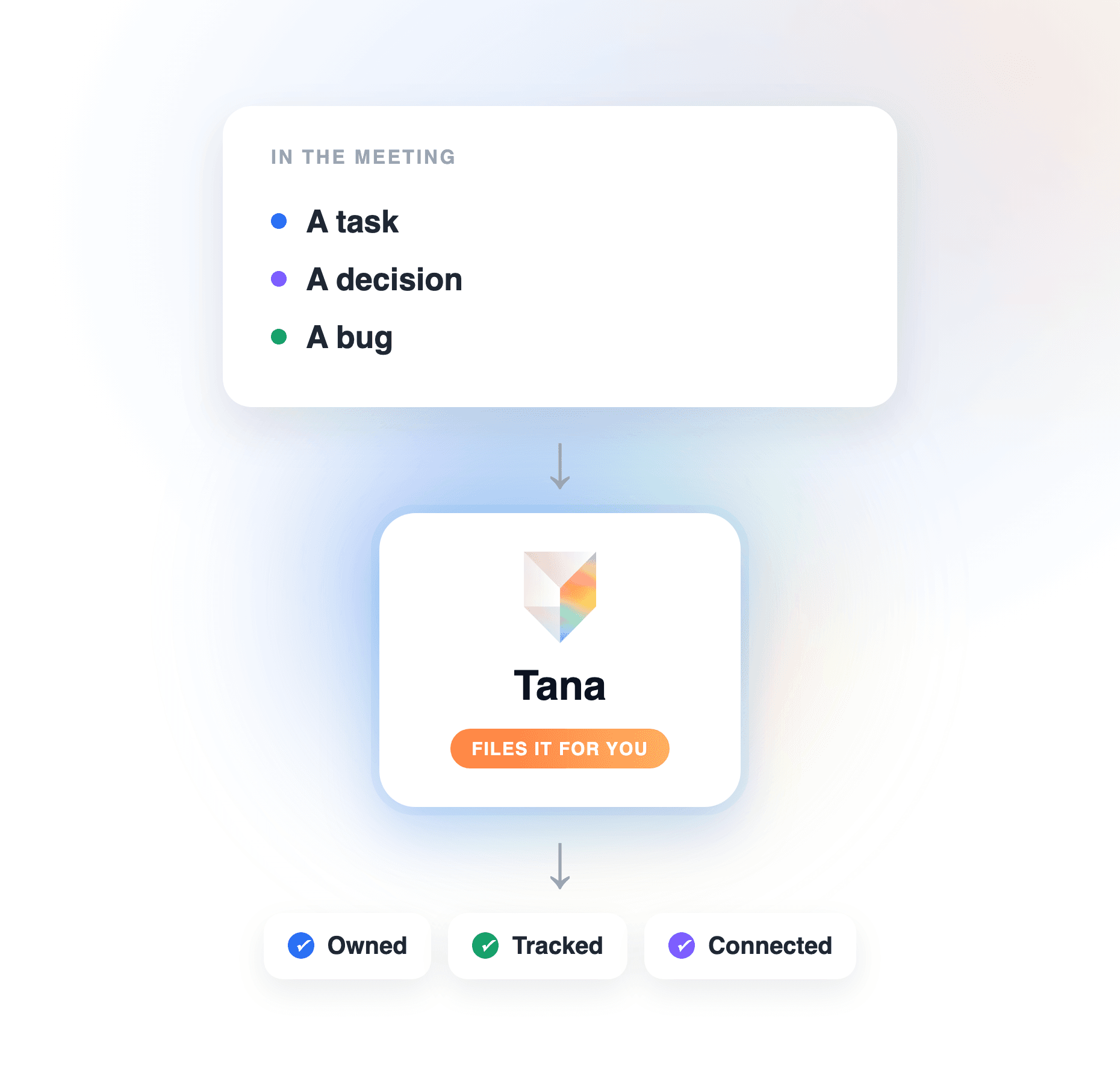
- Tana closes the gap automatically: it captures the call, extracts each action item as a task assigned to the person the conversation pointed at, and files it, in Tana or straight into Linear, GitHub, or Jira, as a proposal you approve before the meeting is over.
Every team has felt it: a good meeting, clear decisions, a tidy list of action items, and two weeks later half of them have quietly evaporated. The instinct is to blame discipline, or to buy a better notetaker. Neither addresses the actual failure, which happens after capture. This guide covers why action items get lost, the habits that stop it, and how to turn those habits into a repeatable follow-up system, plus how Tana automates the whole chain so nothing depends on someone remembering to do the admin. For the tool landscape, see Best AI meeting assistants in 2026.
Why action items get lost after meetings
Action items do not get lost because nobody wrote them down. Almost every meeting produces a list now, whether a person keeps it or an AI notetaker does. They get lost because a written line is not yet work. Between the note and the outcome there are three handoffs, and each one is a place the item can silently drop:
- Captured but not owned. "We should update the onboarding copy" is a sentence, not a commitment. If no specific person owns it when the meeting ends, everyone assumes someone else does. Ownership assigned later, in the write-up, is ownership the owner never agreed to.
- Owned but not tracked. The item lives in the meeting notes, and the meeting notes are where tasks go to be forgotten. Nobody works out of last Tuesday's summary doc. If the item never enters the system where tasks have states, assignees, and visibility, it is invisible by Thursday.
- Tracked but not tied to the work. The task exists, but as an orphan: no link to the bug it came from, the decision behind it, or the customer call that raised it. When the owner finally opens it, the context is gone, so it gets deprioritized or redone from scratch.
Each handoff is small admin nobody is paid to do, performed after the meeting, from memory, by whoever feels responsible. That is the real reason action items get lost: the follow-through is a chain of unowned chores. The habits below remove the chores one by one, and the last section shows how Tana removes the chain entirely.
Name an owner before the conversation moves on
An action item without a name attached is a suggestion. The habit is simple and slightly uncomfortable: when a task surfaces, say the name out loud before the discussion moves on. "Priya takes the onboarding copy" costs five seconds in the room and saves the after-meeting negotiation where nobody wants to claim it. If nobody in the meeting will own it, that is signal too: the item is not real yet, and writing it down anyway only pads the list.
Tana builds this in. When the call ends, it extracts action items and decisions from the conversation, and when the discussion clearly pointed a task at a specific teammate, the task arrives already assigned to that person. When ownership was genuinely ambiguous, Tana leaves the task unassigned rather than guessing, which surfaces the unowned item instead of hiding it under a wrong name.
Write it as a task, not a sentence
"Discuss pricing with legal" in a notes doc has no state, no date, and no way to be overdue. The habit: the moment an item has an owner, give it the shape of a task. A verb, an owner, a due date if one exists, and a state it can move through. This sounds like pedantry until you notice that everything in your tracker gets done at a very different rate than everything in your documents.
In a Tana meeting you can do this while the conversation is still happening: the Capture control turns the last stretch of discussion into a typed item, a Task, a Bug, a Decision, without anyone stopping to dictate it. And after the call, extraction produces action items as real tasks with states and assignees, not bullet points, so they show up in each person's task list the same day.
File it where the work happens, before the call ends
The single highest-leverage habit on this list: do not let the meeting end with the action items still in the notes. A bug discussed in a sprint review belongs in the issue tracker. A follow-up someone promised a customer belongs where that team runs its pipeline. Every hour between "we agreed" and "it is filed" raises the odds it never gets filed, so the cheapest moment to do it is while everyone is still on the call.
This is where Tana replaces the chore instead of reminding you about it. During or right after the call, Tana files work into the tools your team already runs on, including Linear, GitHub, Jira, Slack, and HubSpot, with more reachable through its MCP server. A sprint review can end with the bugs filed in Linear, screenshots from the screen share attached, and the follow-up Slack message drafted. Each lands as a proposal you review and approve, so the automation never writes to your tracker without a human saying yes.
Attach it to the record that already exists
An action item cut off from its context is half an action item. The owner opens "fix invite flow" in three days and has to reconstruct which meeting it came from, what was decided, and why it mattered. The habit: when you file the task, link it to the thing it belongs to, the project doc, the open issue, the account. And resist the urge to start a fresh document per meeting; recurring meetings that each produce their own summary doc scatter the same topic across ten places.
Tana treats this as the default rather than the discipline. Pin the relevant document to the meeting, a product track, an open issue, and extraction treats it as the subject of the conversation, updating that record instead of creating a parallel one. Re-running extraction updates existing outcomes rather than duplicating them, so one topic stays one record that stays current, instead of a new summary per call. That connected record is what makes the task self-explanatory when the owner opens it: the decision, the discussion, and the work sit together.
Open the next meeting with the open items
Accountability in meetings is mostly a visibility problem. If open action items are reviewed at the start of the next meeting, they get done, because everyone knows the review is coming. If they are never looked at again, no tooling will save them. The habit costs three minutes: start each recurring meeting by walking the items from last time, still open, done, or consciously dropped.
Tana makes the walk trivial because the items are real tasks, not archaeology. Tasks extracted from meetings carry states and assignees and sit in each person's task view, and because the meeting record stays connected to them, "what did we say last time and what happened to it" is a question you can answer on screen, or ask in chat and get an answer grounded in the actual conversation. You can even have an agent brief you before the meeting, so you walk in already knowing which items are still open.
What this looks like in Tana
Put the habits together and run them through Tana, and the after-meeting admin disappears. A concrete scene: your team runs a sprint review. Tana captures the call, in Tana itself, or from Zoom, Teams, or Meet through the desktop app with no bot joining the meeting. While you talk, someone captures a bug the moment it comes up. When the call ends, Tana has extracted the action items as tasks, assigned each to the person the conversation pointed at, filed four bugs in Linear with the screen-share screenshots attached, updated the sprint doc you had pinned instead of writing a new summary, and drafted the follow-up Slack message. Every one of those is a proposal; you skim the stack, approve, and the follow-through is done before people have refilled their coffee.
Nothing in that chain depends on someone remembering to do the admin, which is precisely the dependency that loses action items. The habits still matter, name owners out loud, review open items next time, but the mechanical steps between "we agreed" and "it is tracked where the work happens" run themselves.
The payoff
Teams that stop losing action items do not become more disciplined. They remove the places discipline was required: unowned lines, notes that are not tasks, tasks that never reach the tracker, trackers cut off from the context. Fix those and meeting efficiency stops being about the meeting itself; an hour of discussion reliably turns into owned, tracked, connected work. Fix them with Tana and the turning happens during the call, with you approving rather than transcribing. That is the difference between writing down what you agreed and actually being able to count on it. For how meeting tools compare on turning talk into filed work, see AI meeting tools that drive follow-through.
Frequently asked questions
What is the real reason action items get lost after meetings?
Action items get lost after the capture, not during it. The item is written down but never gets a specific owner, or it gets an owner but stays in the meeting notes instead of entering a task tracker, or it enters the tracker stripped of the context that made it matter. Each of those handoffs is unowned admin done from memory after the call, and unowned admin is what gets skipped. Tana removes the handoffs: it extracts each action item as a task assigned to the person the conversation pointed at and files it where the work happens, as a proposal you approve before the meeting ends.
How do you keep track of action items from meetings?
Give every item an owner in the meeting itself, turn it into a task with a state and a date rather than a sentence in the notes, file it in the tracker your team actually works from before the call ends, and review open items at the start of the next meeting. Tana automates that chain: tasks extracted from a call arrive with assignees and states, land in each person's task view, and can be filed straight into Linear, GitHub, or Jira with the relevant screenshots attached, each as a proposal you review.
Should action items live in the meeting notes or in a task tracker?
In the tracker. Meeting notes are a record of what was said; nobody works out of last week's summary doc, so a task that only exists there is effectively invisible. The notes should link to the tracked task, not substitute for it. Tana keeps both sides connected without the copy work: the meeting record, the decision, and the filed task reference each other, and when a project doc is pinned to the meeting, Tana updates that document rather than spawning a parallel summary.
Who should be responsible for meeting action items?
A named person per item, agreed out loud before the meeting ends, never "the team". Items assigned afterwards in the write-up were never really accepted by their owner. Tana reinforces the habit structurally: extraction assigns each task to the teammate the conversation clearly handed it to, and deliberately leaves a task unassigned when ownership was ambiguous, so the unowned item is visible and gets an owner instead of being lost under a guessed name.
Can AI assign and track meeting action items automatically?
Yes, and the useful distinction is what the AI produces. Most notetakers detect action items and list them in a summary, which still leaves a person to create the tasks, assign them, and file them in the tracker. Tana goes the rest of the way: it turns the conversation into real tasks with owners and states, files work into tools like Linear, GitHub, and Jira, and drafts the follow-up messages, each change arriving as a proposal a human approves. For a comparison of tools across this spectrum, see Best AI meeting assistants in 2026.
Explore further