What's new in Tana: 2025 wrapped

2025 was a big year for Tana. We focused on making the system faster, more flexible, and more approachable for new users, while doubling down on what makes Tana different: a shared knowledge graph where humans and AI think and act together.
From offline mode and meeting intelligence to new mobile capture, AI models, and visual generation, here’s a complete overview of the major launches from the year.
Offline support in Tana desktop
Offline mode ensures you can keep working when Wi-Fi disappears, with changes syncing once you’re back online.
- Full access to notes while offline
- Capture and edit without interruption
- Automatic sync when reconnected
- Essential for travel and deep focus sessions
Meeting notetaker with desktop notifications
Tana’s meeting notetaker captures conversations without bots joining the call, then turns them into structured notes connected to the rest of your work.
- Botless meeting transcription of system audio (all participants)
- Desktop notifications when meetings start
- Notes land directly in your knowledge graph
- Easily tag tasks directly in meeting notes, and they flow into your task dashboard while linking back to the context from the meeting
Image generation with Nano Banana Pro
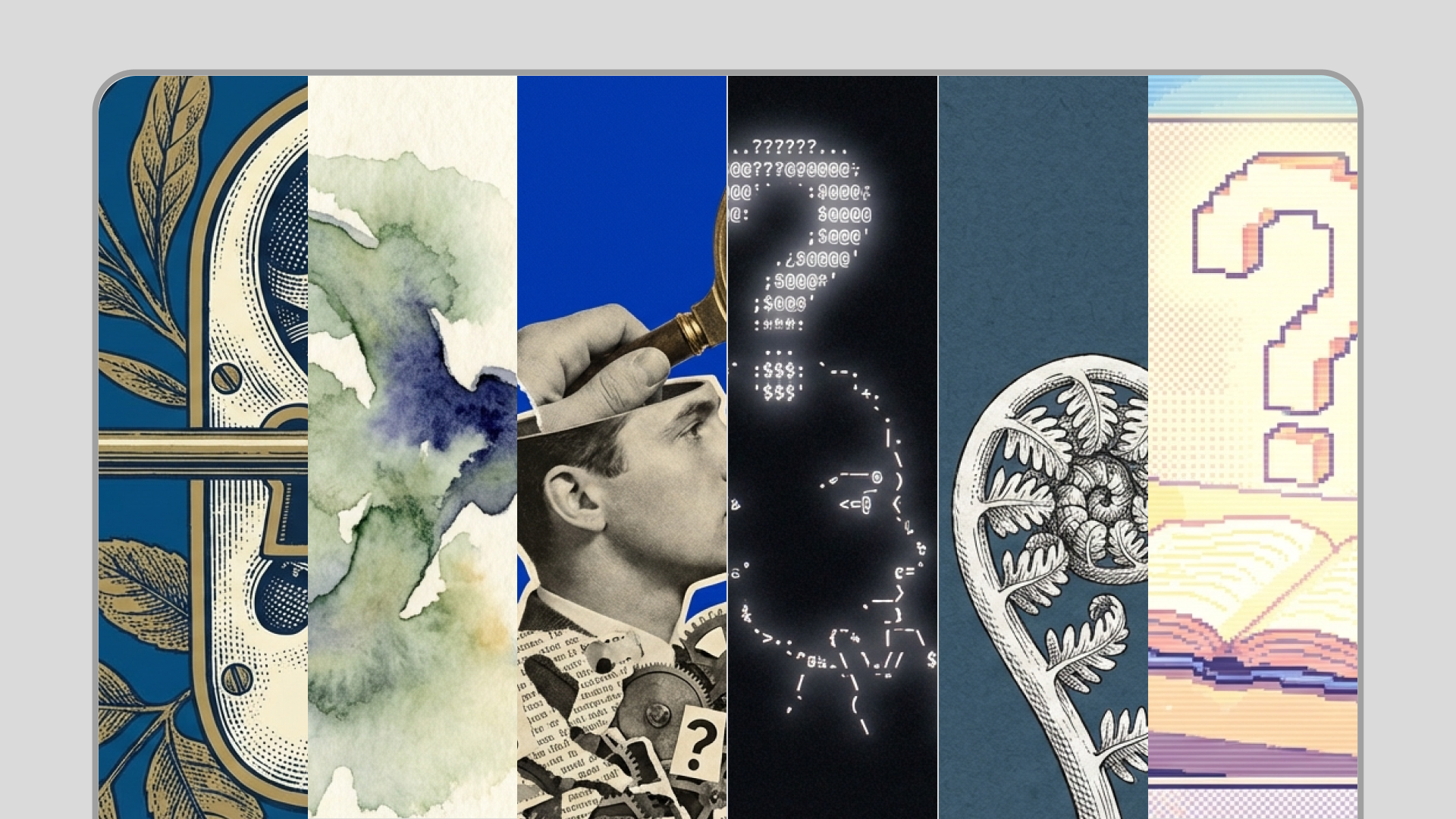
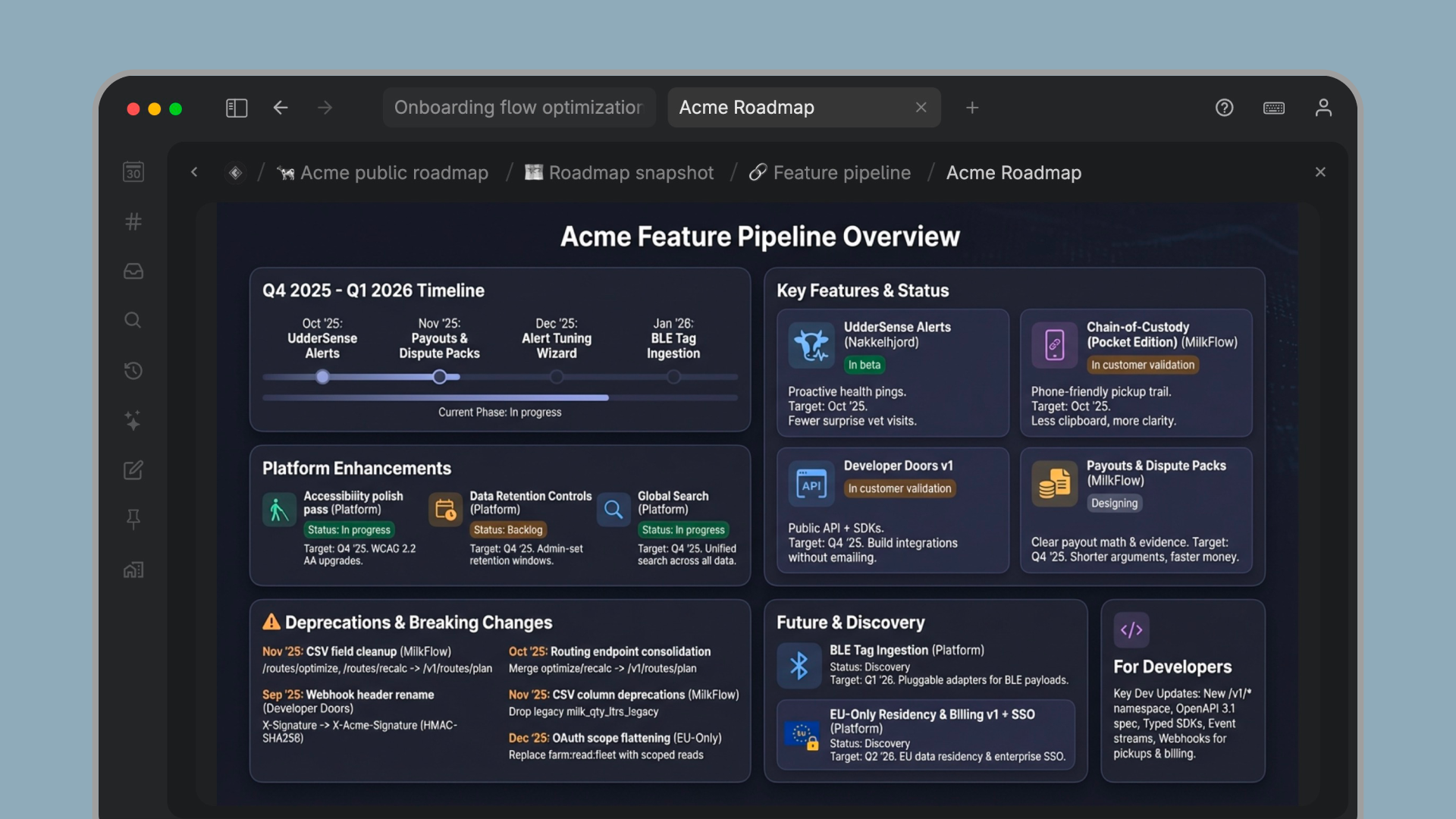
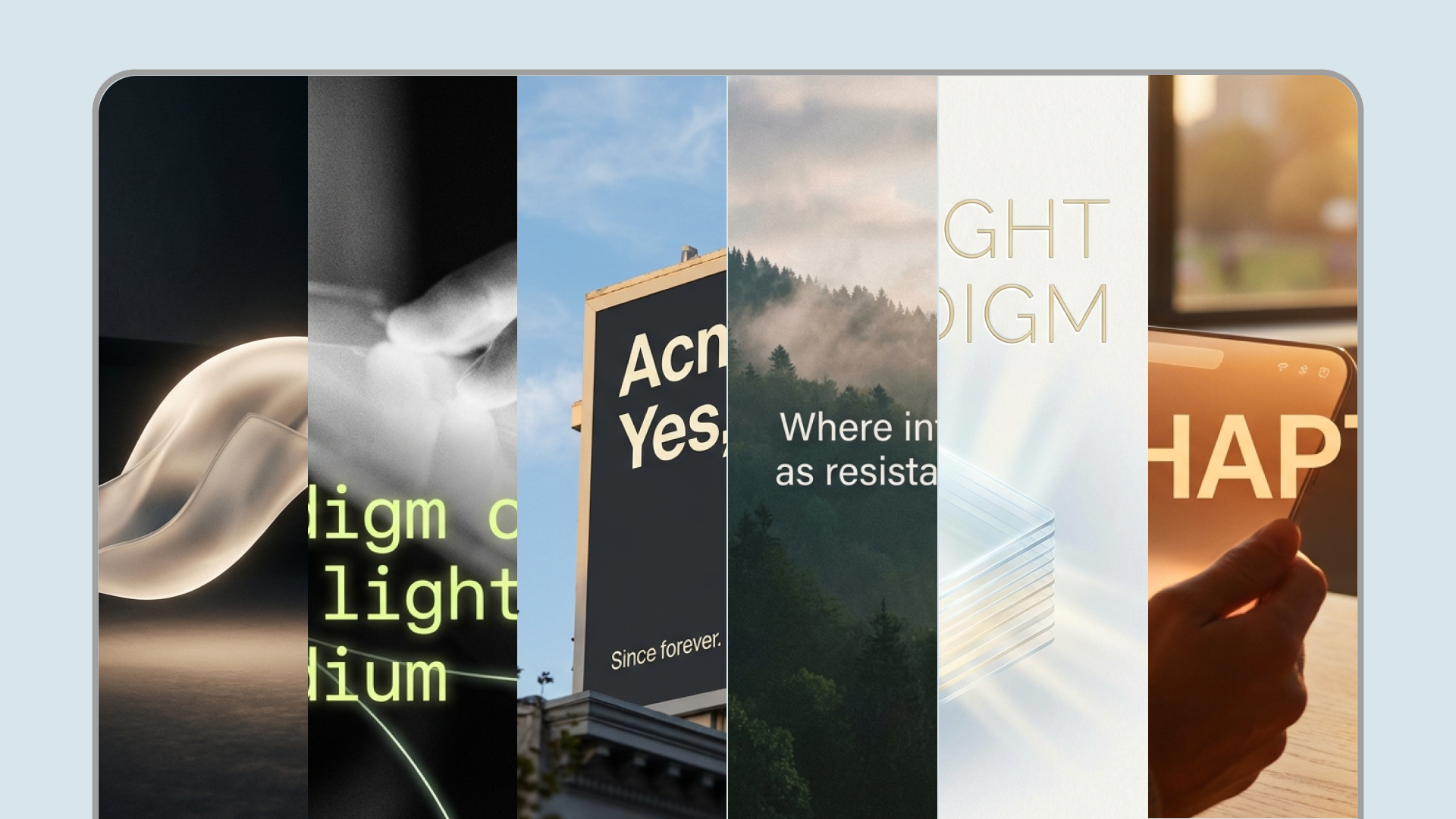
Tana’s integrated AI generator uses Nano Banana Pro to create crisp, configurable images inside your knowledge graph, so you can illustrate concepts, create diagrams and give structure to your narrative.
- Generate banners, diagrams or detailed artwork directly inside Tana notes.
- The images are saved in-line with your notes and become part of your knowledge graph.
- Specify styles like watercolor, minimalist line art or photorealistic in the prompt.
Integrated with command nodes: Command nodes can generate images automatically for a consistent look across your workspace. Commands can now specify aspect ratio (10 options) and resolution (1K/2K/4K) for each image.
Image generation templates
AI credits in Free
Free users now receive monthly AI credits, making it easier to experience Tana’s AI capabilities like live transcription, AI chat directly with notes, meeting notetaker summaries and powerful AI command nodes.
- 500 monthly credits on the Free plan
- Transparent usage overview
- Easy upgrade path when needed
- Encourages experimentation without pressure
Full mobile support on iOS and Android
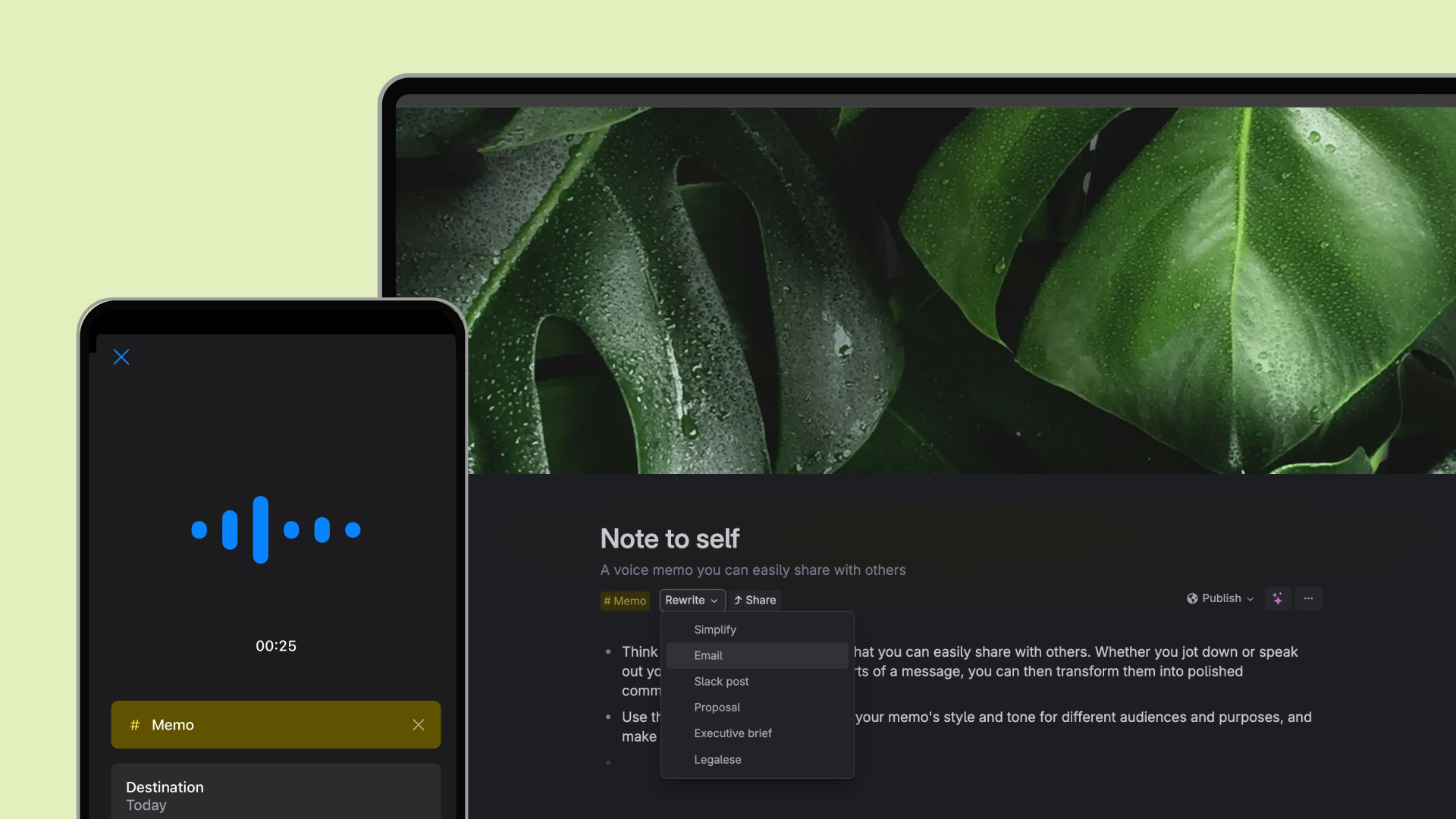
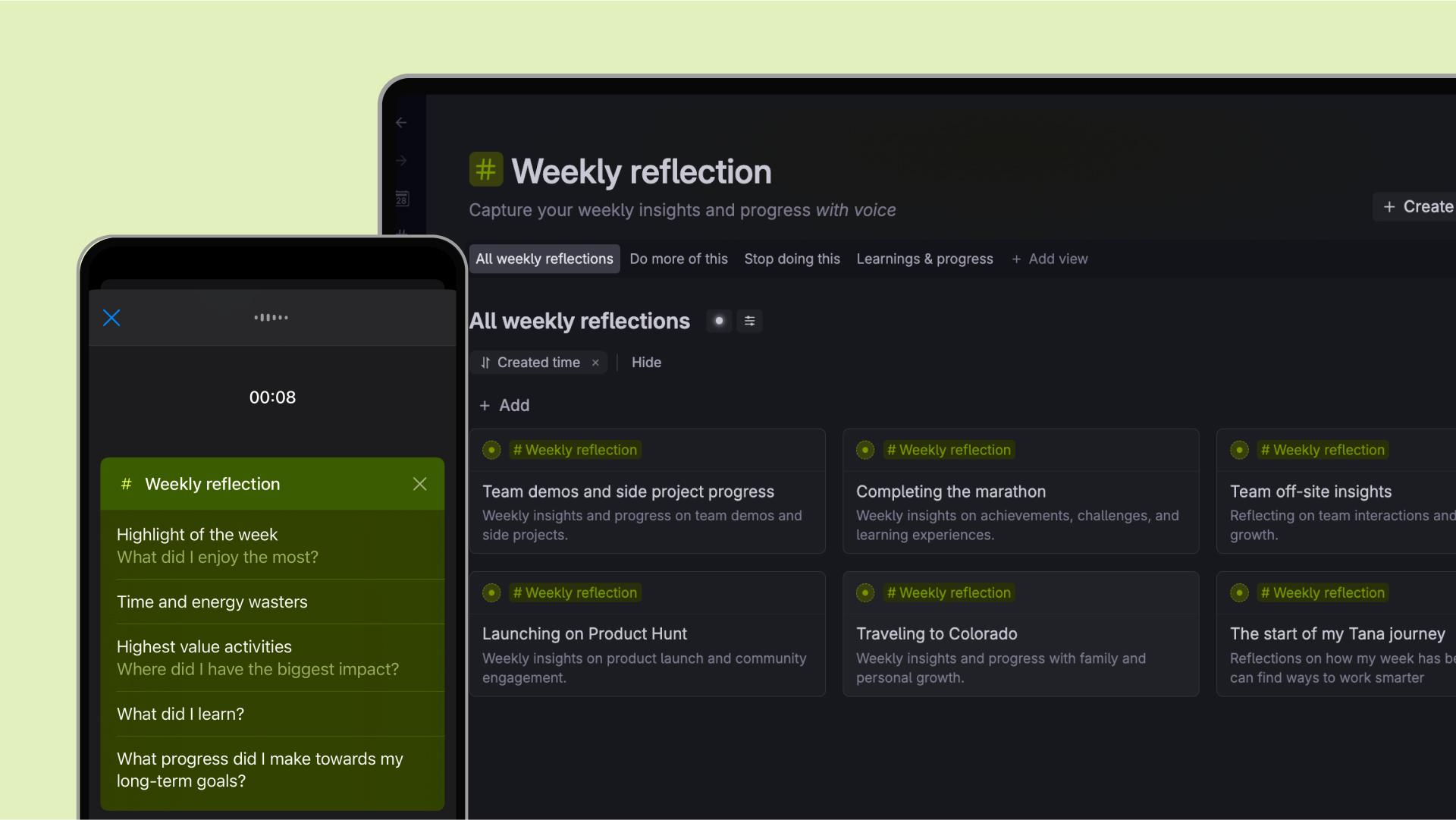
Capture ideas, tasks, and voice memos the moment they appear, and let Tana turn them into structured, searchable knowledge inside your graph.
In 2025 we launched the new the Android app, and full access to all notes with editing in the mobile apps. So you can now bring Tana’s capture-first philosophy to mobile, making it easy to get ideas, voice notes, and thoughts into your graph wherever you are.
- Native mobile apps for iOS and Android
- Apps designed for fast capture of ideas, tasks and voice memos
- Record voice memos recording with structured destinations
- Edit existing notes directly on mobile
- Update tasks, statuses, and fields
Home screen widgets for capturing on Mobile
Tana’s mobile widgets let you capture text, images and audio directly from your lock screen, tag them immediately and send them to the today or tomorrow's daily note, or the inbox, so they'll be waiting on your desk.
- One-tap capture from your phone
- Choose written note, upload image, voice memo or voice chat (iOS early access)
- Select which Supertag to apply in widget configuration
- Route notes to specific destinations (Today, Tomorrow or Inbox)
- Designed for speed and consistency
AI Voice chat on iOS (Early access)
Tana’s new Early Access voice‑chat for iOS lets you talk directly to an AI assistant, tailoring the conversation using custom supertags while instantly capturing your ideas and tasks via home‑screen widgets.
- Voice chat lets you have a back‑and‑forth conversation with an AI assistant rather than just recording a monologue.
- You can tailor each chat by adding voice instructions to a supertag so the assistant behaves like a writing partner, brainstormer or meeting debrief coach
- Conversations are transcribed and turned into structured notes, with fields auto‑filled and extracted for tasks and projects
- Home‑screen widgets provide one‑tap access to start a voice chat with your chosen supertag
Capture to Tomorrow on mobile
Tana mobile apps now lets you record tasks or ideas and send them to your daily notes page for tomorrow, so they're waiting on your desk in the morning.
- Send notes directly to a tomorrow's daily notes page
- Reduce cognitive overhead during after work hours
- Review and structure later
- Encourages uninterrupted thinking
Upgraded live transcription (61 languages)
Live transcription was expanded to support 61 languages, making Tana more useful for global teams.
Tana offers live transcription both for meeting note-taking and for dictation/voice memos.
- Real-time transcription of all participants during meetings
- Auto-detect option that automatically identifies the language
- Supports switching language mid-conversation (auto-detect option)
- Option to enable re-transcription from audio backup
- The built-in AI chat in Tana lets you ask questions to the transcript, or generate summaries.
Import content from Notion to Tana
The new importer converts Notion pages and databases into Tana’s interconnected nodes, helping you migrate your knowledge to a more flexible platform.
Migrate pages and databases – The importer converts Notion pages and databases into Tana nodes and tables, bringing over the structure of your work. Database views become Tana tables with fields and filters
New workspace - the imported content will be put in a new workspace, so you can review and adapt it before you bring it over to your main workspace.
Adapt your content – Because Tana’s view system is different, you’ll need to re‑create some filters, sorts and groupings manually after importing, and apply any supertags you want to use.
Multi-provider AI models with web search and reasoning built-in
- Avoid your notes and knowledge being locked-in to a single AI provider
- Tana's built-in AI chat lets you chat with AI directly on your notes
- Support for fronter models from OpenAI, Anthropic, and Google: Gemini 3 Pro, GPT-5.1 and 5.2, and Claude Opus 4.5.
- Switch models directly in AI chat and commands
- Select reasoning level (no, low, medium, high)
- Web search allows models to search externally to answer questions
- Match model capabilities to the task at hand
AI Chat Agents
AI chat agents let you shape how AI behaves using Supertags and structure, turning one-off conversations into reusable, contextual tools.
- Create agents tied to specific use cases
- Use Supertags to guide tone, scope, and behavior
- Persistent context from your graph, not just a prompt
- A foundation for deeper AI workflows in Tana
Native tabs in Tana Desktop app
Native tabs introduced a more fluid way to navigate between notes, views, and workflows without losing focus.
- Open multiple notes in parallel, in both tabs and panels
- Quickly switch between active contexts
- Keyboard shortcuts for jumping between tabs, re-ordering tabs and opening/closing tabs.
- Helps you stay in the flow and work efficiently
New List navigation view
This new view makes navigating your workspace smoother and faster. Simply click cards in the list to view the content of the note.
- Keep your list of tasks, projects, or notes on one side, and open full details on the other, without jumping in and out of nodes.
- Perfect for reviewing a batch of items, processing tasks, or staying oriented while you work through a list.
- Create beautiful layouts for sharing project plans or task lists with Tana Publish
Recents in sidebar
Recents in the sidebar makes it easier to go back to what you worked on, or find notes you're collaborating out with colleagues.
With Recents, now available at the top of the sidebar for all users, Tana automatically surfaces the 100 most recently edited notes across all your workspaces. Notes move to the top of Recents whenever you or a collaborator changes something in the note:
- Editing content
- Updating or setting a field value
- Checking/unchecking checkboxes
- Adding new or editing notes in the mobile app
Share notes with full Tana layout
The publish feature in Tana now lets you turn parts of your graph into clean, shareable views for others to view, enabling sharing of project plans, client portals, task lists and more.
- Publish notes and views as web pages
- Keep structure and relationships intact
- Share updates without duplicating content
- Ideal for documentation and client portals
- Add a password for security (paid feature)
New UI for AI chats
AI chat history makes past conversations easily accessible, and possible to search/filter.
AI chats in the sidebar are now shown in the new List navigation view, making it possible to browse past conversations easily. The
- Start new chats instantly from the sidebar
- New conversation design for AI chats
- Full history of AI chats in easy-to-browse UI
- Easier to find past prompts and responses
AI chats started from the sidebar are now stored in one place, "AI chats" in the library.
An even more flexible sidebar
Sidebar improvements made it easier to keep important work visible and accessible.
We made it possible to resize the sidebar, hide items in the top section, and collapse it fully or partially.
- Expand/collapse notes directly in the sidebar
- Right-click items in top section to hide them
- Toggle sidebar visibility to full, mini or fully collapsed
- Pin search nodes and expand to see results (can set result limit)
Command button menus
Command buttons make it easier to trigger workflows and updates without breaking your flow.
Tana lets you configure command nodes with custom workflows, and have these shown as buttons on notes that match your criteria (advanced feature).
- One-click access to common actions
- Context-aware command menus
- Reduce friction for repeat operations
- Makes advanced workflows more discoverable
Trigger events for checked and unchecked notes
Event triggers let you run commands based on changes in state, such as when a task is checked or unchecked.
Tana lets you set up trigger events for running command nodes that automate workflows, like changing the status of a task/project or extracting tasks from a meeting (advanced feature).
- Trigger workflows on status changes
- Automate follow-ups and transitions
- Works with done-state mapping
- Brings lightweight automation into everyday work
Student launch and discount
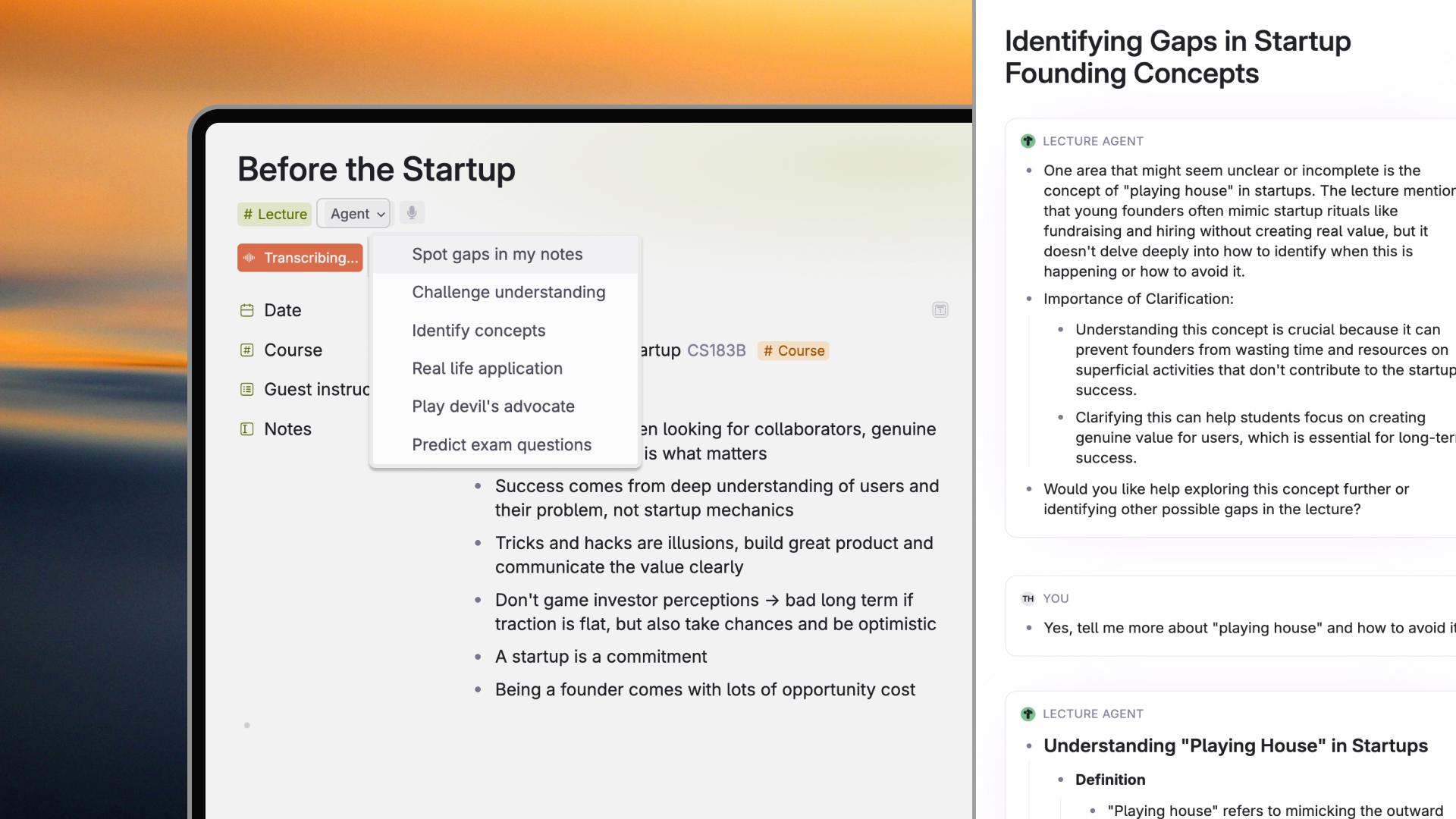
The student launch introduced tailored resources and templates for academic workflows, from coursework to research projects.
- Templates designed for students
- Designed for learning, synthesis, and reflection
- Record lectures and extract insights, exam questions and resources
- Helps students build durable knowledge systems
- Supports long-term thinking, not just assignments
Template Store
The template store makes it easier to get started in Tana by offering proven setups for common use cases, that you can adapt to fit your workflow.
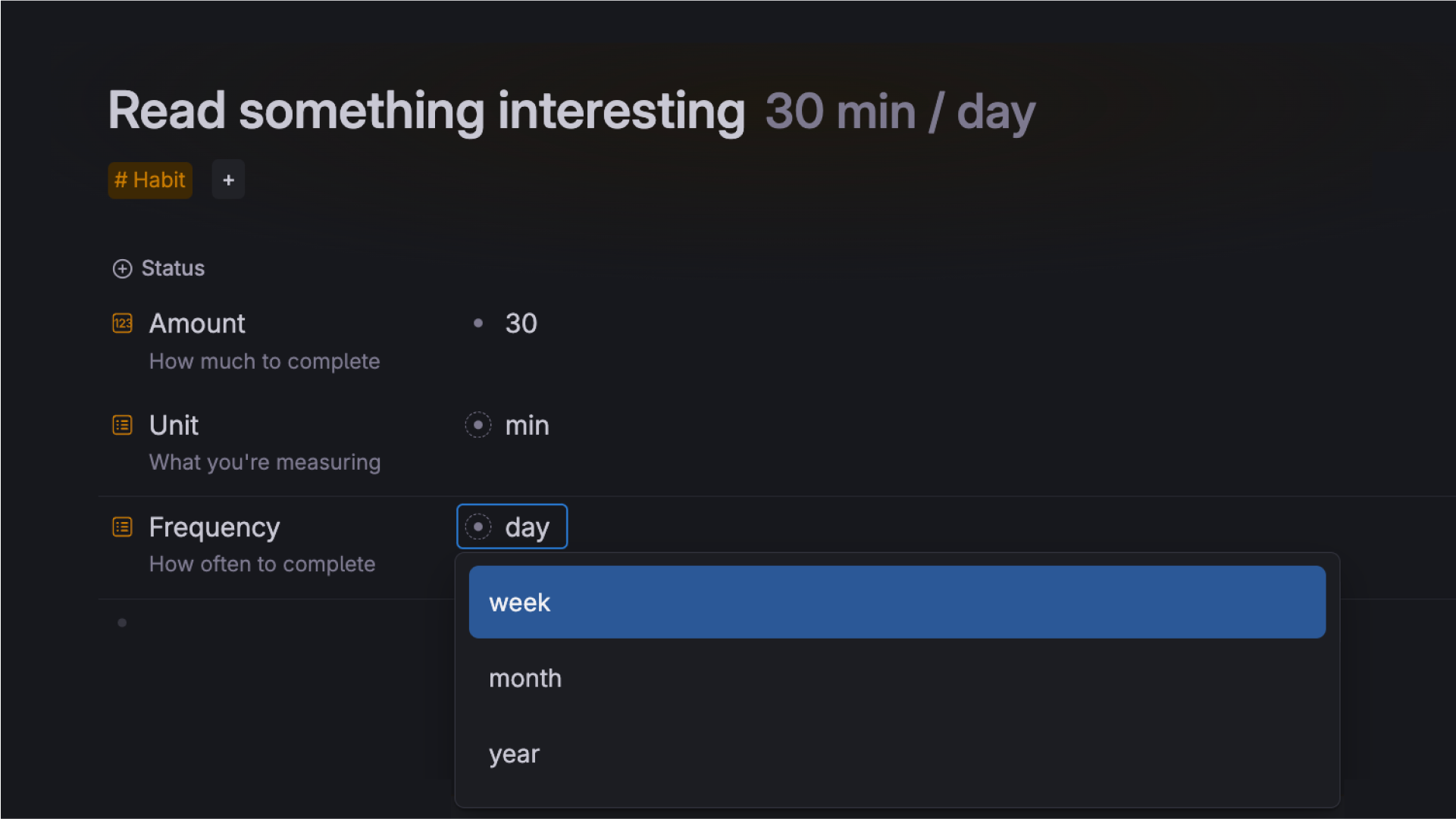
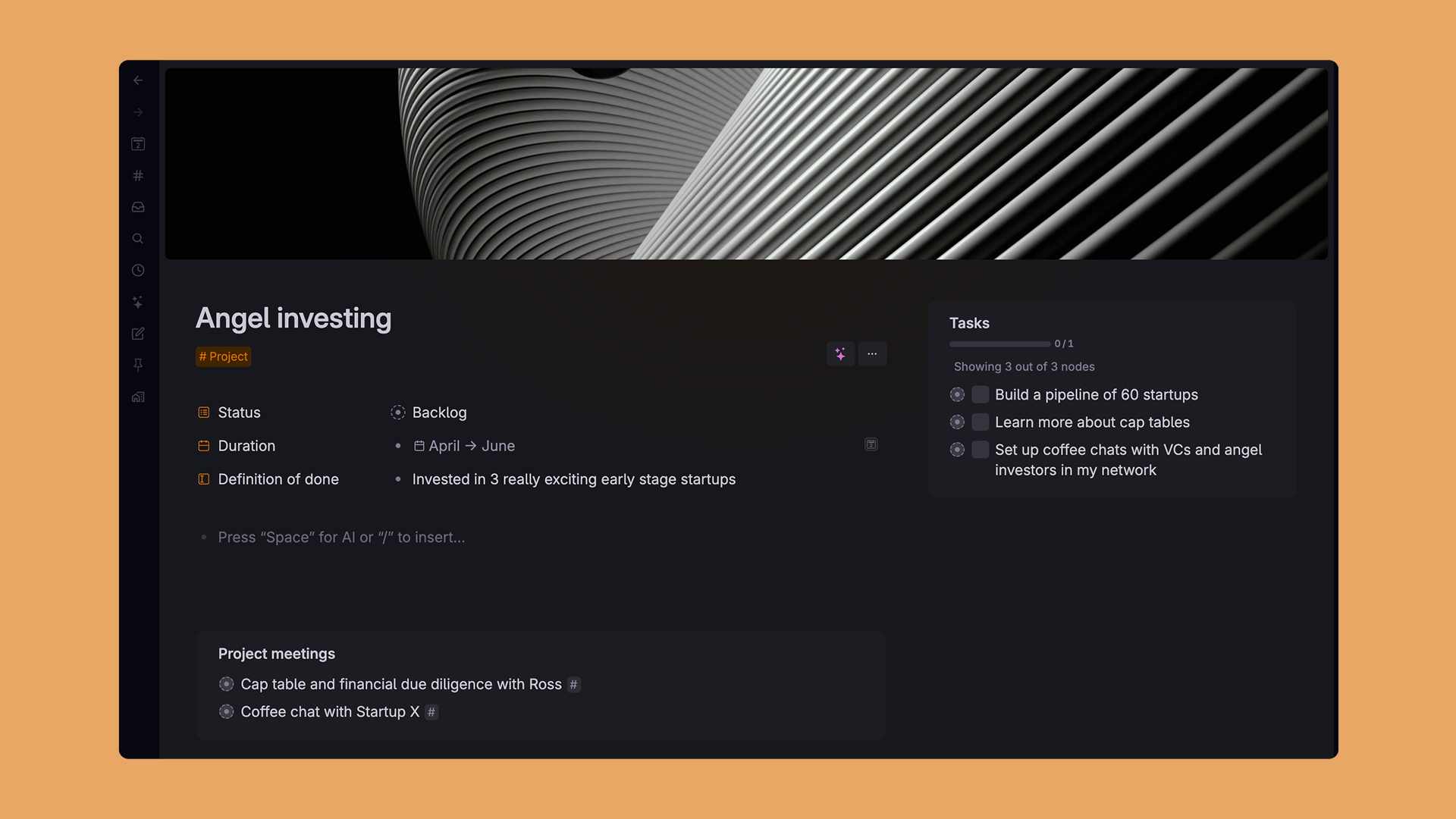
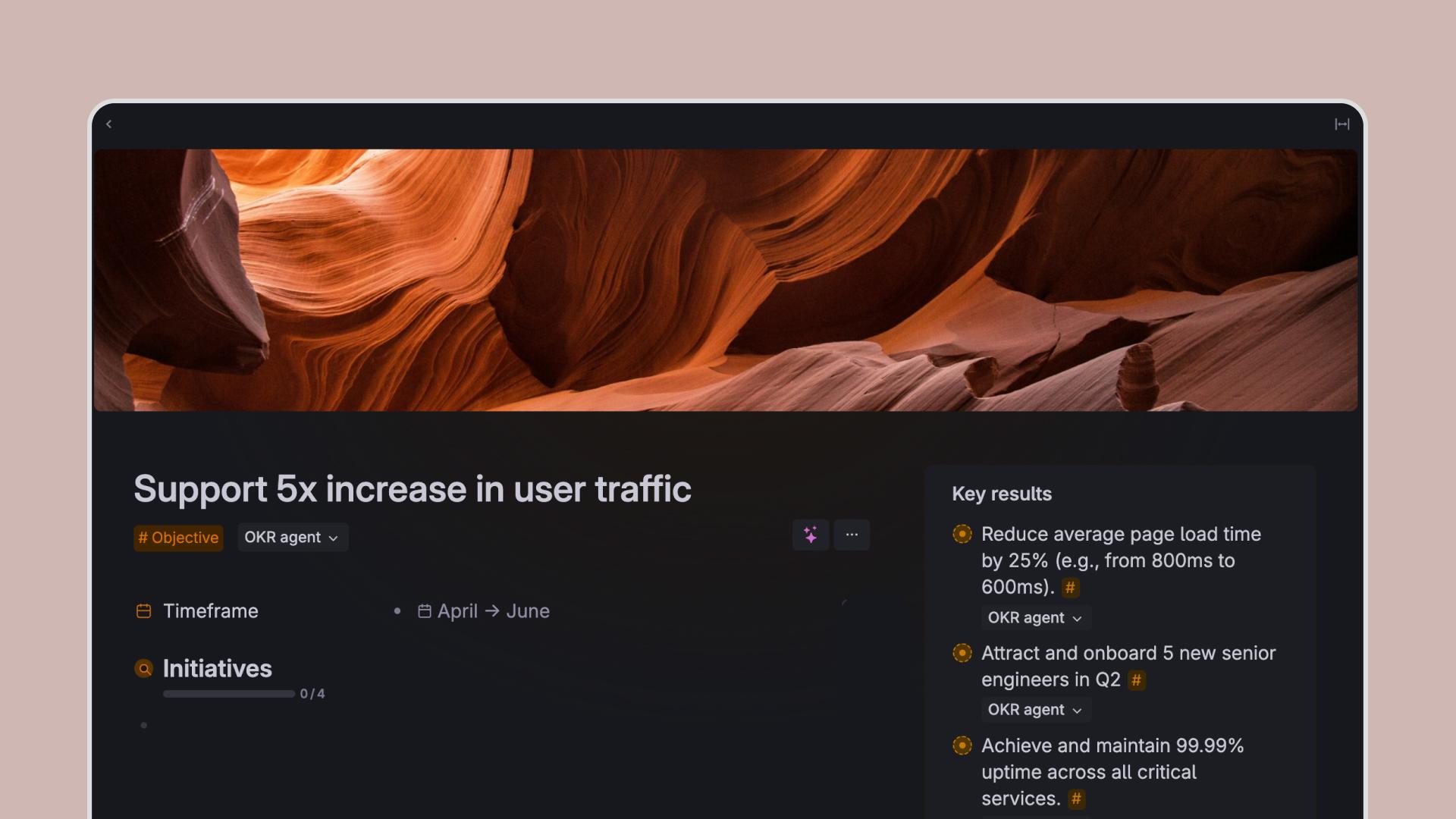
We know that some of the powerful features in Tana can be hard to set up for beginners. With pre-built templates you can now test thing like image generation commands, rewrite with AI, voice memo processing tailored to specific use cases and more.
- Curated templates for work, study, and personal systems
- Templates built with Supertags, not fixed databases
- Easy to adapt and extend once imported
- A faster on-ramp without locking you into someone else’s system