From voice memo to slide deck: introducing the Tana API and MCP

A long-standing request becomes reality
For a long time, users have wanted a way to read from Tana programmatically, not just write into it. People have asked for an API that lets them query, search, and build on their data from outside the app. They have built their own MCP-like tools in the community to fill the gap, and they have asked why integrations were so limited.
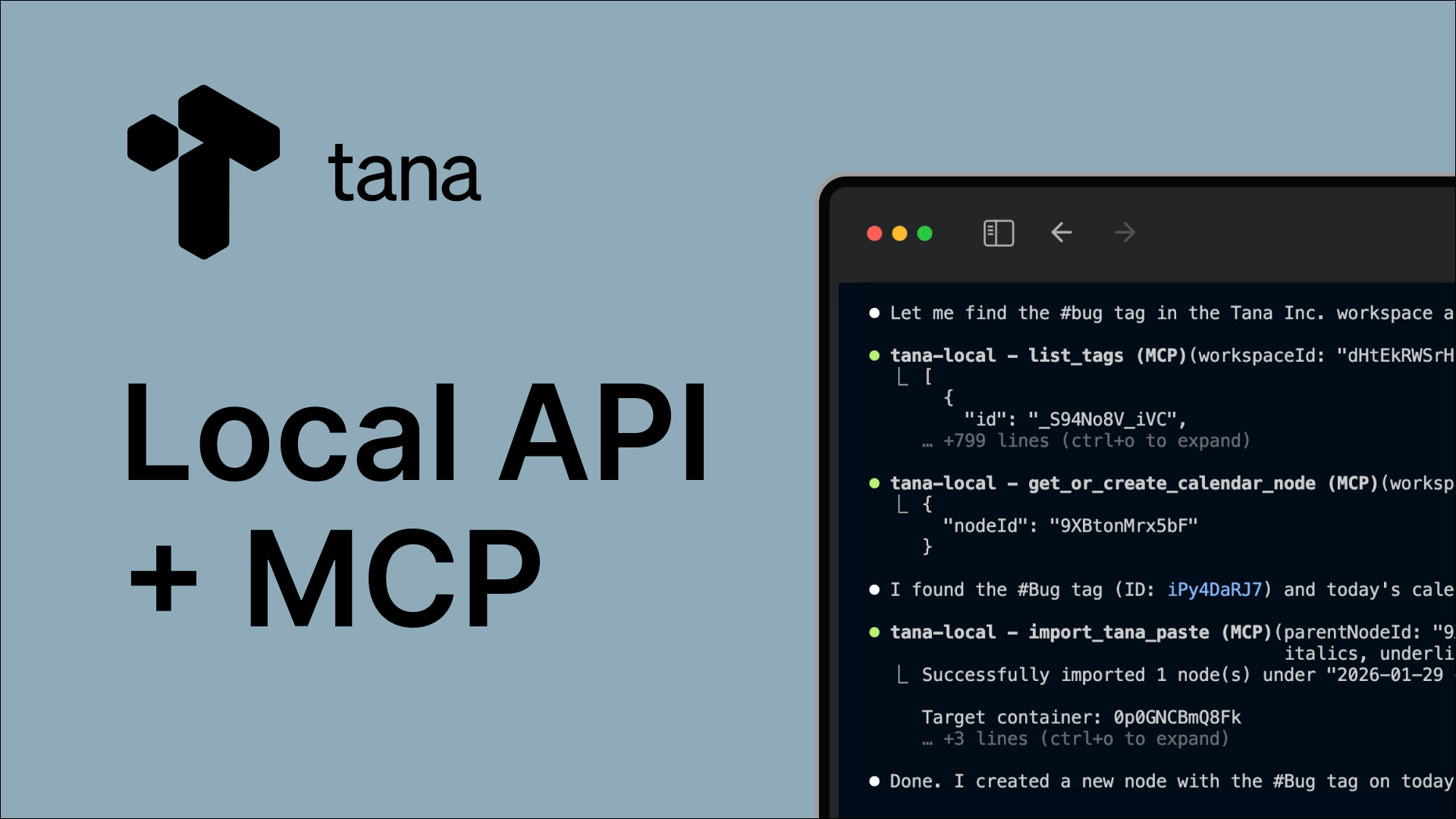
This launch answers that directly: your Tana workspace is now accessible via a local API and the Model Context Protocol so that AI tools, agents, and your own code can interact with the real structured knowledge you have in Tana.
Set up Tana’s local API and MCP
The workflow starts with how humans actually think
A lot of valuable work happens away from the keyboard: in meetings, on a walk, or between calls. That is why voice is such a powerful input.
In Tana, you can capture a voice memo or have a voice chat directly in the mobile app. That raw input is immediately part of your workspace, and can transformed and connected to everything else you have already captured.
From there, the most important step is not “asking the AI.” It is structuring your thinking.
Tana’s outline editor is built for this. Instead of forcing you into a long plain text document or a chat-style input field, you work in bullets. You can reorder ideas, break them down, collapse and expand sections, and shape your thoughts as they evolve. This is closer to how people actually reason and plan.
AI then works on top of that structure. It helps you summarize, rephrase, extract key points, or turn rough notes into a clean outline, all while keeping control in your hands and applying your style and intentional structure to it.
From structured notes to real output
Once your thinking is structured, entirely new workflows become possible.
One example that shows this clearly is turning voice notes into presentation slides.
Here is how it works:
- Capture a voice memo in Tana.
- Use the built-in AI in Tana to extract a summary or key points.
- Edit it to shape the key ideas into a clear, connected bullet-point structure.
- Use an MCP-connected tool like Claude Code to generate a slide deck directly from that structured content.
The slide deck is just one example. What matters is that AI is working from your real notes, your real structure, and your real context. There is no copy-pasting, no re-explaining, and no loss of intent in the process.
Why structure matters more than prompts
Most web-based AI tools assume the prompt/response is the work. You type a request, get a response, and the content is not re-usable across sessions.
Tana takes the opposite approach.
Your notes are the work. The structure you build over time is the context. Prompts are just one way of interacting with that system.
Because everything lives in an outline-first workspace, AI can operate on meaningful units of thought instead of raw text blobs. This leads to better results and far less friction. You are not fighting interfaces or retyping the same ideas. You are refining and reusing the structure you have already built.
A permanent knowledge base that compounds
Another key difference is where knowledge lives.
In many AI workflows, inputs and outputs are temporary. You paste something in, get something out, and then move on. When you need something similar later, you start from scratch.
Tana is designed as a permanent knowledge repository. Voice notes, meeting takeaways, outlines, prompts, and AI outputs all live in the same connected system. Over time, this builds a knowledge base that compounds instead of decays.
This also unlocks a powerful use case: treating prompts and workflows as reusable assets.
Instead of keeping complex prompts in text files, chat histories, or your head, you can store them in Tana as structured notes. You can improve them over time, pull them in when you need them, see the contexts where they are used, and reuse them across workflows. With the Local API and MCP, tools like Claude Code can access and use these prompts directly.
Extending Tana into AI-native tools with MCP
With support for the Model Context Protocol, Tana now acts as a native context provider for AI tools.
This means tools like Claude Code can:
- Understand what is in your Tana workspace.
- Read structured notes, not just plain text.
- Use your outlines, prompts, and knowledge as input.
- Write results back into Tana as structured content.
You are not exporting your data or flattening it into a prompt. AI tools are working directly with your real system of record.
If you are new to Claude Code, we recommend learning the basics from the Claude Code docs or this great intro article by Teresa Torres.
Read the full documentation for Tana Local API/MCP
Tana skills
We are also shipping a set of optional skills for Claude Code that make this easy to get started:
- A workspace understanding skill that helps the AI see what is in your Tana.
- A schema visualization skill that shows how your supertags relate.
- A natural language search builder for creating Tana searches.
- A slide deck skill that turns Tana content into presentations.
You can get the Tana skill pack by joining our community on Slack
These are early examples of what becomes possible when AI tools can operate inside your knowledge base instead of around it.
This is just the beginning
This launch is not about a new API for its own sake. It is about moving toward a different model of work.
One where:
- Capture is fast and natural, often through voice.
- Thinking happens in structure, not long documents.
- Knowledge accumulates in one place instead of being scattered.
- AI tools plug into your system and amplify it over time.
The more you use Tana, the more context there is for both you and the AI to build on. This release is an early but important step toward that future. We look forward to seeing what you build with it.