Voice chat to presentation
Presentations start scattered
You know what you want to say. Sort of. The ideas are there, but they're tangled. Most people either stare at a blank slide deck or jump straight into bullets that somehow don't land.
The problem isn't your thinking. It's that presentations are stories, and stories need to be found.
Talk to a presentation coach
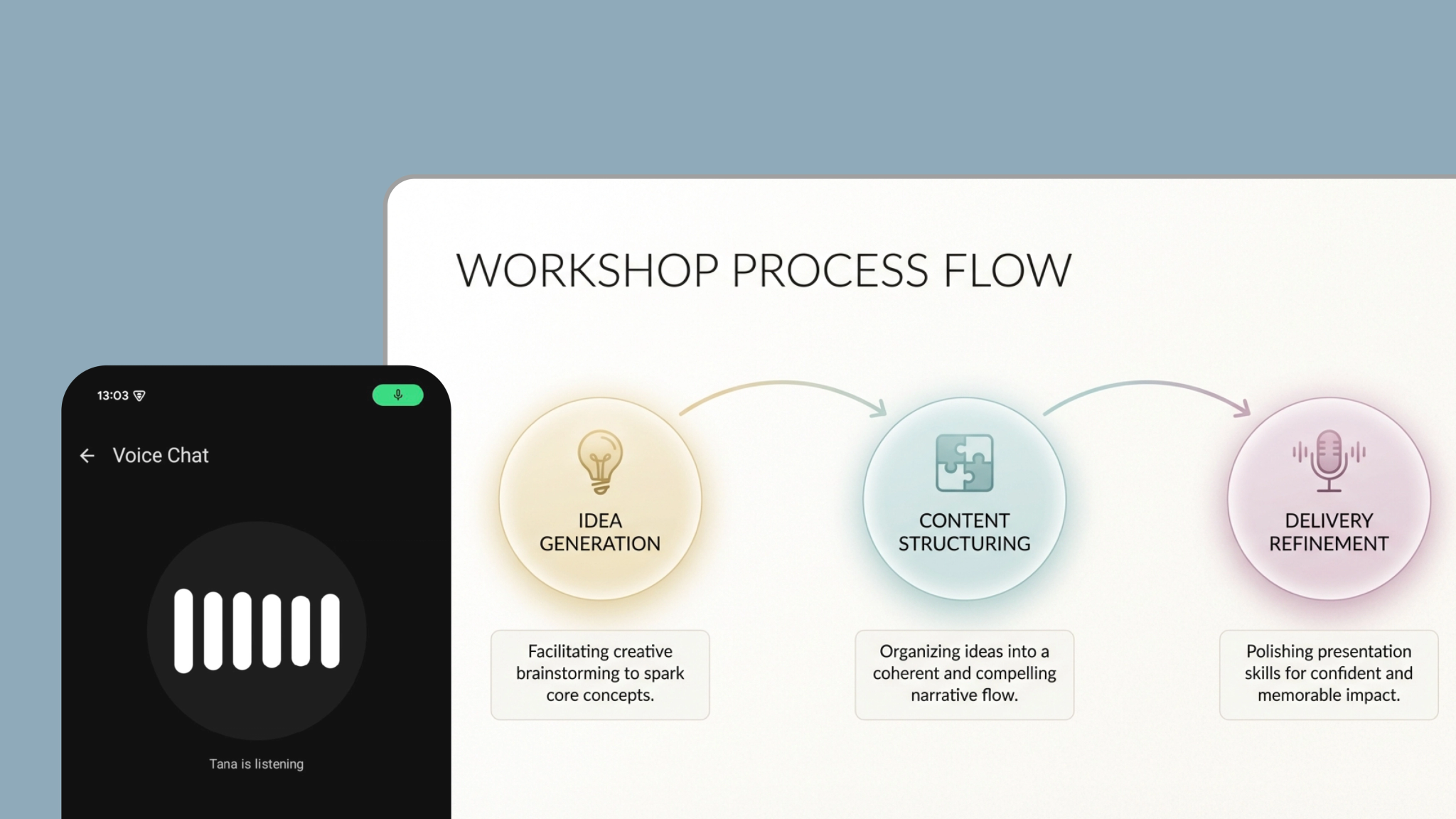
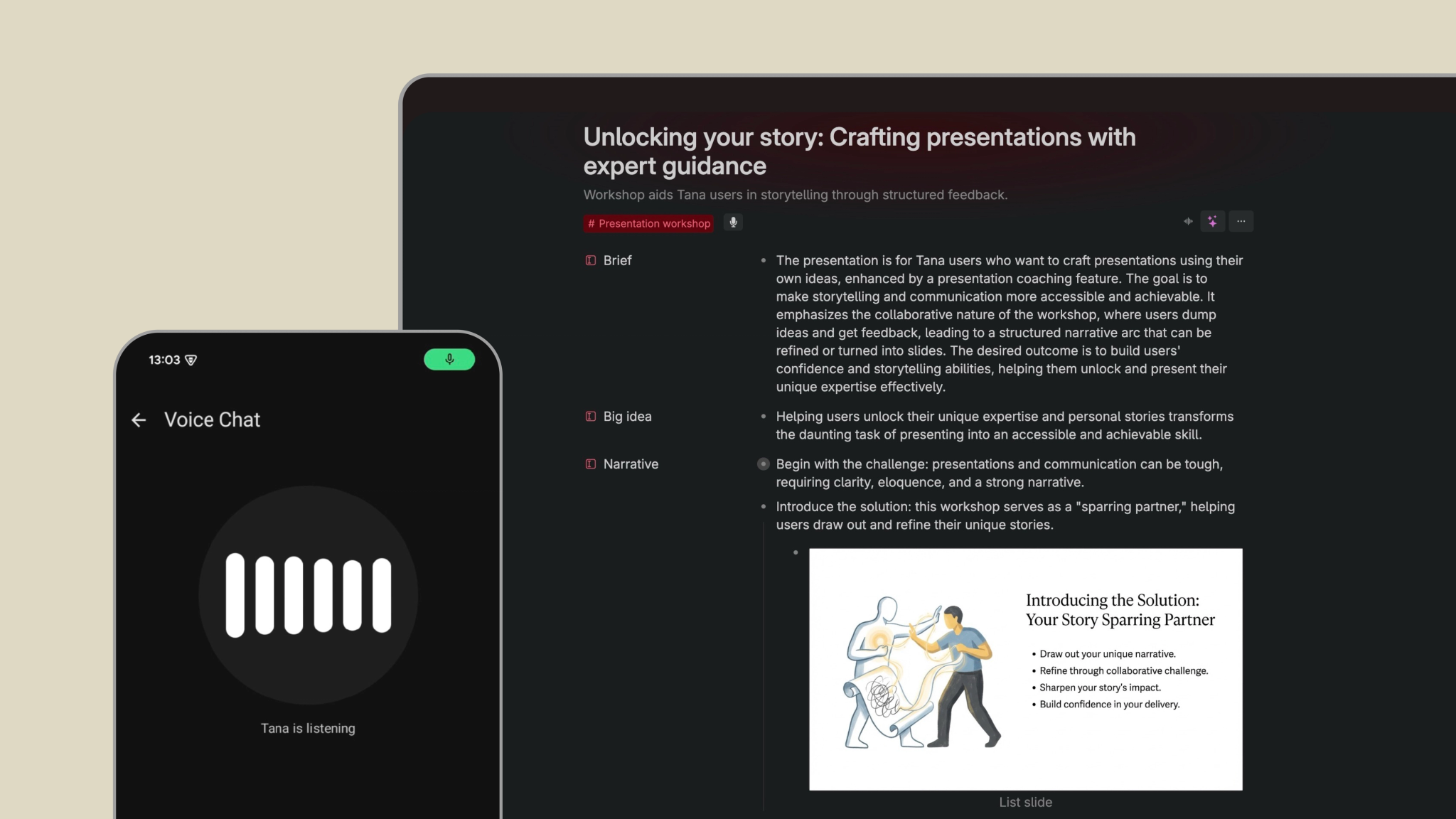
Start a voice chat and get it all out. Half-formed thoughts, competing angles, that one story you're not sure belongs. The AI coach listens, asks the right questions, and reflects back what it's hearing.
"Who's this for?" "What do you want them to walk away feeling?" "I'm noticing tension between X and Y. That might be your hook."
You don't need to know your structure yet. That emerges from the conversation.
Built on what actually works
Great presentations don't just inform. They move audiences from "what is" to "what could be." The audience becomes the hero. Openings hook attention. Closings land the message.
These principles are built into how the AI coach thinks. You focus on your ideas. The craft takes care of itself.
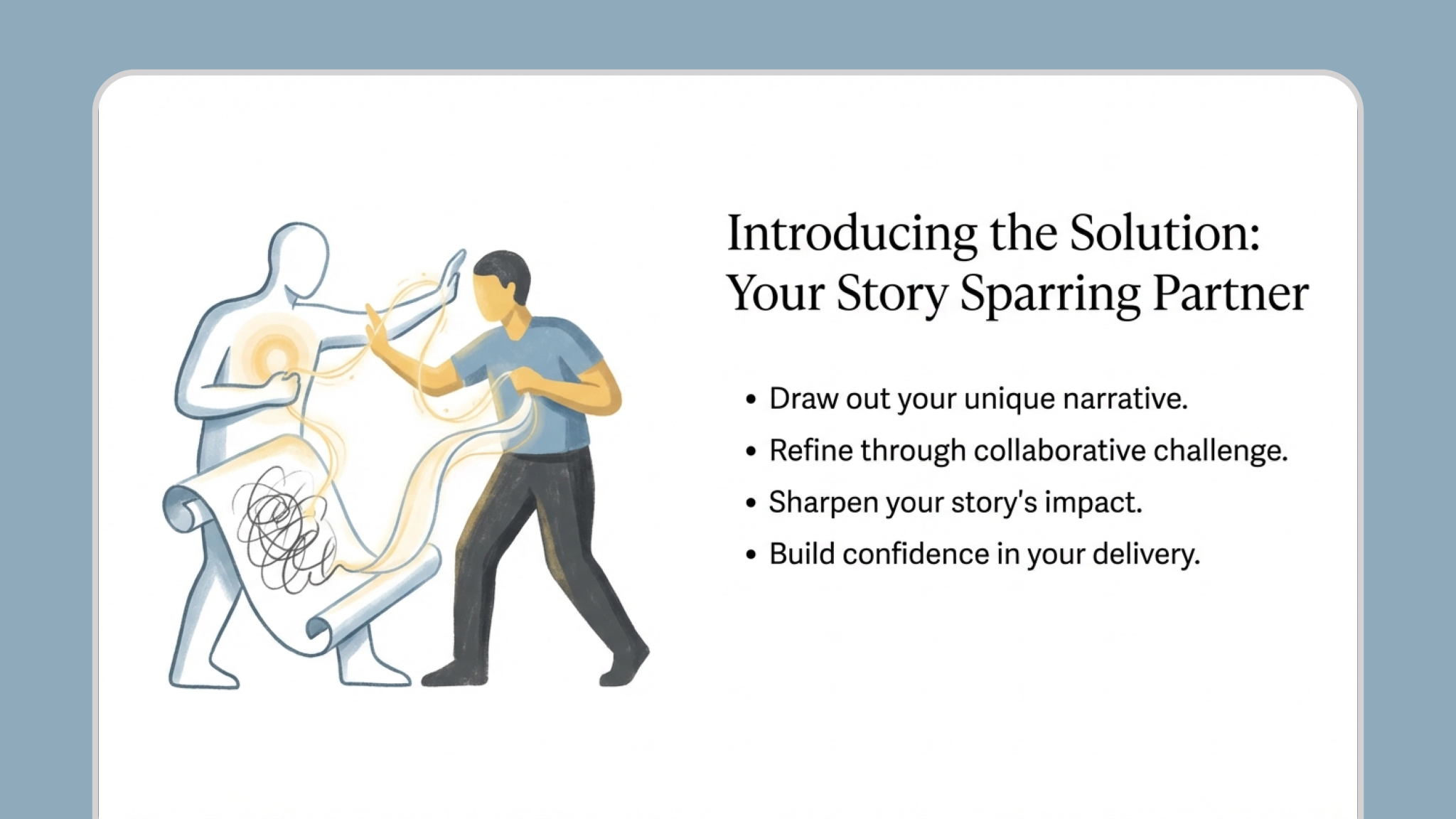
Get a story, not an outline
When you're ready, AI extracts your Big Idea and builds a narrative that flows. Each beat is a moment in the presentation. Rich enough to become a slide, with visual thinking and delivery notes woven in.
Not a table of contents. A story you can tell.
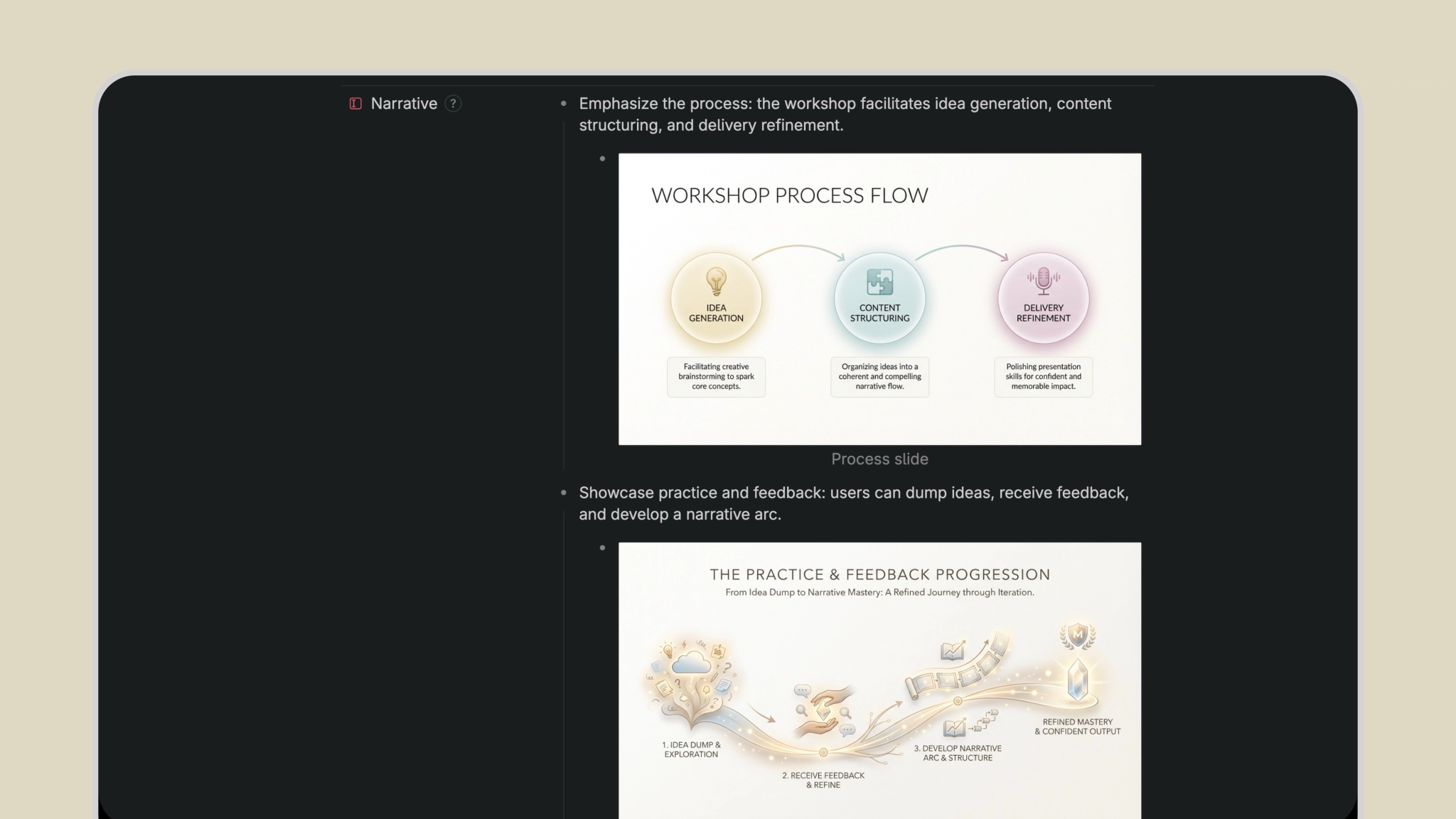
How it works
- Start a voice chat with the
#Presentation workshopsupertag on mobile. (Alternatively use voice to capture on desktop or write freely.) - Braindump your presentation ideas, the messier the better. AI acts as a presentation coach, helping you find the story hiding in the chaos.
- When you're ready, AI fills in the Brief, Big Idea, and generates Narrative beats as children.
- Come back anytime to add more thinking. Continue the conversation and iterate as your ideas evolve.
- Click the
#Presentation workshopsupertag to see all your presentations in one place.
This template contains
#Presentation workshop – Supertag with fields for Brief, Big Idea, and Narrative. Voice chat and autofill instructions for mobile voice capture.
The Image generation - Slides template.