Image generation – Slides
From thinking to presenting
You have the content. The thinking is done. But turning it into a presentation means switching tools, fighting with layouts, choosing fonts. The work after the work.
What if your nodes could become slides directly?
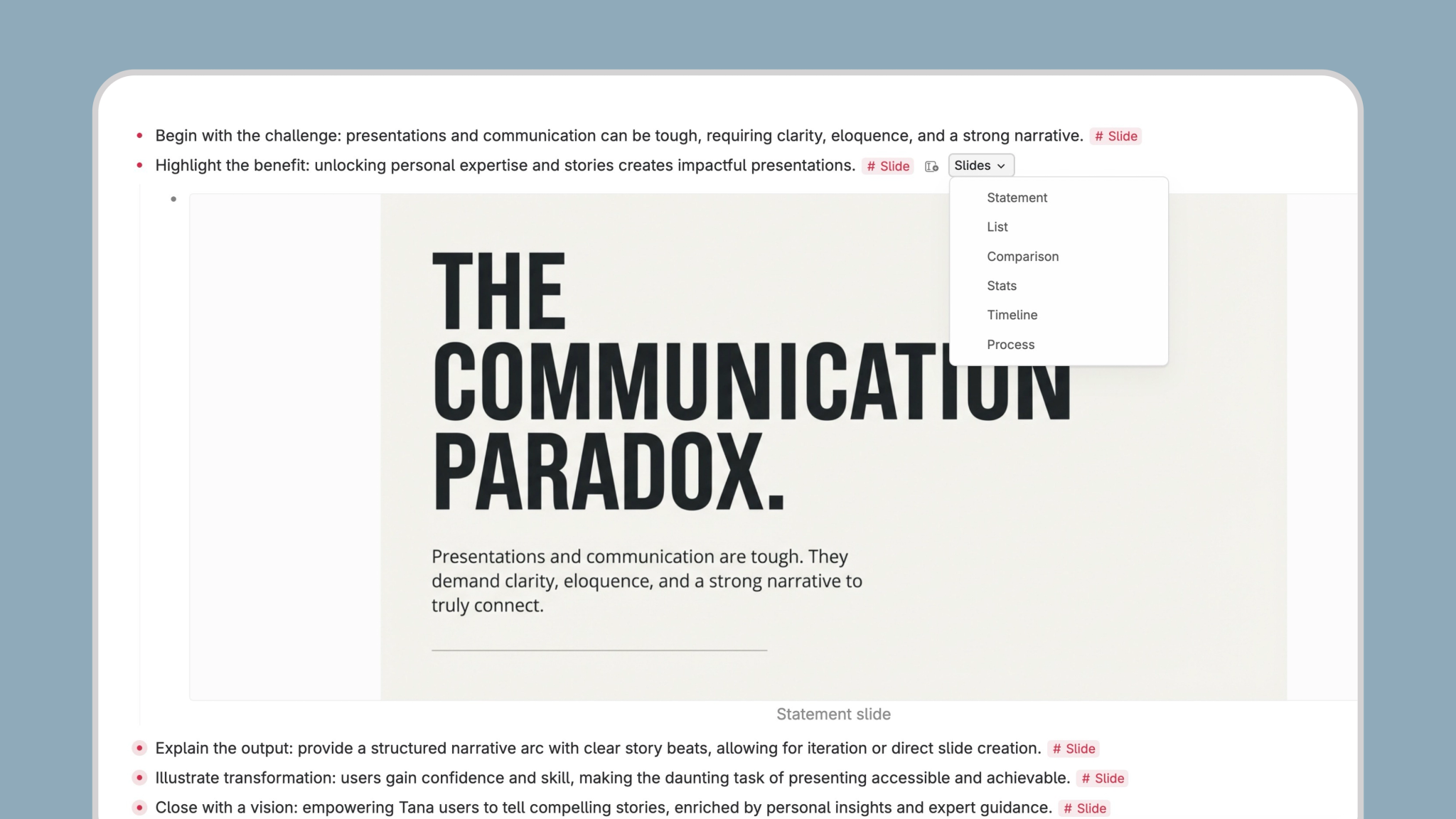
Keynote quality without the designer
Every slide is generated with the sensibility of a beautifully designed presentation – bold typography, confident composition, generous white space. The kind of slides that look like someone spent hours on them.
You just wrote a node.

Six slides for six jobs
Statement slides for big ideas. Comparison slides for decisions. Stats slides for numbers that need to land. Timeline slides for sequences and roadmaps. Process slides for how things work. Illustrated list slides for key points that need visual support.
Pick the format, run the command. The AI interprets your content and designs something that belongs in a beautifully crafted keynote deck.
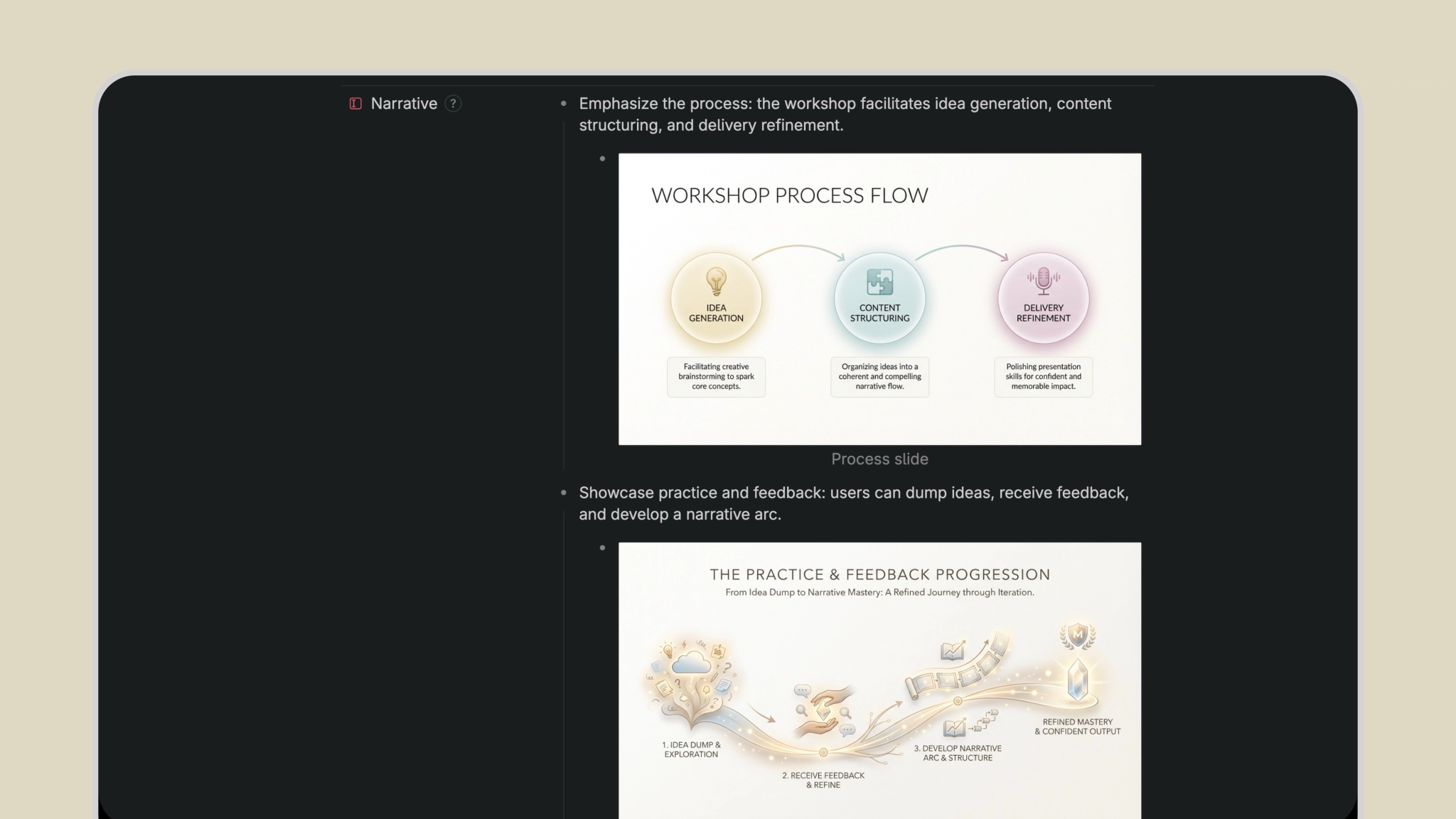
How to use
- Navigate to any node with content you want to visualize.
- Open the command line (Cmd/Ctrl + K) and choose your slide type.
- AI generates a presentation-ready slide image based on your content.
- Use the image in your deck, document, or published page.
This template contains
Six slide generation commands Statement, Comparison, Stats, Timeline, Process, and Illustrated List — each tuned for its purpose.
Extension supertag Attach to any supertag for one-click slide generation on tagged nodes.