
Thanks for downloading!
If your download didn’t start automatically click here
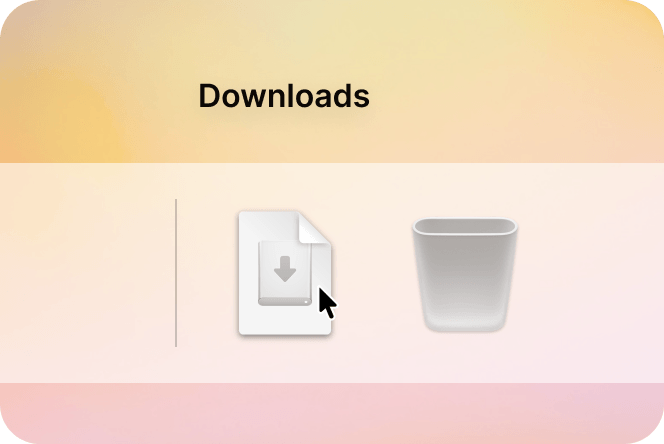
Open the Tana disk image from your downloads folder.
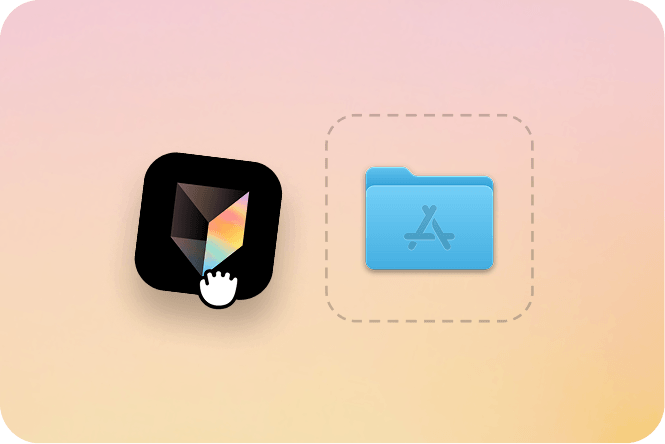
Drag Tana into your Applications folder
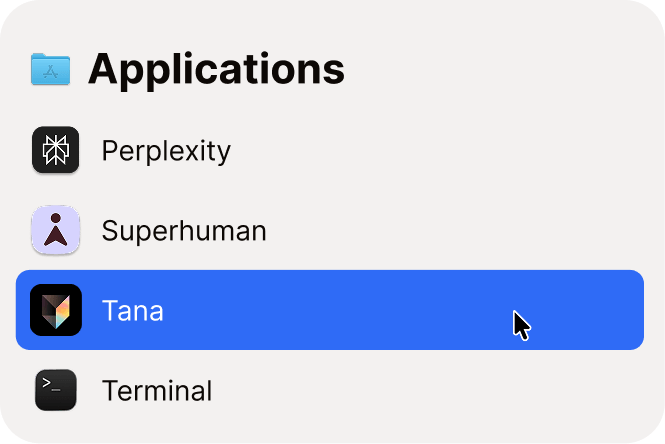
Open Tana.app from your applications folder
If your download didn’t start automatically click here
Open the Tana disk image from your downloads folder.
Drag Tana into your Applications folder
Open Tana.app from your applications folder